
- Version
- 10.13.6 (17G66)
- Developer
- Apple
- Languages
- Russian, English, German, Arabic, Hungarian, Vietnamese, Greek, Danish, Hebrew, Indonesian, Spanish, Italian, Catalan, Chinese (Traditional), Chinese (Simplified), Korean, Malay, Dutch, Norwegian, Polish, Portuguese, Romanian, Slovak, Thai, Turkish, Ukrainian, Finnish, French, Hindi, Croatian, Czech, Swedish, Japanese
- License type
- DRM-free
| Chip | Intel 64-bit |
|---|---|
| Download | 4.9 GB |
Screenshots
Scroll the row, it snaps to each screenshot. Click one to see it wider.
Spotlight now shows flight times, gates, and delays without opening a browser. That kind of depth runs through macOS High Sierra, an operating system that quietly handles the heavy lifting. For experienced users, the notable shift is Apple File System (APFS), built for improved performance and reliability. It’s the foundation under the whole system, and it matters.
| Detail | Value |
|---|---|
| Version | 10.13.6 (17G66) |
| Developer | Apple |
| Architecture | 64-bit Intel |
| Release | macOS 10.13 |
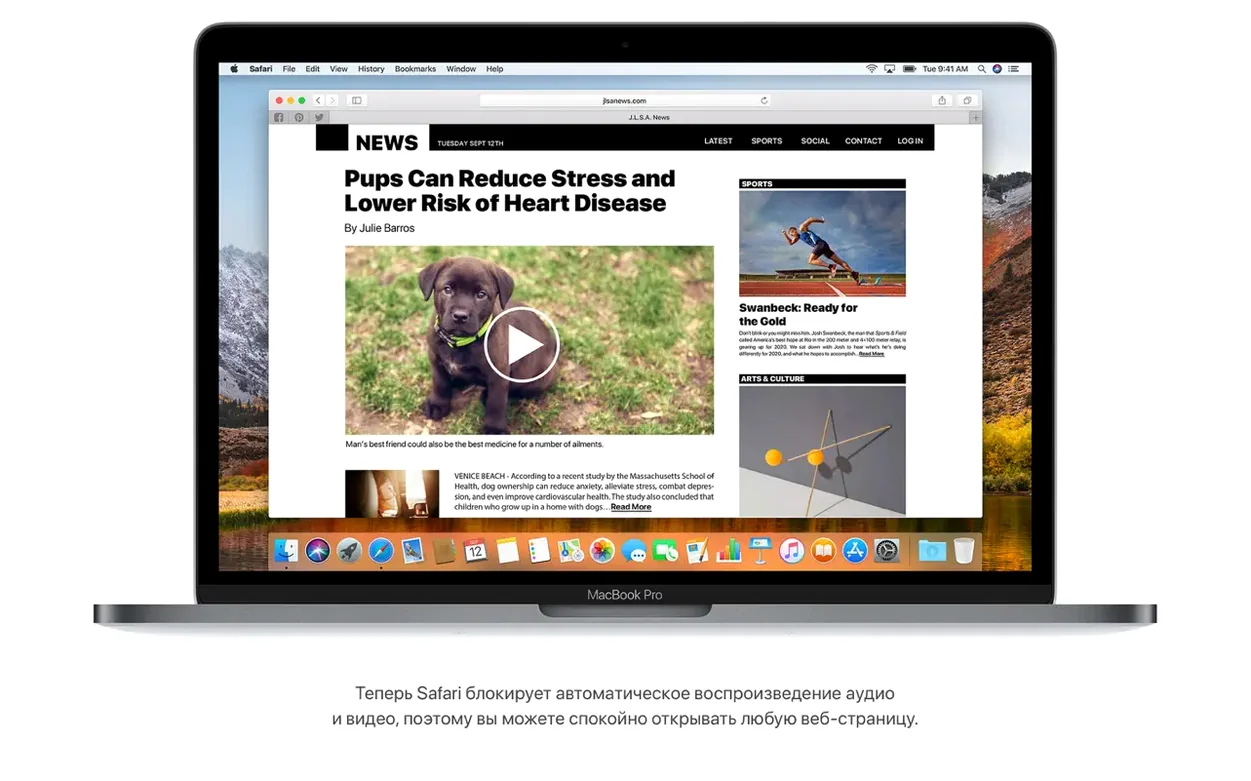
Beyond the file system, High Sierra brings HEVC video playback and streaming, plus support for virtual reality content creation. Safari blocks autoplay of sound media, which keeps browsing quieter. Photos recognizes AVCHD media properly, and Mail handles Gmail moves without the usual headache. It’s a solid, stable release for Intel Macs from 2009 onward. If you need a dependable system that runs the built-in apps well, this holds up.
Common Problems and Fixes
A few things trip people up after installing High Sierra. Here is how to handle them.
Installation Won't Start
If the disk image opens but the installer doesn't launch, check that you copied the installer app to the Applications folder. Running it from inside the disk image can fail on some configurations. Drag the file to Applications, then launch from there.
APFS Conversion Questions
Some users worry about APFS compatibility with older drives. The conversion is automatic during install on supported hardware. External drives stay on HFS+ unless you reformat them. No data loss happens during the system drive conversion, but backup first anyway.
HEVC Playback Issues
HEVC video stutters on a few older Intel Macs. Check that your model has hardware decoding support. MacBook Pro from mid 2010 or later usually works. If playback is choppy, use a lightweight player like VLC set to software decoding.
Mail Moving Problems
If you hit the Gmail move bug that version 10.13.6 fixed, make sure you are running build 17G66. Check under About this Mac. If you are on an earlier build, the update resolves it.
Spotlight Not Showing Flights
Spotlight flight data needs an internet connection. Type the flight number and airline name. If nothing appears, try a broader search like "AA 100" instead of "American Airlines 100." Regional availability varies.
Comparisons With Similar Mac Operating Systems
macOS High Sierra vs. macOS Mojave
Mojave introduced Dark Mode and a refined Finder. High Sierra lacks those visual updates but runs on older hardware that Mojave drops. If your Mac is a late 2009 or early 2010 model, High Sierra is the highest you can install. Mojave also requires more RAM for the same tasks. High Sierra feels lighter.
macOS High Sierra vs. macOS El Capitan
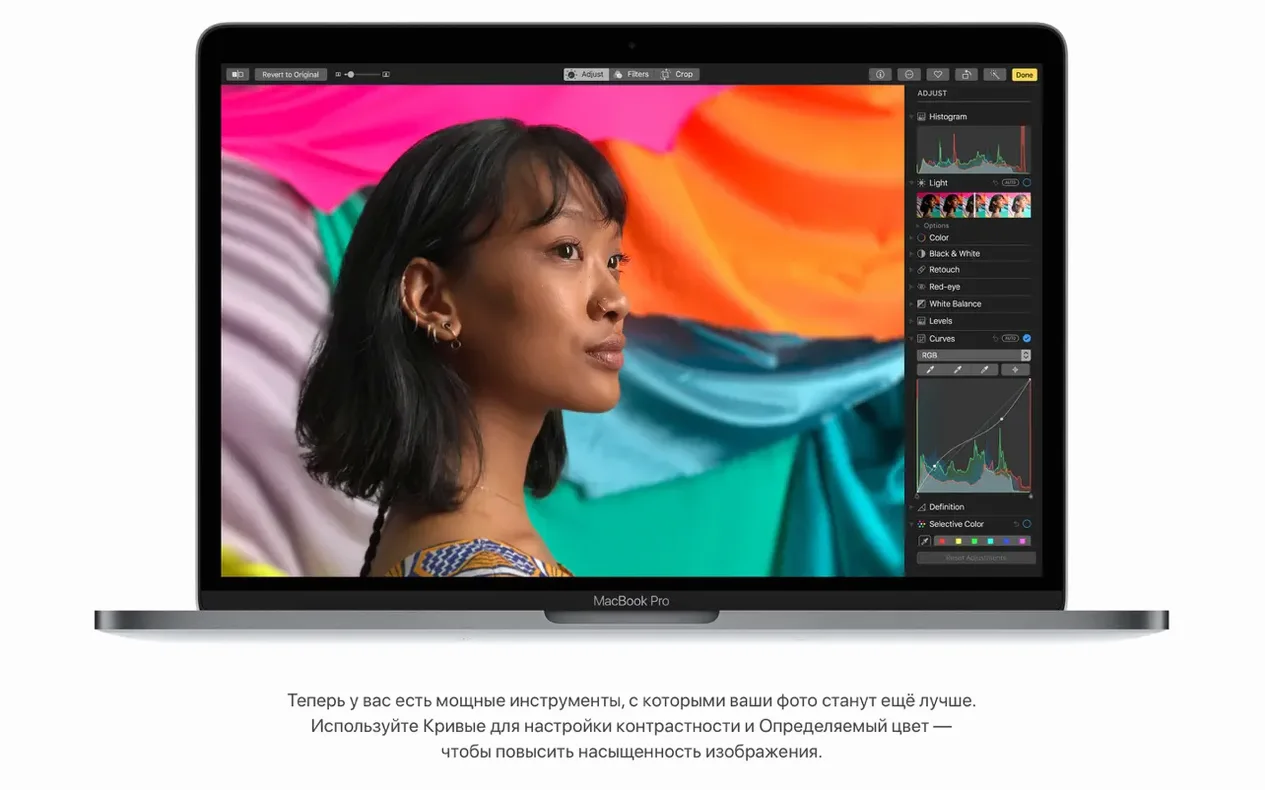
El Capitan (10.11) is stable but lacks APFS, HEVC support, and the updated Photos tools. High Sierra adds the Curves and Selective Color editing that photographers rely on. El Capitan still gets basic security patches but misses the modern media codecs. For video work, High Sierra is the better choice.
macOS High Sierra vs. Windows 10
This matters if you dual-boot. Windows 10 offers broader software compatibility, especially for games and enterprise apps. High Sierra integrates tighter with Apple hardware, gives you Time Machine backups, and has the native Photos editing tools. If you use iCloud Drive sharing, High Sierra wins. For gaming, Windows 10 pulls ahead. Both run on the same Intel hardware.
Integration With Other Apps and macOS Features
High Sierra's updates improve how the system works with everyday tools.
- iCloud Drive sharing lets you put files in the cloud and access them from any Mac or iOS device. Shared folder permissions work without extra software.
- Siri opens apps, searches files, and can show flight information from Spotlight. It understands natural language queries like "find the flight map for UA 123."
- AirPlay 2 multi-room audio streams iTunes music to multiple speakers around the house. Works with Apple speakers and compatible third-party hardware.
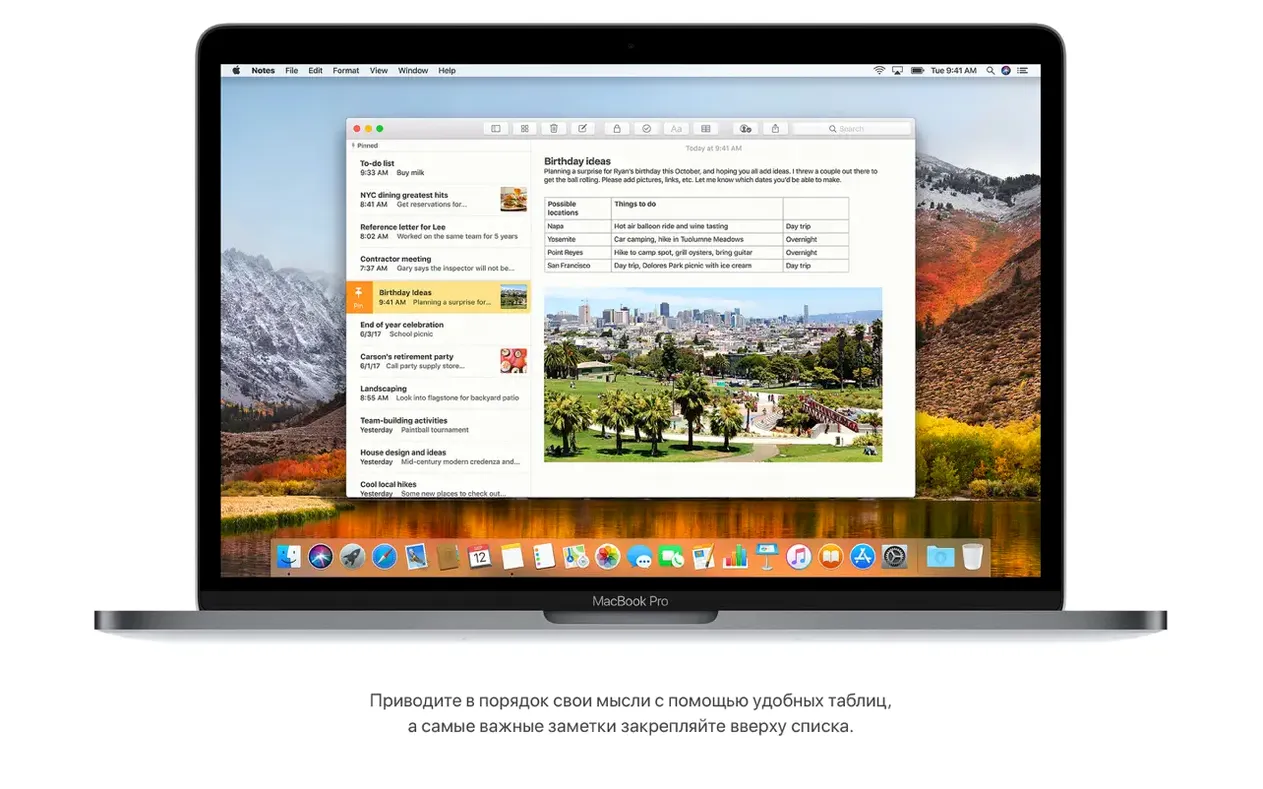
- Notes simple tables let you organize data without opening a spreadsheet app. Good for quick lists or schedules.
- Mail Top Hits surfaces frequently contacted people and recent conversations. Speeds up finding messages in busy inboxes.
- Metal 2 support improves graphics performance for creative apps like Adobe Premiere and DaVinci Resolve. These apps use Metal for hardware acceleration.
For developers, APFS includes built-in encryption. That means full-disk encryption with no separate tool. Time Machine backups work with APFS drives natively.
Reader Mode Strips Ads Automatically
A few features in High Sierra save time once you know they are there.
- Reader mode in Safari strips ads and sidebars from articles. Click the icon in the address bar when available. The browser remembers your preference per site.
- Autoplay blocking stops websites from playing audio automatically. Safari mutes the source before you even see the tab. You never hunt for a rogue sound.
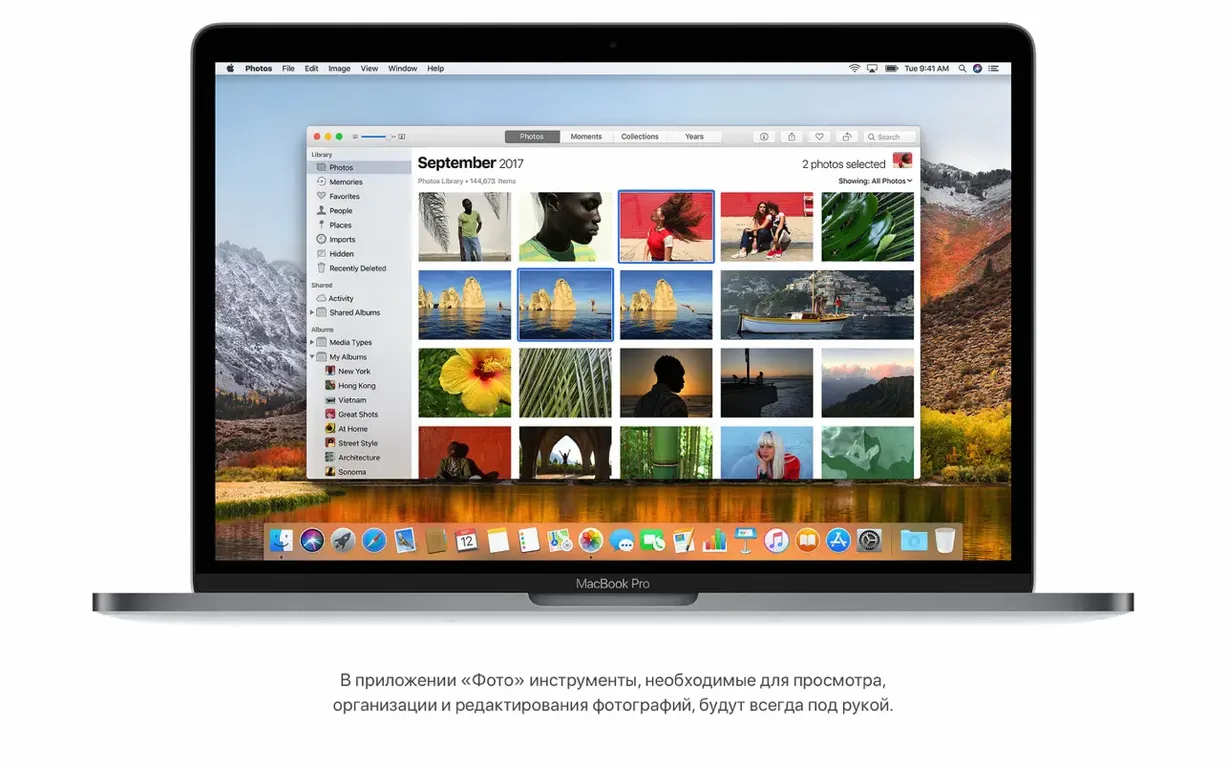
- Photos fixed sidebar keeps album lists and sorting tools always visible. No scrolling back to find them. Curves and Selective Color are one click away.
- Flight information in Spotlight updates live. Departure times, gates, delays, and a map appear without opening a travel site. Works for domestic and international flights.
- Language support covers 37 languages including Hindi, Vietnamese, and Catalan. The system interface switches without reinstall. Non-English users get full menus and help.
These are not flashy additions. They remove small frictions that add up during a workday.
Needs 14.3 GB and a 2009 Mac
High Sierra 10.13.6 (17G66) needs macOS 10.13.5 or later as a base, a 64-bit Intel processor, 2 GB of memory, and 14.3 GB of free storage for the upgrade. Works on Macs from late 2009 onward. Languages cover 37 options including English, German, Arabic, and Simplified Chinese.
- Adds AirPlay 2 multi-room audio support for iTunes.
- Improves the stability and security of the Mac.
- Fixes an issue that may prevent Photos from recognizing AVCHD media from some cameras.
- Fixes an issue that may prevent Mail users from moving a message from Gmail to another account.
- macOS 10.13.5 or later
- Intel architecture
- 2GB of memory
- 14.3GB of available storage to perform the upgrade
Questions I get about this line
Yes, it includes APFS, which improves performance and reliability compared to older file systems.
Supported models include MacBook from late 2009 or later, MacBook Pro from mid 2010 or later, MacBook Air from late 2010 or later, Mac mini from mid 2010 or later, iMac from late 2009 or later, and Mac Pro from mid 2010 or later.
The install order
- Open the downloaded disk image.
- Extract the installer app to the Applications folder.