
- Version
- 26.7.1 (25G241)
- Developer
- Apple
- Languages
- Russian, English, German, Arabic, Hungarian, Vietnamese, Greek, Danish, Hebrew, Indonesian, Spanish, Italian, Catalan, Chinese (Traditional), Chinese (Simplified), Korean, Malay, Dutch, Norwegian, Polish, Portuguese, Romanian, Slovak, Thai, Turkish, Ukrainian, Finnish, French, Hindi, Croatian, Czech, Swedish, Japanese
- License type
- DRM-free
| Chip | Apple Silicon, Intel 64-bit |
|---|---|
| Download | 17.5 GB |
Screenshots

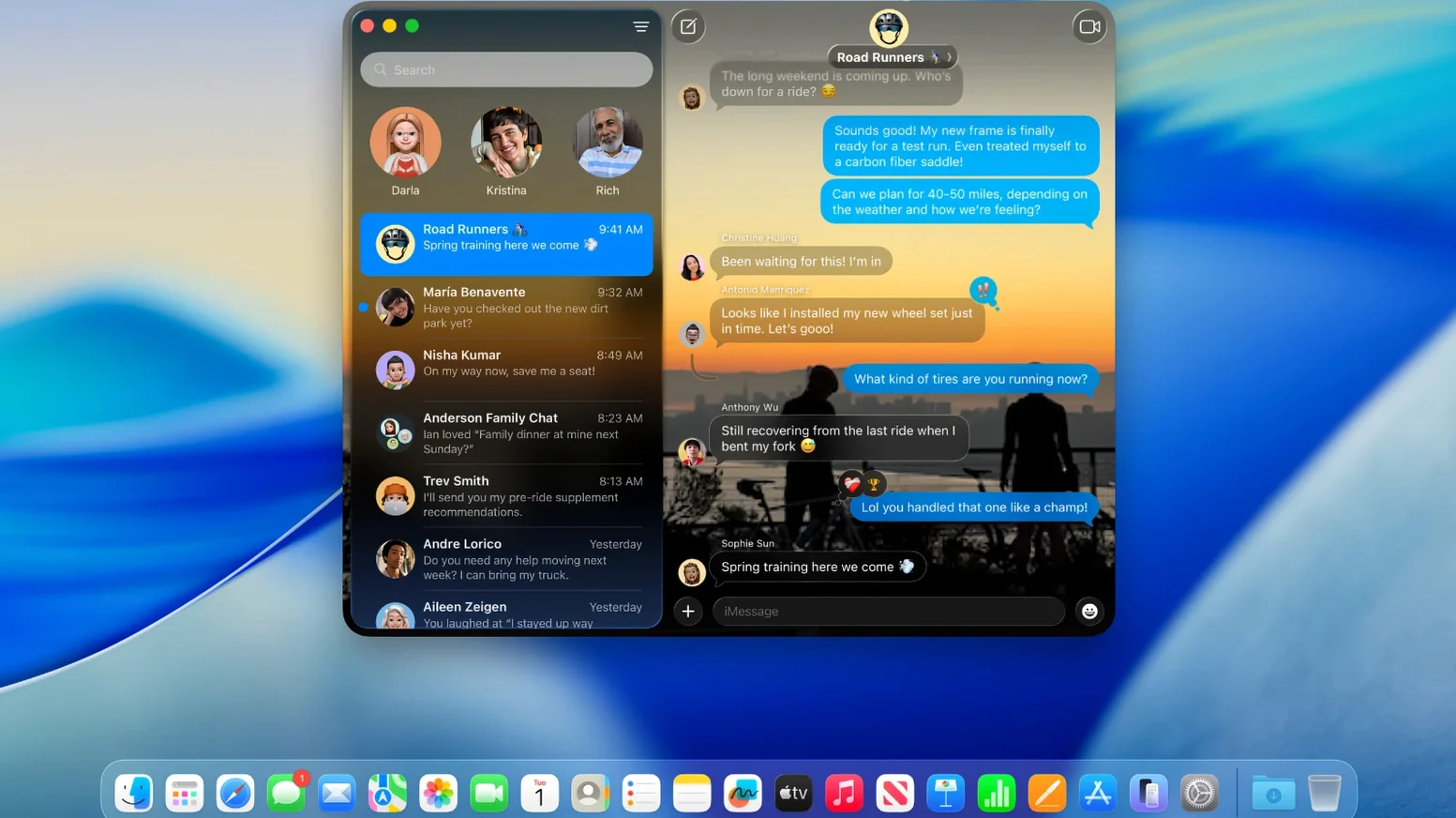
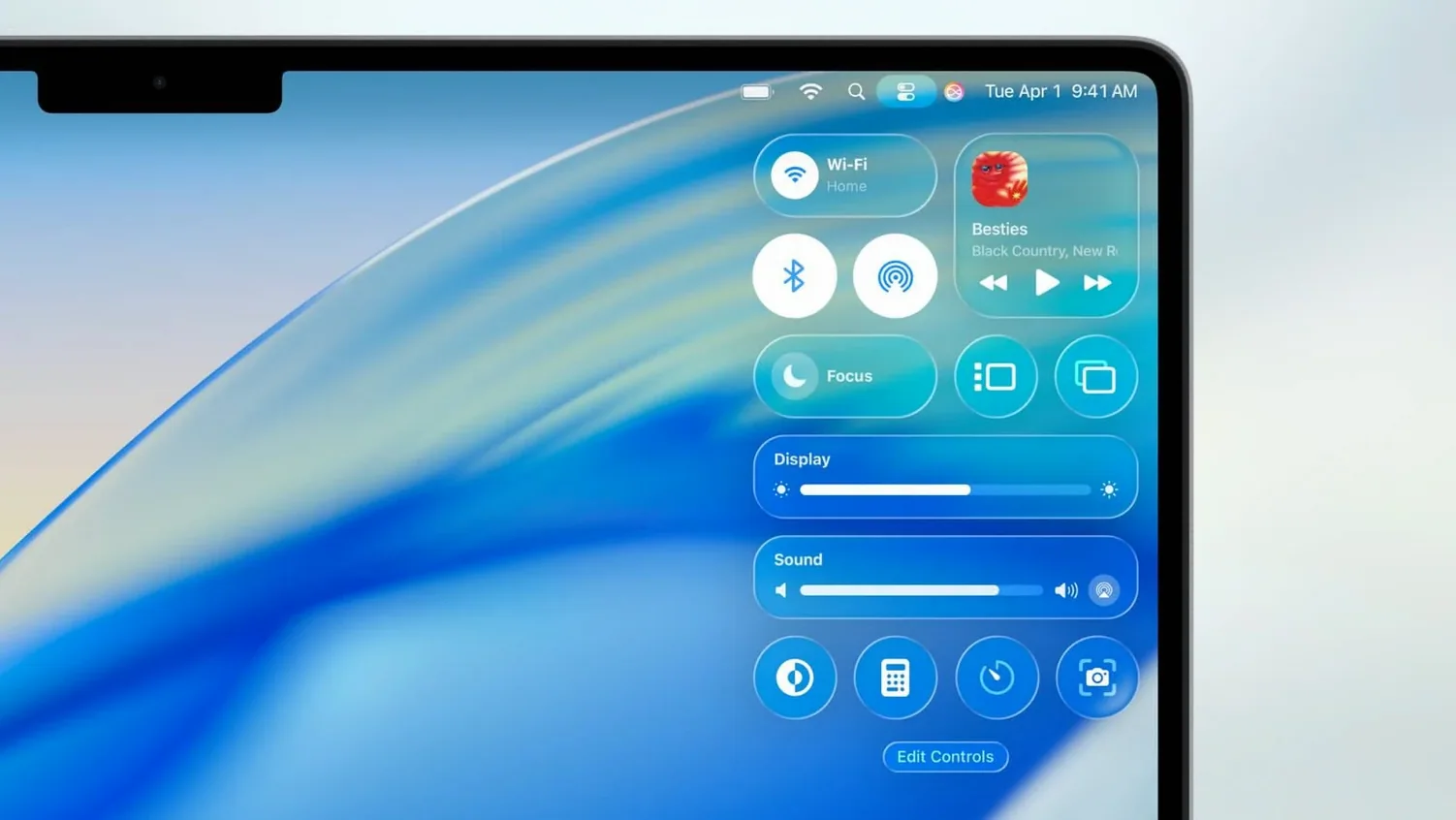
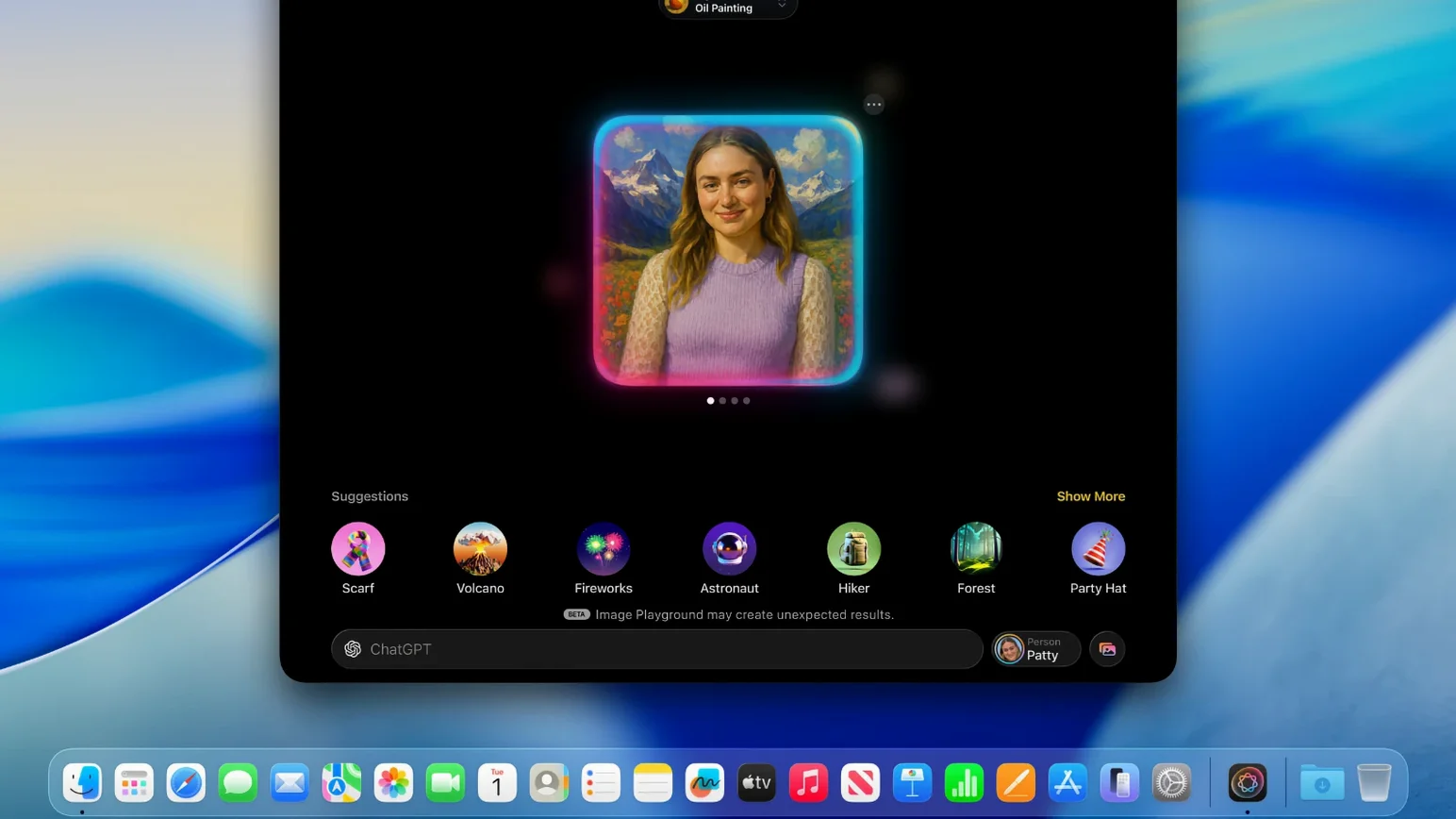
Click a screenshot to see it wider.
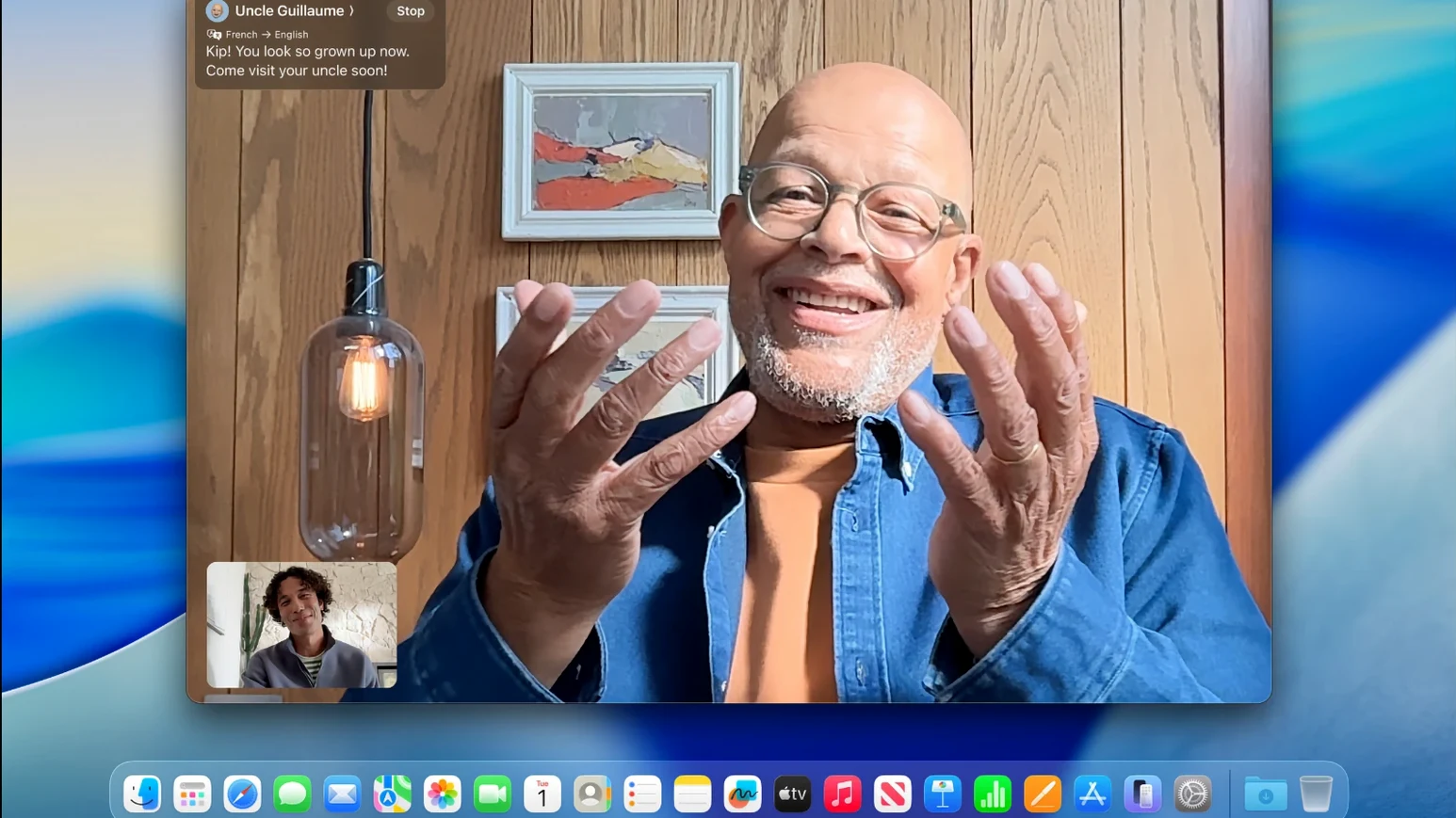
Live Activities from your iPhone now appear on the Mac desktop, so you can track a delivery or a game score without picking up the phone. That is one of the smaller touches in macOS Tahoe 26.7.1, a release that also adds the Phone app and the Games app.
Phone app — makes and receives calls on your Mac when your iPhone is nearby; it sits alongside FaceTime and Messages.
Games app — a central spot for titles you already own across Mac and iPhone, plus a place to browse new ones.
Apple Intelligence — expanded writing tools and notification summaries that work across the system.
macOS 26 SDK — bundled with Xcode 26, so developers can build against the new APIs right away.
For an IT admin, Tahoe slots in cleanly next to existing tools. The PKG and IPSW installers behave like previous releases, and the update is recommended for all current users. If you run Little Snitch or Photoshop, the system-level changes are minimal, so your current setup should keep working.
What to Check First After a Tahoe Update
A few things tend to trip people up after a Tahoe update. Here is what to check first.
Phone App Won't Connect
Both the Mac and iPhone need to be on the same Apple ID and have Bluetooth and Wi-Fi turned on. If the connection fails, sign out of iMessage on the Mac and sign back in. On the phone, go to Settings > Phone and toggle the "Calls on Other Devices" option off then on.
Live Activities Stop Showing
This usually happens after a delivery app update on the phone. Open the relevant app on your iPhone, find a live activity, and let it appear on the lock screen once. After that, it should push to the Mac again. If it still does not, restart both devices.
Apps View in Spotlight Is Missing
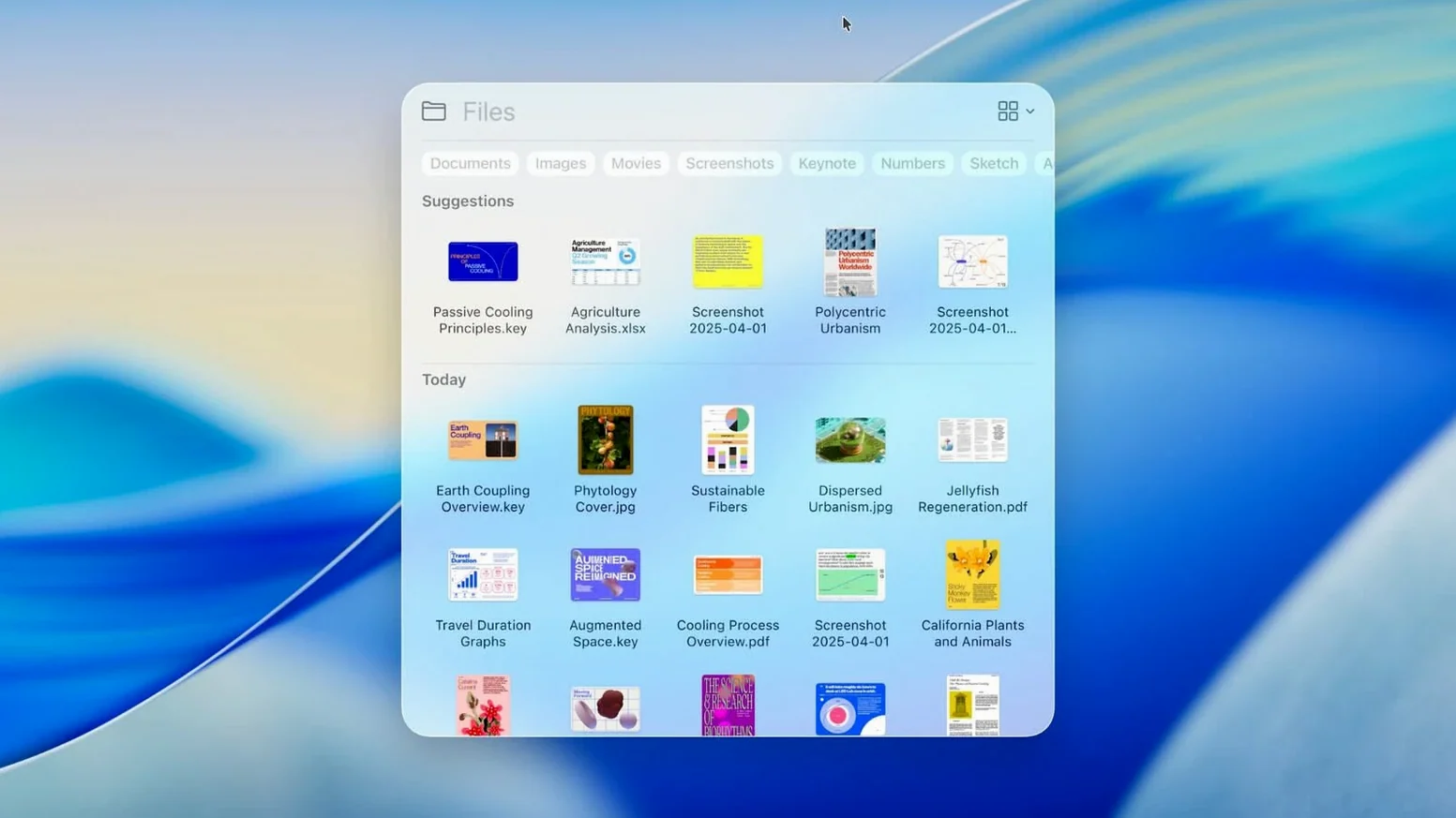
The new Apps view replaces Launchpad, but Spotlight needs to index the app directory first. Give it a few hours after the update. If nothing shows after a day, open Spotlight, type "Indexing," and let it rebuild the catalog. No data is lost.
Little Snitch and the New Phone App Process
Tahoe 26.7.1 works like a standard macOS release. It does not break existing workflows with common tools.
- Little Snitch — network rules remain intact. The Phone app creates a new system process for calls, which Little Snitch will flag on first use. Approve it once and you are set.
- Photoshop — no driver or library conflicts.
- macOS Tahoe torrent downloads — the PKG file updates a running system; the IPSW file handles clean installs and rollbacks. Both are standard Apple formats, so macOS Tahoe download sites serve the same files.
- Apple Intelligence — notification summaries work in the notification center. Writing tools appear where text is selected, including in Safari, Mail, and Notes. They do not modify system files.
Three macOS Release Lines to Compare With Tahoe
Three other release lines are worth looking at alongside Tahoe.
macOS Ventura
Ventura is the previous generation. It lacks the Phone app, Games app, and the new Spotlight Apps view. It also does not support Live Activities from iPhone. For a standard office machine running Microsoft Office, Slack, and a browser, Ventura is fine. Tahoe adds convenience features that reduce phone pickups, which some users appreciate.
macOS Sierra
Sierra is several years older. It misses nearly all modern integration: no Apple Intelligence, no Phone app, no Live Activities. It runs on older hardware that Tahoe does not support. If you maintain legacy machines at a clinic or lab, Sierra is still stable, but you lose access to new security patches. Tahoe is the safer choice for any Mac that can run it.
macOS Tahoe Developer Preview
The developer preview of Tahoe is intended for testing, not daily use. It includes the same core features but may contain bugs. The 26.7.1 release is the stable version. For production environments — like the dental clinic network you manage — stick with the release build. The developer preview is only useful if you are compiling against the macOS 26 SDK or testing app compatibility.
- Bug fixes and security updates.
- Fixes an arbitrary code execution risk in a maliciously crafted file.
- MacBook Air with Apple silicon introduced in 2020 or later
- MacBook Pro with Apple silicon introduced in 2020 or later
- MacBook Pro (13-inch, 2020, Four Thunderbolt 3 ports)
- MacBook Pro (16-inch, 2019)
- Mac mini introduced in 2020 or later
- iMac introduced in 2020 or later
- Mac Studio introduced in 2022 or later
- Mac Pro introduced in 2019 or later
The install order
- Use the PKG file to update directly from your current macOS installation.
- Use the PKG file to create a bootable installer from Terminal for a clean install.
- Use the IPSW file to restore or perform a clean installation through Apple Configurator.
- Use the IPSW file when rolling back the system version or fixing serious system failures.