- Home
- VST Plugins
- Eventide All Plugin Bundle
- Version
- 2025.05
- Developer
- Eventide Audio
- Languages
- English
- License type
- K'ed by ARTiC
| macOS range | macOS 11 or later |
|---|---|
| Chip | Apple Silicon |
| Download | 494 MB |
Screenshots
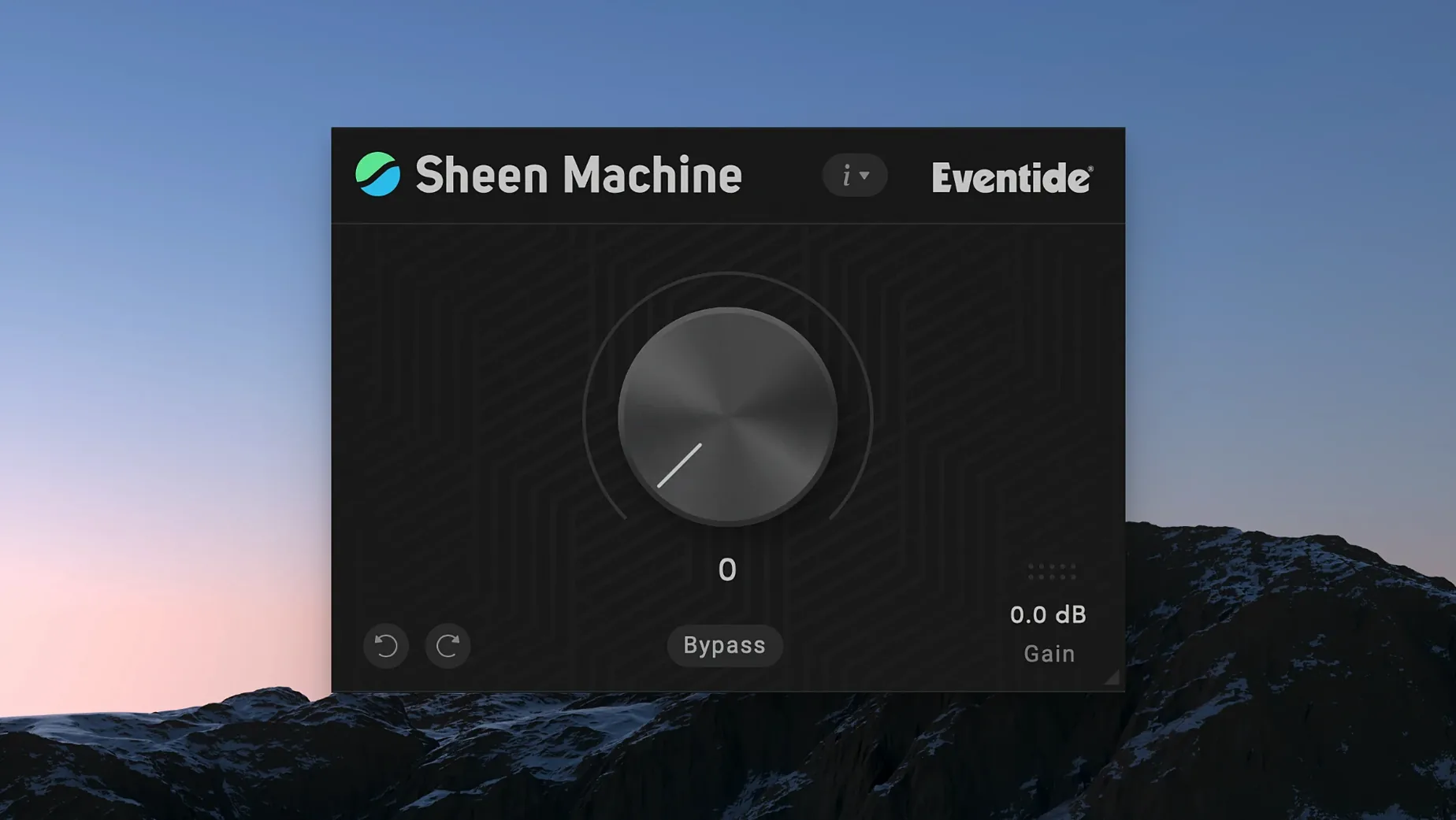
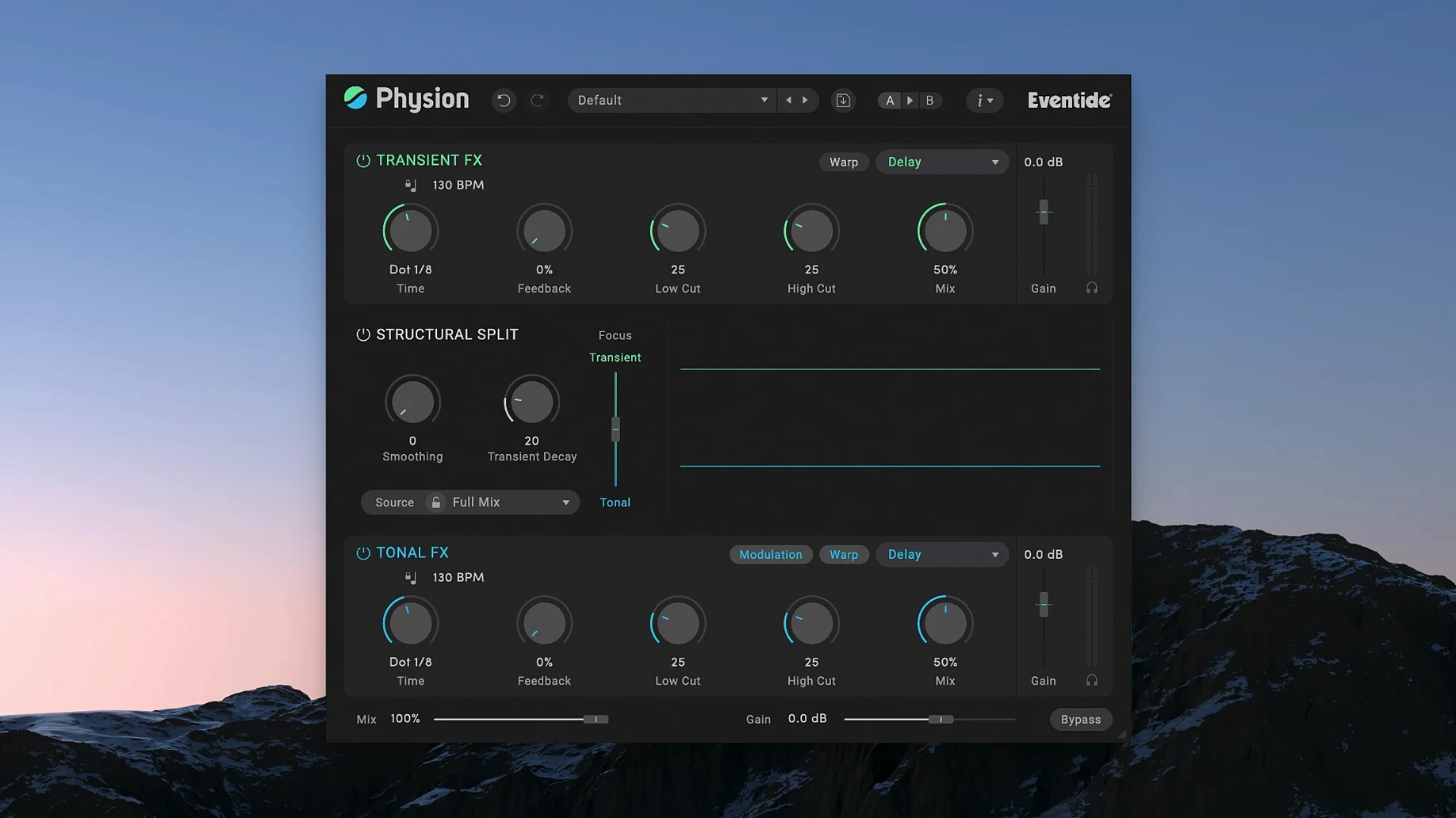
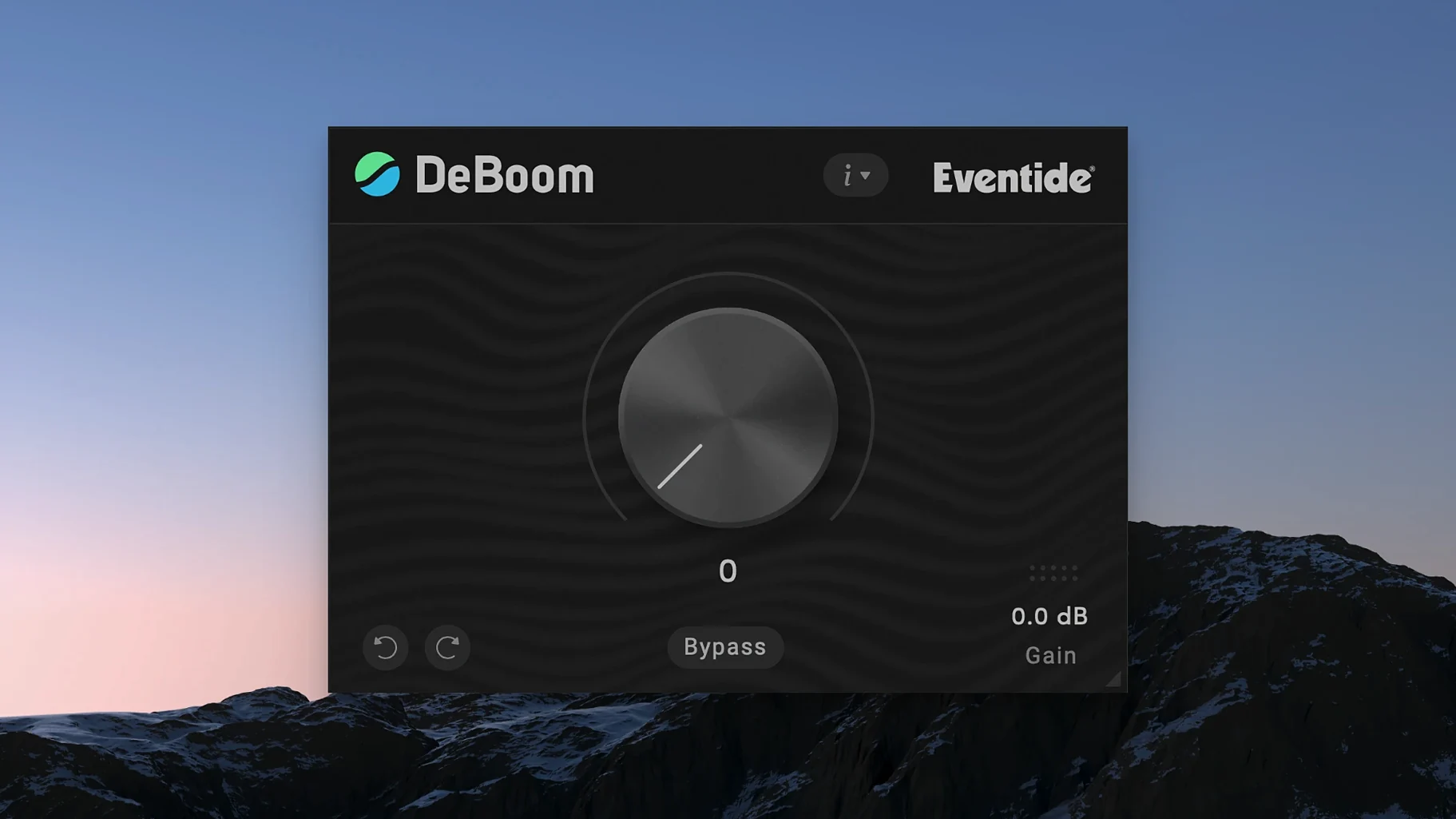
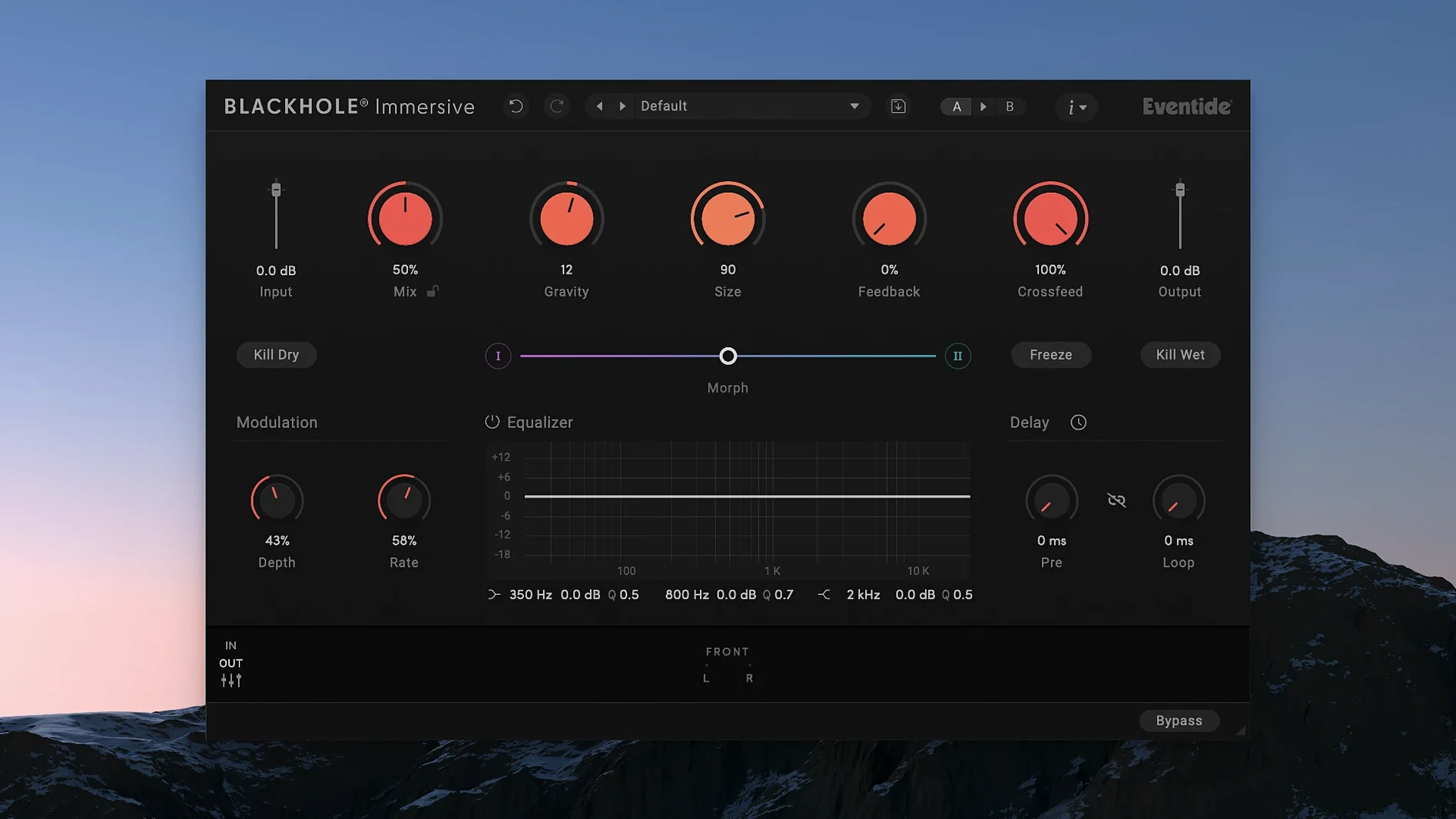
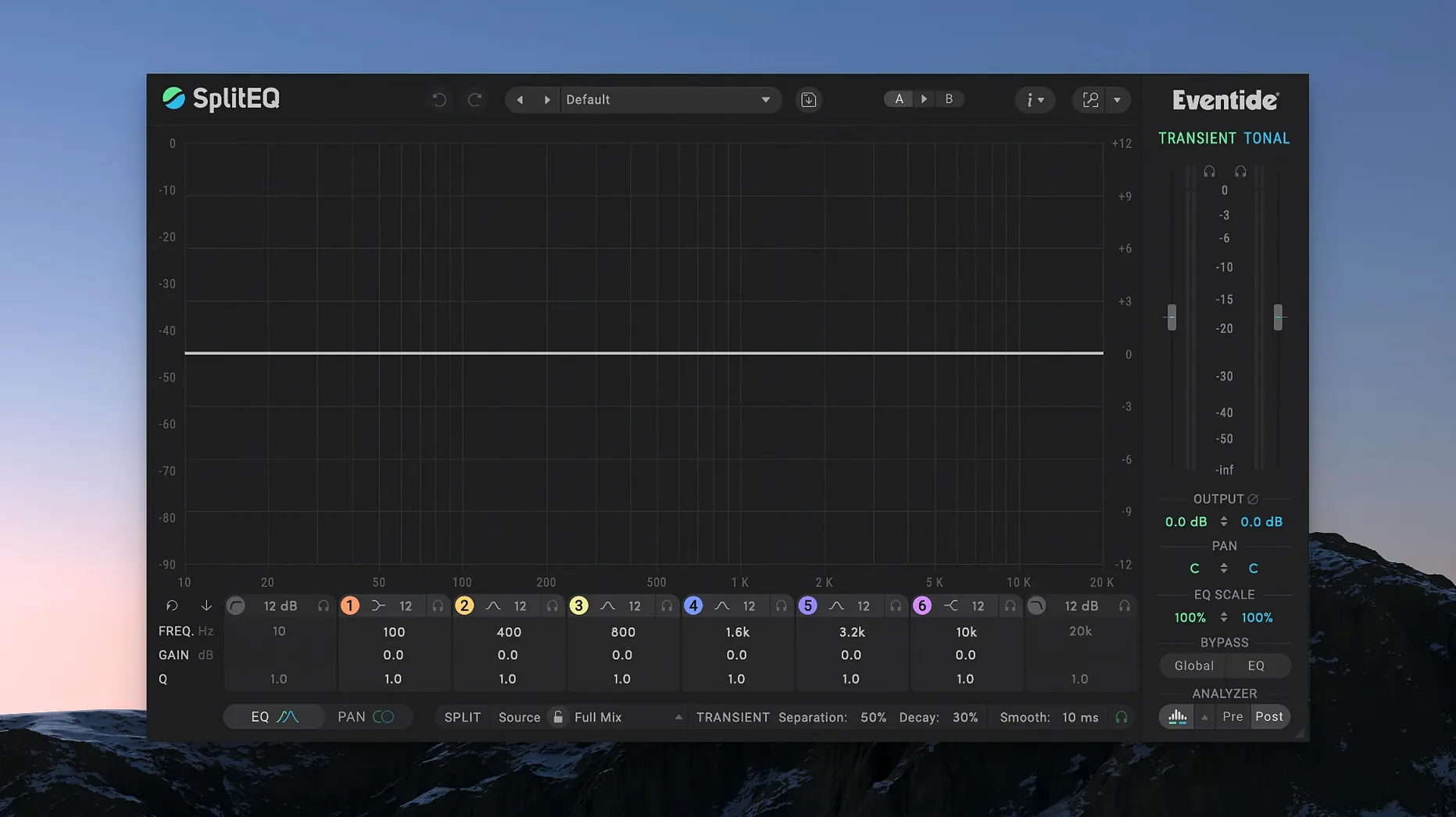
Click a screenshot to see it wider.
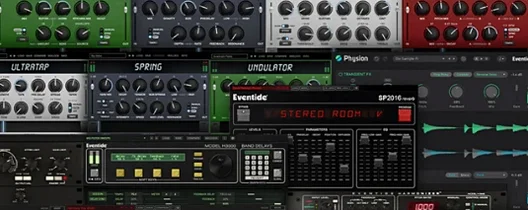
Mixing engineers and sound designers reach for Eventide when they need effects with character. The All Plugin Bundle puts the whole catalog in one place: reverbs, delays, modulation, and pitch tools that work across tracks, buses, and aux sends.
- Blackhole for deep, evolving reverb on pads and vocals.
- SplitEQ to separate transient and tonal parts, so you can process each independently.
- TriceraChorus with three independent voices for wide, animated modulation.
- ShimmerVerb adds pitch shifting to reverb for that ethereal sheen.
- MangledVerb pairs reverb with distortion for aggressive, textured spaces.
- MicroPitch for subtle or extreme pitch detuning and doubling.
Drop the plugins on individual tracks for surgical fixes, or load them on buses to glue a mix. The bundle runs natively on Apple Silicon, requires macOS 11 or later, and installs with the included instructions.
Slots Into Any Major DAW as VST3, AAX, or AU
These plug-ins load as standard VST3, AAX, or AU files, so they slot into any major DAW. Use them in Logic Pro as AU inserts, in Pro Tools as AAX, or in Ableton Live as VST3. The bundle does not include a standalone app or a launcher. Install once, then pick individual plug-ins from your DAW's effect menu.
Because they run natively on Apple Silicon, there is no need for Rosetta translation. This saves a step when you open a session and lets the CPU handle audio processing instead of emulation overhead. The plug-ins appear in the same browser or folder you already use for third-party effects.
Apple Silicon Stability and Compatibility Update
The 2025.05 build is a maintenance release. It focuses on compatibility and stability for Apple Silicon systems under macOS 11 and later. No new plug-ins were added. No new interfaces or controls appeared. The update keeps the bundle working reliably on current Mac hardware, which is the main reason to install it if you upgraded your machine recently.
Workflow: Add Dark Ambience to a Synth Pad
- Insert Blackhole on an aux track and route your synth pad there.
- Insert MangledVerb after Blackhole on the same aux. Set the distortion moderate and the reverb size medium.
- Route the aux output to a stereo bus. Insert ShimmerVerb on that bus.
- Raise the pitch shift in ShimmerVerb by one or two semitones and set the mix to 30% wet.
- Adjust the aux send level from the pad until the ambience sits behind the dry signal.
This chain layers Blackhole's deep space, MangledVerb's grit, and ShimmerVerb's shimmer without eating up insert slots on the main track. Adjust the three wet/dry balances to taste. The result is a thick, evolving texture that sounds like it was processed in one dedicated hardware unit.
Fits With macOS Audio Unit Management and Core Audio
The bundle registers each plug-in as a standard Audio Unit component. That means macOS Audio Unit Manager sees them, so you can validate, cache, or remove individual components from the system-wide component list if you ever need to troubleshoot a DAW scan. No separate utility is needed.
Core Audio handles the audio routing transparently. If you use a multi-output aggregate device or a virtual bus like BlackHole for system-wide capture, the plug-ins behave the same way they do on a simple stereo output. Latency compensation in your DAW works as expected because the plug-ins report their latency to the host.
2025.05 Changes in Daily Use
- No new presets or effect types. The same factory library loads in each plug-in.
- The installer now skips legacy 32-bit Audio Unit cache files that could cause a slow initial scan in Logic Pro on fresh macOS installs.
- Window sizing and GUI redraws match the system accent color more consistently across multi-monitor setups.
- AAX format validation passes on the latest Pro Tools 2024.x builds without a manual re-scan.
If you already have the bundle working on your M-series Mac, the 2025.05 update is a low-risk refresh. It does not change your saved presets, routing, or automation lanes. download eventide all plugin bundle for mac from the catalog page and run the included installer. The activation remains handled by the same method as the previous build.
- macOS 11 or later
- Apple Silicon (ARM)
Questions I get about this line
You need macOS 11 or later, and the plugins are built for Apple Silicon (ARM architecture).
The install order
- Run the installer included in the download.
- Follow the activation instructions provided.