
Free download (441 MB) Previous versions
- Version
- 26.0.3
- Developer
- ACD Systems
- Languages
- English
- License type
- K'ed by TNT team
| macOS range | macOS 14 or later |
|---|---|
| Chip | Apple Silicon, Intel 64-bit |
| Download | 441 MB |
| Previous versions | 7 on file |
Screenshots
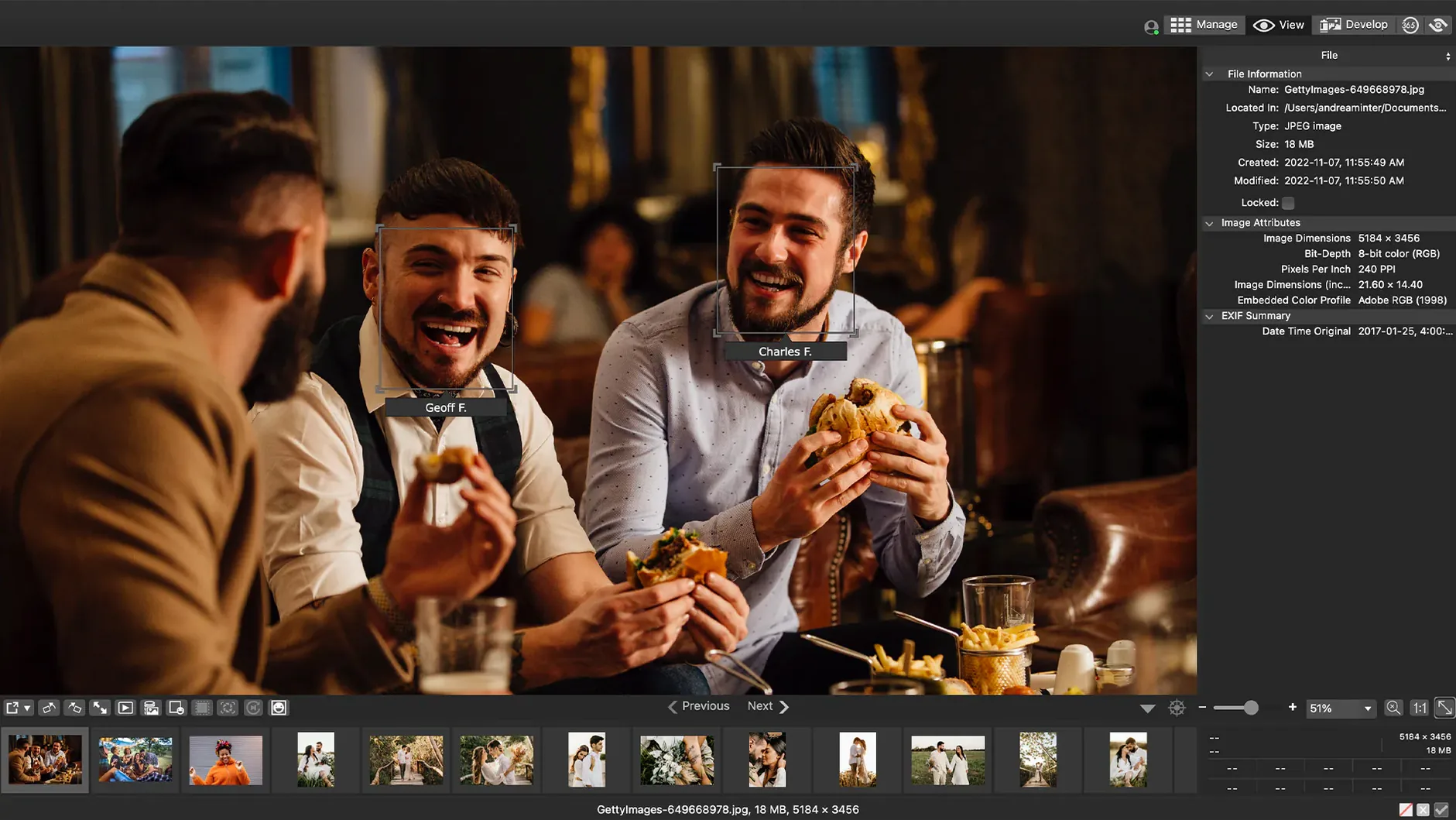
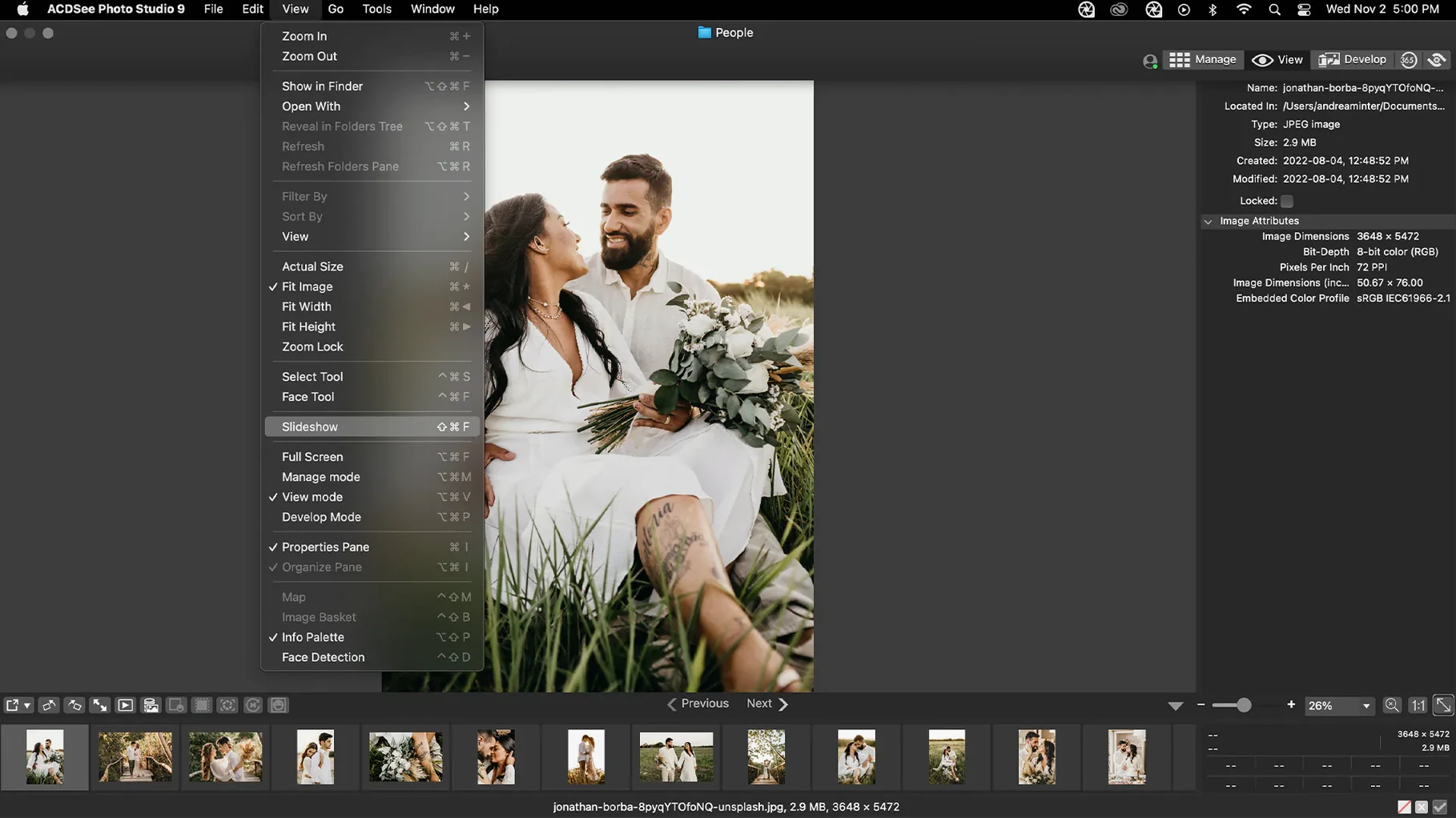
Scroll the row, it snaps to each screenshot. Click one to see it wider.
You import a card full of RAW files from a shoot, sort by date, rate the keepers, and adjust exposure and clarity without launching a separate editor. That workflow is the core of ACDSee Photo Studio for Mac 26. The current version keeps the familiar catalog-and-edit structure while fixing several nagging issues.
Version 26.0.3.3479 addresses a crash that occurred when adding a new keyword or category in certain scenarios, and it corrects inaccurate reading of RAW file ratings. iCloud integration also got a fix. Beyond those patches, the app still handles the essentials: categories and keywords, EXIF and IPTC display and editing, duplicate detection, and sorting by date.
- Import your photos and let the app index them.
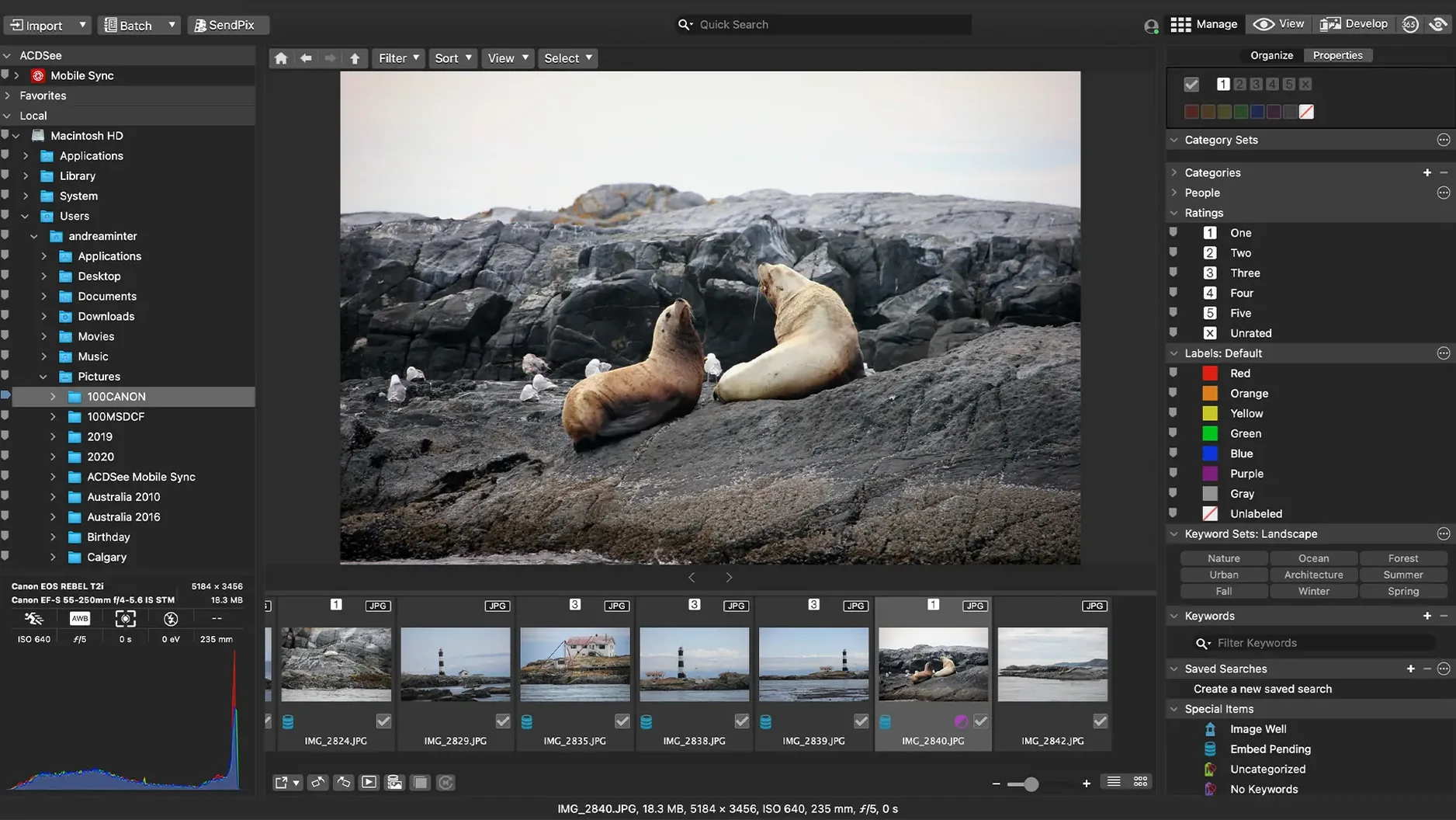
- Sort by date or browse by folder to find a batch.
- Rate images with stars or flags to mark keepers.
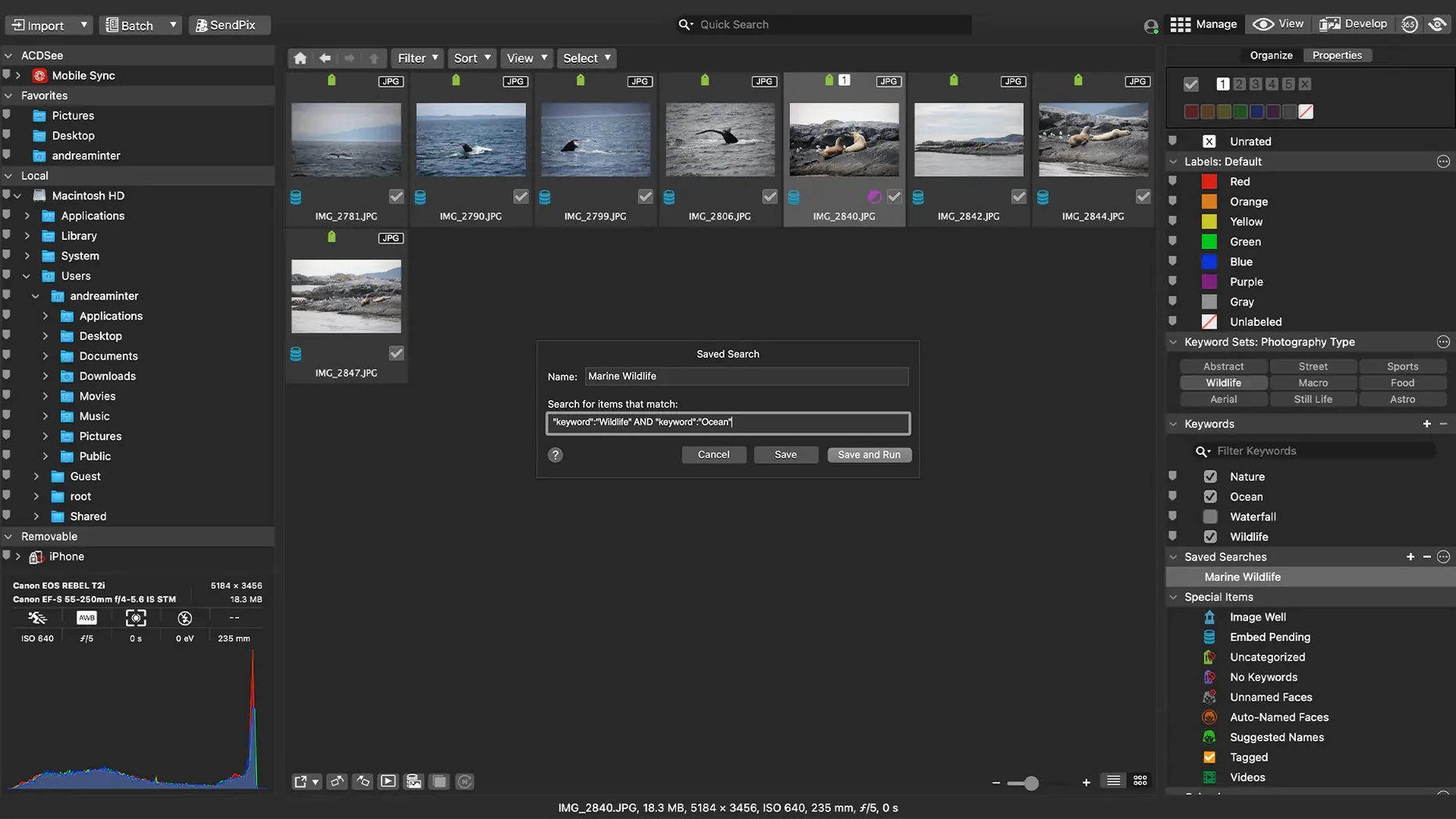
- Assign categories and keywords for later searches.
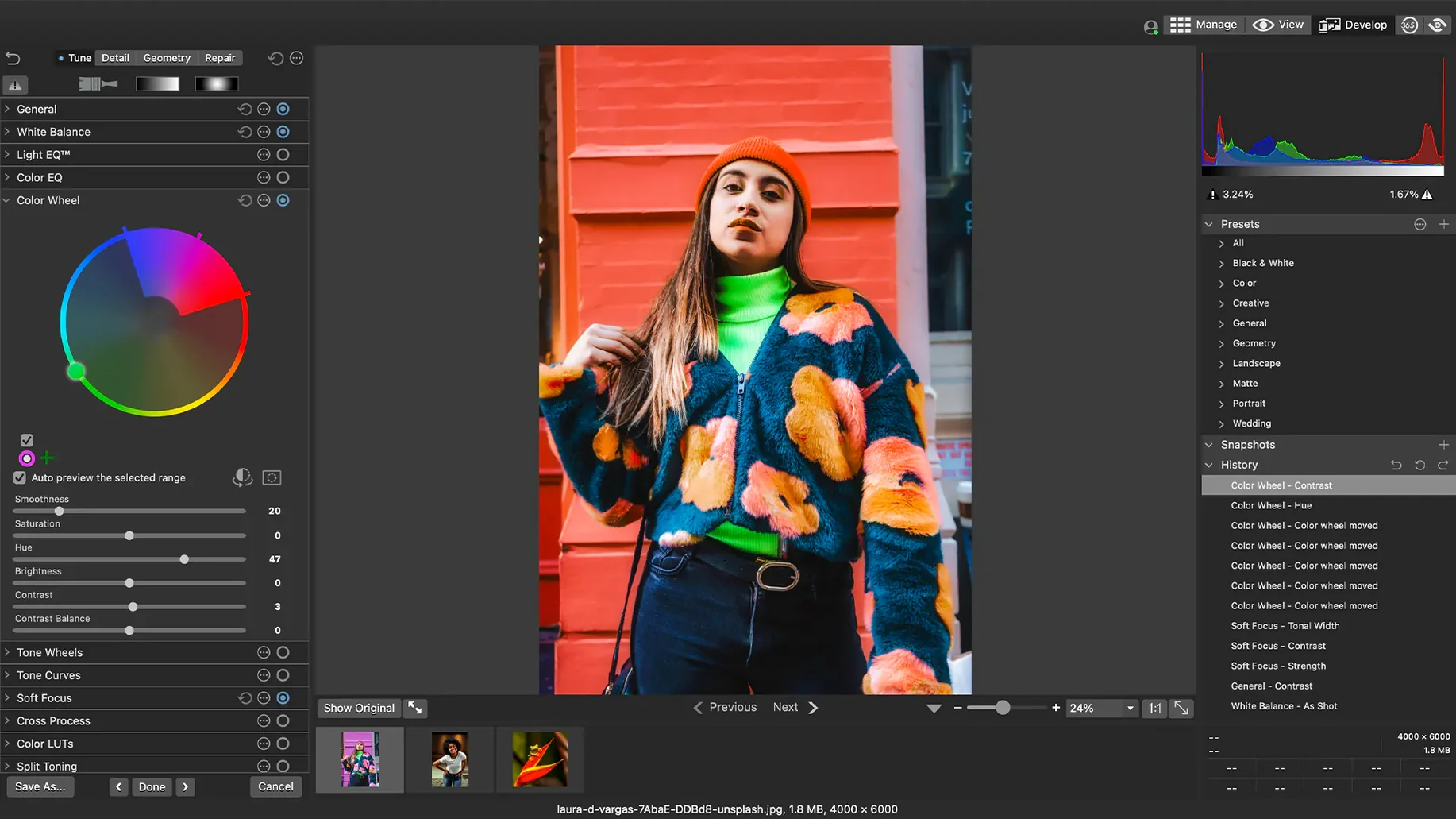
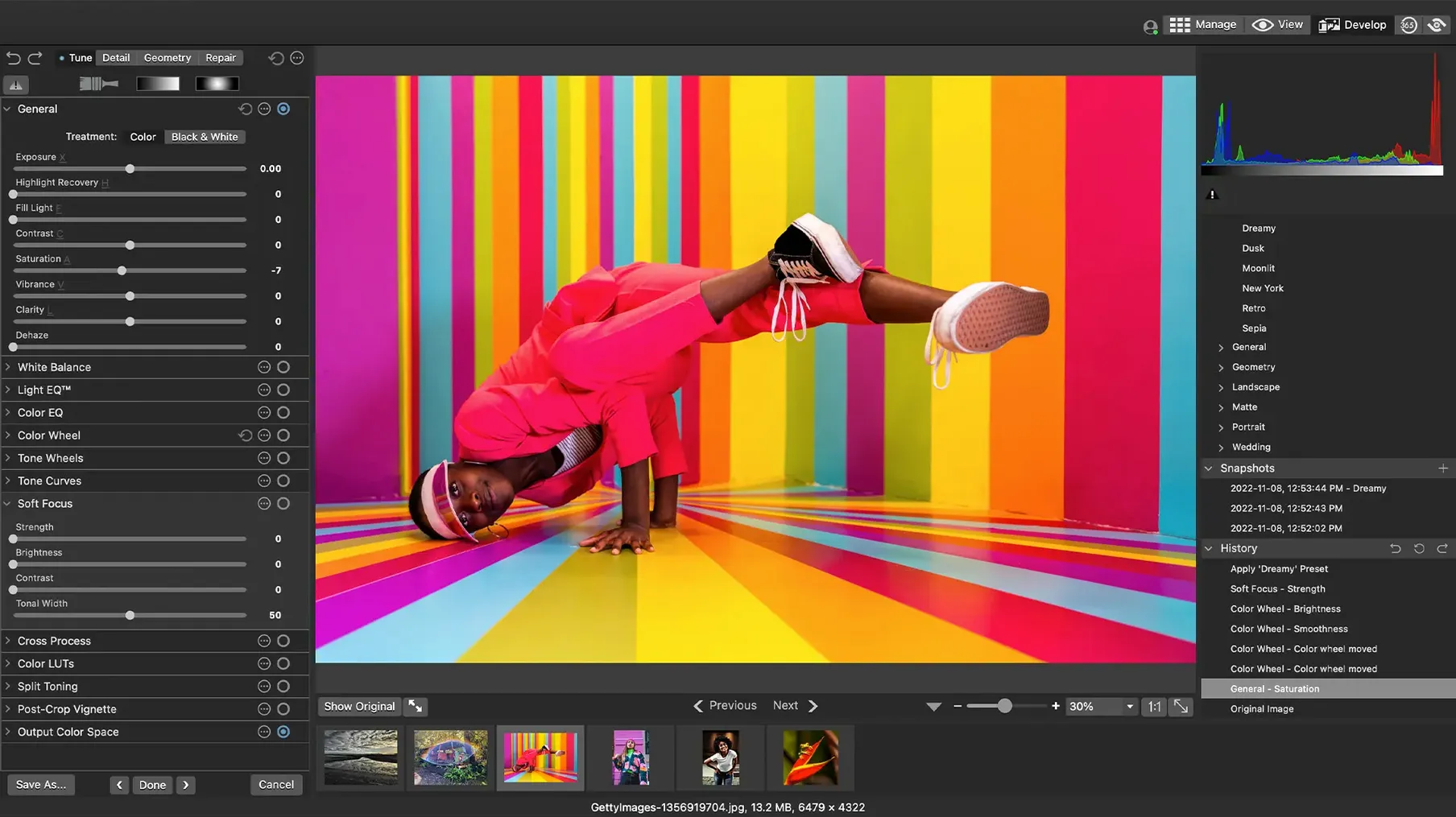
- Open a RAW file and adjust exposure, clarity, sharpness, lighting, color, noise, and detail.
- Export or share the finished images.
RAW support covers more than 450 camera models, and the app runs on both Apple Silicon and Intel Macs. The fixes in 26.0.3.3479 make the keyword workflow less prone to interruptions, so you can organize a large library without hitting the same dead ends.
Runs natively on Apple Silicon and Intel
ACDSee Photo Studio 26.0.3 requires macOS 14 or later. It runs natively on Apple Silicon and Intel Macs, so no Rosetta trickery is needed on an M-series machine. The app indexes your photo library when you first point it at a folder or volume, and that initial scan takes a while if you have thousands of files. After that, catalog operations feel responsive for most day-to-day sorting.
The interface is straightforward: a browser pane for folders, a preview area, and tool panels for adjustments and metadata. You work with one window instead of juggling separate modules. RAW processing happens non-destructively, so original files stay untouched.
Test with a small set before importing your main archive
Start by importing a small test set — maybe one shoot worth of files — before pointing the app at your main archive. This lets you confirm that keyword and category workflows behave as expected with your specific folder structure. The 26.0.3 fixes addressed a crash when adding new keywords or categories, and also fixed a renaming issue with child items, so you can test parent-child keyword hierarchies without running into the old glitches.
Set up a few batch presets early. The app supports customizable batch presets, and applying them to a handful of test files shows you how the adjustments behave on your camera's RAW output. Adjust exposure, clarity, or sharpness on one image, save the preset, then apply it to similar shots. This saves time once you have a consistent look for a set of photos.
Use the duplicate file finder right away. If you have accumulated copies across imports and backups, scanning for duplicates before you start heavy tagging prevents wasted work.
Drag keywords or categories onto search to filter instantly
Drag-and-drop search works from the browser pane. You can drag a keyword or category onto the search area to filter images by that term — no typing required. It is a faster way to narrow down a large folder than scrolling through lists.
EXIF and IPTC information is editable directly in the metadata panel. If you need to update copyright fields, captions, or camera data, you can do it without exporting to a separate editor. The app also displays side-by-side comparisons when you select multiple images, which helps when choosing between similar shots.
Rating with stars or flags is quick from the keyboard. Once you have images sorted by date, you can move through the thumbnails and mark keepers in a steady rhythm. The 26.0.3 fix for inaccurate RAW file ratings ensures those ratings stick correctly when you close and reopen the app.
acdsee photo studio for mac 26 handles iCloud integration more reliably after the latest patch. If you store originals in iCloud Drive, the app can read and write metadata without sync conflicts, which was a pain point in earlier builds.
acdsee photo studio ultimate torrent users will find the same release build — version 26.0.3 — no special variant needed.
- Fixed a crash when adding a new keyword or category in a certain scenario.
- Fixed an issue where clicking away from a new keyword or category did not stop editing.
- Fixed inaccurate reading of RAW file ratings in certain scenarios.
- Fixed an issue with iCloud integration.
- macOS 14.0 or later
- Apple Silicon or Intel Mac
- Interface language: English
The install order
- Mount the disk image and run Open Gatekeeper friendly.
- Press Enter in the Terminal window to bypass Gatekeeper.
- Drag the app to the Applications folder.
- Open the app when installation is complete.