Free download (3.2 GB) Previous versions
- Version
- 21.8.0
- Developer
- Adobe
- Languages
- Russian, English
- License type
- Included
| macOS range | macOS 13 or later |
|---|---|
| Chip | Apple Silicon, Intel 64-bit |
| Download | 3.2 GB |
| Previous versions | 7 on file |
Screenshots
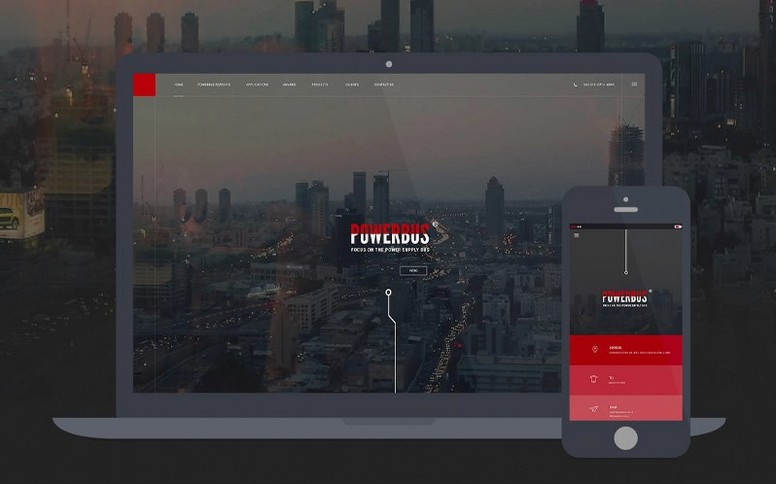


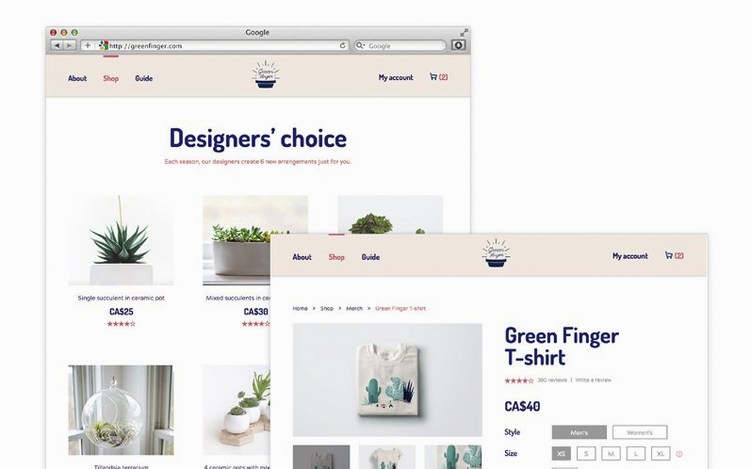
Scroll the row, it snaps to each screenshot. Click one to see it wider.
Building a site means juggling code, preview, and server-side logic. Dreamweaver keeps those pieces together in one window, so you can move from HTML to a live view to a database call without switching apps.
Code and Preview Without the Friction
The editor offers code hints for HTML and CSS, which speeds up hand-coding. When you want to see how it renders, the live view is powered by Chromium Embedded Framework, so the preview matches a real browser. Editing directly in live view is handy for quick tweaks. Git support is built in as well, which means you can commit changes without leaving the app.
New Server-Side Tools in 21.8
The April 2026 release adds built-in server behaviors and database bindings. That matters if you build dynamic pages: you can hook up a database, manage server logic, and test it right from Dreamweaver. Adobe Help Center is there when you need a tutorial or a specific answer. It supports Apple Silicon and Intel Macs, so it runs on most current hardware.
Live Code View First
Out of the box, Dreamweaver works. A few tweaks make it match your workflow better.
- Switch the workspace to "Live Code" view. It shows the underlying code as you edit in live view, so you see what the browser renders and the HTML behind it at the same time.
- Set the default document type to HTML5 if it isn't already. Older templates default to XHTML or HTML 4.01. Changing this saves a cleanup step on every new file.
- Turn on the Related Files toolbar. It keeps linked CSS, JS, and server includes visible below the editor tab. You open them without digging through the file tree.
- Configure the site definition with a local root folder and a remote server path early. That way file operations (put, get, synchronize) work from the first save. Skipping this step means later 404s in the preview.
- Enable "Save files on upload" in the site panel. It prevents deploying an unsaved version by accident.
Dreamweaver vs. Other Mac Editors
Dreamweaver vs. Visual Studio Code
VS Code is a general-purpose code editor with extensions for web work. Dreamweaver includes the visual editor and live view out of the box. VS Code needs plugins for FTP/SFTP, Git integration, and a live server preview. Dreamweaver has all three built. If you want a browser-like preview without installing extensions, Dreamweaver wins. If you already have a strict front-end toolchain and only need a text editor, VS Code is lighter.
Dreamweaver vs. Pinegrow
Pinegrow focuses on visual editing for responsive layouts and Bootstrap. Dreamweaver covers the same ground but adds server behaviors and database bindings in version 21.8. Pinegrow does not include integrated Git or a Chromium live view. For a Mac user who builds database-driven sites, Dreamweaver does more without leaving the app. For a designer who only works with static HTML/CSS, Pinegrow is a simpler tool.
Dreamweaver vs. Coda
Coda was a common choice on Mac for its clean interface and built-in terminal. It lacks a live view engine and modern Git support. Dreamweaver's live preview and server-side features are ahead of what Coda can do. Coda's terminal is handy, but you can run a terminal alongside Dreamweaver anyway.
Fitting It Together with macOS and Other Apps
Dreamweaver reads files from the standard macOS file system without issues. Drag a folder from Finder onto the app icon to open a site. It respects macOS window snapping and works with virtual desktops in Ventura and later.
For the rest of your workflow:
- Export a site and open the folder in VS Code or Sublime Text for quick edits without loading the full Dreamweaver project.
- Use Cyberduck or FileZilla for server management if you prefer a dedicated client. Dreamweaver's own FTP handles transfers, but the external tool can be faster for bulk moves.
- Run MAMP or Local (by Flywheel) on the same Mac for a local Apache/PHP environment. Dreamweaver's server behaviors talk to a local server the same way they talk to a remote one.
- Keep an asset folder managed in Adobe Bridge or Lightroom. Dreamweaver imports assets from any local path; there is no lock-in to a single media library.
- Check site files with a Finder search or macOS Spotlight before a final build. It is faster than the Dreamweaver site panel for locating a stray image or an old stylesheet.
A standalone copy runs fine and cooperates with whatever editor or server software you already use on your Mac.
- Updated OpenSSL, Libcurl, CEP, jQuery, Lodash, RequireJS, Node.js, and Zlib libraries.
- Added built-in server behaviors and database bindings.
- Fixed an issue where file modification time did not align with the local time zone.
- Fixed site synchronization so file modification time refreshes after a system time zone change.
- macOS 13 Ventura or later
- Apple Silicon or 64-bit Intel
- 2 GB RAM
- 3 GB available hard-disk space (additional free space required during installation)
- Internet connection and registration for activation
Questions I get about this line
Yes, Dreamweaver 21.8 supports both Apple Silicon and 64-bit Intel Macs.
Version 21.8 adds built-in server behaviors and database bindings, plus updated libraries like OpenSSL and Node.js.
Yes, Adobe provides help and tutorials through the Adobe Help Center.
The install order
- Download the disk image and mount it.
- Copy Dreamweaver to your Applications folder.
- Follow the install and activation instructions included with the download.
- For older versions, check YouTube for step-by-step guidance.