Free download (789 MB) Previous versions
- Version
- 2.6.5
- Developer
- Serif Labs
- Languages
- English, German, Spanish, Italian, Chinese (Simplified), Portuguese, French, Japanese
- License type
- K'ed by TNT team
| macOS range | macOS 10.15 or later |
|---|---|
| Chip | Apple Silicon, Intel 64-bit |
| Download | 789 MB |
| Previous versions | 3 on file |
Screenshots
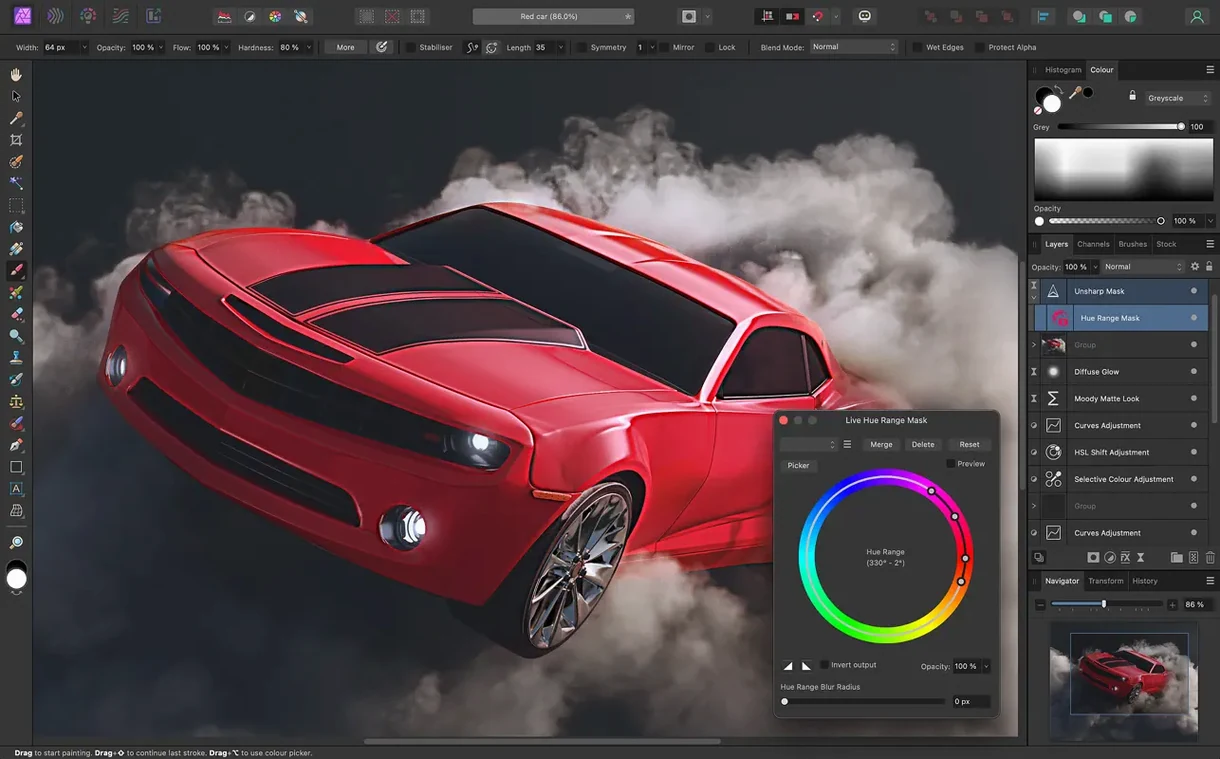
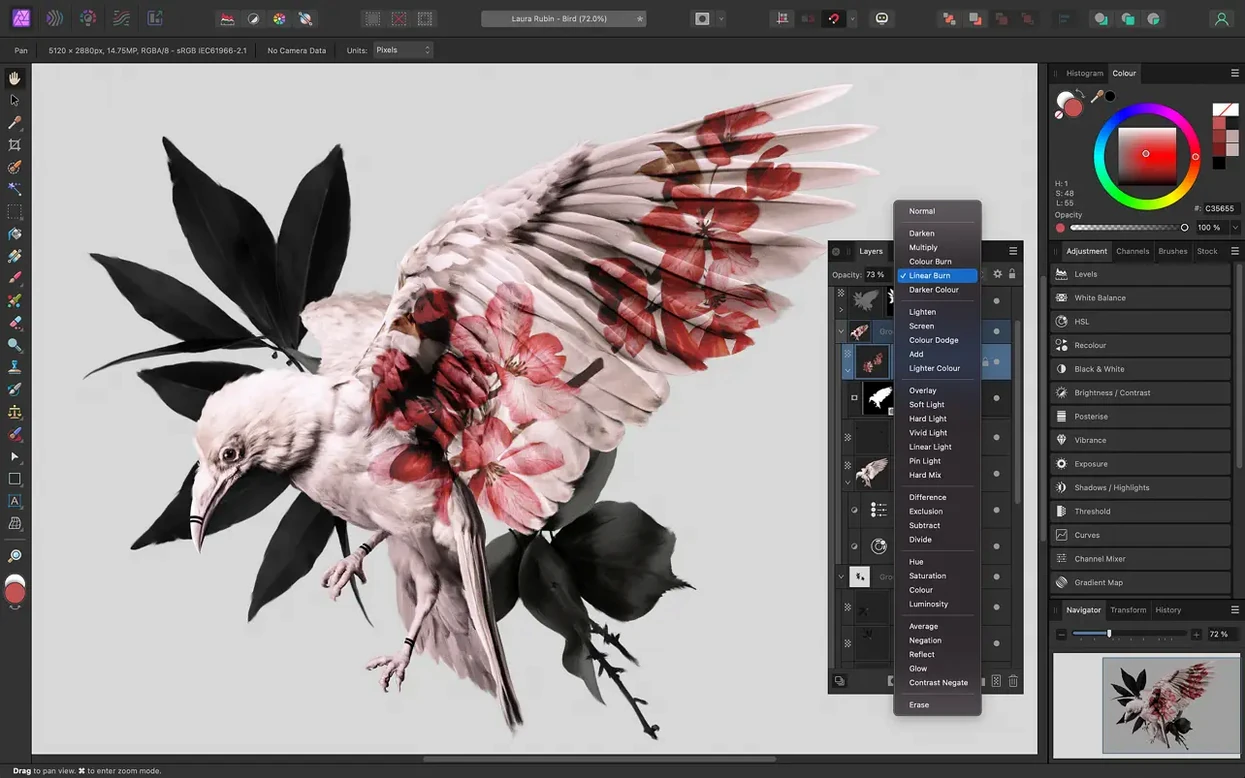
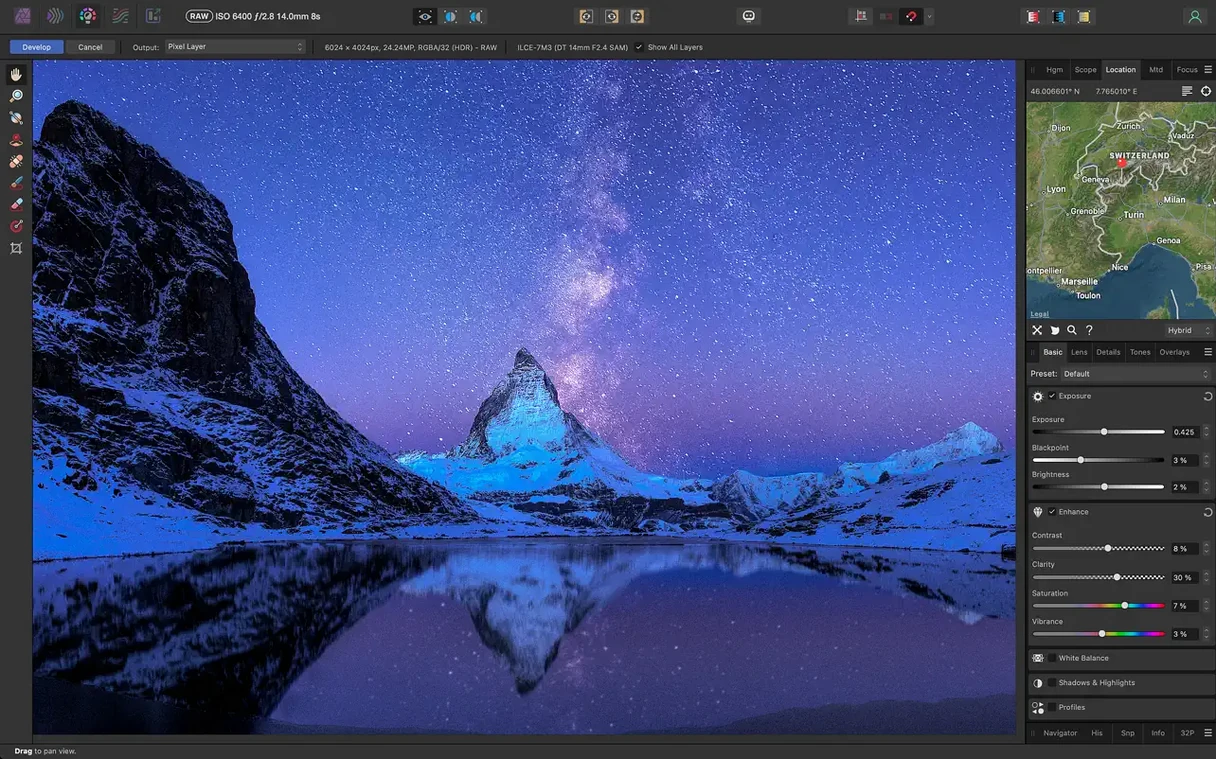
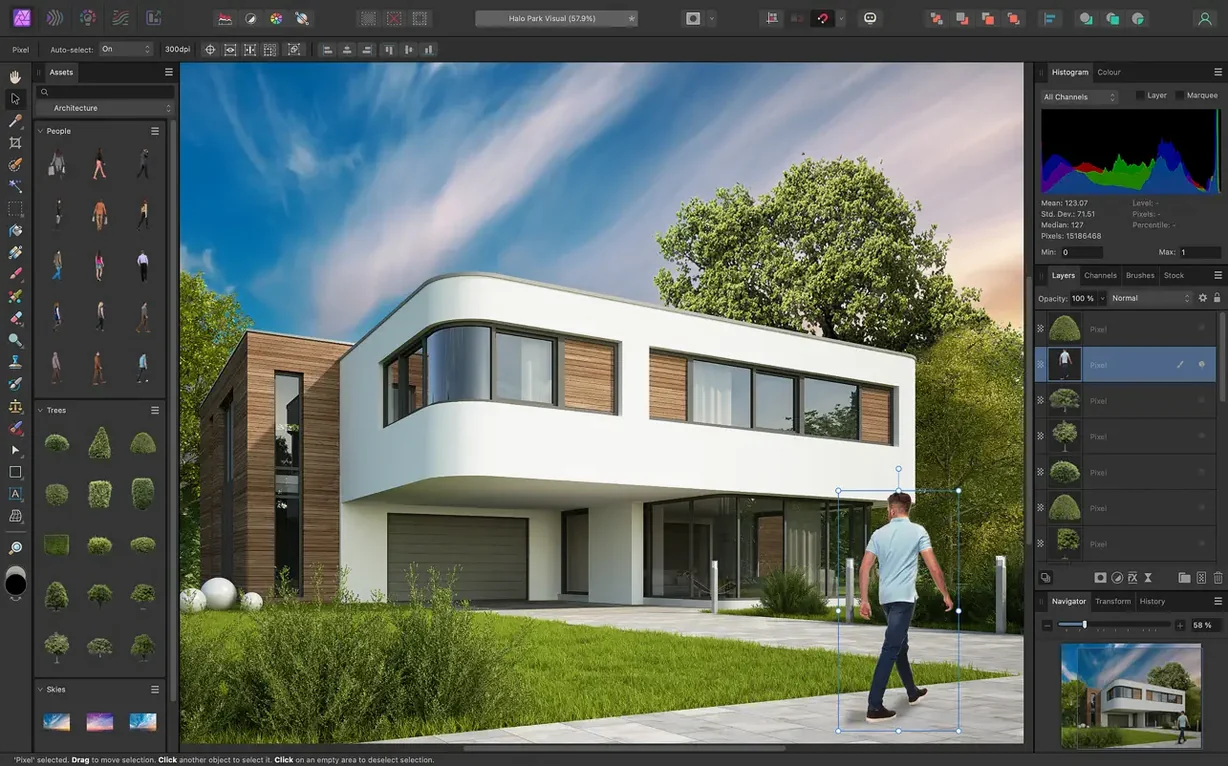
Scroll the row, it snaps to each screenshot. Click one to see it wider.
It handles everything from quick fixes to detailed compositing, and it runs on both Intel and Apple Silicon Macs.
Lens corrections and real-time retouching
- Correcting lens issues: distortion, chromatic aberration, edge fringing, vignetting, and noise.
- Retouching with a dedicated brush that removes unwanted objects, plus real-time brush tip preview.
- Working in RGB, CMYK, LAB, or grayscale color spaces.
- Opening and saving Photoshop PSD files, plus PNG, TIFF, JPG, GIF, SVG, EPS, EXR, HDR, and PDF.
- Processing RAW images in a separate pre-processing workspace.
- Automating repetitive tasks with macro recording and playback.
- Using a Wacom tablet with pressure, tilt, and shortcut button support.
Built for Catalina and dynamic edits
- Built for macOS 10.15 Catalina or later.
- All editing is dynamic and real-time, so adjustments apply instantly.
- Edit history can be saved with the document, which helps when you return to a project later.
RAW processing with drag-and-drop start
I open Affinity Photo by dragging a RAW file from Finder onto the dock icon. The app launches into the pre-processing workspace automatically. I adjust white balance with the dropper, pull up the shadows, and add a touch of clarity. Once the image looks balanced, I hit Develop to move into the main photo editing area.
From there I add a Curves adjustment layer for contrast, then a Black & White adjustment on a separate layer above it. The layer stack stays clean because each change lives on its own layer. I use the brush tool set to a low opacity to paint back color on the subject's shirt. No destructive edits, so I can go back later and tweak the mask or the opacity.
For the final pass, I apply a live unsharp mask filter. Because it's live, I can toggle it on and off to compare before and after. I save the document with the edit history checked, close it, and move on. When the client asks for a different crop, I reopen it, adjust the develop settings again, and export a new TIFF without redoing any work.
Workflow: remove a background, keep fine hair detail
This is the task that separates a capable editor from the rest. Here is the step-by-step inside Affinity Photo.
- Open the image in the main workspace and duplicate the background layer.
- Use the selection brush for fine details, painting over the hair edges. The tool handles the hard part.
- Refine the selection with the built-in hair selection tool. Feather the edge slightly so the mask blends.
- Invert the selection and add a mask to the duplicated layer. The background disappears, but the hair stays sharp.
- Place a solid color layer underneath to check for halos. If the mask needs cleanup, I paint on it with a soft white or black brush.
- Export as a PNG with transparency. The file goes straight into a layout or a web mockup.
This approach works because every step stays nondestructive. If the client wants a different background color later, I change the fill layer. The mask and the hair selection are still intact.
Drag images into Mail or Slack
Affinity Photo works well alongside other Mac apps. I drag a selection from the app straight into a Mail compose window or a Slack message, and the image pastes as a PNG. I also use Quick Look in Finder to preview .afphoto files without opening the app.
For batch work, I use Automator with the image processing actions. I have a workflow that resizes a folder of TIFFs and exports them as JPGs, running the macro I recorded in Affinity Photo for consistent color adjustments across all files.
The app also shares color profiles with the rest of the Affinity family. If I set up a CMYK profile for a print project in Affinity Publisher, the same profile shows up automatically when I open the linked photo file. No profile mismatch, no surprises at the printer.
For photographers who need to send files to clients who use other software, the PSD support means I can hand off a layered file that works in Photoshop. I have never had a compatibility issue with layer groups, masks, or adjustment layers.
- macOS 10.15 Catalina or later
- Intel or Apple Silicon
Questions I get about this line
Yes. It opens, edits, and saves PSD files, so you can work with existing Photoshop documents without conversion.
It fully supports Wacom and other tablets, including pressure, tilt, and shortcut button input.
The install order
- Mount the disk image and launch Open Gatekeeper friendly.
- Press Enter in Terminal to bypass Gatekeeper.
- Drag the app to the Applications folder.
- Open the app and start editing.