Free download (2.6 GB) Previous versions
- Version
- 59.0.12
- Developer
- Adobe
- Languages
- Russian, English, German, Spanish, Chinese (Simplified), Korean, Portuguese, French, Japanese
- License type
- Included
| macOS range | macOS 10.15 or later |
|---|---|
| Chip | Apple Silicon, Intel 64-bit |
| Download | 2.6 GB |
| Previous versions | 4 on file |
Screenshots
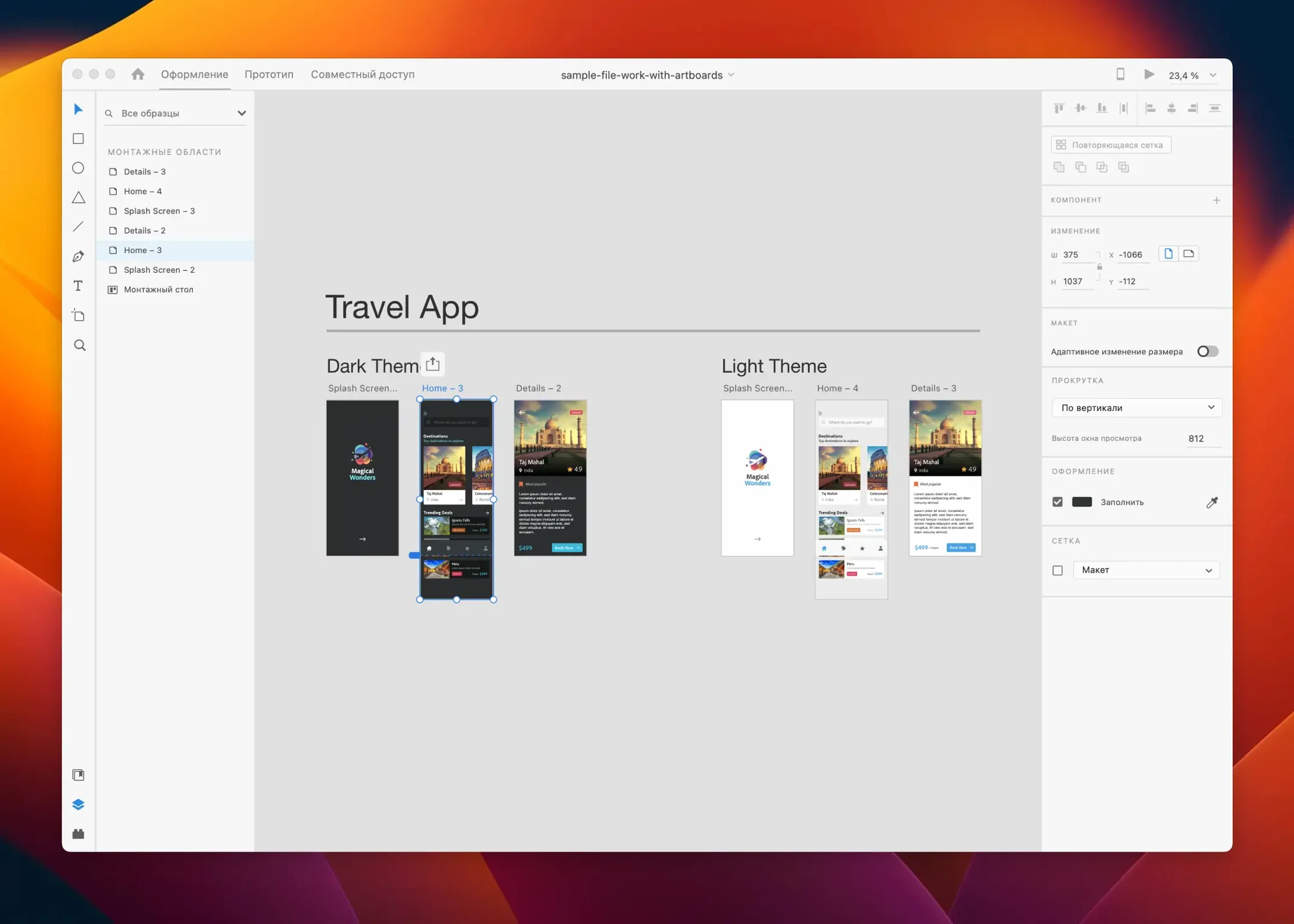
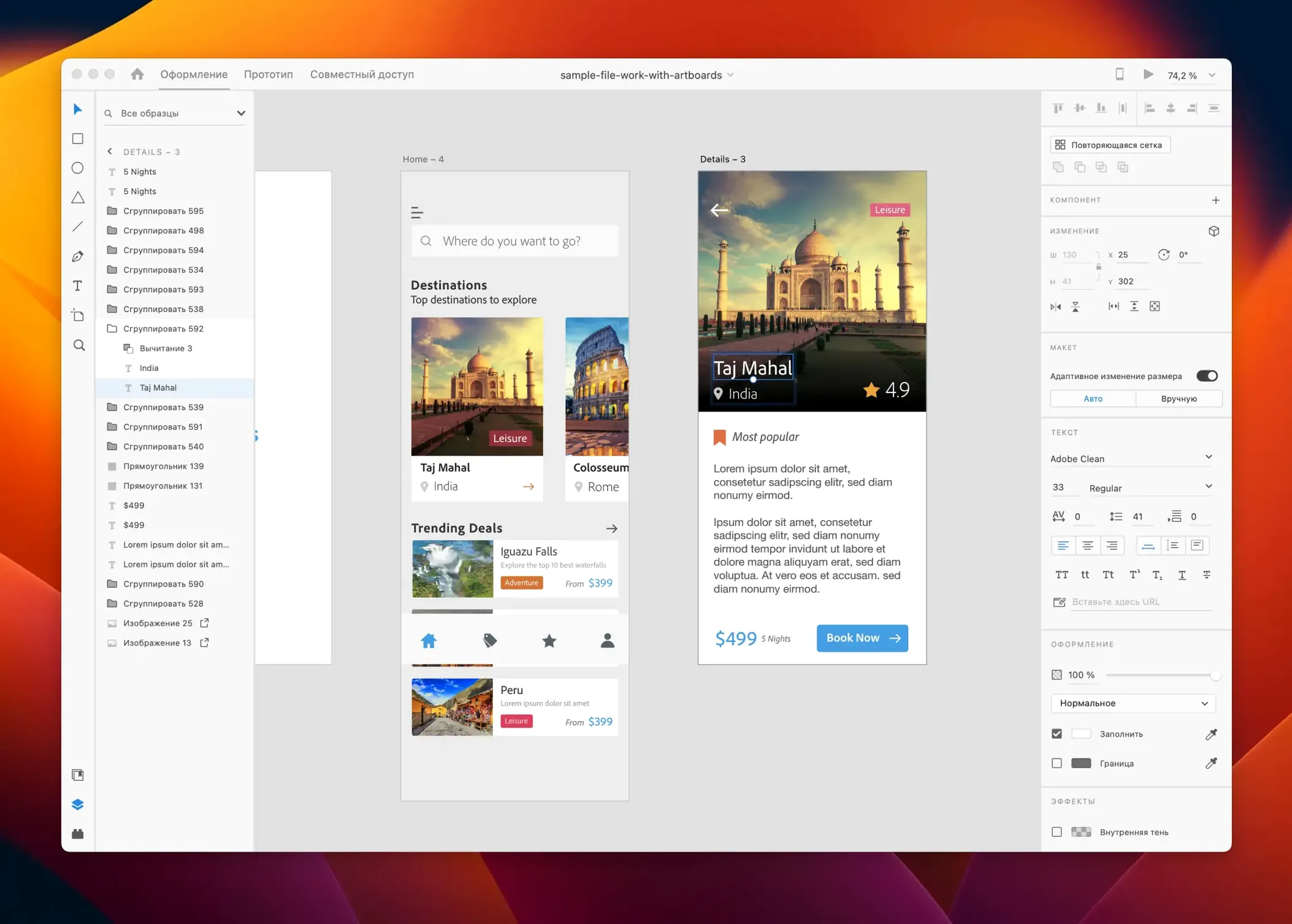
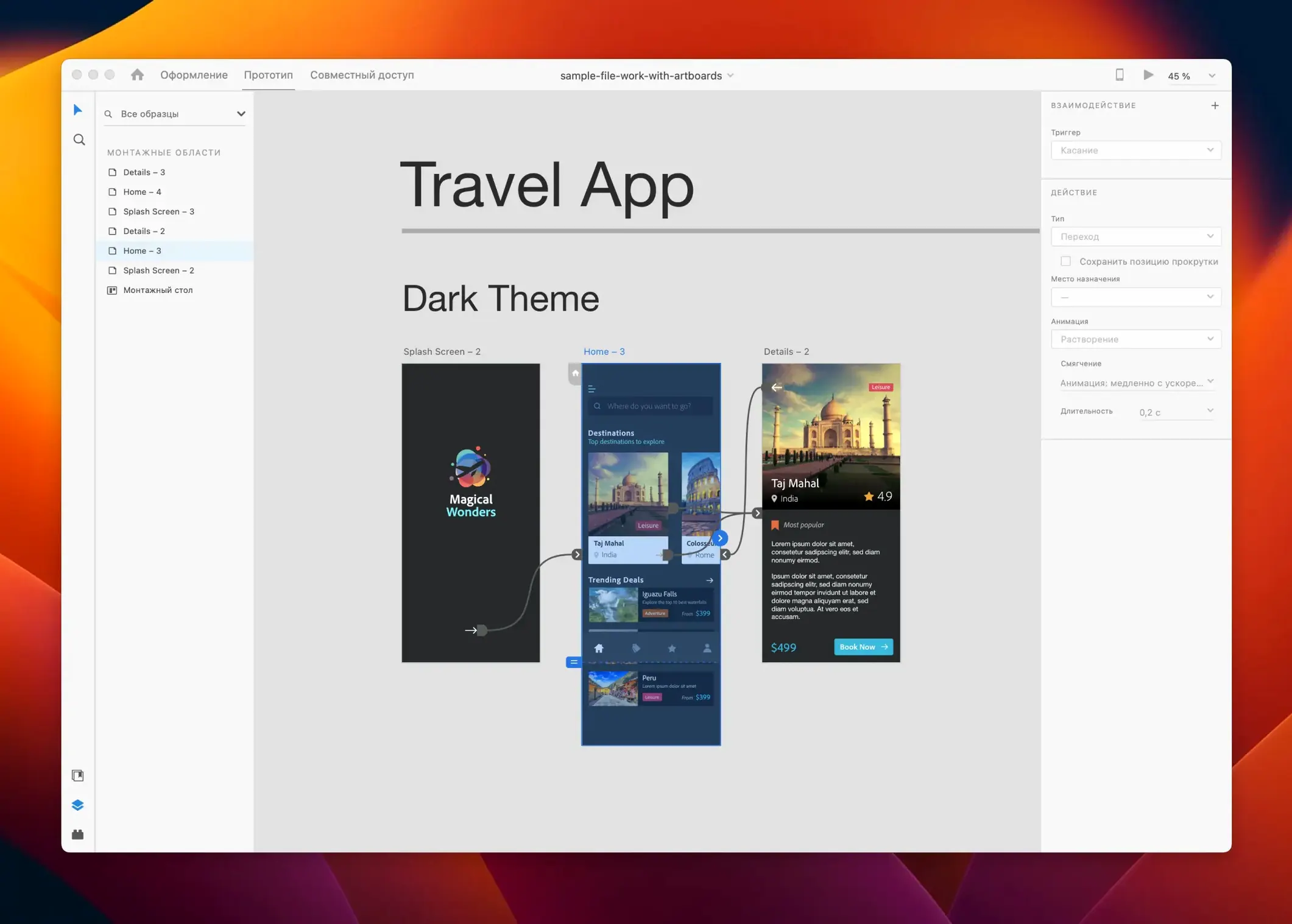
Scroll the row, it snaps to each screenshot. Click one to see it wider.
You wireframes in the morning, hand off high-fidelity prototypes by lunch. Adobe XD 59.0.12 keeps that workflow moving — vector-based design, interactive prototyping, and sharing all inside one app, without bouncing between tools.
The July 2025 release is a cleanup round: bug fixes and minor workflow improvements. Nothing flashy, but the kind of update that makes repeat actions less annoying. Same core features for web and mobile UX work — design, prototype, preview, share, extend via plugins in-app or in the cloud.
The build described here is self-contained. If you keep other Adobe apps on the same machine — Photoshop, Illustrator, After Effects — XD coexists without conflicts because they share the same runtime dependencies. No need to change your existing installs.
The app is in maintenance mode, which means Adobe is not adding major features. What you get is a stable, finished tool. Updates are limited to bug fixes and minor workflow tweaks. That matters if you are evaluating whether to invest time learning a new feature set — what you see now is what the app will stay.
macOS 10.15 is the minimum. If you are on macOS 11 or later, you are fine. Both Intel and Apple Silicon Macs are supported natively — no translation layer required. The app runs in 64-bit mode on either architecture.
What the Mac actually needs
Based on the listed requirements and spec sheet, here is what to expect before downloading:
- macOS 10.15 (Catalina) or newer. Anything older will not work.
- 64-bit Intel processor or Apple Silicon (M1, M2, M3, M4). No 32-bit support.
- Enough free disk space for the app plus your project files. Vector-heavy XD documents are small compared to raster work, but prototypes with embedded assets add up.
- Offline work is fine once activated.
No GPU acceleration requirements are listed. XD is vector-based, so it runs comfortably on integrated graphics for most UI/UX work. Complex prototypes with many artboards and animations might feel slower on older Intel Macs, but that is characteristic of the class of machine, not a failure to meet specs.
Pull Illustrator and Photoshop assets via Libraries
If you use Illustrator or Photoshop to make icons, illustrations, or UI elements, you can save them to a library and pull them into XD without exporting files manually. Same for Adobe Stock assets — search and place from within the app.
Because XD supports plugins (both in-app and cloud-based), you can connect to tools like Jira, Slack, or Zeplin for handoff and feedback. The plugins are installed from XD's plugin manager, not from outside sources, so compatibility is managed by Adobe.
On the Mac side, XD respects macOS standard shortcuts for copy/paste, undo, and zoom. It also uses the system font management, so any font you have installed in macOS is available in XD. No extra font activation step needed.
For sharing prototypes, XD generates a link that opens in any browser. Recipients do not need XD installed to view or comment. That is useful when you hand off to stakeholders or developers who do not run the app.
Recurring setup issues and their fixes
People hit a few recurring issues when setting up XD. Here are the ones I see most often and what fixes them.
Activation does not complete
The activation instructions are included in the download. If the process hangs, check that your Mac's date and time are correct. Wrong system time can break the license handshake. Also make sure XD is allowed through any local firewall or security software for the first run. Once activated, it does not phone home constantly.
Plugins do not appear or fail to load
Restart XD after installing a plugin. Some plugins require a relaunch to register. If a plugin still does not show, check that it supports the version of XD you are running (59.0.12). Older plugins written for much earlier versions may not load. In that case, use the in-app plugin manager to find an updated version or an alternative.
Libraries not syncing
If assets from Illustrator or Photoshop are missing, sign out of XD and back in. That refreshes the library links. If you work offline, library assets that were already synced remain available; only new changes are delayed.
Prototype links do not open
XD generates links that are valid until you stop sharing them. If a link returns an error, verify that the prototype was published from the current version of the file. Republish it. If the problem persists, check that the recipient's browser is up to date — older browsers can have trouble with XD's interactive prototype viewer.
Performance on older Intel Macs
Two practical fixes: close other heavy apps before working in XD, and avoid opening multiple XD documents at once.
For Apple Silicon Macs, XD runs as a native app. No Rosetta translation, no performance penalty. That alone makes a noticeable difference in artboard scrolling and prototype playback compared to Intel equivalents.
Works on macOS 10.15 and later, both Intel and Apple Silicon. Interface languages include English, German, Spanish, French, Japanese, Korean, Portuguese, Russian, and Chinese Simplified.
- July 2025 release includes bug fixes and minor workflow improvements.
- macOS 10.15 or later
- Intel or Apple Silicon
Questions I get about this line
Adobe XD requires an internet connection for initial setup and some cloud features, but design and prototyping work can be done offline.
Yes, Adobe XD supports sharing design materials between users and is described as a UI/UX design and collaboration tool.
The install order
- Installation and activation instructions are included in the download package.
- Instructions for installing earlier versions are available on YouTube.