Free download (771 MB) Previous versions
- Version
- 1.0.3
- Developer
- Sonible
- Languages
- English
- License type
- K'ed by MORiA
| macOS range | macOS 11 or later |
|---|---|
| Chip | Apple Silicon, Intel 64-bit |
| Download | 771 MB |
| Previous versions | 1 on file |
Screenshots
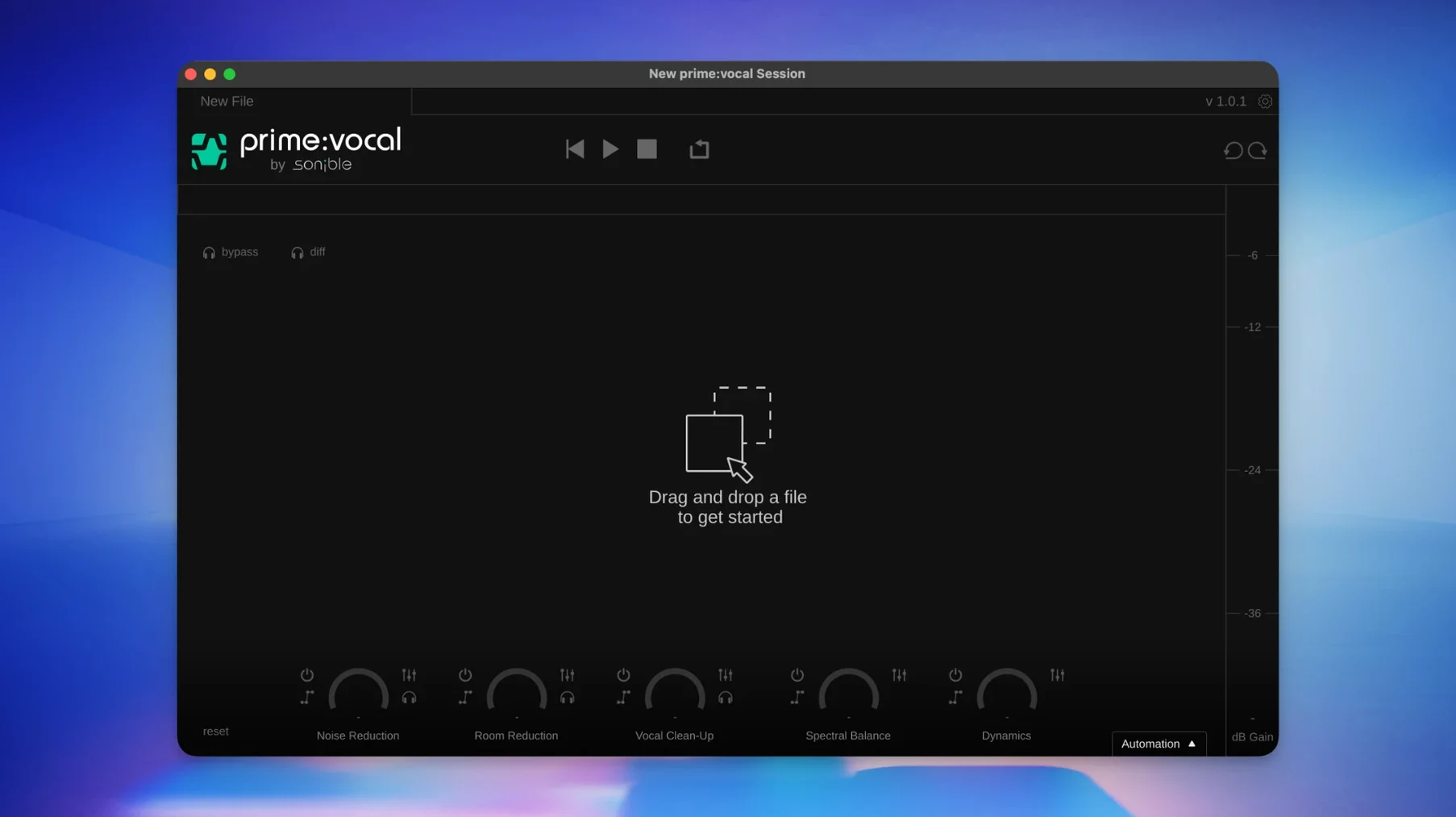
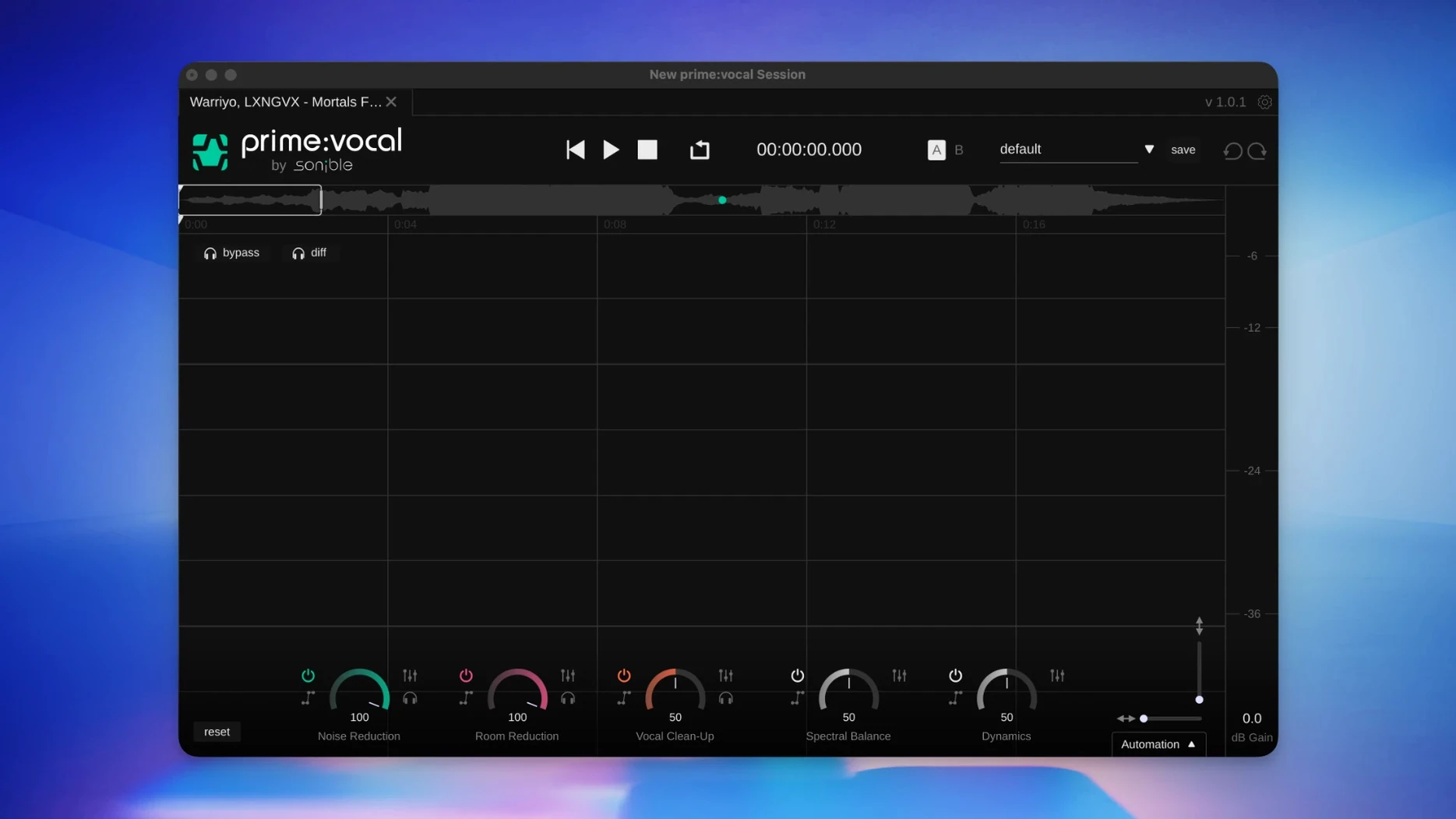
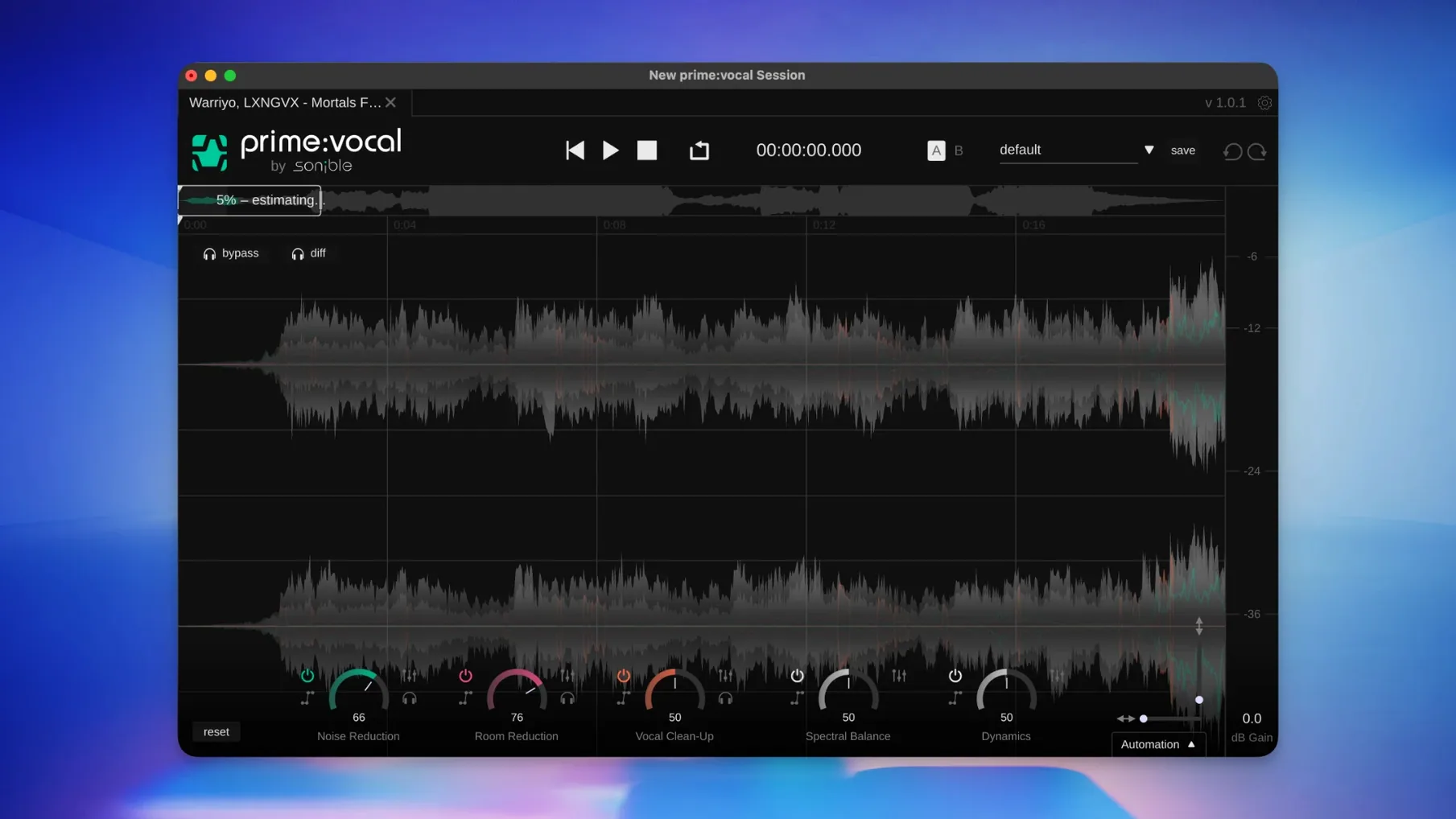
Click a screenshot to see it wider.
You have a voice recording with background hum, room echo, or sibilance. You need it clean in under two minutes. Sonible prime:vocal handles that. Open the standalone app, drop in your file, and adjust three controls: Noise Reduction, Room Reduction, and Vocal Clean-Up. The AI processes the track in real time, leaving the voice clear without artifacts. For DAW users, the ARA plugin (beta) integrates directly into your session, so you skip file export and import steps.
| Detail | Spec |
|---|---|
| Version | 1.0.3 |
| Formats | Standalone, VST3, AU, ARA (beta) |
| macOS | 11 or later |
| Architecture | Apple Silicon & Intel 64-bit |
| Language | English |
Installation is straightforward. Mount the disk image, run the pkg installer, follow the prompts. The standalone lands in Applications; plugins go to the standard audio plugin folders. That is it. You are ready to clean tracks.
Standalone app before the plugin
Use the standalone app to get a feel for the controls before you rely on the plugin. Import a short vocal clip — spoken word or sung — and work each slider one at a time. Noise Reduction handles constant background hiss or hum. Room Reduction tackles the space around the voice. Vocal Clean-Up polishes sibilance and other mouth noises. The AI analysis starts automatically when the file loads, so you can audition changes immediately.
Try the same file with different settings. The real-time monitoring lets you hear exactly what each control does without bouncing. That saves time later when you work inside a DAW.
Plugin placement
If you use Logic Pro, Cubase, or another AU/VST3 host, locate prime:vocal in your plugin list after installation. The plugin is installed to the default locations your DAW scans, so it should appear without a manual path set. Load it on a vocal track and adjust the same three controls you used in standalone mode. The ARA plugin version (labeled beta) provides deeper session integration for compatible DAWs — experiment with that once you are comfortable with the basic controls.
What your Mac will do
macOS 11 or later is required. The software supports Apple Silicon and Intel 64-bit systems. No other hardware notes are listed. The installer is one disk image and one pkg file; the standalone app occupies space in Applications, and the plugin files reside in your audio plugin folders. No special permissions or extra drivers are needed. Expect a standard installation process that matches other audio software on macOS.
First days with prime:vocal
After installing, run the standalone app once before you open your DAW. This confirms the AI analysis works on your system and lets you hear the default processing on a test file. A short vocal take with moderate background noise is a good starting point. Process it with each control at its midpoint, then solo the result to learn what the algorithm prioritizes.
Keep the same test file for a few sessions. Adjust one control at a time and listen closely. Noise Reduction and Room Reduction affect different frequencies, so understanding the separation helps you make faster decisions later. The Vocal Clean-Up slider handles finer details — try it on a track with sibilant consonants or plosives to hear the effect.
ARA plugin setup
If your DAW supports ARA, install the beta plugin version and load it on a vocal track. The integration lets prime:vocal access the audio region directly, so you do not need to render or export. Test it with a short clip first. ARA is in beta, so verify that the analysis and playback behave as expected before you use it on a full project.
What to expect on your Mac
The app runs on macOS 11 or later with either Apple Silicon or Intel 64-bit architecture. The standalone version is a single application in your Applications folder. Plugin files sit in the standard AU and VST3 directories that your DAW scans automatically. The installer handles everything — no manual file moves or terminal commands. After installation, the app and plugins are ready to use immediately with no extra configuration steps. The disk image can be ejected once the pkg installer finishes.
- macOS 11 or later
- Apple Silicon or Intel 64-bit processor
- Interface language: English
Questions I get about this line
Yes. The AU version works in Logic Pro, and the VST3 version works in any compatible DAW. The ARA component is beta but supported in Logic Pro and other ARA hosts.
Yes. The standalone app processes audio files directly, so you can clean up vocals without opening a DAW at all.
The install order
- Open the disk image
sonible_primevocal_osx_x.x.x.dmg. - Run the installer package
primevocal.pkg. - Follow the installer prompts to complete installation.
- The standalone app is installed in the Applications folder.
- Plugin files are installed in the default audio plugin locations.