Free download (384 MB) Previous versions
- Version
- 4.5.1.21
- Developer
- Native Instruments
- Languages
- English
- License type
- K'ed by TEAM HCiSO
| macOS range | macOS 12 or later |
|---|---|
| Chip | Apple Silicon, Intel 64-bit |
| Download | 384 MB |
| Previous versions | 12 on file |
Screenshots
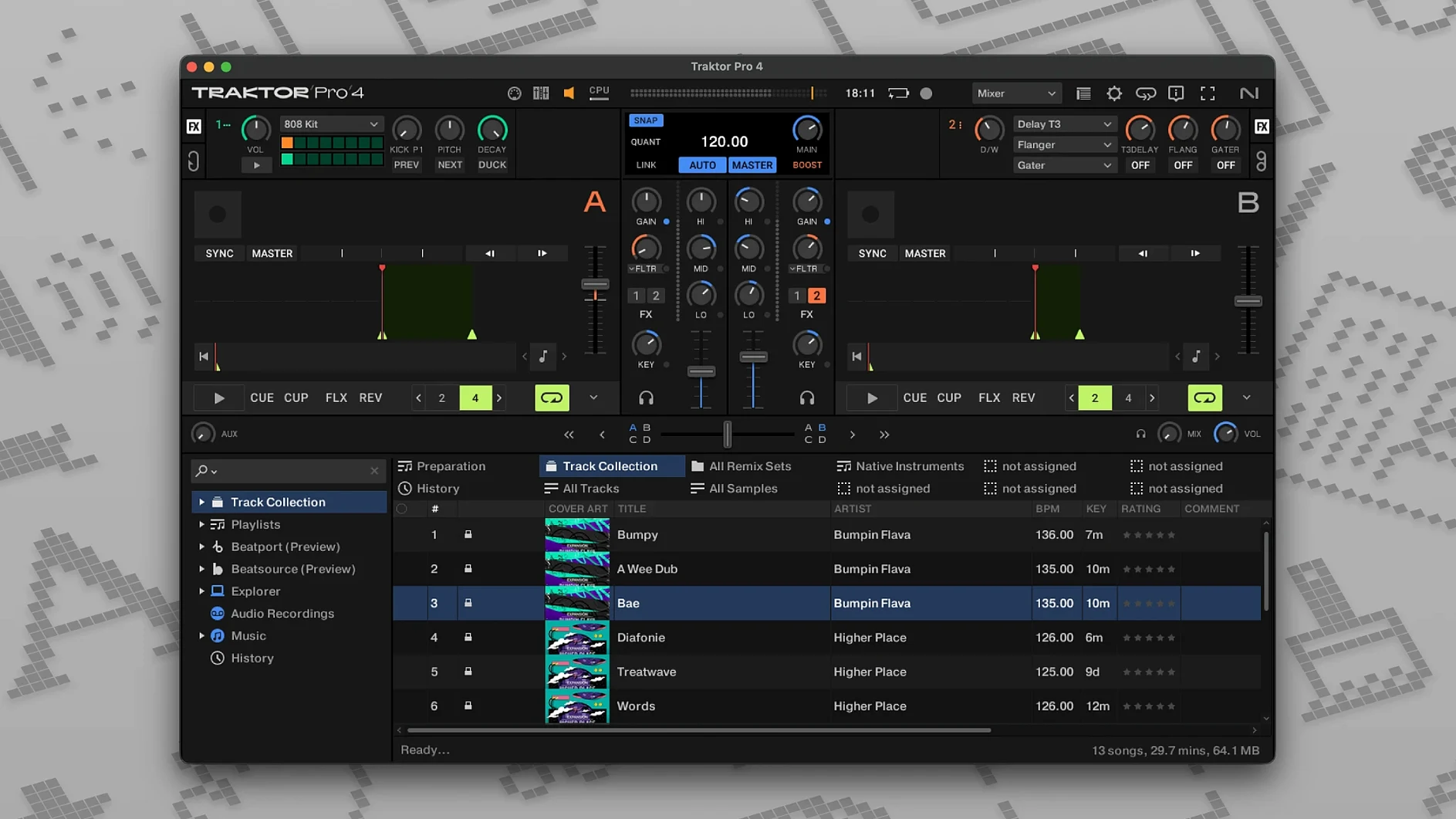
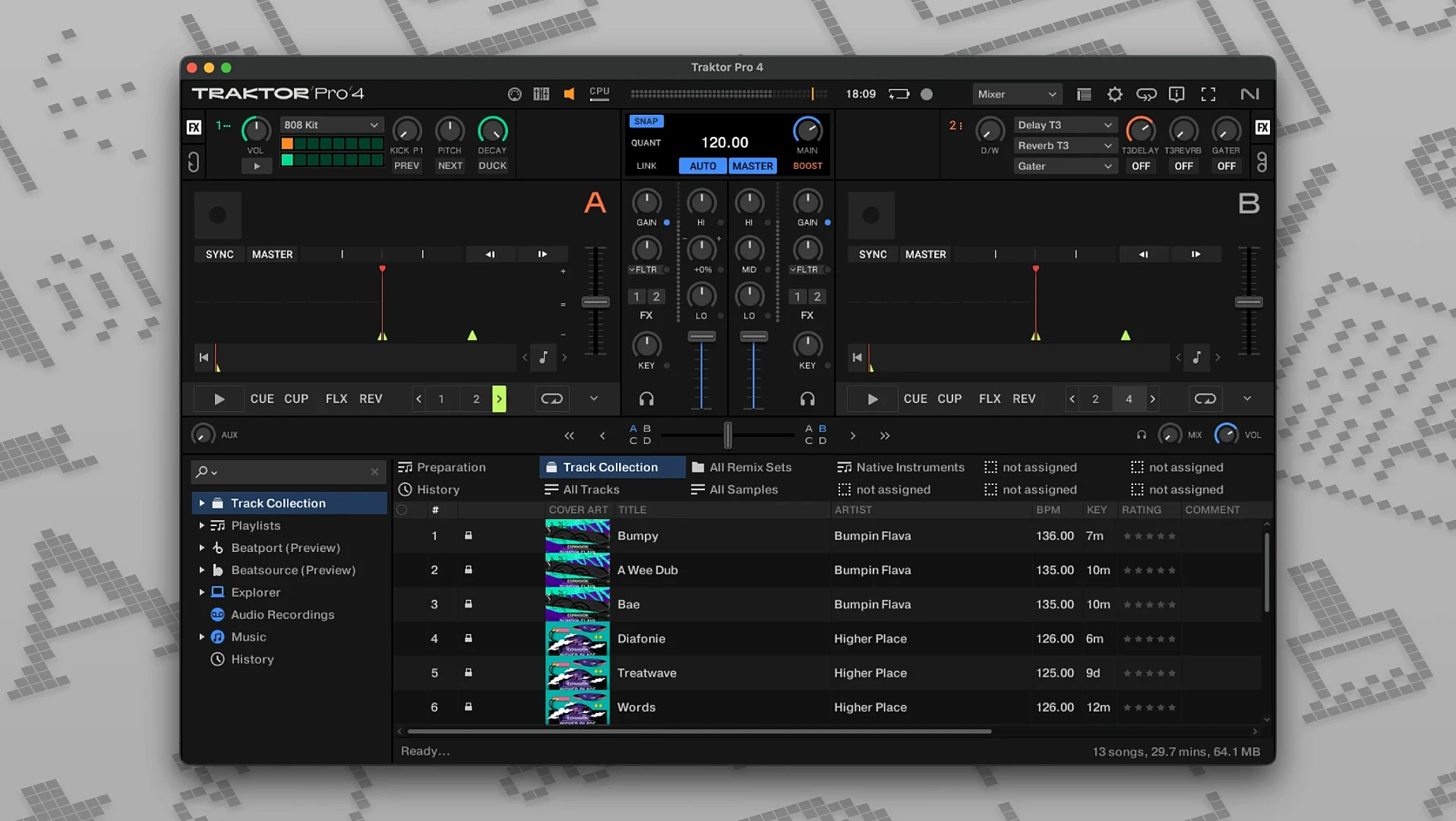
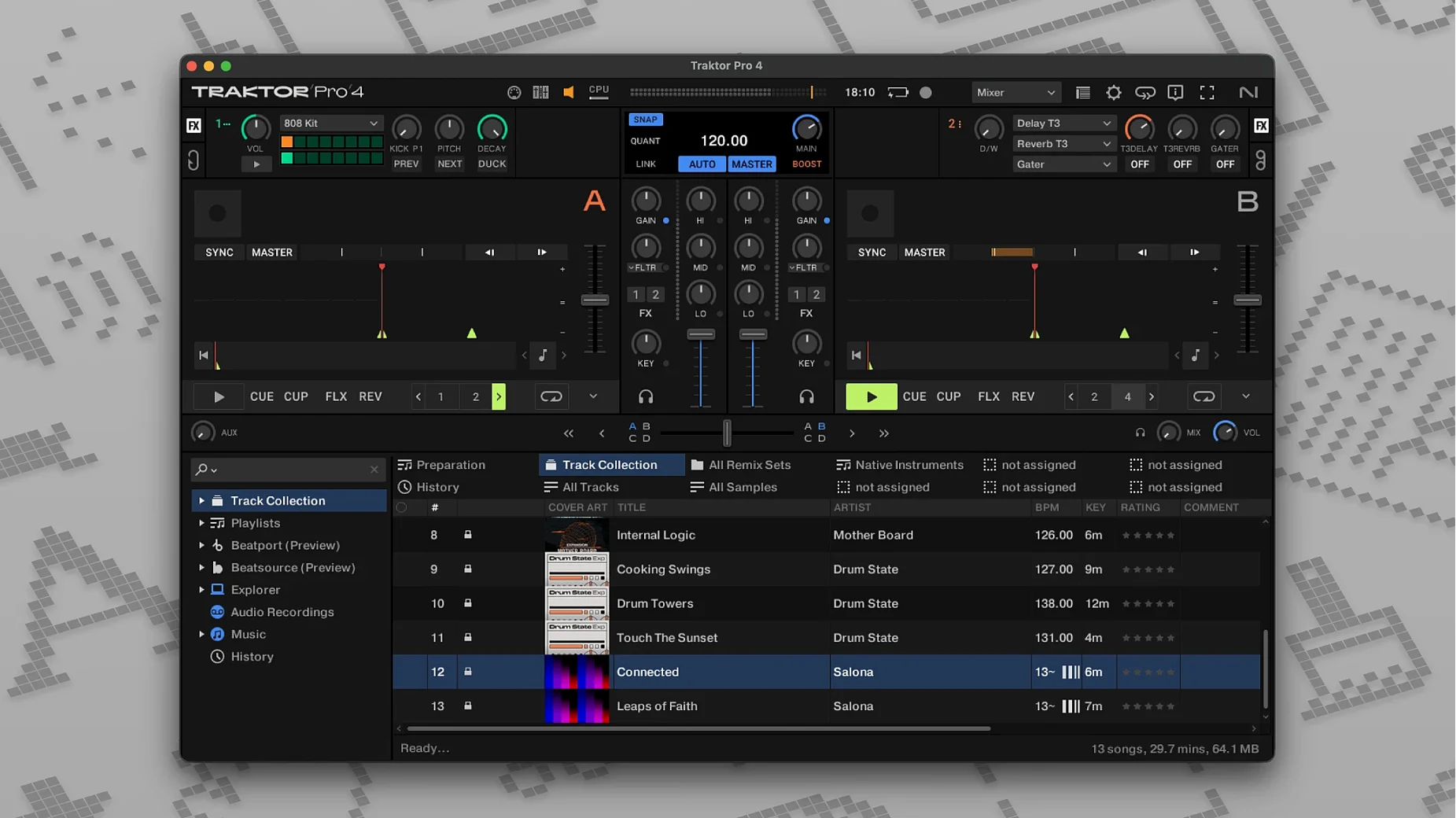
Scroll the row, it snaps to each screenshot. Click one to see it wider.
Traktor Pro runs on any Mac with macOS 12 or later, both Intel and Apple Silicon. That covers most Macs from 2018 onward, including the M1 and M2 generations. No special hardware required, though it pairs well with a Traktor Kontrol controller or an external mixer.
The app handles up to four decks — Track, Stem, Remix, or Live Input — and lets you map controls however you like. Keyboard shortcuts, custom MIDI mappings, Beatport streaming, it’s all there. You can import iTunes tags to browse your library the way you already do.
Export mixes as WAV or AIFF files. Reverse playback is an option when you need it. The interface is clean, the routing flexible. If you already run Ableton or Logic on the same Mac, Traktor sits alongside them without conflicts.
Routes Audio to Ableton or Logic
Traktor Pro works alongside DAWs and recording software without much fuss. You can route audio between Traktor and Ableton Live or Logic Pro using macOS Audio Device settings or third-party audio routers like Soundflower, Loopback, or BlackHole. That matters if you want to capture stems from a live set into a DAW for post-processing, or if you want to send a Logic session’s output through Traktor’s effects and decks for a live remix.
OSC support means you can sync Traktor with Resolume or MadMapper for visuals. MIDI Clock synchronization keeps hardware drum machines, sequencers, or Eurorack modules locked to your mix’s tempo. You can also send MIDI Clock out to an external mixer or synth and have it follow your beat-grid changes.
Beatport integration is built in, so you don’t need a separate browser or companion app. Streaming tracks directly into a deck cuts out download-and-import steps. The same applies to iTunes tag import — your existing playlists and metadata come in without extra prep.
Typical Session: A Story
You open Traktor Pro. On the left, your library loads from local folders plus Beatport. You drop a track onto Deck A (Track Deck) and another onto Deck B (Stem Deck).
You cue the first track, adjust the crossfader, and start playback. The second track needs a few seconds of drum stems isolated, so you right-click the waveform, select Stem Separation, and wait a moment. Stem Deck now shows separate faders for drums, bass, harmony, and vocals.
You bring the drum stem up slowly over the outgoing track, then cut the bass stem out of the incoming track during a break. You hit Record about two minutes in. Deck C sits empty, holding a Live Input from a hardware synth routed via an audio interface. You patch it through Traktor’s internal mixer, add a filter, and bring it in for a ten-bar bridge.
When the mix ends, you stop recording, tag the file with artist and key, and export as 24-bit WAV. The whole session stays in one window — no jumping between tabs or apps.
Buffer Size and MIDI Clock Tweaks
- Audio Setup. Set buffer size to 256 or 512 samples for live use. Lower values can cause crackling; higher values add latency on cueing.
- MIDI Clock Output. Turn it Off unless you actually sync external gear. Saves CPU and avoids accidental tempo shifts.
- Default Deck Type. Switch Deck C and Deck D to Stem Deck if you regularly use stem separation. Saves a click each time.
- Keyboard Shortcuts. Map common actions like Sync, Loop On, and Reverse Playback to keys you can reach without looking down.
- Recording Format. Set to AIFF 24-bit if you plan to bring the mix into a DAW later. WAV works fine for archival.
- Custom Layout. Move the waveform display closer to the crossfader area. Reduces eye movement during fast transitions.
Suits DJs Mixing Local Files, Streams, and Live Inputs
The app suits DJs who work across multiple playback sources — local files, streamed Beatport tracks, and live inputs from hardware. You get the most from Traktor Pro if you regularly switch between Track Deck for mastered tunes, Stem Deck for isolated elements, and Live Input for external instruments or mics.
It also fits producers who remix on the fly. The Remix Deck gives you loop and sample grids without leaving the mixing environment. If you already use a Traktor Kontrol controller or a MIDI surface, you can map it inside Traktor without extra software.
Mac users who run a single-machine setup — one MacBook, one audio interface, no second computer for visuals — benefit from the internal routing and OSC sync. You don’t need a separate laptop for lighting or effects. The app handles mixing, recording, and external sync from one place.
For beginners, the four-deck layout and custom mappings might feel overwhelming at first. Start with two Track Decks, get comfortable with the crossfader and EQ, then add Stem Deck later. The manual and keyboard shortcut list are worth a read before your first live set.
- macOS 12 or later
- Intel or Apple Silicon
Questions I get about this line
Yes. The app works with keyboard shortcuts and mouse control. A controller or external mixer is optional.
You can export mixes as WAV or AIFF files.
The install order
- Open the downloaded disk image.
- Run the standard installation procedure.