Free download (1.3 GB) Previous versions
- Version
- 3.6.0
- Developer
- Native Instruments
- Languages
- English
- License type
- K'ed by TEAM HCiSO
| macOS range | macOS 13 or later |
|---|---|
| Chip | Apple Silicon, Intel 64-bit |
| Download | 1.3 GB |
| Previous versions | 14 on file |
Screenshots
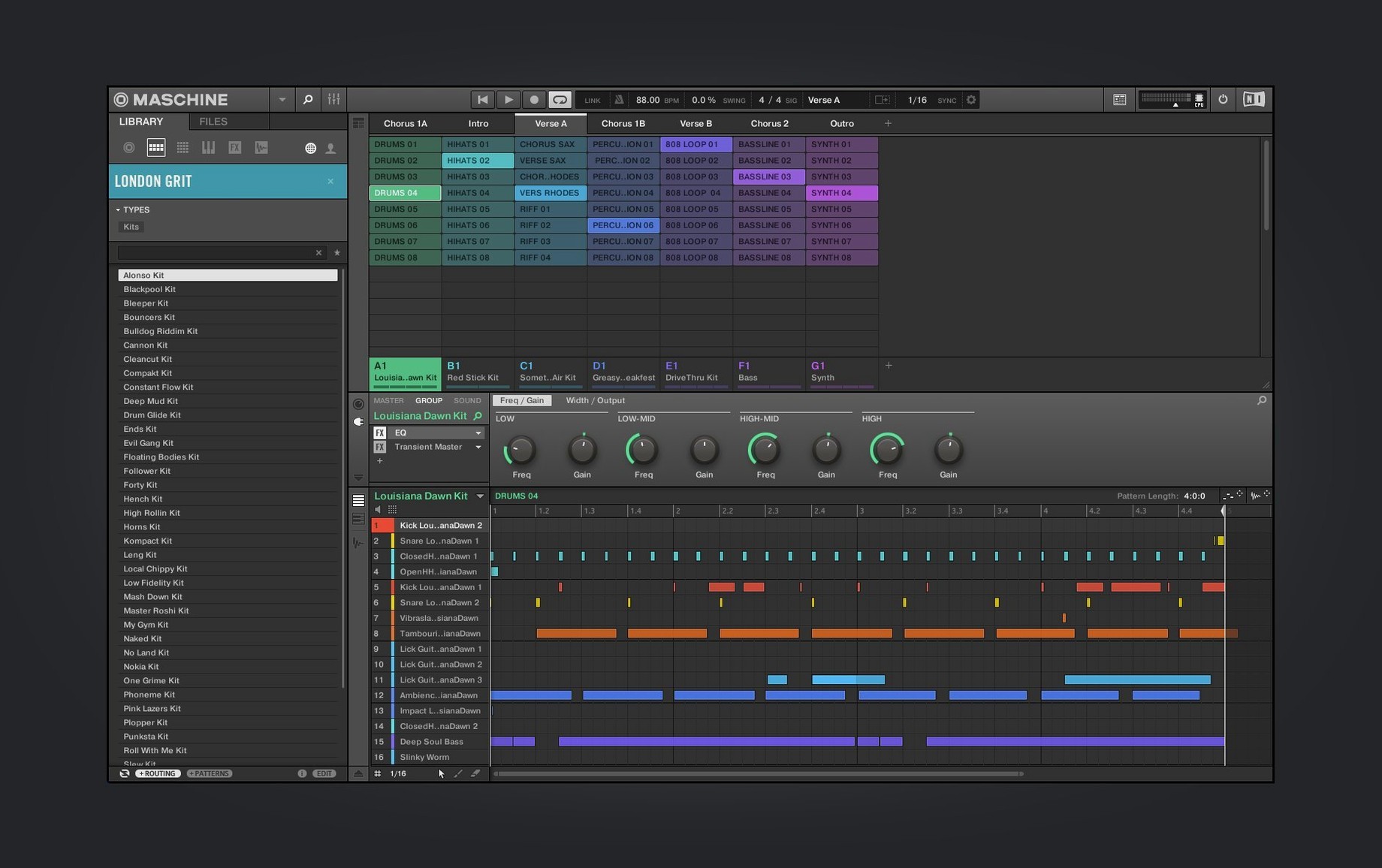
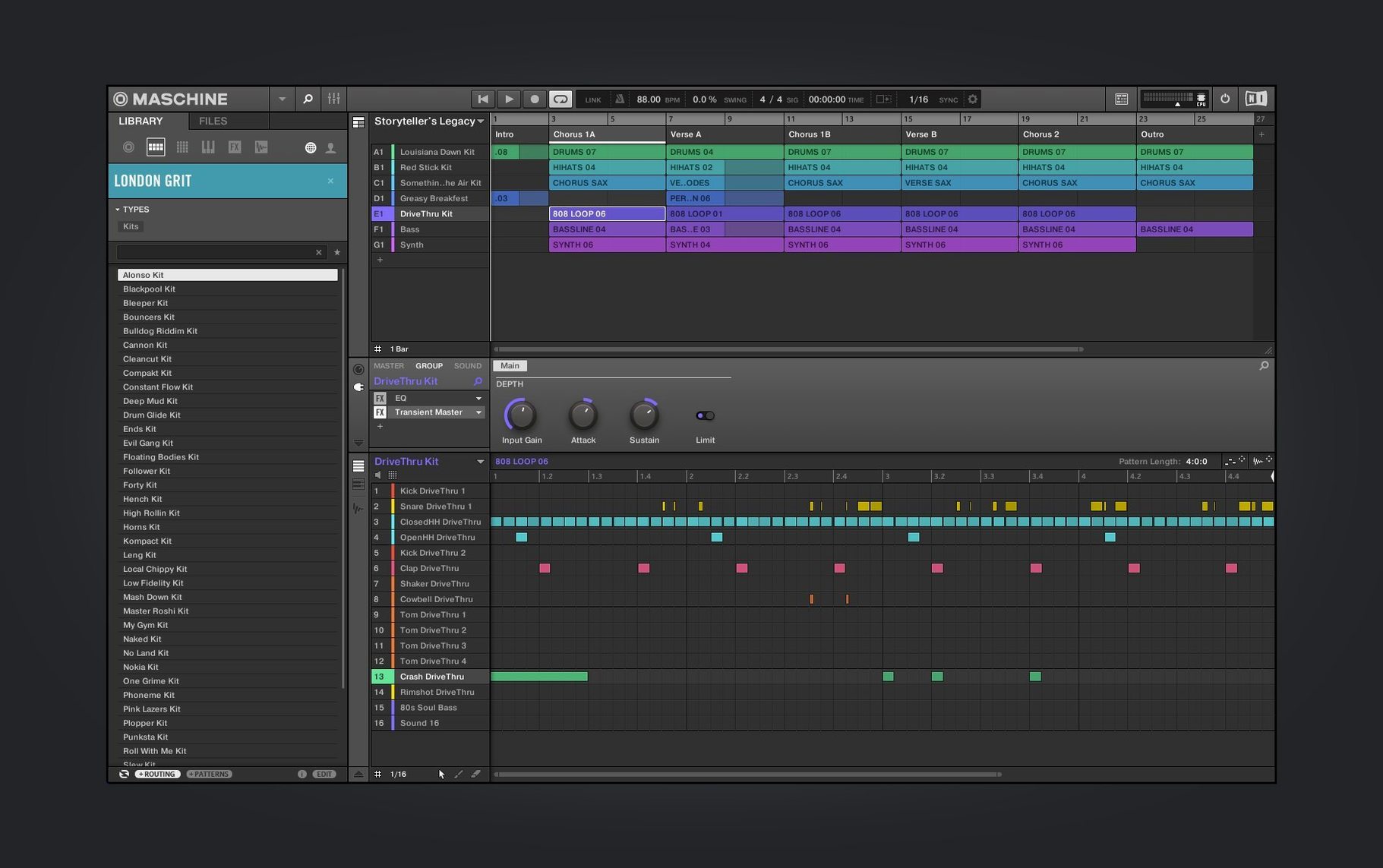
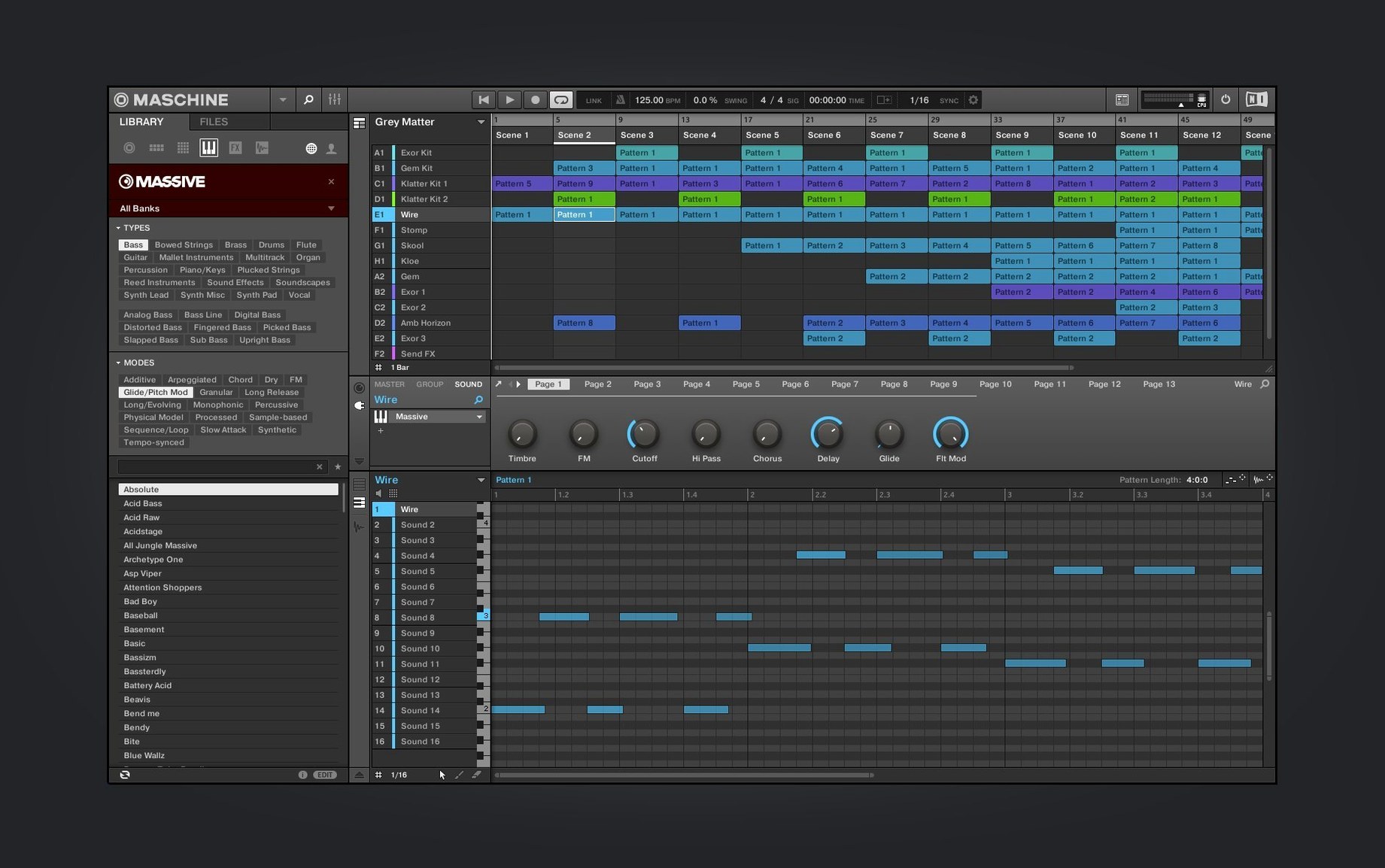
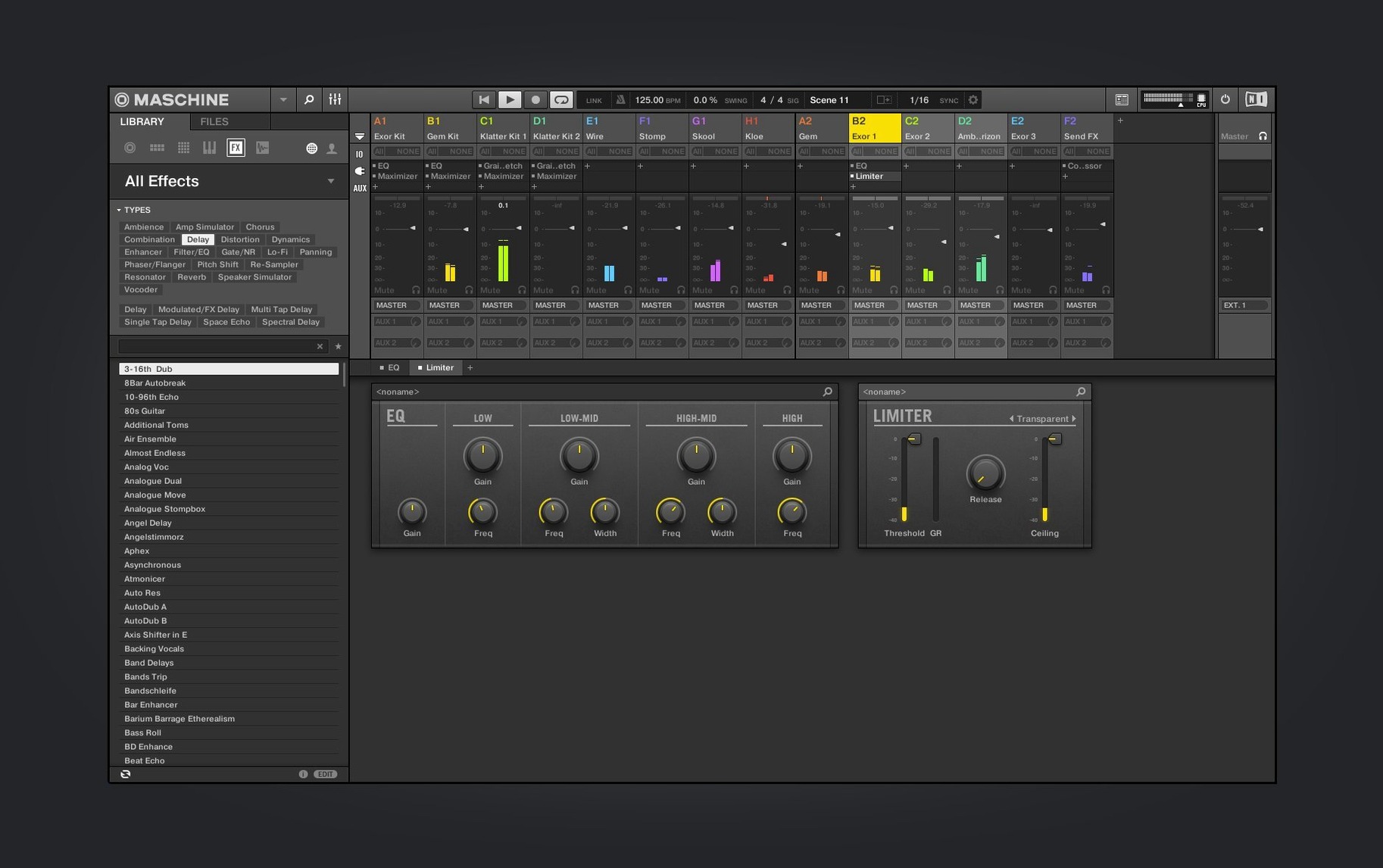
Scroll the row, it snaps to each screenshot. Click one to see it wider.
You want to make beats without fighting the software. Maschine gives you a pattern-based sequencer, a high-performance sampler, and effects in one package. Before you install, these are the three things people ask about most.
Checking hardware compatibility
Maschine 3.6.0 added NKS Connect support starting with the AKAI MPK mini IV. When using a compatible NKS Connect controller, activate NKS Mode within the program for automatic control mapping. Older Maschine hardware works as before.
Understanding the Mixer and modules
The Mixer view got another round of redesign in this version. The Audio, Poly Synth, and Drum Synth modules also have a redone UI. If you work with external audio or layered synths, these changes matter for your daily workflow.
Setting up on macOS
Maschine runs on both Intel and Apple Silicon Macs. Minimum system requirement is macOS 13. Install via the standard disk image mount and run the installer — no extra steps needed.
Welcome screen and first settings
When you launch Maschine for the first time, the new welcome screen shows demo projects and tutorial video links. It's worth spending a few minutes there if you are new to the workflow. After that, a handful of settings will save you time later.
Audio routing
Maschine includes a built-in audio interface. Open the Audio settings and confirm your input and output device match your studio setup. If you run Maschine as a plug-in inside a DAW, the audio routing shifts to the host — you only need to configure this when working standalone.
MIDI sync and controller setup
If you use an AKAI MPK mini IV or another NKS Connect compatible controller, activate the NKS Mode in the MIDI preferences. The software maps controls automatically. For other controllers, set up MIDI sync and note mapping before you load a project — doing it mid-session breaks the flow.
Template project
Maschine uses a pattern-based sequencer. Build a template with your default drum rack, one sampler channel, and a mixer preset. Save it as the startup template. Every new project then opens with your preferred routing and effects chain already in place.
macOS 13 and later, Intel and Apple Silicon
The software runs on macOS 13 and later. Both Intel and Apple Silicon Macs are supported — the same installer works on either architecture. The interface language is English. There are no extra downloads or compatibility layers needed.
Maschine operates as a standalone application or as a plug-in. The workflow and file structure are identical in both modes. Pattern data, sample maps, and mixer settings transfer between standalone and plug-in sessions without conversion steps.
Maschine as a plug-in in your DAW
Maschine integrates with other audio software through standard plug-in formats and audio routing. If you produce in a DAW, load Maschine as a plug-in on a track. The sampler, effects, and drum sequencer then run inside your host project. Pattern changes made inside Maschine update in real time.
The software supports AKAI MPK mini IV controllers via NKS Connect — one cable, no third-party MIDI mapping tools. For other hardware, macOS MIDI services handle the connection. No additional drivers are required for standard class-compliant controllers.
Sample-based composers can drag audio files from macOS Finder directly into Maschine's sampler or loop slicer. The same applies to exported patterns: drag a pattern clip from Maschine into a Finder folder for sharing or archiving. macOS native file management works end to end.
If you use multiple studio machines, Maschine projects saved on one Mac open on another with the same macOS version. Sample paths need manual relinking if the source drives differ, but pattern and mixer data transfer cleanly.
- Redesigned UI for Audio, Poly Synth, and Drum Synth modules.
- Continued Mixer view redesign work.
- Added NKS Connect support, starting with AKAI MPK mini IV.
- Added NKS Mode integration for compatible NKS Connect controllers.
- macOS 13 or later
- Intel or Apple Silicon
Questions I get about this line
Yes. Version 3.6.0 added NKS Connect support starting with the AKAI MPK mini IV, and NKS Mode integration for compatible NKS Connect controllers.
The install order
- Mount the downloaded disk image.
- Run the standard installation process.