
- Version
- 12.7.6 (21H1320)
- Developer
- Apple
- Languages
- Russian, English, German, Arabic, Hungarian, Vietnamese, Greek, Danish, Hebrew, Indonesian, Spanish, Italian, Catalan, Chinese (Traditional), Chinese (Simplified), Korean, Malay, Dutch, Norwegian, Polish, Portuguese, Romanian, Slovak, Thai, Turkish, Ukrainian, Finnish, French, Hindi, Croatian, Czech, Swedish, Japanese
- License type
- DRM-free
| Chip | Apple Silicon, Intel 64-bit |
|---|---|
| Download | 12.4 GB |
Screenshots
Click a screenshot to see it wider.
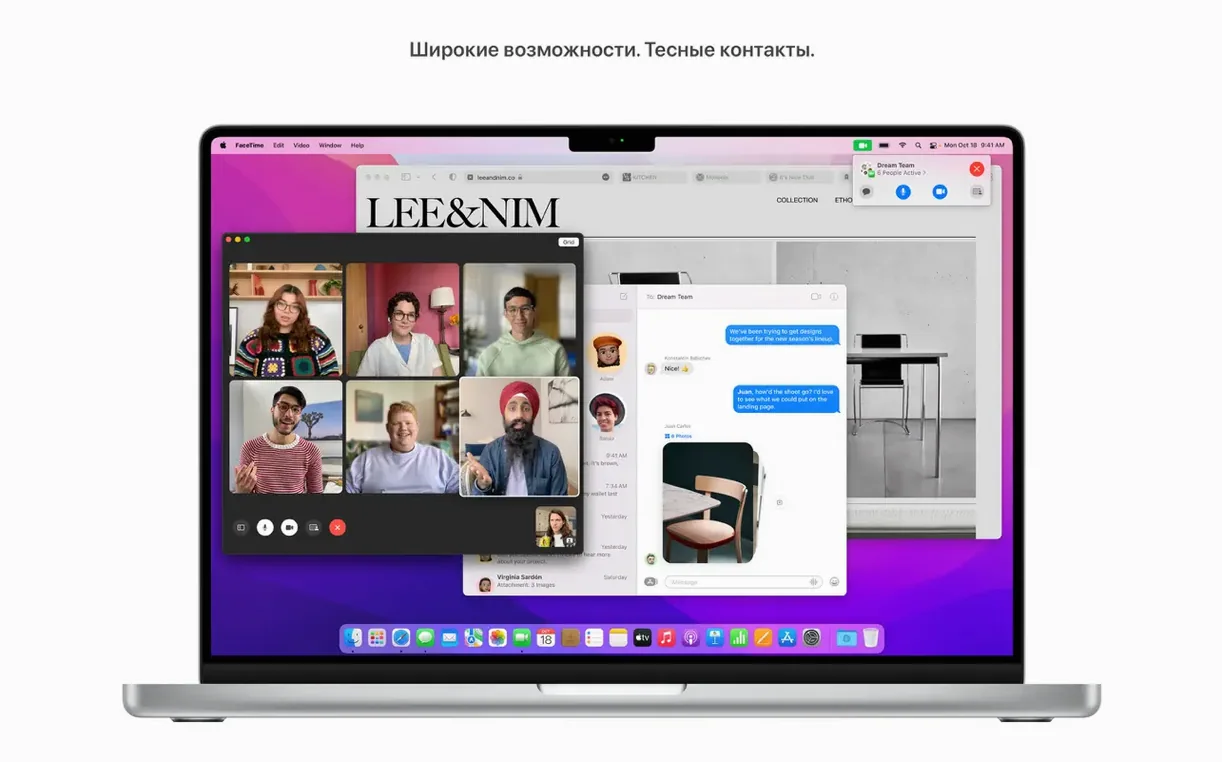
macOS Monterey is Apple’s desktop operating system update for Mac computers, focused on connectivity and everyday automation.
Quick Note and Live Text
- Quick Note from any app or website, with built-in Notes integration.
- Live Text for selecting and searching text in photos systemwide.
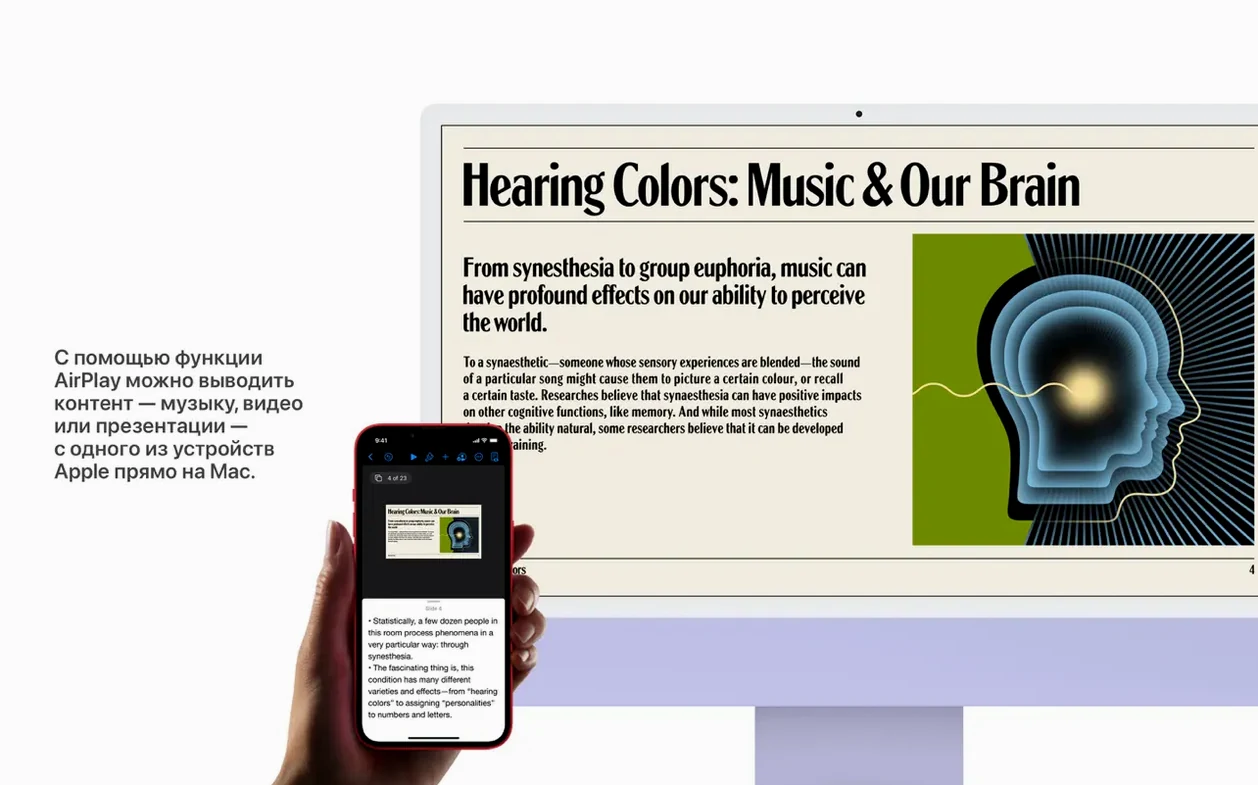
- AirPlay to Mac for streaming from iPhone or iPad directly to your Mac.
- AirPlay speakers for playing music through the Mac audio system.
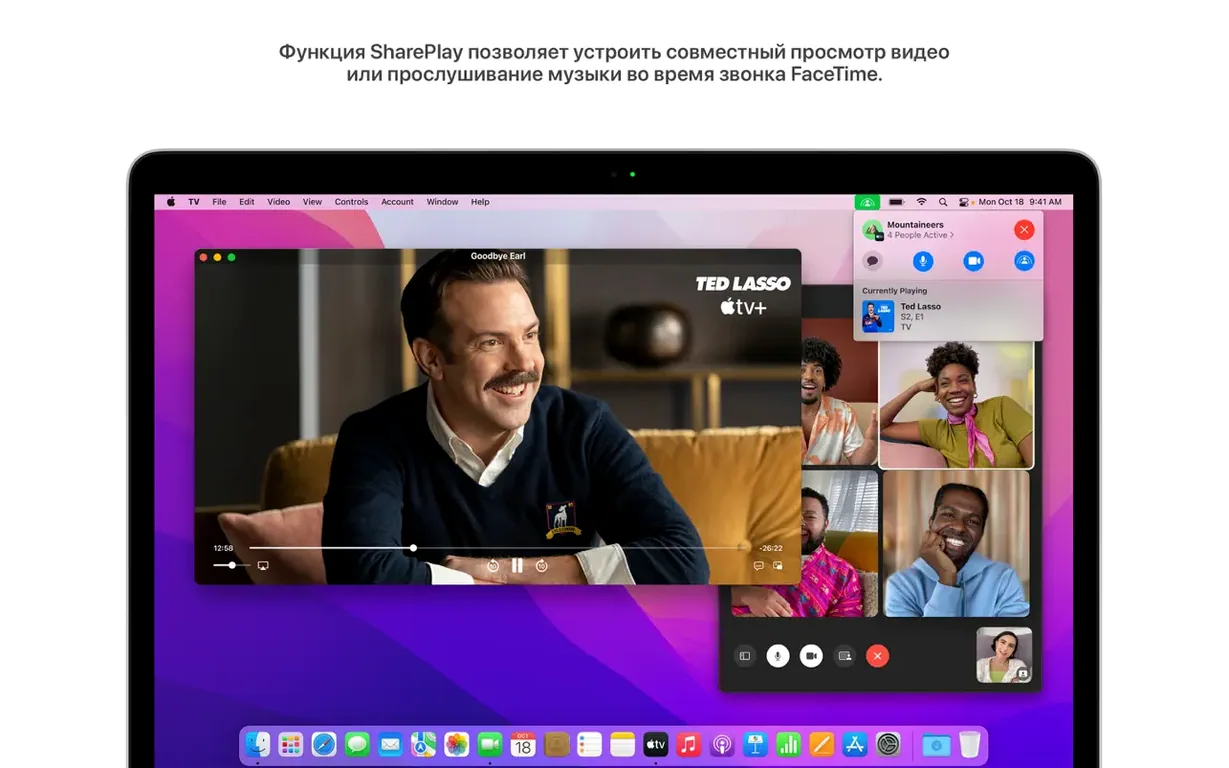
- Shared with You content in Photos, Safari, Podcasts, and Apple TV.
- Safari tab groups for organizing browsing sessions.
- Shortcuts for automating everyday tasks.
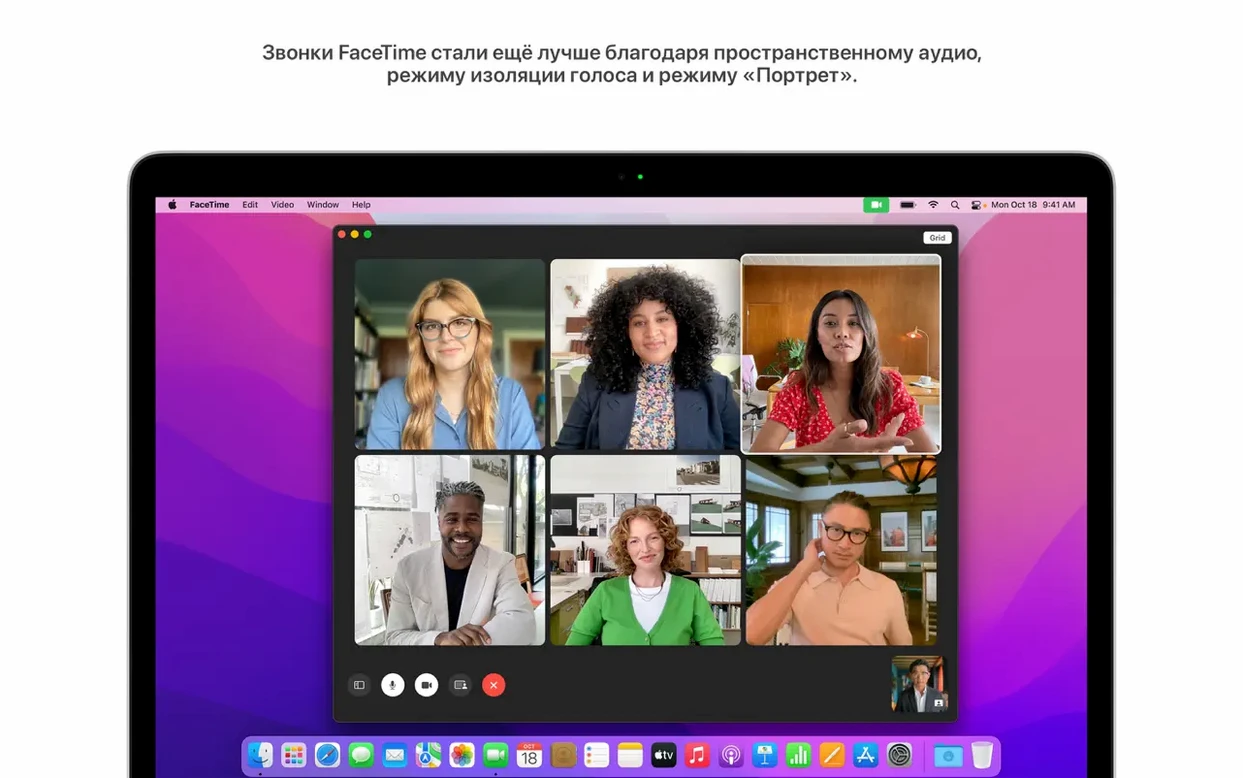
- Portrait mode on Macs with the M1 chip.
- Activity view to see recent contributors to a shared note.
iCloud Private Relay Beta and Security Fixes
- iCloud Private Relay is included as a beta feature.
- The current version, 12.7.6, provides important security fixes.
Shortcuts Replaces Automator
Shortcuts in macOS Monterey replaces Automator workflows for many automation tasks. You can build custom sequences that trigger actions across apps like Mail, Calendar, Photos, and Safari. Since Shortcuts is built into the OS, no separate download is needed.
Shared with You surfaces content from messages and other communication inside supported apps. Photos, Safari, Podcasts, and Apple TV all check for links and files people have sent you, so you don't have to dig through chat logs to find them. The system pulls these together in one place per app.
AirPlay to Mac works both ways. You can stream from an iPhone or iPad to your Mac, and you can also send audio from the Mac to AirPlay-compatible speakers. That makes it useful for playing music through a better sound system without plugging in cables.
Focus Mode and Recording Indicator
- Focus: filters notifications based on your current activity. Turn it on in System Preferences and choose which apps can interrupt you during work sessions.
- Privacy: the recording indicator in Control Center shows when an app is using the microphone. You can also configure which apps have permission in the Privacy section of System Preferences.
- Mail privacy protection: enables remote content blocking by default. Check that it is active in Mail preferences if you want to avoid tracking pixels in emails.
- iCloud Private Relay: a beta feature that masks your email address when signing up for services. Enable it in iCloud settings if you need an alias for sign-ups.
Safari Tab Groups and Quick Note Tags
- Tab groups in Safari let you save a set of open tabs and sync them across devices. The compact tab bar option reduces tab width when you have many tabs open.
- Quick Notes can be tagged for organization. After creating a note from any app, add a tag in the Notes sidebar to group related notes together.
- Mentions in shared notes notify other participants when you type their name. This works across devices signed into the same Apple ID.
- FaceTime spatial audio makes calls sound more natural by placing audio in a virtual space. Voice Isolation blocks background noise, while Wide Spectrum keeps surrounding sound in the call. Both are toggle options in FaceTime during a call.
- Live Text works systemwide. Any photo with text becomes searchable in apps like Photos and Finder, so you can locate images by searching for words that appear in them.
- Important security fixes.
- macOS 10.9 or later
- Intel or Apple Silicon
- 12.1 GB of available storage
- Interface languages: English, Russian, German, Arabic, and more
Questions I get about this line
Yes, macOS Monterey runs on both Intel and Apple Silicon Macs, though some features like Portrait mode require the M1 chip.
The install order
- Use the PKG package to update the system from your current macOS install.
- Use the PKG package to create a bootable installer for a clean installation via Terminal.
- Use the IPSW file to restore or perform a clean installation through Apple Configurator.
- Use the IPSW file to roll back the system version or fix serious failures.