Free download (128 MB) Previous versions
- Version
- 3.13.4
- Developer
- Readdle Inc.
- Languages
- Russian, English, German, Spanish, Italian, Chinese (Simplified), Portuguese, Ukrainian, French, Japanese
- License type
- Not required
| macOS range | macOS 12 or later |
|---|---|
| Chip | Apple Silicon, Intel 64-bit |
| Download | 128 MB |
| Previous versions | 12 on file |
Screenshots
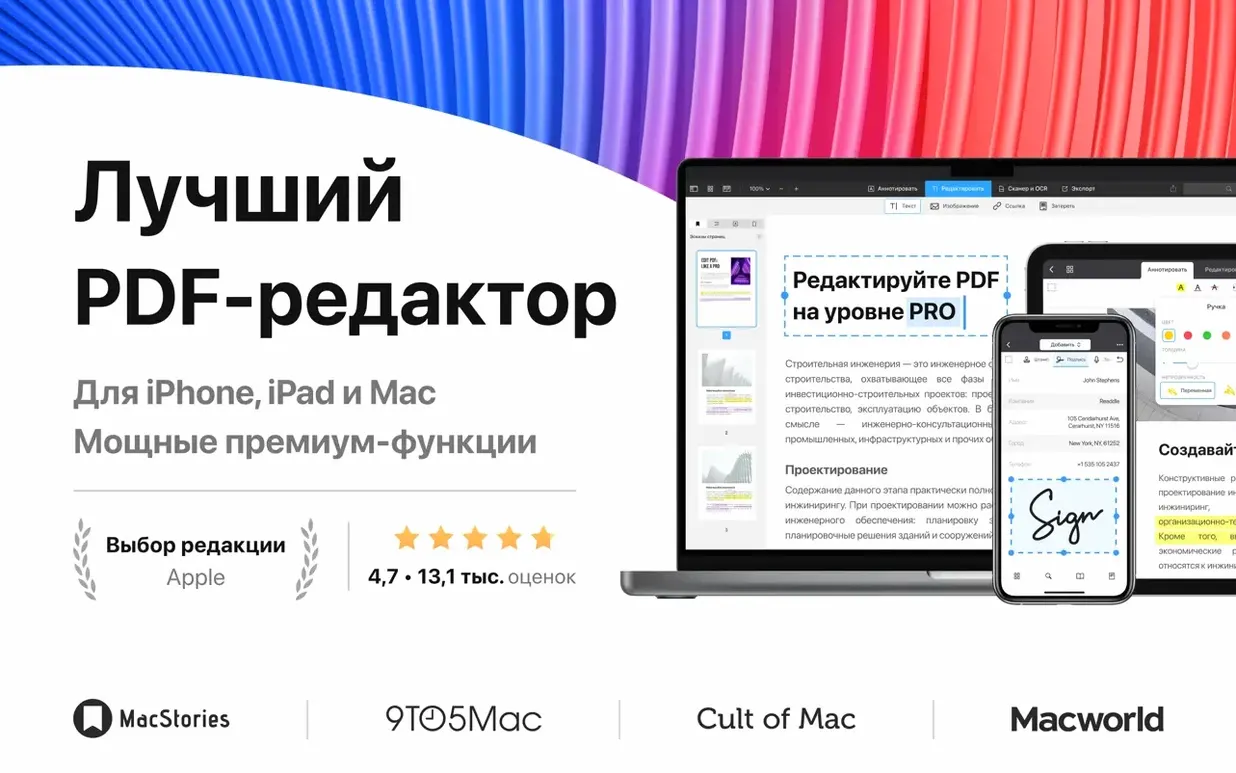
Scroll the row, it snaps to each screenshot. Click one to see it wider.
Anyone who works with PDFs daily – IT staff, office managers, or students – uses a solid editor. PDF Expert for Mac free download (version 3.11.1) is the current release from Readdle. It keeps the same reliable toolset: fill forms, add links, set passwords, merge documents, and create a table of contents. No new features this round, just a stable build that runs on both Apple Silicon and Intel Macs under macOS 12 or later.
Does PDF Expert work on Apple Silicon Macs?
Yes. It runs natively on Apple Silicon (M1, M2, and later) and Intel Macs.
Can I edit forms and add security?
Yes. You can fill out PDF forms, add clickable links, and set a password to protect sensitive documents.
Save time editing contracts and forms
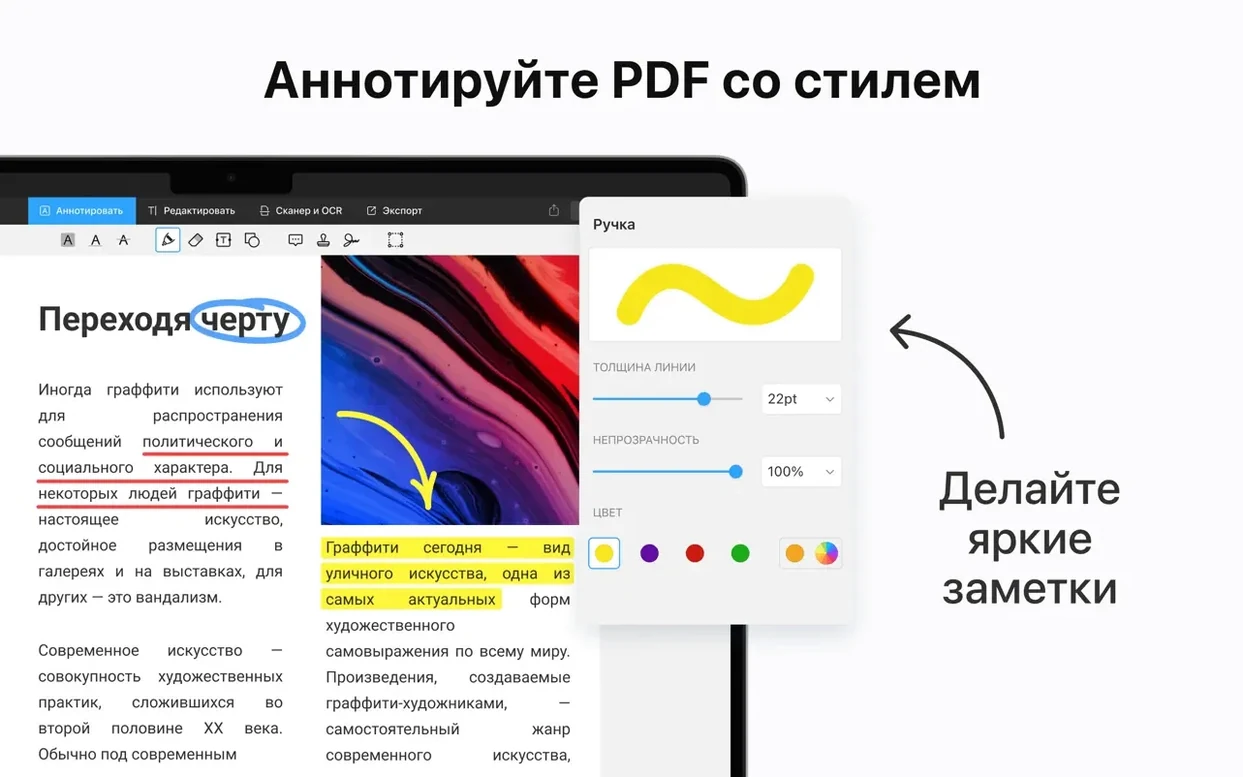
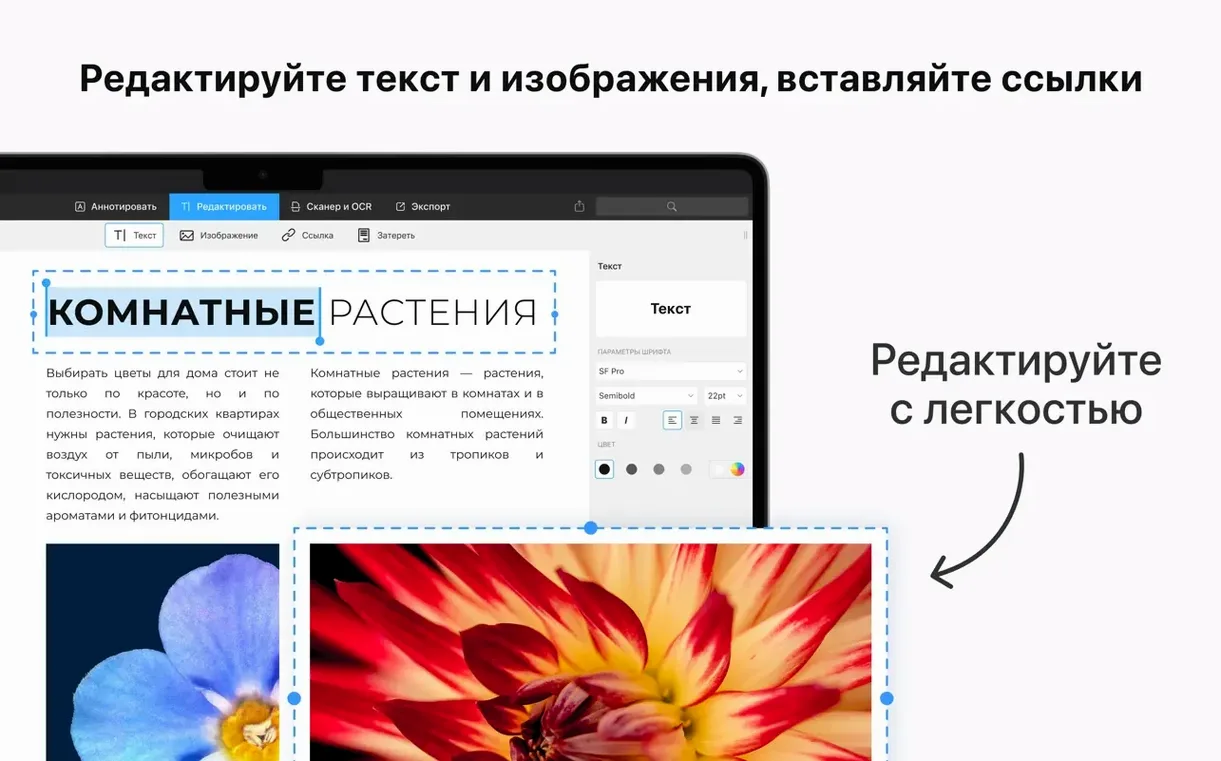
Office workers who handle contracts, onboarding packets, or vendor forms save time with PDF Expert. The ability to edit text and images directly in a PDF means you don't need to go back to the source file, make changes, and re-export. For IT staff managing documentation or internal guides, the table of contents feature turns a long, flat PDF into something navigable. Students and researchers who annotate articles or lecture slides will use the annotation tools heavily. Anyone who signs documents regularly will appreciate the saved signature feature. When you sign the same form every quarter, one tap places your signature where it belongs.
Auto-create table of contents after merge
Several features in PDF Expert do not get mentioned often but matter in daily use.
- Create a table of contents. If you merge several documents into one PDF, the result can be hard to scroll through. PDF Expert can generate a clickable table of contents so you jump between sections without guessing the page number.
- Add links. You can insert hyperlinks into a PDF. Handy for internal documents that reference a web resource or an email address.
- Set passwords. Protect an entire document or restrict editing. Useful when sharing drafts with clients or colleagues who should only read the file.
- Save signatures. After signing a form once, PDF Expert stores the signature. Next time you fill a form, you select it from a list instead of drawing it again.
None of these are hidden, but they do not appear in the basic read-and-annotate workflow. Each one eliminates a small friction point you might not think about until you need it.
Runs on macOS 12+ with no plugins
PDF Expert requires macOS 12 or later. It runs on both Apple Silicon Macs and Intel Macs. The app occupies a reasonable amount of disk space, typical of a full-featured PDF editor. No additional runtime or plugin is needed. On first launch, a sign-in screen may appear. Close it if you do not need to register or activate; the app will activate automatically on the next launch. The interface uses standard macOS menus and trackpad gestures. There is no special setup beyond dragging the app into the Applications folder from the disk image.
Open from Finder and convert Word files
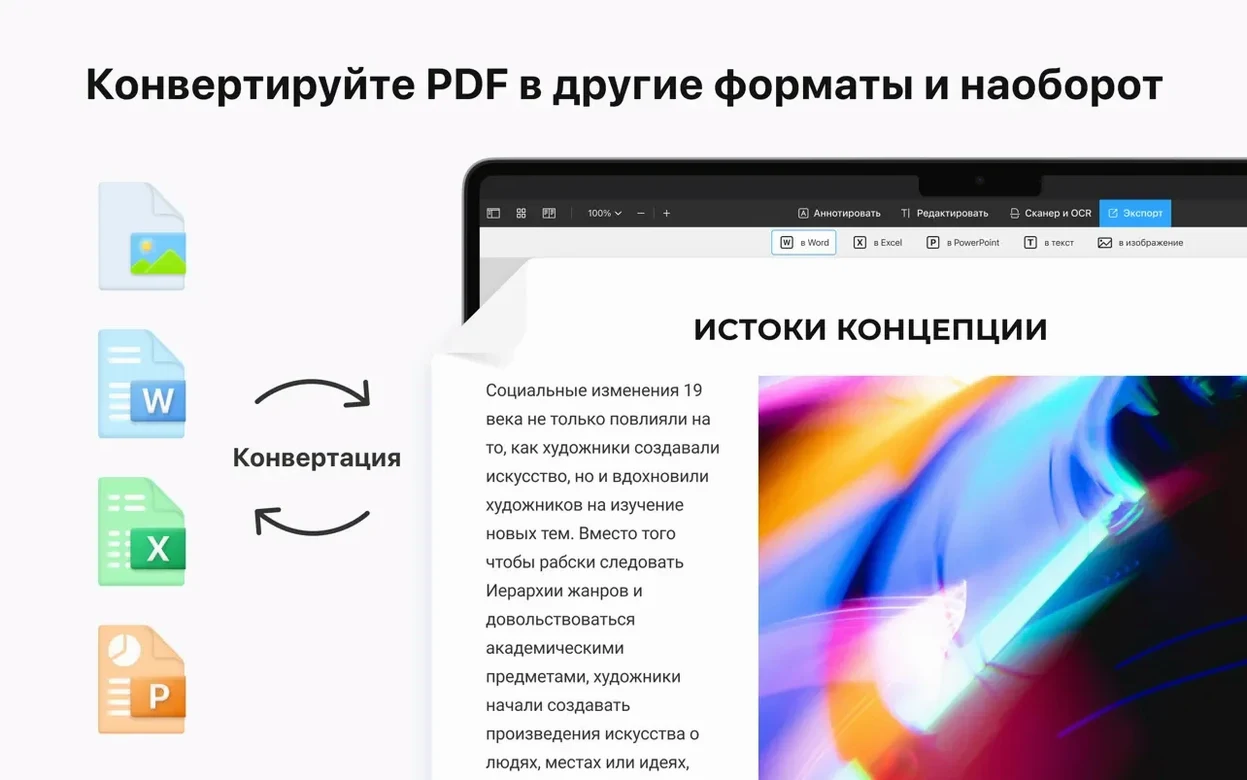
PDF Expert works as a complement to macOS file handling. You can right-click any PDF in Finder and open it directly with PDF Expert. When you receive a Word, Pages, or Docs file, the app converts it to PDF without needing another application. The Handoff feature links your Mac, iPhone, iPad, and even a Vision Pro if you use one. Start marking up a PDF on your Mac, then continue on an iPad during a meeting. The app also plays well with standard macOS sharing: send a signed PDF via email or upload it to a cloud service directly from the app. If you work in a multilingual office, the interface supports ten languages including Spanish, French, Japanese, and Ukrainian. The same install covers all languages. Change it in Preferences without downloading a separate language pack.
PDF Expert for Mac free download (version 3.11.1) is a practical addition to any Mac that handles PDFs regularly. It does not replace your document editor, but it removes the need to open a second application just to fill a form or add a signature.
Yes. Handoff support lets you start on a Mac and pick up on an iPhone or iPad.
- macOS 12 or later
- Apple Silicon or Intel processor
- No activation required
Questions I get about this line
Yes. It runs natively on Apple Silicon (M1, M2, and later) and Intel Macs.
Yes. You can fill out PDF forms, add clickable links, and set a password to protect sensitive documents.
Yes. Handoff support lets you start on a Mac and pick up on an iPhone or iPad.
The install order
- Open the downloaded disk image.
- Drag the app to the Applications folder shortcut.
- Launch the app from Launchpad after copying finishes.
- On first launch, close the sign-in screen if it appears; it will activate automatically on the next launch.