Free download (326 MB) Previous versions
- Version
- 6.5.0
- Developer
- PDF Technologies
- Languages
- Russian, English, German, Spanish, Italian, Chinese (Traditional), Chinese (Simplified), Dutch, Polish, French, Japanese
- License type
- K'ed by TNT team
| macOS range | macOS 11 or later |
|---|---|
| Chip | Apple Silicon, Intel 64-bit |
| Download | 326 MB |
| Previous versions | 5 on file |
Screenshots
Scroll the row, it snaps to each screenshot. Click one to see it wider.
The Presentation Mode is the first thing you notice. It turns a PDF into a full-screen slide deck, which is handy for walking a clinic manager through a new policy document without switching apps. But that is just one job this editor does.
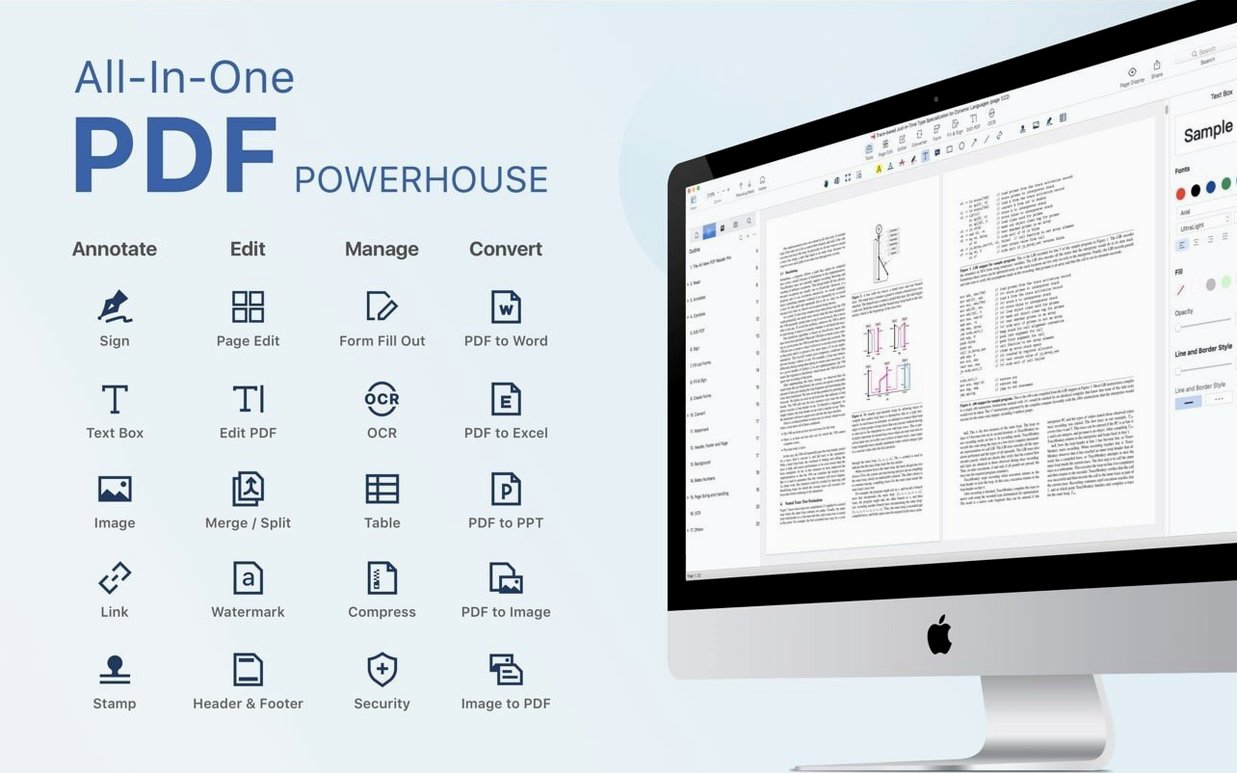
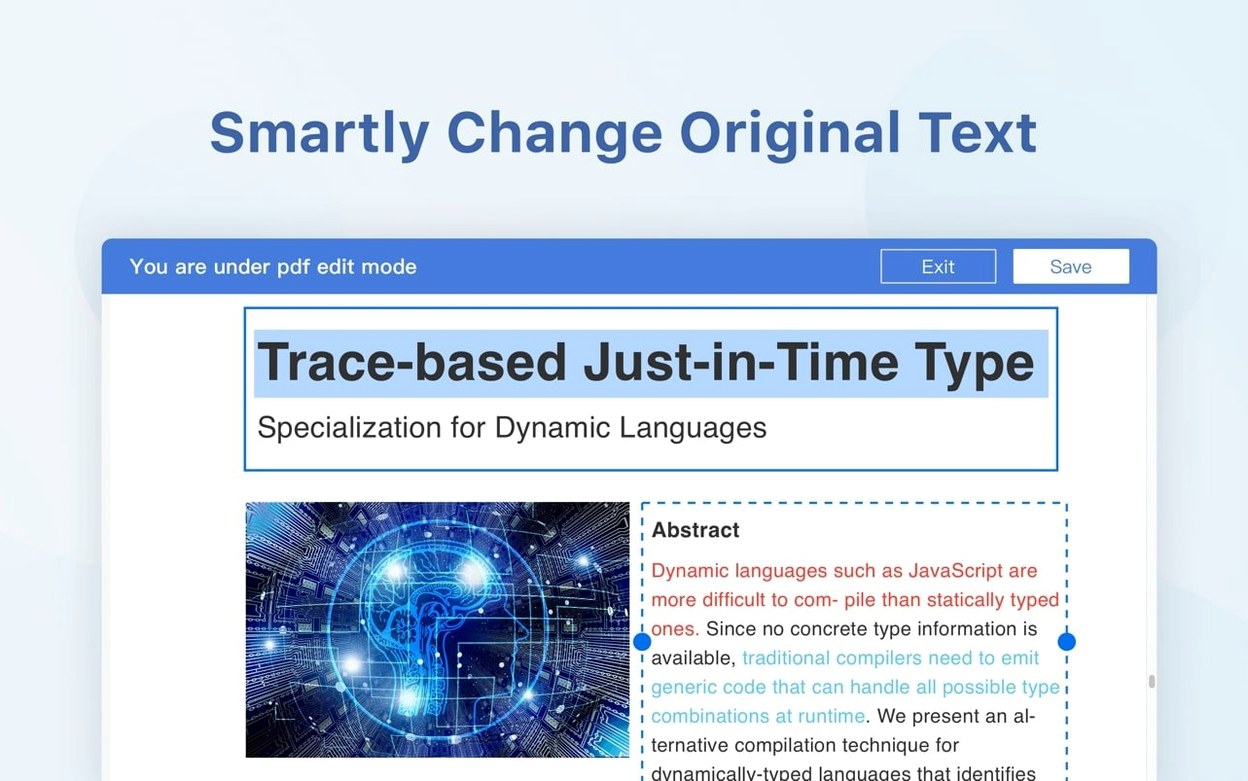
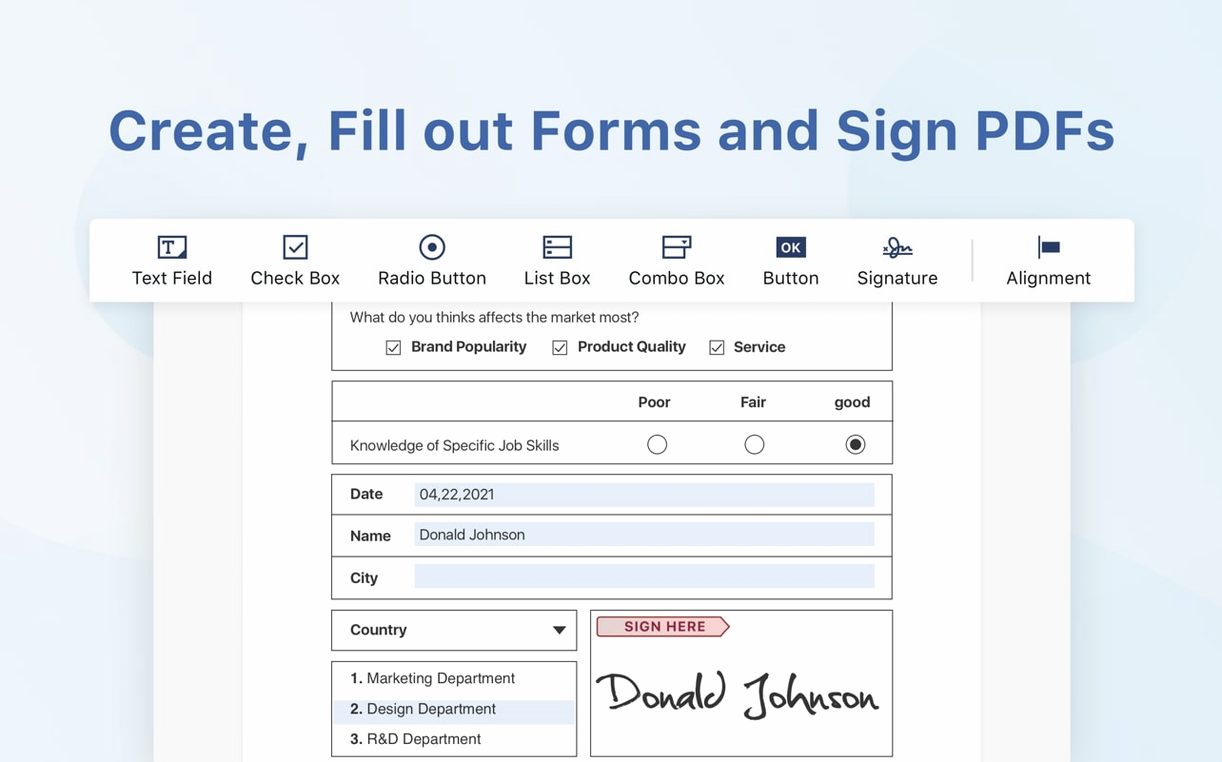
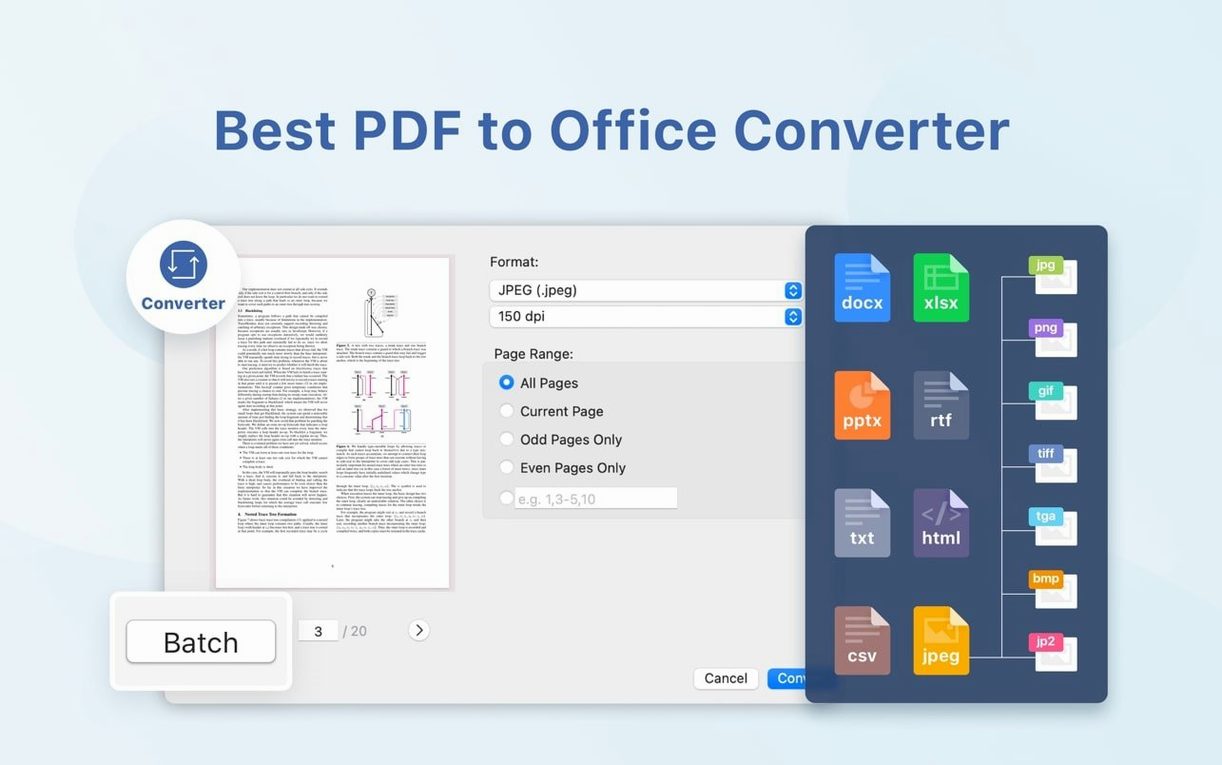
PDF Reader Pro is an AI-powered PDF editor for Mac. It covers the basics—annotating, filling forms, digital signing—and goes further with text recognition and document conversion. You can export pages to Word, PowerPoint, Excel, RTF, HTML, text, images, or CSV. That range makes it a practical pick for users who want one tool for reading and reworking documents.
Annotate and sign contracts without printing
- Annotating and marking up contracts or manuals.
- Filling and signing forms without printing.
- Converting PDFs to Office formats or images.
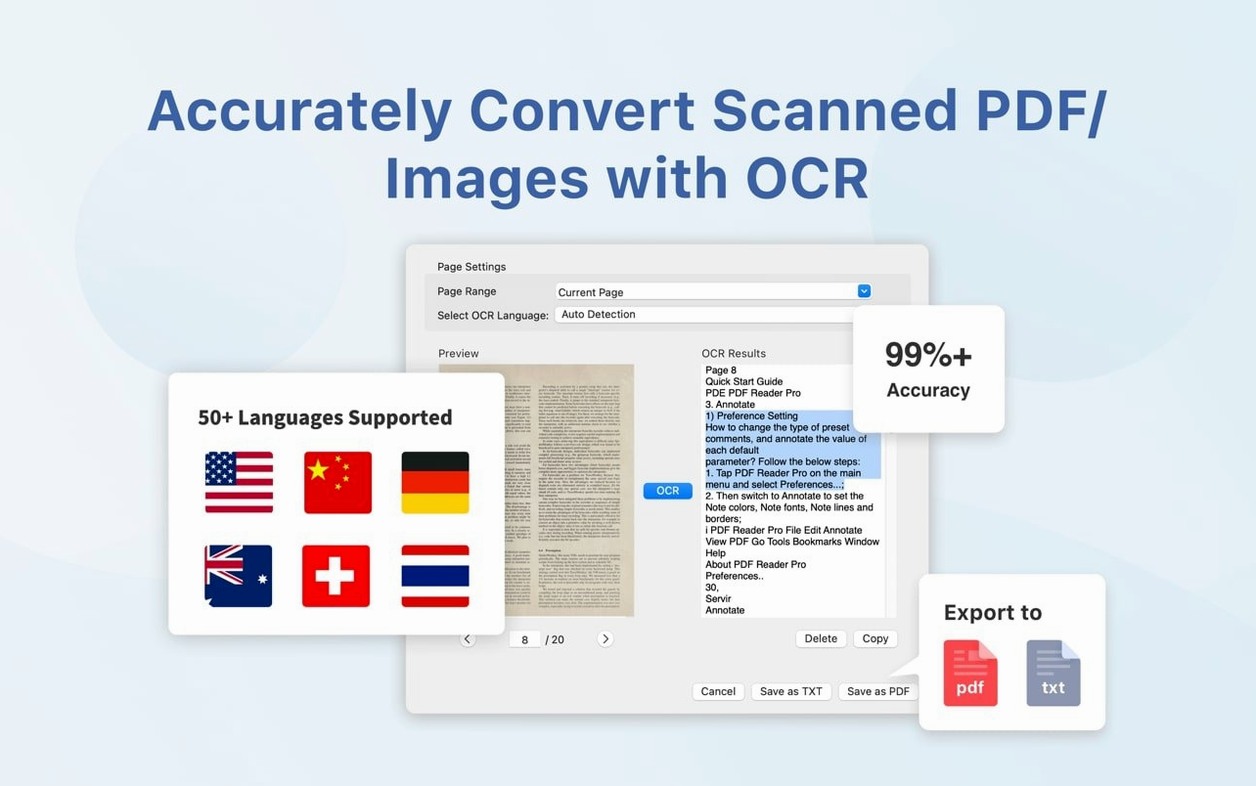
- Running OCR on scanned documents, with improved recognition since version 5.3.0.
- Presenting PDFs directly from the app.
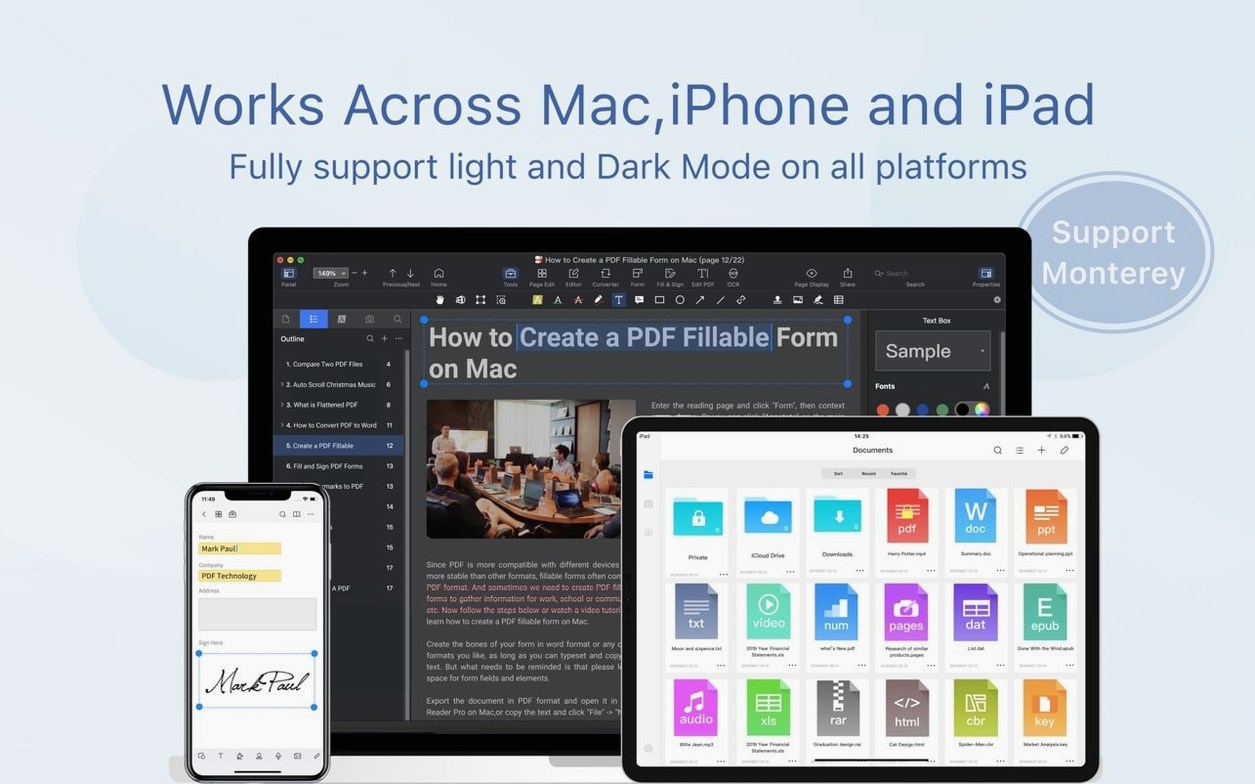
Requires macOS 11 or later, runs on Intel and Apple Silicon
- Requires macOS 11 or later; runs on both Intel and Apple Silicon.
- Interface available in 11 languages, including English, German, Spanish, and Japanese.
- OCR and conversion got a boost in the 5.3.0 update, so current builds are worth grabbing.
Set up the toolbar and remove unused annotation tools
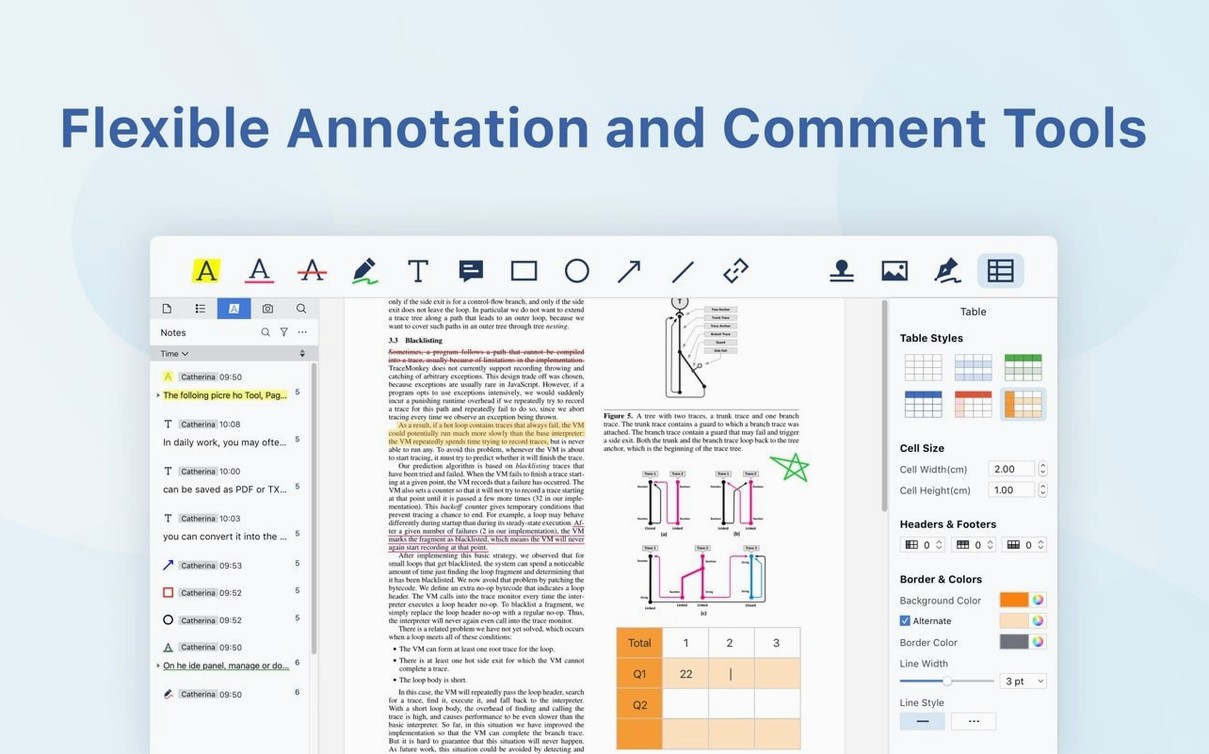
After you install PDF Reader Pro, spend a few minutes setting up the toolbar. The app puts most annotation tools in one strip, so you can remove items you never use and keep highlighters, sticky notes, and drawing tools front and center. The layout sticks between sessions.
Run OCR on a test scan first. A single-page document with clear text will confirm the recognition quality before you depend on it for a stack of files. The 5.3.0 improvements mean better accuracy on older scans, but every source is different.
Sync with Dropbox early if you plan to use it. Link your account from the preferences panel, then open a file from your cloud folder to confirm the sync path works. That saves you from hunting for files later.
Bookmark a long document on your first session. The bookmark tool lives in the navigation pane, and you can name each marker. It makes revisiting sections faster than scrolling through pages.
Set your default export format in the preferences before converting anything. If you send most documents to Word, pick that once and skip the format dialog on every export.
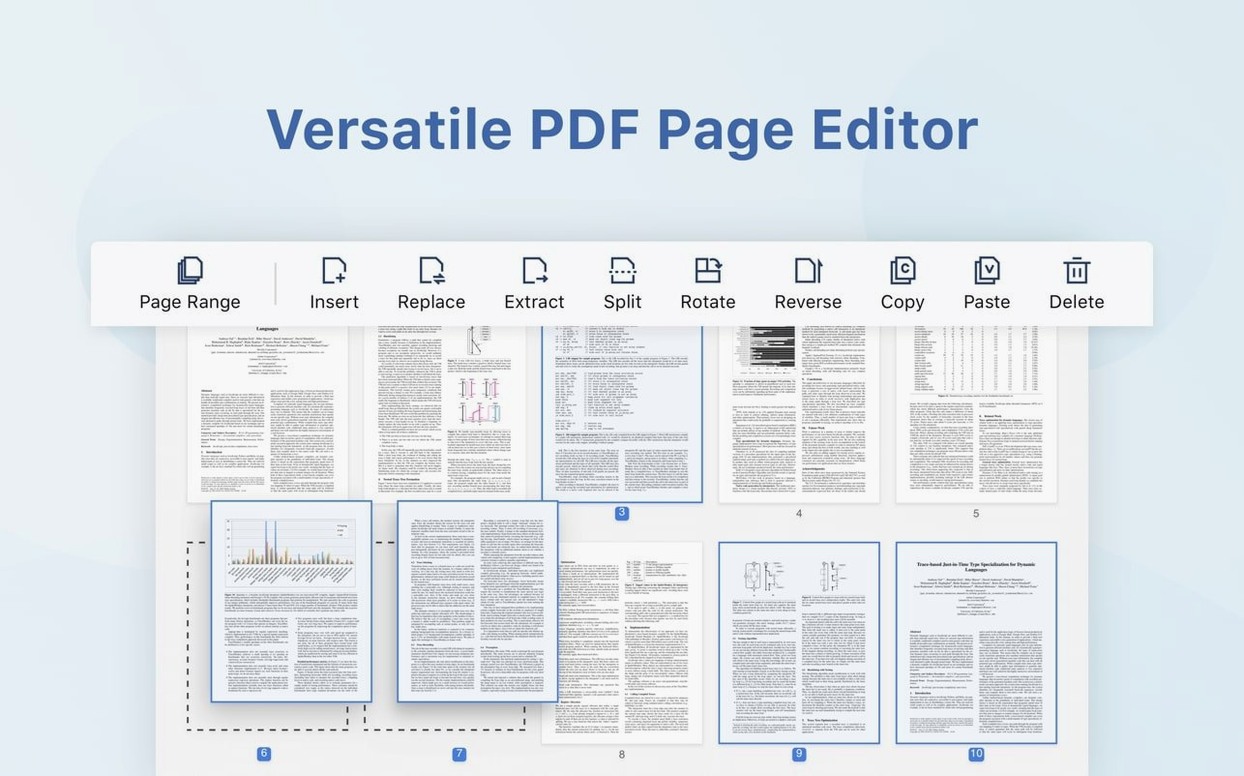
Open a 30-page contract, add notes via thumbnails panel
You open a 30-page vendor contract that arrived as a PDF. The app loads the file and you flip through pages using the thumbnails panel on the left. Page 4 has a clause that needs a note.
You click the sticky note tool, place it next to the paragraph, and type your question. The note icon stays small, so the page layout is still readable. On page 8 you use the highlighter in yellow on three lines, then add a simple text box with the word "revised" above them.
The contract has a signature block on the last page. You click the Fill & Sign tool, place a signature field, and draw your signature with the trackpad. The app saves the signature for later use, so the next document takes even less time.
You export two pages to Word for the legal team. Select the pages in the thumbnail panel, choose Export, pick Word format, and the app converts them in a few seconds. The text comes through clean, though complex tables may need minor adjustment afterward.
Before closing, you save a bookmarked copy with a new filename so the original stays untouched. The whole session is straightforward with no file format juggling.
Real-world scenario: a legal secretary
A legal secretary at a mid-size firm handles discovery documents every morning. She gets a batch of scanned PDFs from the court reporter, runs OCR on the whole set in PDF Reader Pro, then merges them into one file using the Combine tool. She adds bookmarks for each exhibit letter, fills in the case number on the cover form, and signs the certificate of service digitally. The export goes to Word so the attorney can insert their own notes. The whole workflow stays inside the same app, and she does not open a separate scanner or converter program.
- macOS 11 or later
- Intel or Apple Silicon
The install order
- Mount the disk image.
- Run Open Gatekeeper friendly from the mounted volume.
- Press Enter in Terminal to bypass Gatekeeper.
- Drag the app into the Applications folder.
- Launch it from Applications.