Free download (807 MB) Previous versions
- Version
- 12.1.28 (OCR)
- Developer
- Wondershare Technology
- Languages
- Russian, English, German, Arabic, Spanish, Italian, Chinese (Simplified), Dutch, Portuguese, French, Japanese
- License type
- K'ed by TNT team
| macOS range | macOS 11 or later |
|---|---|
| Chip | Intel 64-bit |
| Download | 807 MB |
| Previous versions | 9 on file |
Screenshots
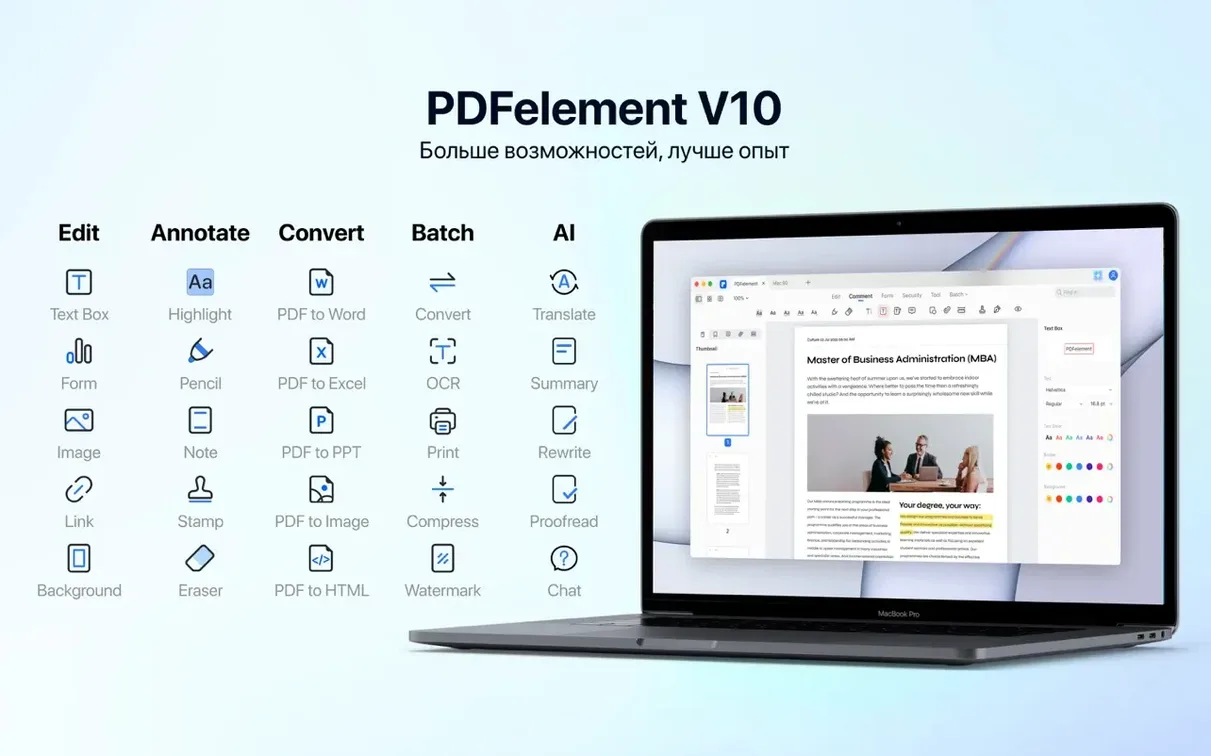
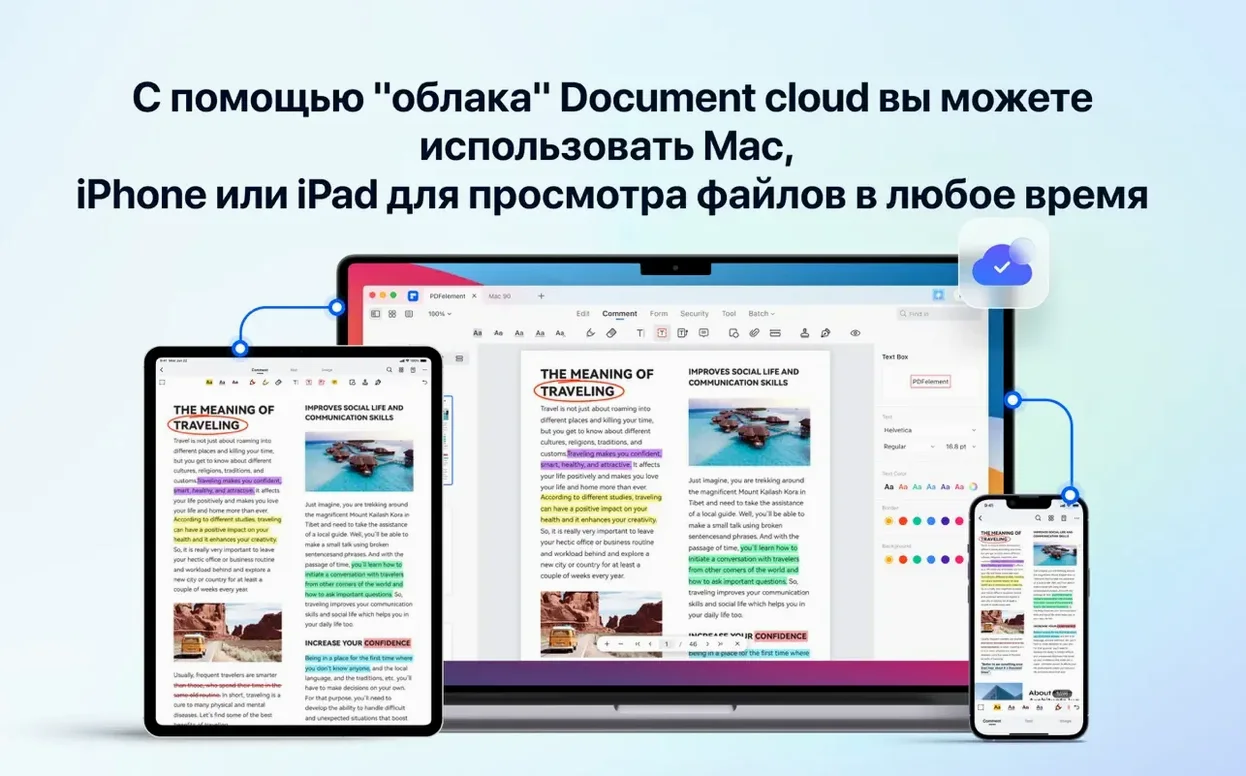
Scroll the row, it snaps to each screenshot. Click one to see it wider.
Version 12.1.28 of PDFelement Pro brings OCR directly into the build, so text recognition is no longer an add-on. That matters when you work with scanned contracts or old PDFs that need searchable text.
OCR — Converts scanned pages into editable, searchable text. Supports 29 languages.
PDF/A output — Exports documents to the archival format for long-term storage and compliance.
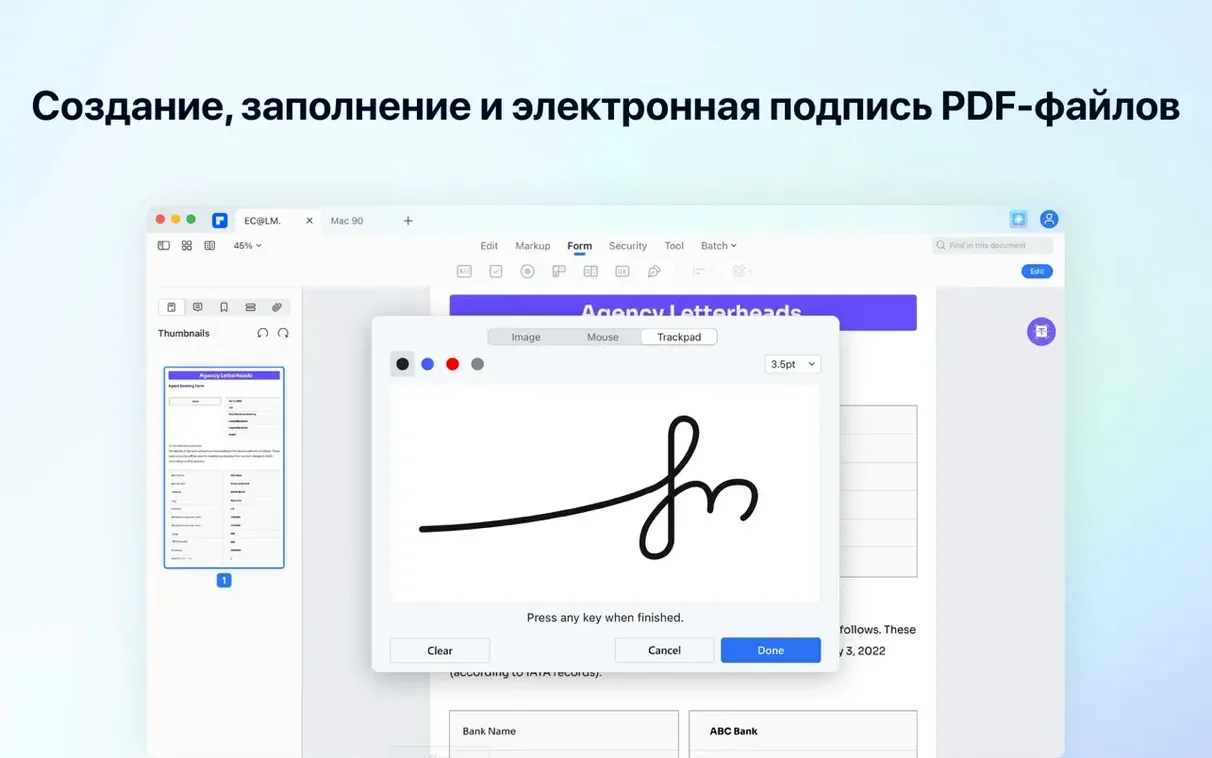
Fillable form creation — Builds interactive forms with buttons, checkboxes, radio buttons, and drop-down lists.
Bates numbering — Applies sequential numbers for legal and document review workflows.
Batch operations — Processes multiple files at once, saving time on repetitive tasks.
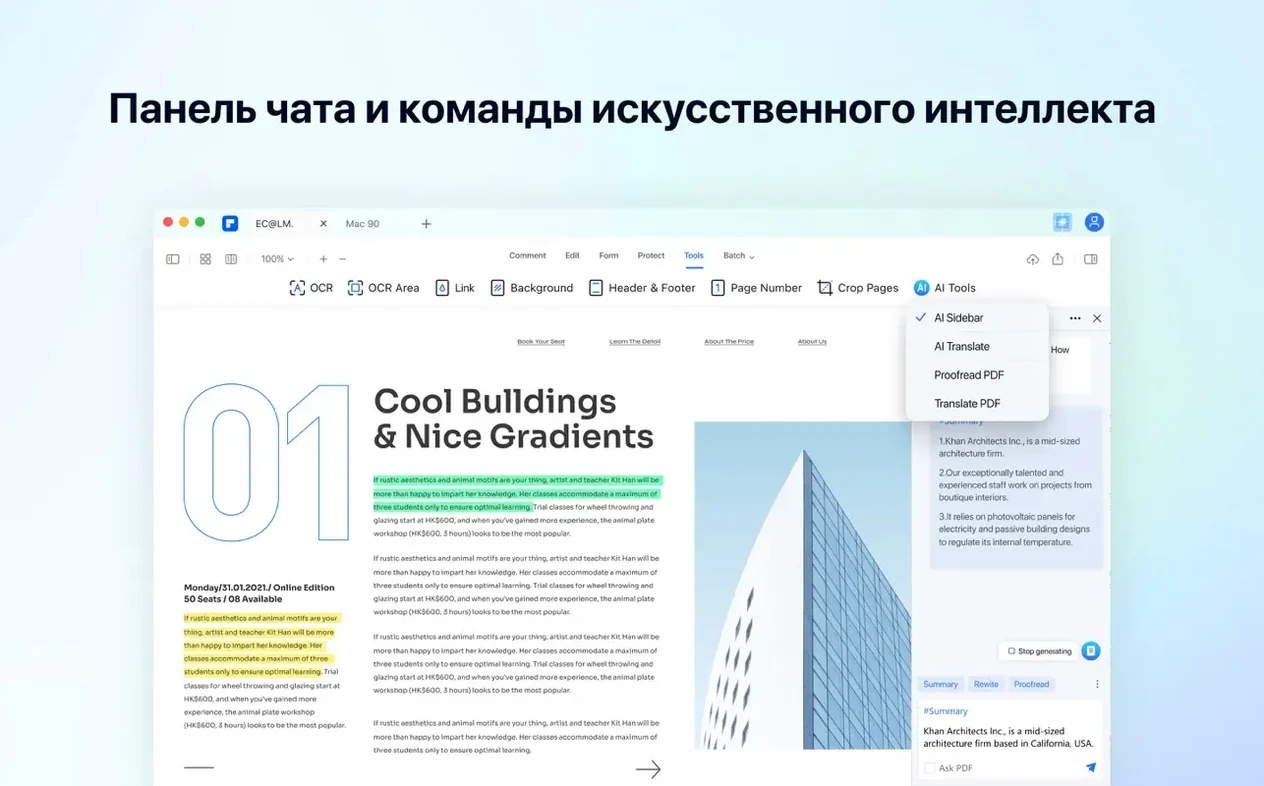
AI tools — Built-in assistance for reading, summarizing, and translating documents.
PDFelement Pro runs on macOS 11 and later, including Intel Macs. It's a practical choice for IT pros who need more than a basic PDF viewer.
Workflow: Creating a Fillable Form from a Scanned Document
Here is a common task you might handle with PDFelement Pro: turning a printed paper form into a fillable PDF. Start with a scanned PDF of the original form. Open it in PDFelement Pro.
First, run OCR on the scanned document. The 12.1.28 build has OCR built in, so you do not need a separate plugin. Select the OCR tool, choose English (or one of the other 28 languages if the form is in another language), and let it process. The result is a searchable, selectable PDF.
Next, create the fillable fields. Use the form creation tools to add interactive fields over the scanned image. Add a text field for a name, a checkbox for an agreement, radio buttons for a yes/no choice, and a drop-down list for a menu selection. The fields snap to the layout. You can resize and position them to match the printed form.
Then, add a digital signature field. Place it where the user signs. PDFelement Pro supports digital signatures, so the recipient can sign directly in the PDF.
Finally, save the form. If you need to archive the form, use PDF/A output for long-term storage. The form stays fillable but complies with archival standards.
This workflow covers scanning, OCR, form creation, signature placement, and archiving in one application. No need to switch between separate tools.
Batch OCR and Conversion in One Go
PDFelement Pro includes several features that are easy to overlook but save time in daily use.
- Batch processing — You can apply OCR, conversion, or other operations to multiple PDFs at once. Select a folder of scanned documents, run batch OCR, and get searchable PDFs in one pass.
- Redaction — Permanently remove sensitive text or images from a PDF. Useful for sharing documents that contain confidential information. The redaction is irreversible, so check your selections before applying.
- Bates numbering — Add sequential numbers to pages for legal discovery or document review. You can set the prefix, start number, and placement. It applies to the whole document or selected pages.
- AI tools — The built-in AI can summarize a long PDF, translate sections, or answer questions about the content. This is not a replacement for careful reading, but it helps when you need a quick overview of a dense contract.
Positioned Between Adobe Acrobat and Lighter Editors
PDFelement Pro sits in the middle of the Mac PDF editor market. Here is how it compares to two similar applications.
Adobe Acrobat Pro — The industry standard. Adobe has more advanced features, deeper integration with other Adobe tools, and broader enterprise support.
Nitro PDF Pro — Another strong competitor. Nitro focuses on productivity and collaboration. It includes similar form tools, OCR, and conversion. Nitro also runs on Mac and supports Apple Silicon natively. PDFelement Pro matches Nitro in features but adds AI tools for reading and translation, which Nitro does not offer. Both handle batch operations and PDF/A output.
For IT professionals managing small clinics or offices, PDFelement Pro is a practical choice. It is a capable tool without the overhead of enterprise software.
- OCR is included in this build.
- macOS 11 or later
- Intel (x86 64-bit)
Questions I get about this line
The current build runs on x86 64-bit Macs. For Apple Silicon, you'd need a version that supports it natively or via Rosetta.
Russian, English, German, Arabic, Spanish, Italian, Simplified Chinese, Dutch, Portuguese, French, and Japanese.
The install order
- Mount the disk image and run Open Gatekeeper friendly.
- Press Enter in Terminal to bypass Gatekeeper.
- Drag the app to the Applications folder.
- Launch the app from Applications when ready.