- Version
- 4.1.2
- Developer
- Squirrels
- Languages
- English
- License type
- Included
| macOS range | macOS 10.15 or later |
|---|---|
| Chip | Apple Silicon, Intel 64-bit |
| Download | 65 MB |
Screenshots
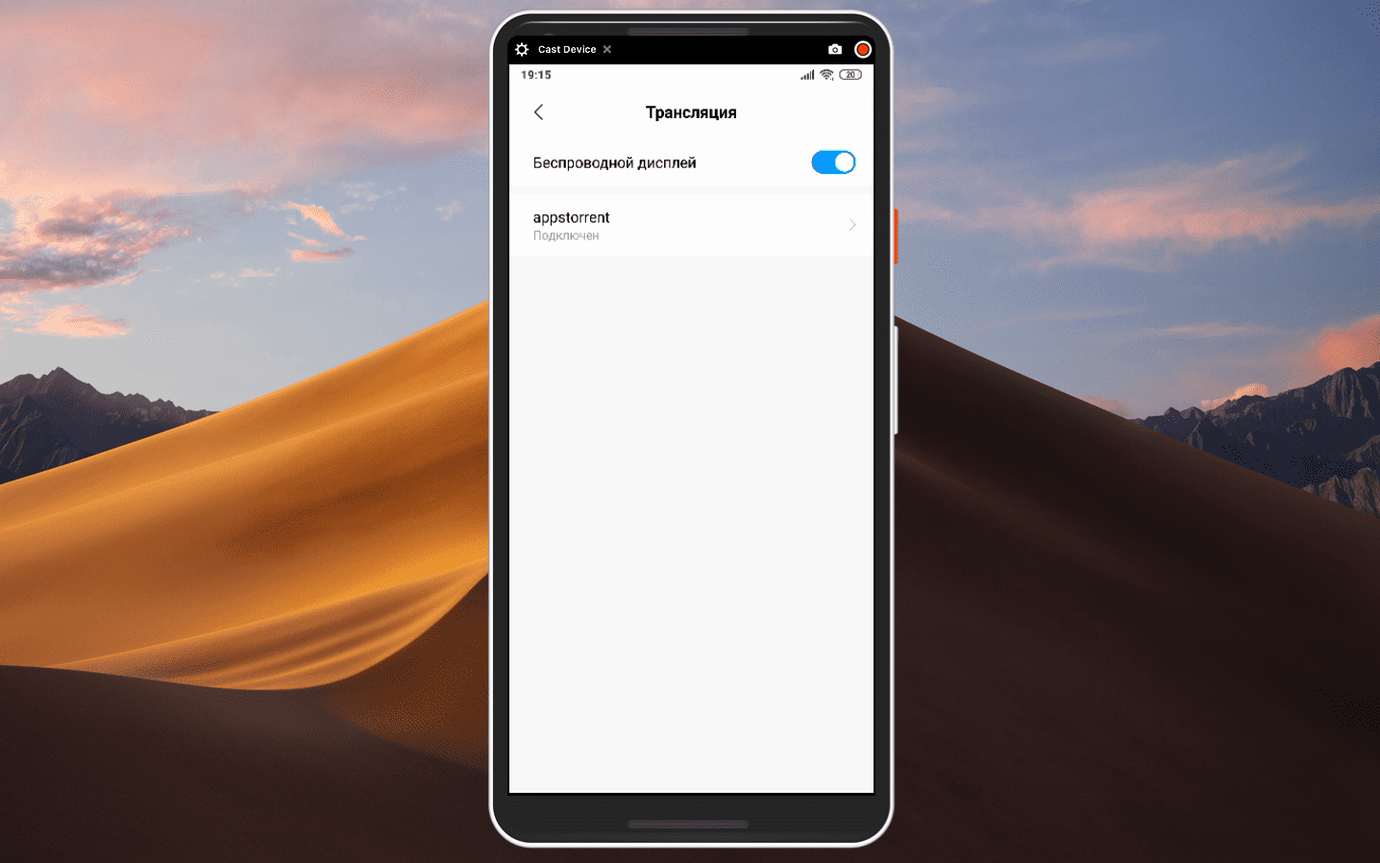
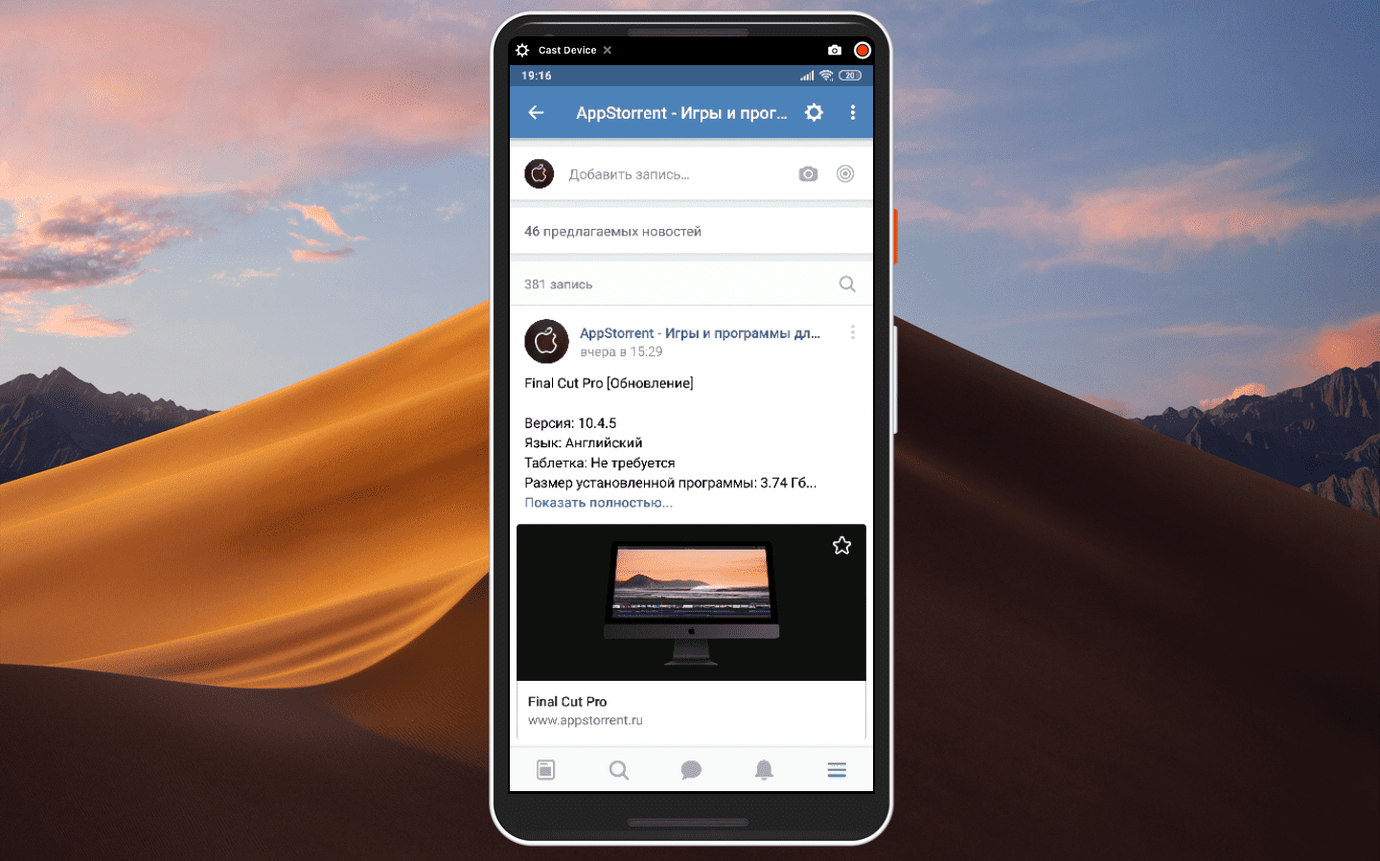
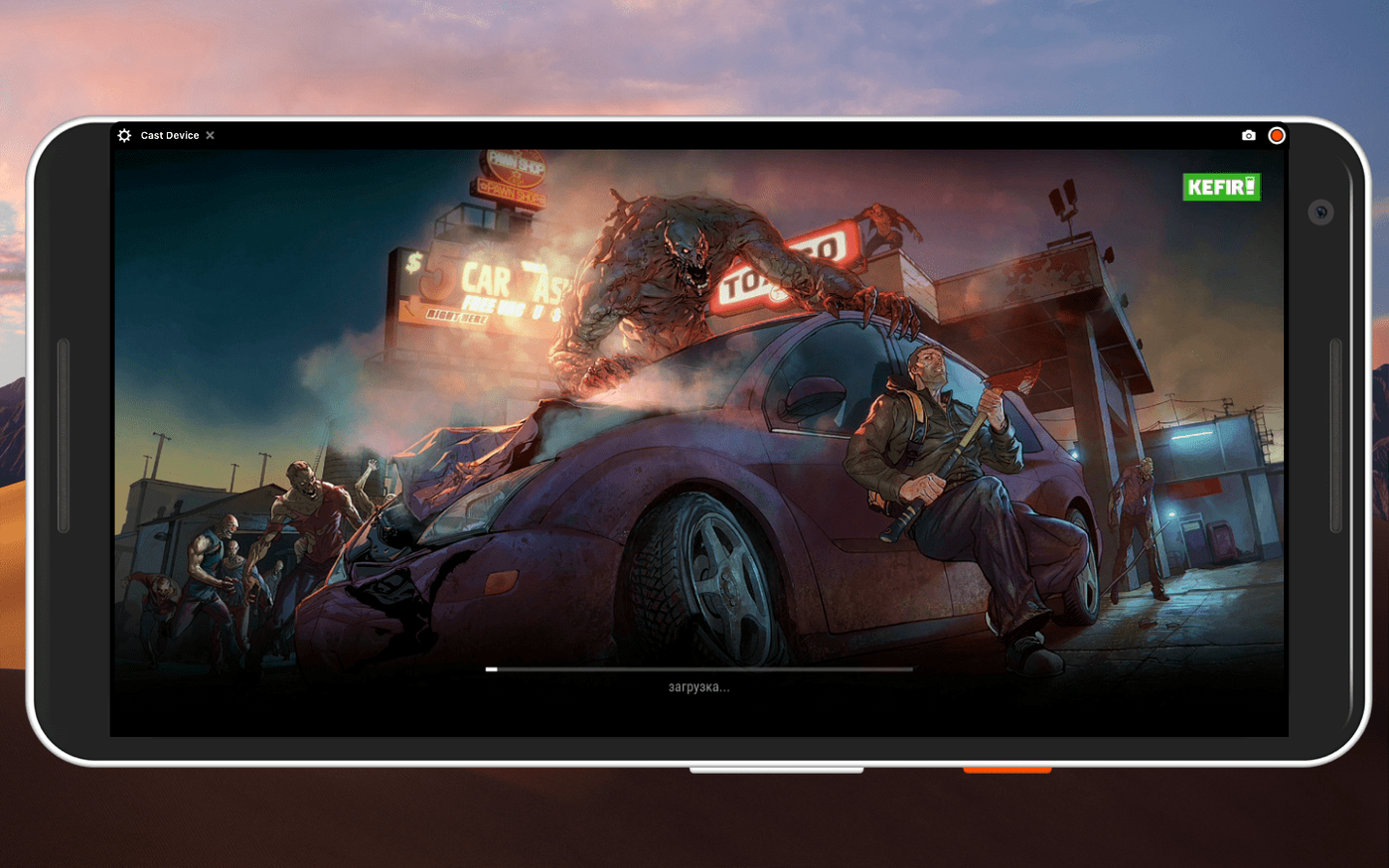
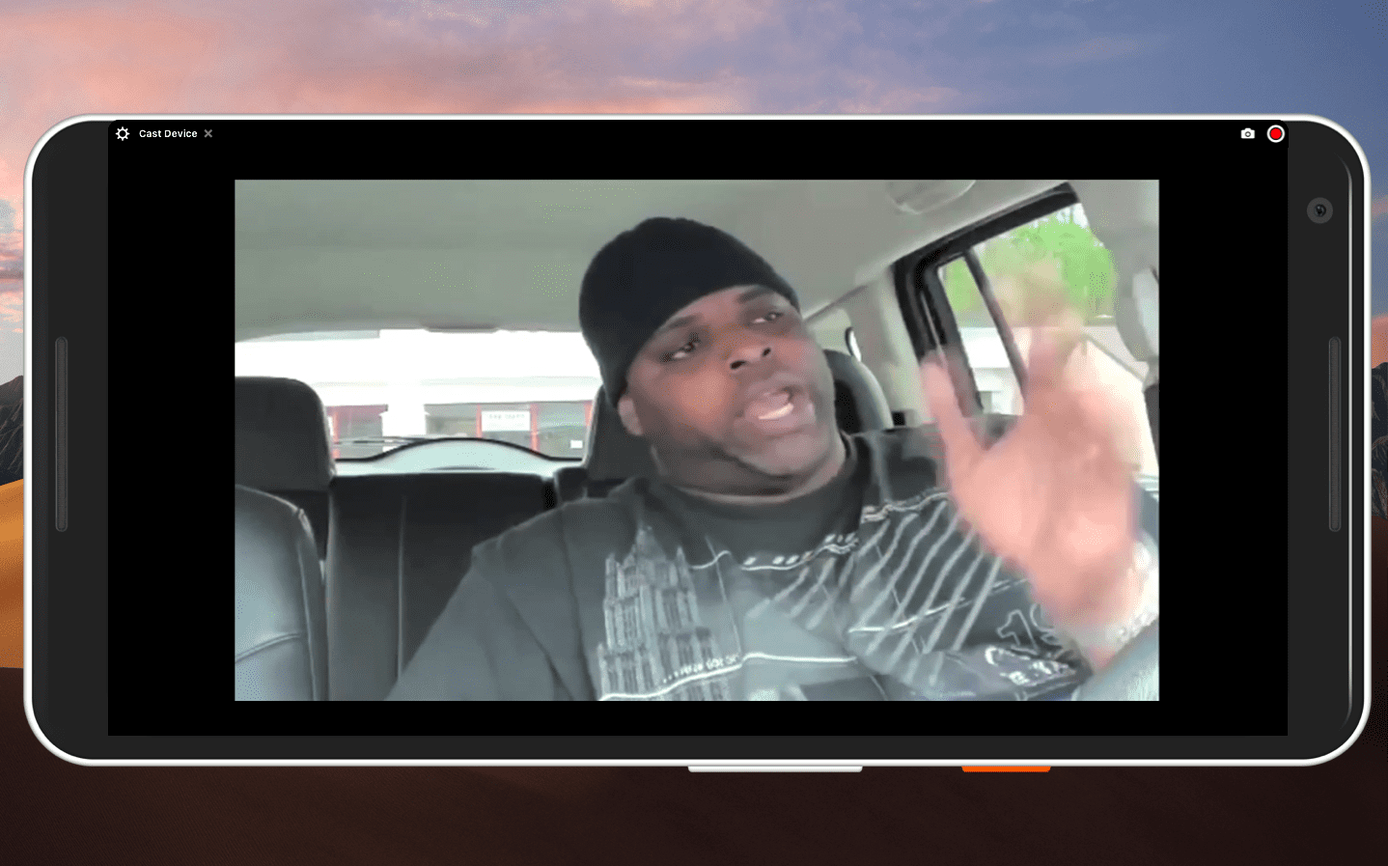
Click a screenshot to see it wider.
Reflector 4 turns your Mac into a wireless receiver for screen mirroring. It accepts AirPlay streams from iPhone, iPad, and iPod touch over the same network, so you can show photos, videos, or games on a bigger display. The current version, 4.1.2, keeps the core workflow intact while fixing a few nagging issues.
- Mirror and record one or multiple connected devices at once.
- Works on Apple Silicon and Intel 64-bit Macs (macOS 10.15 or later).
- New device frames for iPhone 16.
- Fixed the iPhone 15 Pro Max frame not showing on mirrored screens.
- Resolved a Cast compatibility problem caused by a recent Android update.
If you need a straightforward receiver for classroom demos, client presentations, or quick game streaming, Reflector 4 still does its job without extra clutter. The interface stays English-only, and setup takes under a minute.
Workflow: Mirror a Presentation From an iPhone to a Mac
You have slides on your iPhone, and you want them on the conference room Mac. Here is the sequence.
- Connect both devices to the same wireless network. The Mac running Reflector 4 and the iPhone must be on the same subnet.
- Launch Reflector 4 on the Mac. The app sits in the dock, ready to accept connections. No settings to tweak first.
- Open the Control Center on your iPhone (swipe down from the top-right corner). Tap Screen Mirroring and select the Mac listed there. The name shown is the Mac’s hostname by default.
- The iPhone screen appears on the Mac. Rotate to landscape if your slides need it. The frame around the mirror is optional – toggle it off in Reflector’s view menu if it gets in the way.
- Advance slides on the phone. The Mac displays them live. If you need to record the walkthrough for later review, click the record button inside Reflector. It saves a video of the mirrored stream.
- When done, stop mirroring from the iPhone’s Control Center or close Reflector on the Mac. No cleanup needed.
That is the whole loop. Plug a second iPad into the same network and Reflector 4 can show both devices side by side – useful for comparing a design mockup on two form factors at once.
No Cable Needed: Wi-Fi-Only Mirroring
People ask whether Reflector 4 needs a cable. It does not. Everything runs over Wi-Fi. The Mac never sends a signal back; it only receives and displays. That means your phone does the heavy lifting for streaming, and the Mac just renders what it gets.
Another question: can you mirror a Mac to another Mac? Reflector 4 is a receiver, not a sender. It will not cast your MacBook’s screen to a second Mac. Use it to bring mobile device screens onto a Mac, which is its single purpose.
Audio follows the video stream automatically. If you play a video on the phone, sound comes through the Mac’s speakers. There is no separate audio toggle to hunt for.
Latency depends on your network gear, but for slide decks, photo galleries, and most app demos it is usable straight out of the box. Games with fast motion might show a slight lag – that is the nature of wireless mirroring, not a Reflector 4 quirk.
Version 4.1.2 is the build to grab. It handles iPhone 16 frames and fixes the Android Cast hiccup. No extra configuration files or serial numbers to manage. Open the disk image, drag to Applications, and launch.
- Added new iPhone 16 device frames.
- Fixed an issue where the iPhone 15 Pro Max frame did not display on mirrored devices.
- Resolved a Cast compatibility issue that occurred after a recent Android update.
- macOS 10.15 or later
- Apple Silicon or Intel 64-bit
- Interface: English
Questions I get about this line
Yes, Reflector 4 can record the screen of one connected device or all connected devices simultaneously.
The install order
- Open the downloaded disk image.
- Drag the Reflector app to the Applications folder alias.
- Launch Reflector from Launchpad once the copy finishes.