Free download (250 MB) Previous versions
- Version
- 1.8.6.41
- Developer
- MyMixApps
- Languages
- Russian, English, German, Spanish, Italian, Chinese (Simplified), French
- License type
- K'ed by TNT team
| macOS range | macOS 11 or later |
|---|---|
| Chip | Apple Silicon, Intel 64-bit |
| Download | 250 MB |
| Previous versions | 3 on file |
Screenshots
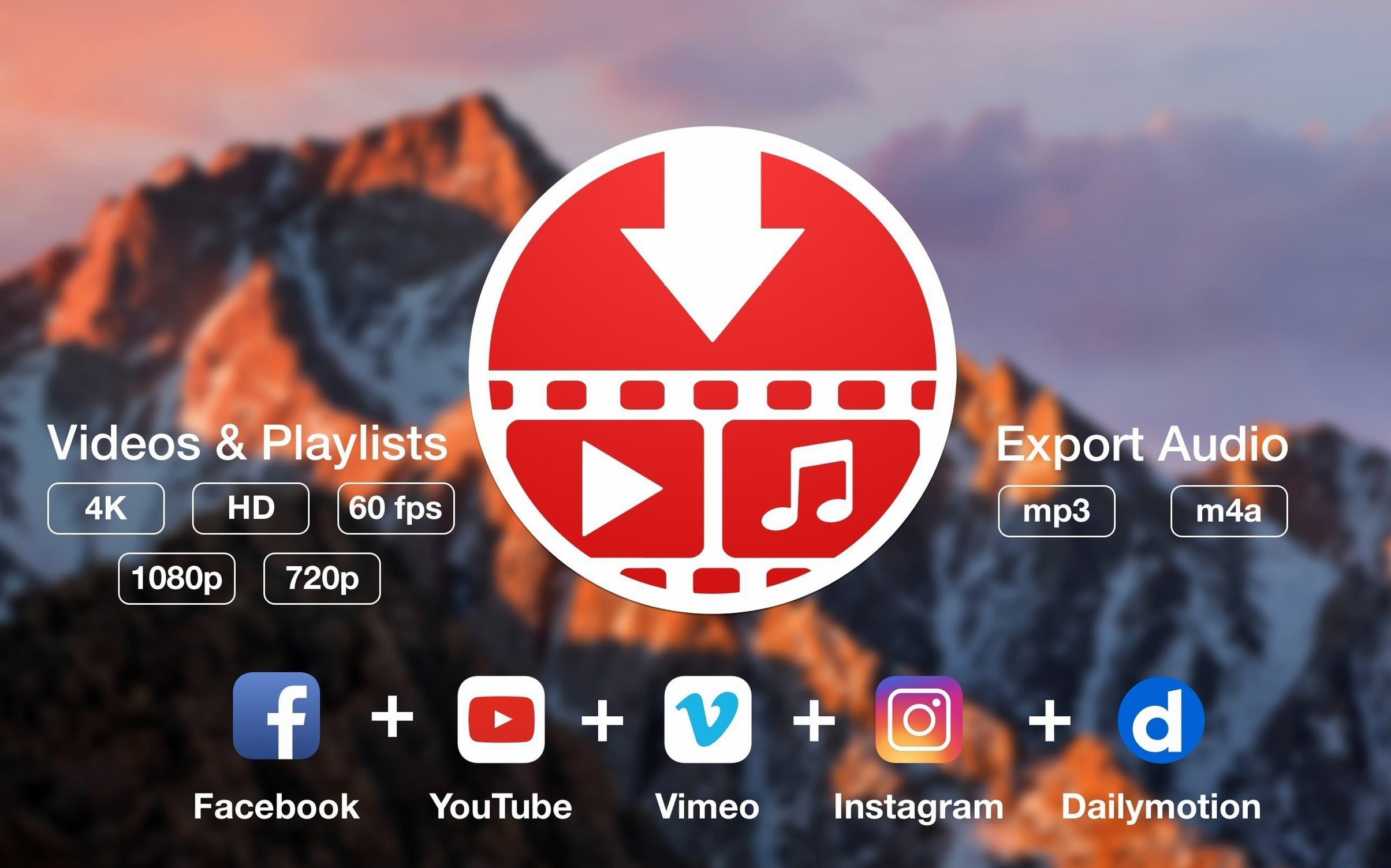
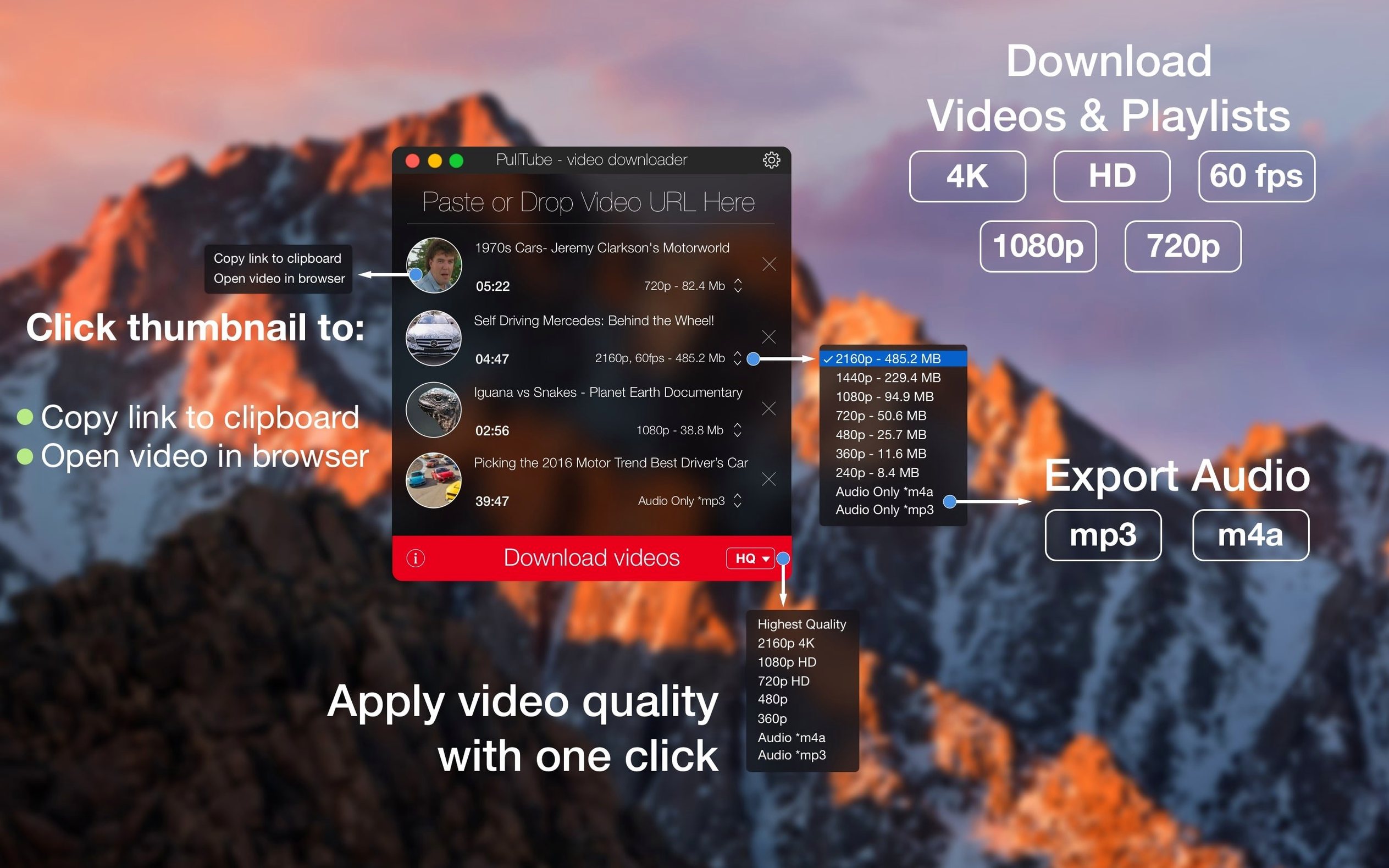
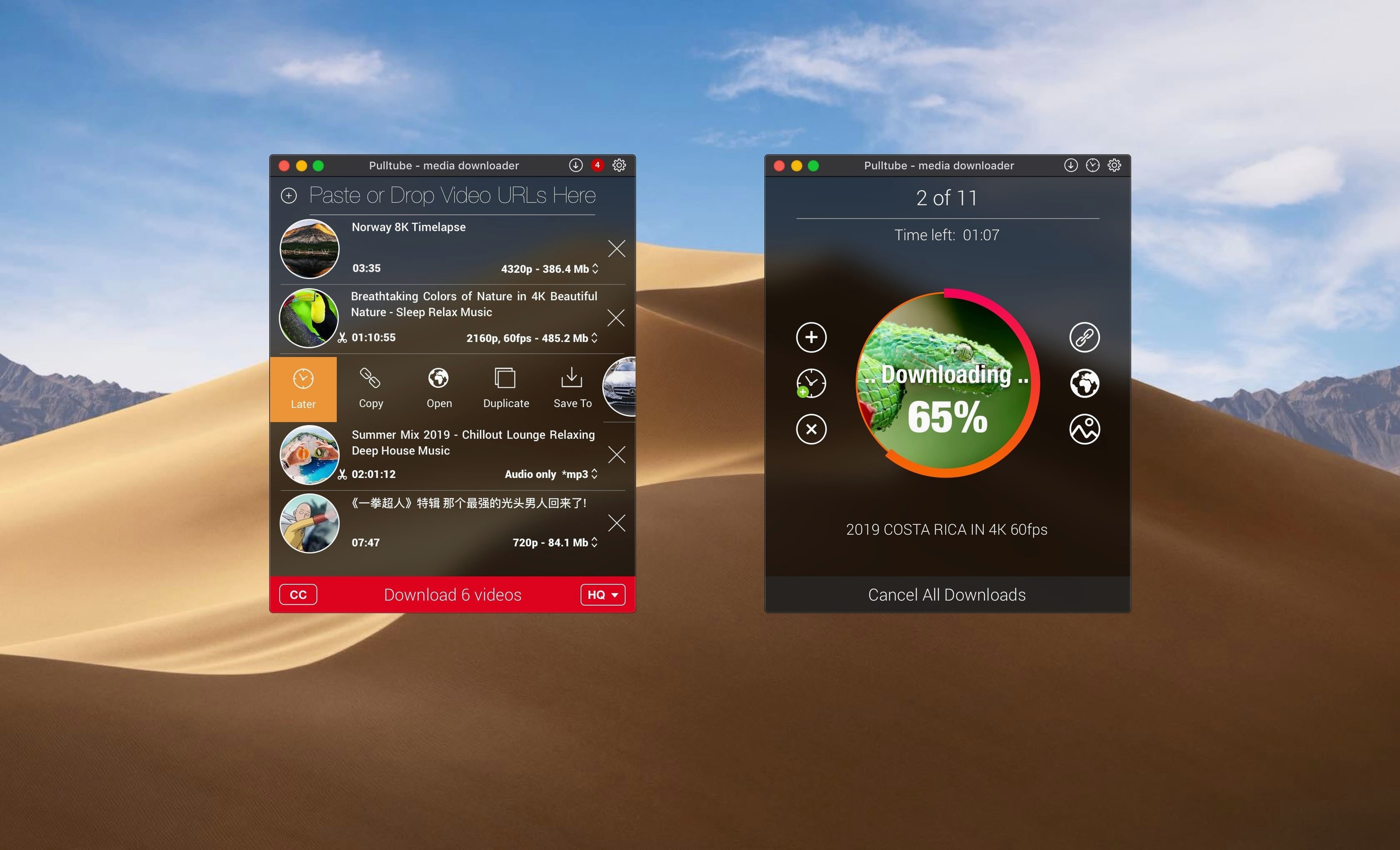
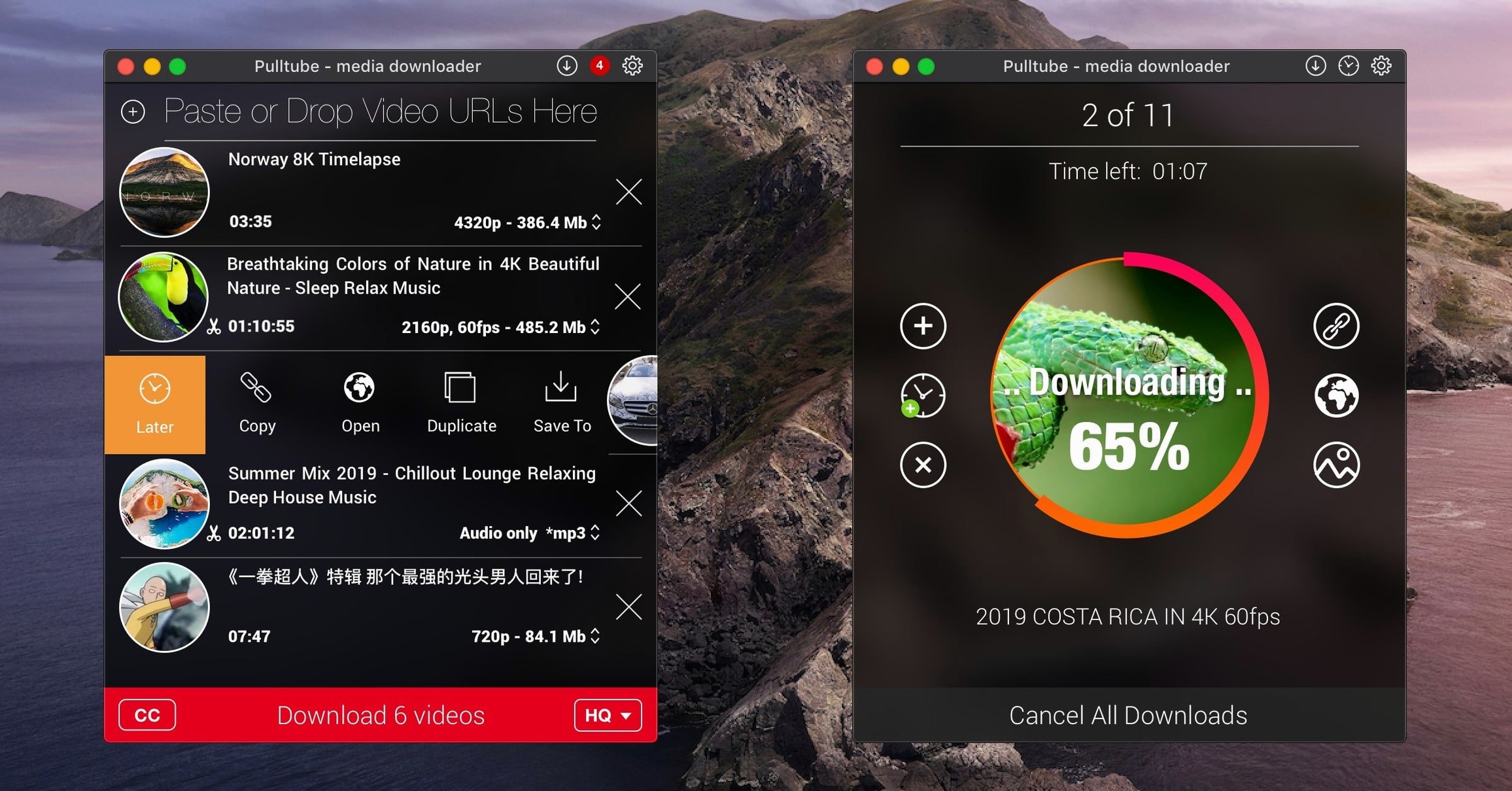
Scroll the row, it snaps to each screenshot. Click one to see it wider.
PullTube 1.8.6.40 supports nine sites out of the box, including YouTube, Vimeo, TikTok, and Twitch. For a newcomer, the first session should be about testing the basics. Start with these five things:
- Drag a YouTube link into the window — no copy-paste needed.
- Pick a lower resolution than the default to see the quality menu work.
- Switch to audio-only and export an MP3 or M4A — check the file lands in your Music folder.
- Enable the file name quality tag so you know what you downloaded at a glance.
- Set the app to quit when the queue finishes, then walk away.
Archiving Tutorials with Playlist Detection
PullTube suits several straightforward Mac workflows. If you archive video tutorials or conference talks before they disappear, you'll want the playlist detection and batch queue. If you rip audio from live streams or podcasts for offline listening, the MP3 and M4A export saves a separate conversion step. Video editors collecting source clips from multiple platforms can keep a single app open instead of bouncing between browser tabs and third-party converters.
Anyone managing a media library on a shared Mac — a school lab, a small production desk, a family machine — will appreciate the straightforward output tagging. The quality-in-filename option helps you sort files by resolution later without opening each one. Users on slower or metered connections can queue a playlist overnight and let the app quit on its own.
What the Mac Requires
PullTube 1.8.6.40 runs on macOS 11 or later. It works on both Apple Silicon Macs and Intel-based machines. The developer lists support for more than 1,000 websites, including YouTube, TikTok, Twitch, Facebook, Vimeo, Instagram, Bilibili, and SoundCloud — so the app may see wider use across different browsers and link types over time. No specific RAM or disk requirements are published, but standard macOS tools will govern any download folder permissions.
Language settings cover English, German, Spanish, Italian, French, Chinese (Simplified), and Russian. That is worth noting if you share the machine with a multilingual team.
Drag-and-Drop URL Import & Video Preview
- Drag-and-drop link import. You do not need to copy and paste. Dropping a URL from a browser into the PullTube window skips the clipboard step.
- Video preview before download. The thumbnail, title, and duration display as soon as the link is parsed. That gives you a quick check before committing disk space.
- Playlist detection. A pasted playlist URL is recognized immediately. You do not need to switch modes or confirm the source type.
- Audio-only extraction. Choose MP3 or M4A directly from the quality selector. No separate export tool needed.
- Quit-after-queue option. Toggle this on for unattended downloads. The app closes by itself when the last item finishes.
- Quality tagging in filenames. Append resolution or bitrate info to the file name automatically. Helps keep your downloads folder organized without manual renaming.
That covers the core workflow in under ten minutes. After that, you can move on to the longer playlists and less common sites.
- macOS 11 or later
- Intel or Apple Silicon
Questions I get about this line
Yes, YouTube is one of the supported sites, along with Vimeo, TikTok, and several others.
Yes, you can extract audio as MP3 or M4A instead of video.
Yes, you can select the output quality before downloading, and you can add quality info to the file name.
The install order
- Mount the disk image and run Open Gatekeeper friendly.
- Press Enter in Terminal to bypass Gatekeeper.
- Drag the app to the Applications folder.
- Launch the app.