
Free download (14 MB) Previous versions
- Version
- 13.9.6 [MAS]
- Developer
- 万林 彭
- Languages
- English, Chinese (Simplified)
- License type
- K'ed by TNT team
| macOS range | macOS 11.5 or later |
|---|---|
| Chip | Apple Silicon, Intel 64-bit |
| Download | 14 MB |
| Previous versions | 3 on file |
Screenshots
Scroll the row, it snaps to each screenshot. Click one to see it wider.
RAR Extractor handles over 30 archive formats, including RAR, ZIP, 7Z, and ACE files. Before installing, people typically ask a few things.
- Does it support Apple Silicon? Yes, it runs natively on both Intel and ARM Macs.
- Can I extract single files from an archive? Yes, you can pick specific files or folders to extract, not the whole archive.
- Is encryption supported? It uses AES-256 for ZIP and 7Z archives, and it can extract password-protected archives.
- Can it handle batch jobs? Yes, batch unpacking of multiple archives is supported.
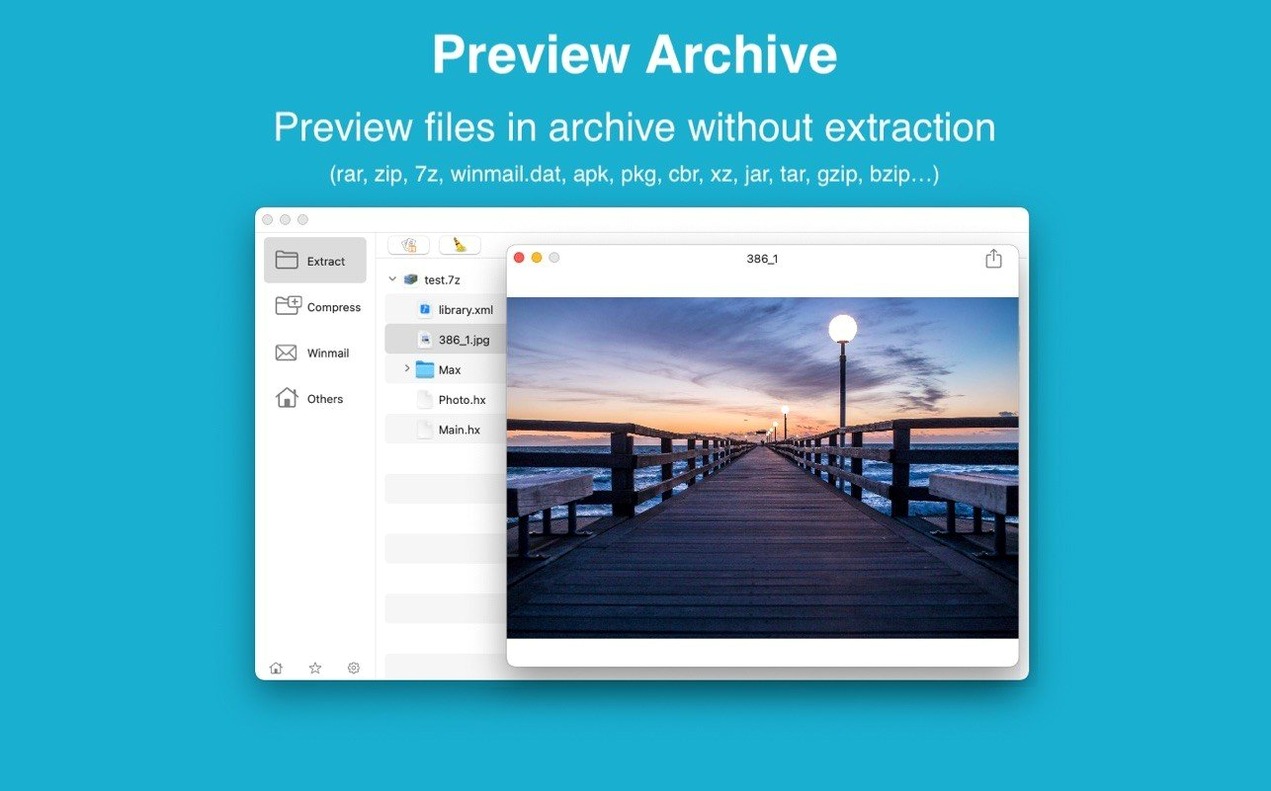
- Does it preview contents? You can quickly preview archive files before extracting them.
- Is there a dual-window view? Yes, a dual-window display is available for easier file management.
Drag archives onto its Dock icon
A few features in RAR Extractor don't get much attention but save time once you know they're there.
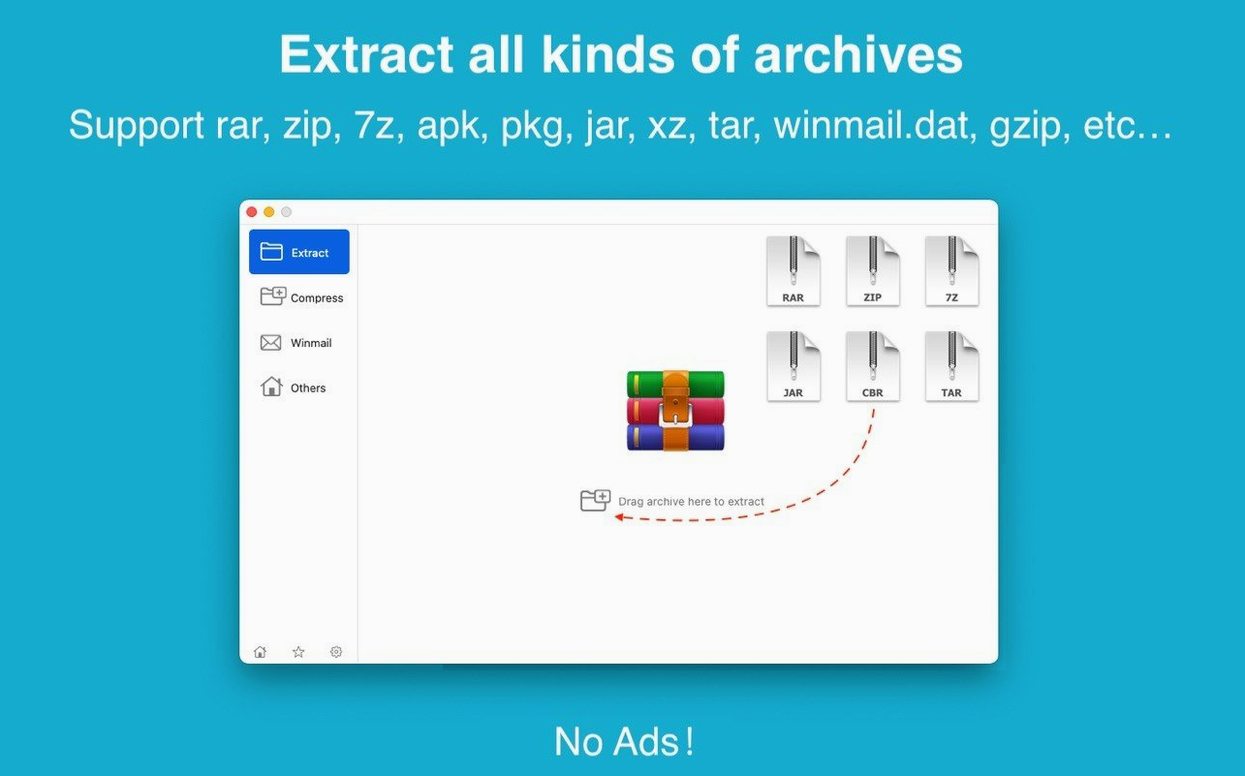
- Drag to the Dock icon. You can drop an archive onto the RAR Extractor Dock icon and it opens or extracts immediately. No need to launch the app first.
- Drag to the desktop. Dragging an archive file to your desktop triggers direct extraction to that location. Handy for quick one-off jobs.
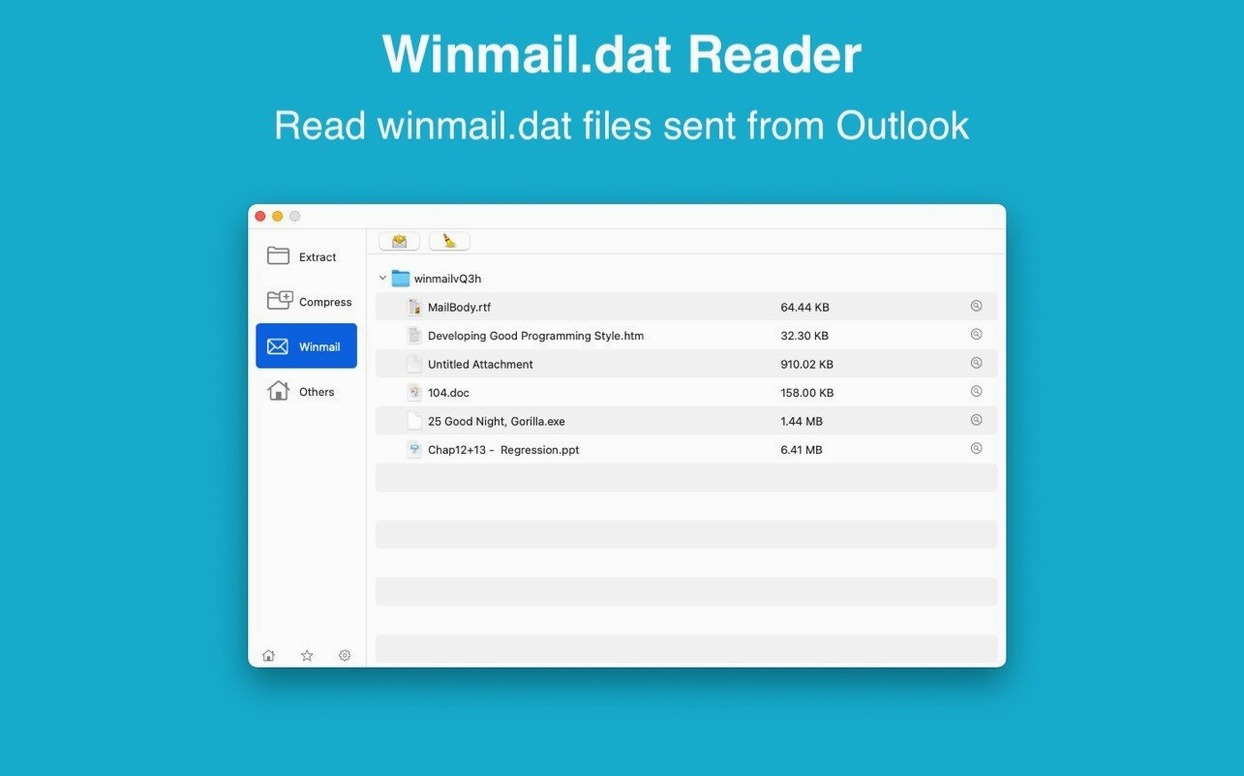
- Winmail.dat preview. If you get emailed winmail.dat attachments from Outlook users, RAR Extractor shows you what's inside without converting or guessing.
- Set as default. Once you set RAR Extractor as the default archive app, double-clicking any supported file opens or extracts it automatically.
- Not an annoyance unless you engage with them.
Set a default extraction folder
Fresh from installation, RAR Extractor performs adequately. But a couple of adjustments make it fit your habits better.
- Default extraction location. If you prefer archives to unpack to a specific folder instead of the archive's location, set that in preferences early. Saves moving files afterward.
- Dual-window display. Toggle this on if you frequently compare or move files between two locations. It splits the interface so you see source and destination side by side.
- Associated formats. Check the list of formats RAR Extractor is set to handle. You might want to limit it to just the types you use, or let it claim every format it supports.
Scenario: a dental office admin handling email attachments
You work IT for a small dental chain. The front desk gets emailed records, insurance forms, and imaging data from external labs. Many arrive as .zip or .7z archives, sometimes password-protected. The admins aren't power users.
RAR Extractor lets them double-click the archive, enter the password once, and extract the files. The two-window view lets them view archive items in one pane and the target folder in the other, ensuring nothing is hidden in Downloads. Batch unpacking helps when five labs send files on the same day. Set RAR Extractor as the default, and the whole process becomes double-click, password, done.
One detail: the winmail.dat preview matters more than you'd think. Labs sometimes send Outlook-rich attachments, and without a reader, admins see a file they can't open. RAR Extractor shows the real attachment inside.
Workflow: extract a single file from a password-protected 7Z archive
You have a large compressed backup, but you only need one PDF from it. Here's the straight path.
- Open RAR Extractor.
- Drag the
.7zarchive onto the app window or the Dock icon. The archive's contents appear in a file list. - Locate the PDF you need. You can preview it without extracting by selecting it and using the preview option.
- Select the file, then choose to extract only that selection. The app prompts you for the archive password if one is set.
- Enter the password and choose a destination folder.
- Confirm. RAR Extractor extracts only that single file, not the entire archive.
This avoids unpacking gigabytes you don't need. The same method works with RAR, ZIP, ACE, and most other formats RAR Extractor supports.
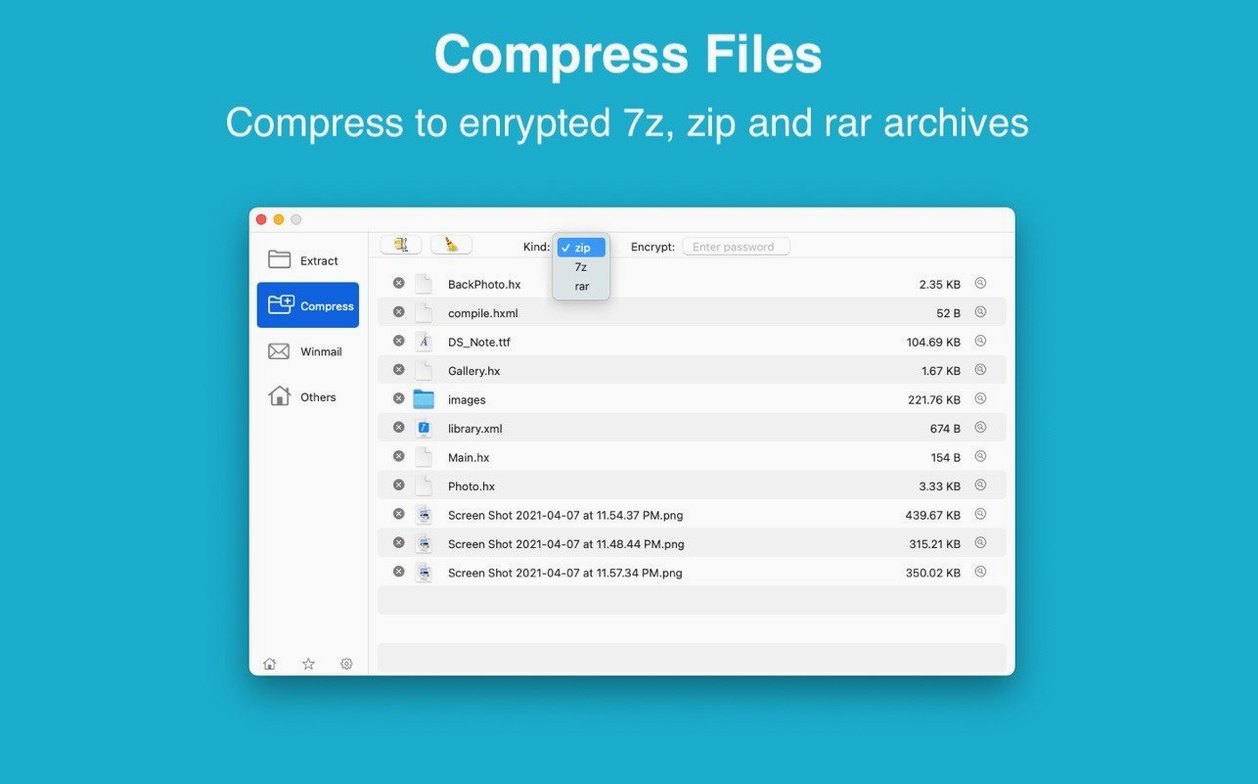
If you need to convert a 7Z file to ZIP or vice versa, create a new password-protected archive from the extracted file using the app's creation feature. You can set AES-256 encryption on the new archive.
RAR Extractor supports macOS 11.5 or later, and works on both Intel and Apple Silicon Macs. Interface languages are English and Simplified Chinese.
- macOS 11.5 or later
- Intel or Apple Silicon
Questions I get about this line
Yes, it includes a preview for winmail.dat files from Microsoft Outlook.
The install order
- Mount the disk image and run Open Gatekeeper friendly.
- Press Enter in Terminal to bypass Gatekeeper.
- Drag the app to the Applications folder.
- Open the app when installation is complete.