
- Home
- VST Plugins
- Blue Cat Audio Blue Cats PatchWork
- Version
- 2.7.5
- Developer
- Blue Cat Audio
- Languages
- English
- License type
- K'ed by R2R
| macOS range | OS X 10.9 or later |
|---|---|
| Chip | Apple Silicon, Intel 64-bit |
| Download | 587 MB |
Screenshots
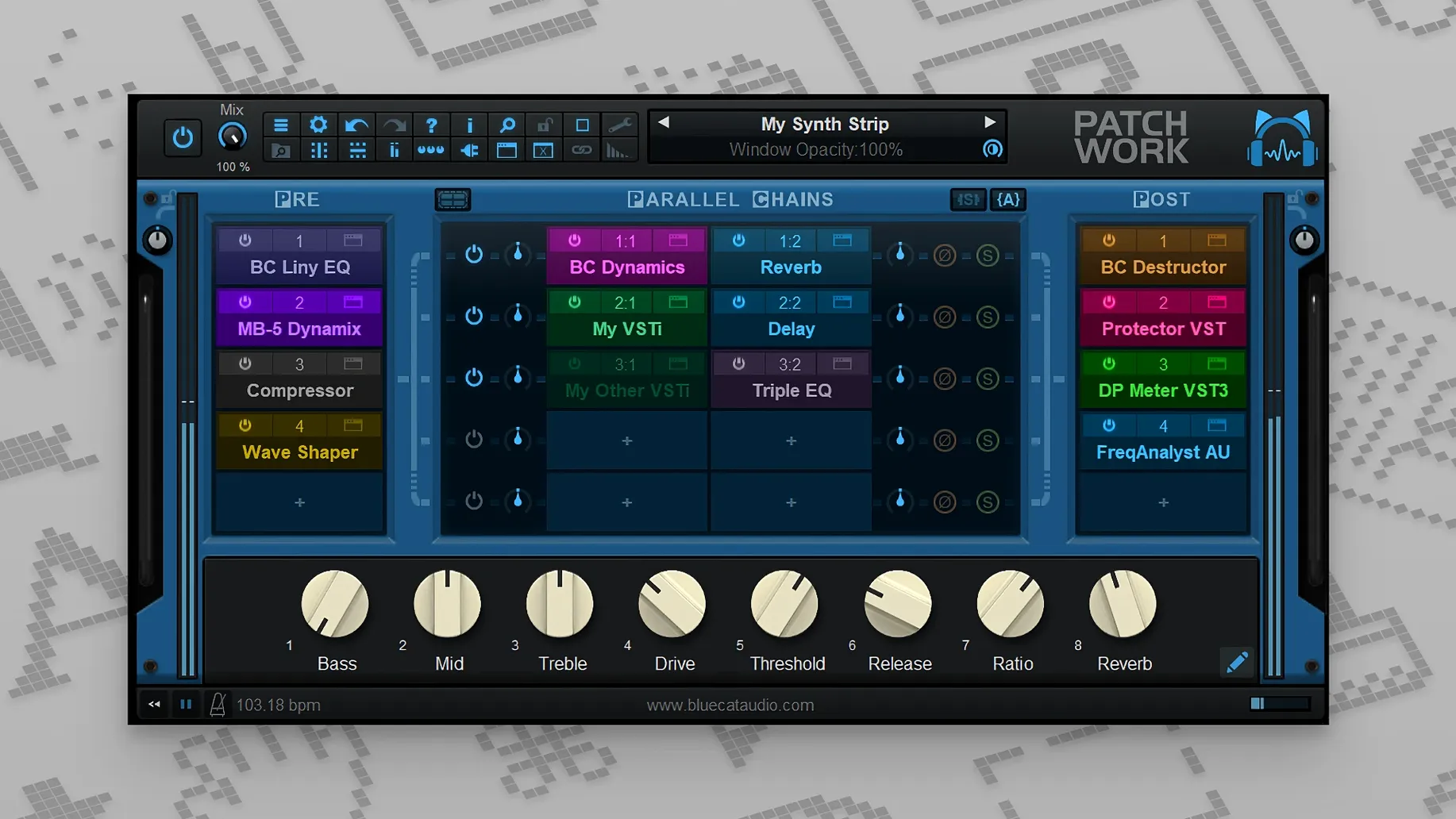
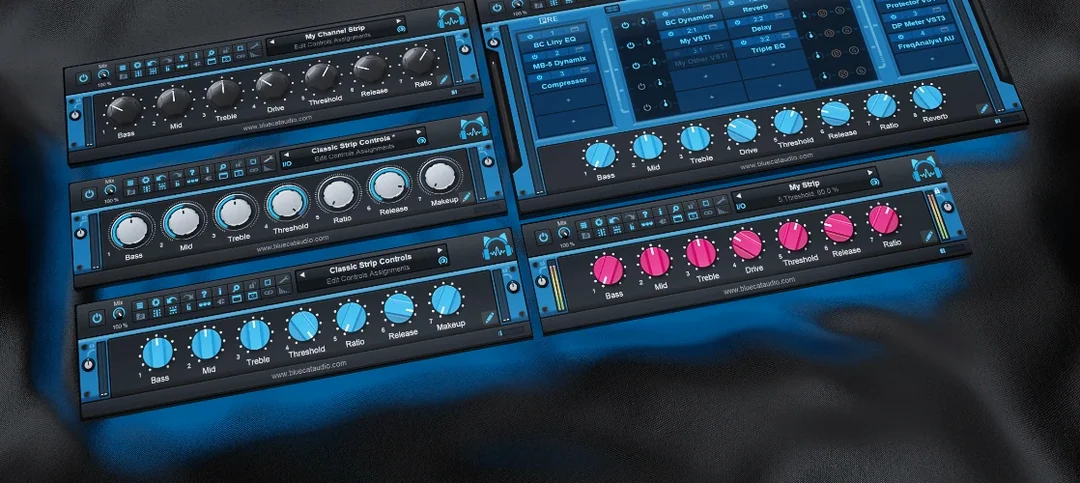
Most sessions hit the same wall: you want to run several plugins in a row, but the DAW limits how many insert slots you get, or the plugins don't talk to each other. Blue Cat PatchWork fixes that by acting as a universal patchbay inside a single instance.
Replaces a chain of individual inserts on a track
On a track, PatchWork replaces a chain of individual inserts. Load it once, then route audio through up to 64 VST, VST3, Audio Unit, or built-in plugins. That's useful on a vocal bus where you want compression, EQ, and saturation without eating every slot. On a master bus, it keeps the whole chain in one visible window, so you can reorder plugins by dragging instead of moving insert slots.
Parallel signal splitting and hardware-style FX loops
PatchWork also covers routing jobs plugins don't usually handle. Use it to split a signal to multiple processors in parallel, or to insert a hardware-style FX loop. The plug-ins scanner and drag-and-drop file loading make it easy to add plugins directly from the Finder. The presets browser shows results as you type, so switching between channel strips is fast. On macOS, it loads third-party Audio Unit and AUv3 plugins, plus VST formats when the interface is visible.
What the 2.7.5 updates changed in everyday use
Version 2.7.5 added a handful of features that show up in regular workflow. The built-in audio recorder handles up to 16 channels at once. That is useful when you want to capture a wet signal from a plugin chain without freezing tracks or bouncing internally. The recorder runs inside PatchWork itself, so you can print a reverb tail or a full parallel processing mix without extra routing.
The 2.7.5 release also introduced copy, paste, save, and reload for effects chains. Before, rebuilding a chain for a different track meant starting from scratch or loading a full preset. Now you can copy a compressor-EQ pair from one PatchWork instance and paste it into another on a different track. The save and reload commands let you store a chain as a file and recall it later.
MIDI control for individual plugin bypass and interface open or close actions is new. You can map a MIDI controller to toggle a specific plugin on and off, which is handy when you want to compare input and output without clicking the plugin bypass button. The release also added more MIDI event types for parameter control, giving you broader options to automate parameters from hardware or MIDI clips.
Forgetting to route audio into the plugin
The most common mistake is loading PatchWork on a track but forgetting to route audio into it. The plugin has no default input mapping in some DAWs, so silence comes out. Always check that the audio output of the track or the track's send is connected to PatchWork's input.
Another frequent issue: installing third-party plugins and not running the plugin scanner afterward. PatchWork does not automatically detect new plugins. Open the plugin browser and run the scan or point it to the plugin folder manually. Without that step, third-party plugins do not show up in the list.
On macOS, VST3 plugins load only when the PatchWork interface is open. Beginners often see a blank slot and think the plugin failed. The interface needs to be visible for VST3 editors to appear. If you close the window, those editors unload. Keep that in mind during large sessions when you minimize plugin windows.
Runs on macOS 10.9 and newer, Intel and Apple Silicon
PatchWork 2.7.5 runs on macOS 10.9 and newer. The installer is 64-bit only and supports both Intel and Apple Silicon Macs. The DMG file includes a PKG installer. On macOS Catalina or later, if the system blocks the installer while the computer is offline, open the installer from the context menu to bypass the restriction.
The plugin host is a single instance, so it uses one insert slot per track. CPU and memory usage depends on how many plugins you load inside it and what formats they use. Audio Unit and AUv3 plugins generally behave differently than VST versions. If you manage large chains, test performance before adding it to every track in a session.
- No official 2.7.5 release notes were published; the latest official release notes cover version 2.78 (2026-05-21).
- macOS 10.9 or later
- 64-bit only
- Intel or Apple Silicon
Questions I get about this line
Up to 64 VST, VST3, Audio Unit, or built-in plugins can run in a single instance.
Yes, it loads third-party Audio Unit plugins and AUv3 plugins on macOS.
macOS 10.9 or later, 64-bit only, on both Intel and Apple Silicon Macs.
The install order
- Open the downloaded DMG file.
- Run the PKG installer.
- If macOS blocks the installer on Catalina or later and the computer is offline, open the installer from the context menu.