
- Home
- VST Plugins
- Bogren Digital Ampknob BDH 66o6 Plus
- Version
- 1.2.118
- Developer
- Bogren Digital
- Languages
- English
- License type
- K'ed by MORiA
| macOS range | macOS 10.13 or later |
|---|---|
| Chip | Apple Silicon, Intel 64-bit |
| Download | 253 MB |
Screenshots
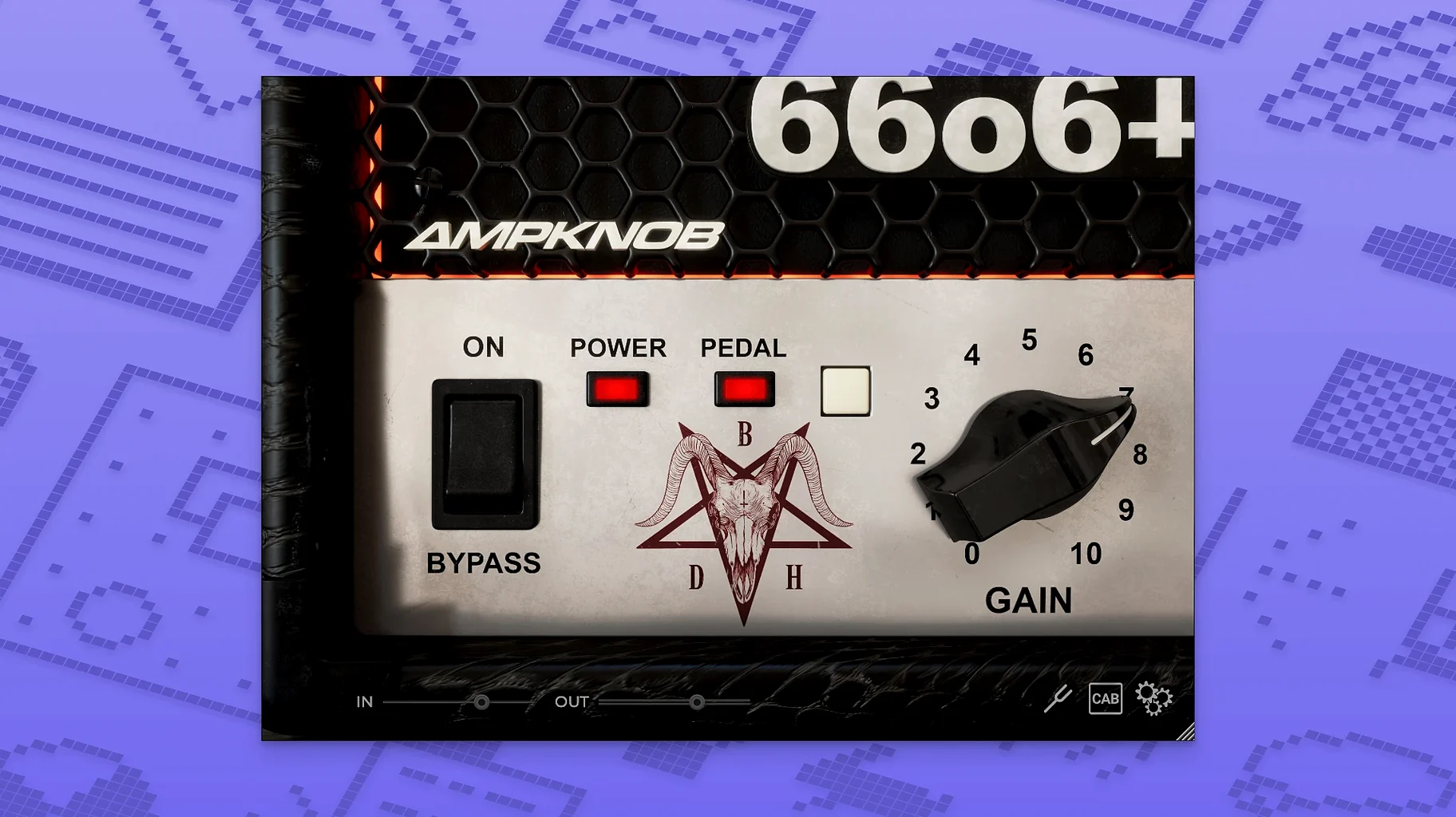
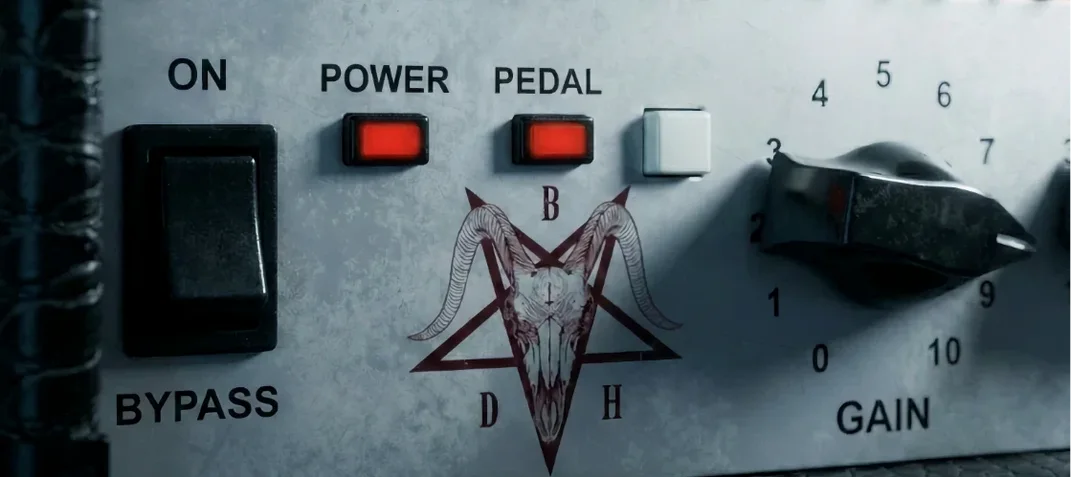
Drop Ampknob BDH 66o6 Plus on a guitar track and you get a hot-rodded high-gain amp sound with American character and a mid-focused clean tone. It sits well on rhythm buses or direct into a session for quick tone shaping. The front panel includes a pedal switch you can engage without extra routing. Sound design comes from Jens Bogren, so the voicing is already dialed in—useful when you need a consistent tone across multiple takes.
Guitar Tracks, Bus Glue, and Mixing Tone
- On individual guitar tracks for fast amp replacement
- On a bus to glue several guitar layers
- As a tone-shaping plugin during mixing, not just tracking
System Notes
Works on macOS 10.13 and later, with native support for Apple Silicon and Intel 64-bit. The interface is in English. For a single-guitar project or a full mix bus, the controls stay simple enough to tweak without menu diving.
macOS 10.13+, Apple Silicon and Intel 64-Bit
Install is straightforward: the plugin runs under macOS 10.13 or later, and it works on both Apple Silicon and Intel 64-bit systems. No extra drivers or wrapper layers are needed. The interface loads as a standard window — resize it to fit your screen, and it remembers the size between sessions. You route it as a VST3, AU, or AAX plugin depending on your DAW; the installer places all three formats by default. Expect the familiar plugin browser search to find it under "Bogren Digital."
Dry DI to Ampknob with the Main Switch
Start with a dry DI guitar track — something recorded direct from an interface. Pull up Ampknob BDH 66o6 Plus on the insert. The main switch is the first control you see: flip it to hear the character shift from a tight, restrained clean to a saturated, energetic high-gain voice. That one switch is the fastest way to audition the amp's range. From there, adjust the tone controls to add density or sharpen the attack. The pedal switch on the front panel works as a boost or a solo-voice layer — click it on during a chorus for extra presence, off during verses for a leaner sound. If you are layering multiple guitar takes, keep one instance on a bus and send several tracks to it. That gives you a cohesive amp character across doubled parts without adjusting each track individually. For mixing, it works equally well as an insert on re-amped tracks or as a sandbox for rethinking a recorded tone. The whole process should take under a minute to get a usable sound.
Restrained vs. Saturated Main Switch for Mix Fit
- Main switch position — Start with the switch set to the more restrained mode if you are building a dense mix; switch to saturated mode for a lead or a part that needs to cut through. The difference is immediate and sets the tone for all subsequent tweaks.
- Pedal switch — Map it to a MIDI controller or a keyboard shortcut if your DAW supports it. Engage it for sections that need a lift — solos, choruses, or breakdowns. Leaving it off for verses keeps the dynamics under control.
- Output level — After setting the amp character, adjust the output so the plugin does not clip your DAW channel. A healthy input level from your DI track matters more than boosting gain here.
- Interface scaling — If the plugin window appears too small or large, resize it once and the setting sticks for the session. This saves time when switching between a laptop screen and an external monitor.
- macOS 10.13 or later
- Apple Silicon or Intel 64-bit
- Interface language: English
Questions I get about this line
Yes, it supports both Apple Silicon and Intel 64-bit systems.
Yes, a pedal switch is included and can be activated from the front panel.
It requires macOS 10.13 or later.
The install order
- Run the installer and follow the on-screen steps.
- Complete activation using the instructions provided with the plugin.