- Home
- VST Plugins
- iZotope Neutron
Free download (928 MB) Previous versions
- Version
- 5.2.0
- Developer
- iZotope
- Languages
- English
- License type
- K'ed by TEAM HCiSO
| macOS range | macOS 13.4 or later |
|---|---|
| Chip | Apple Silicon, Intel 64-bit |
| Download | 928 MB |
| Previous versions | 7 on file |
Screenshots
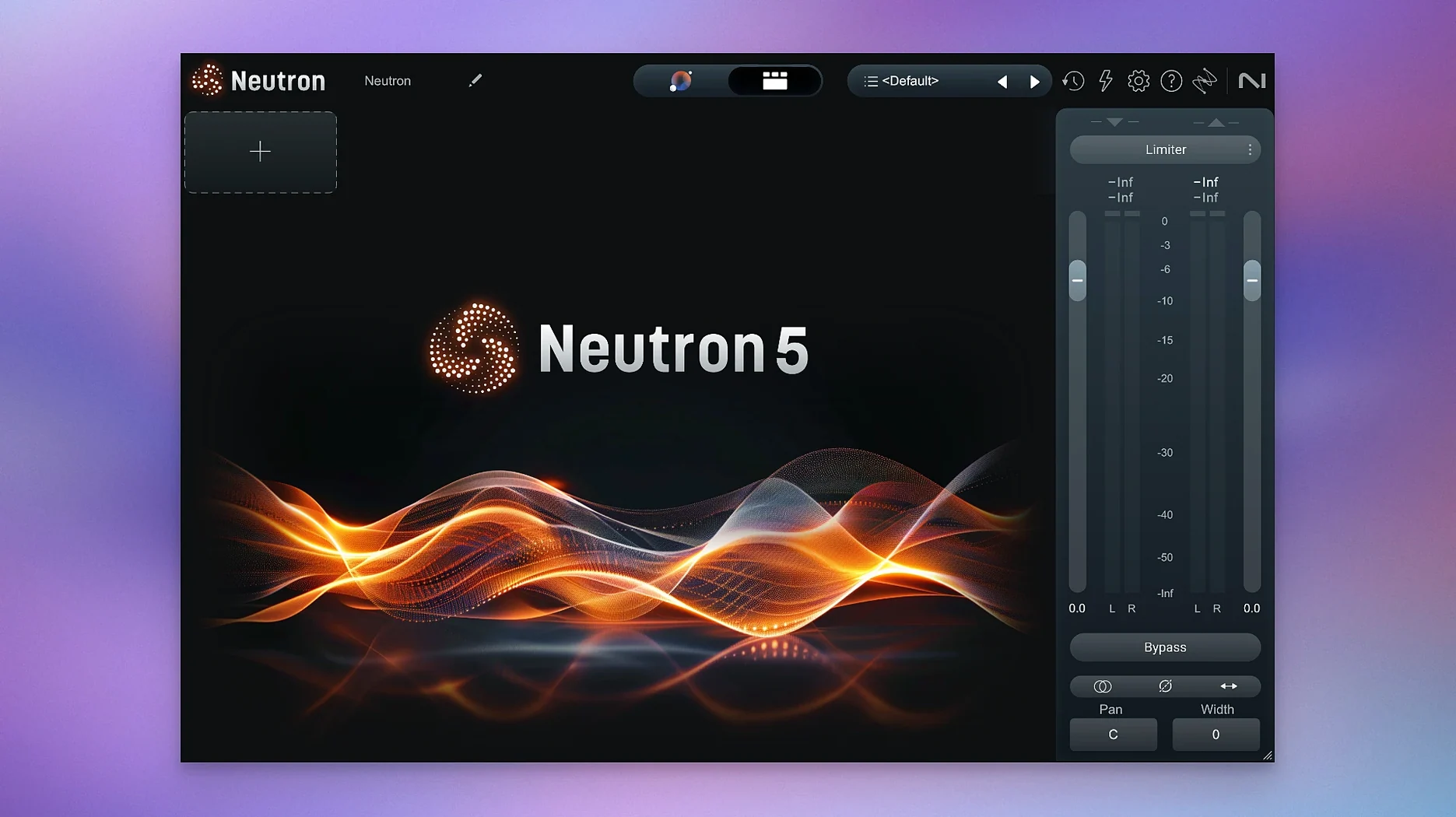
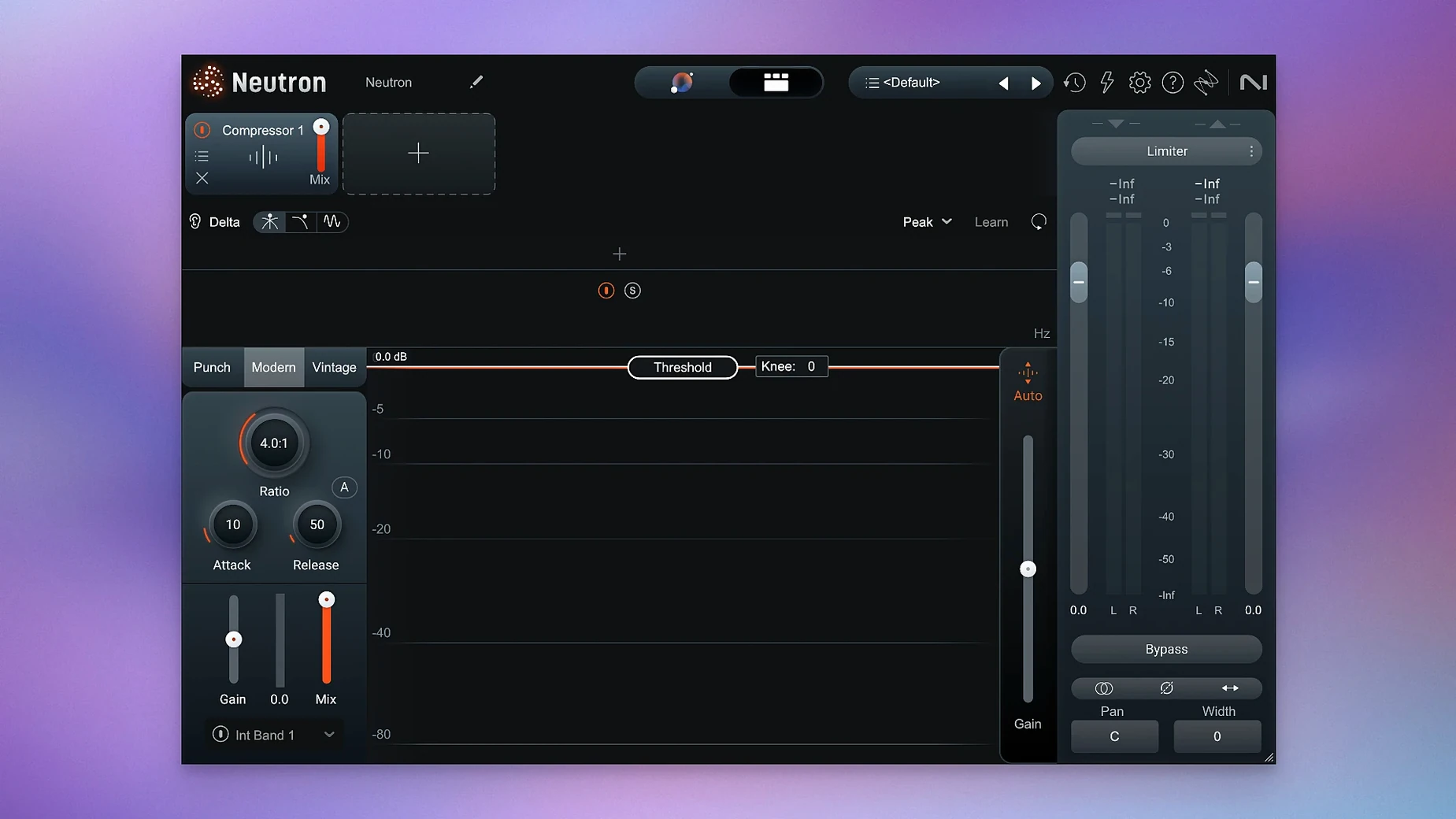
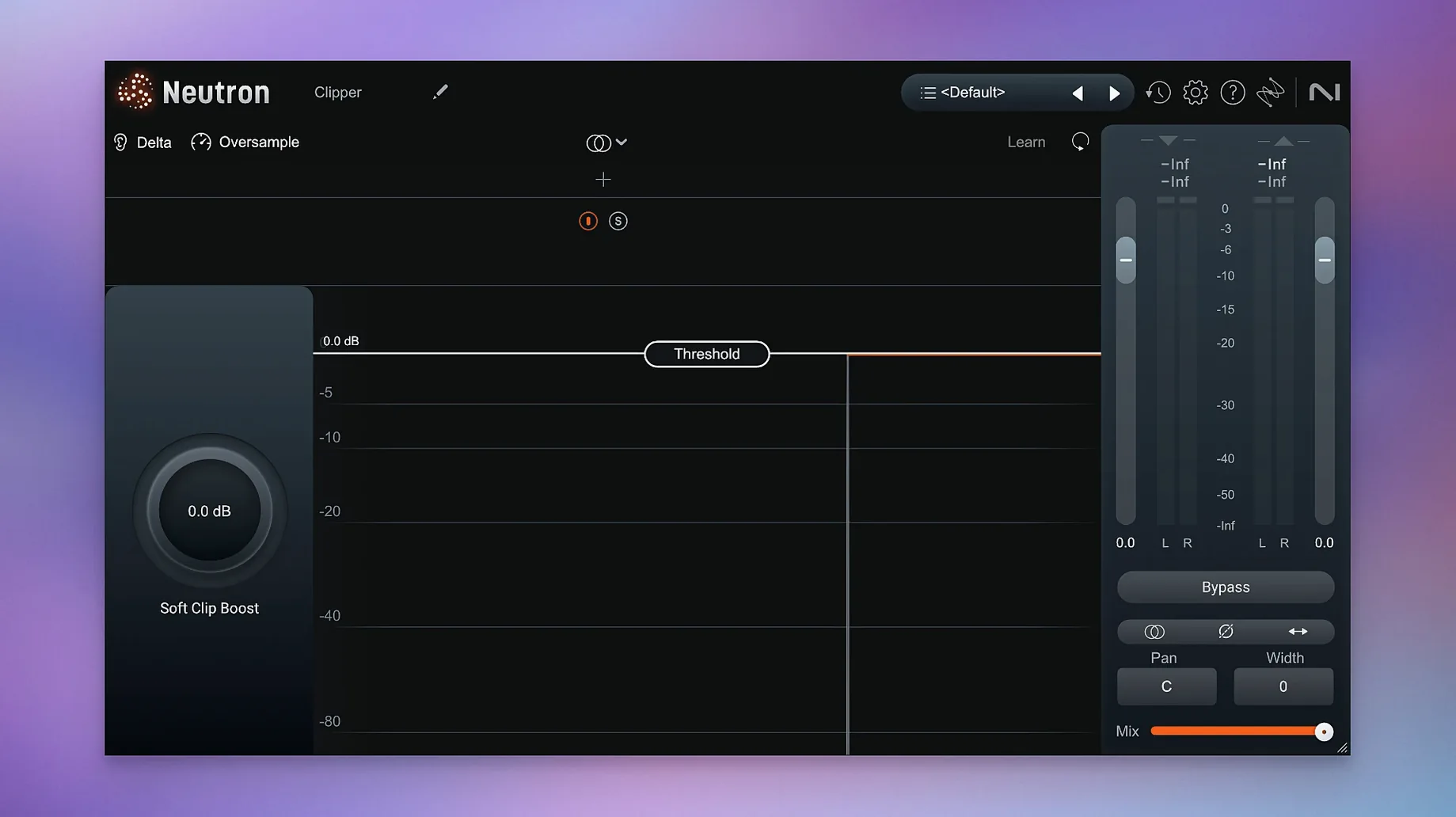
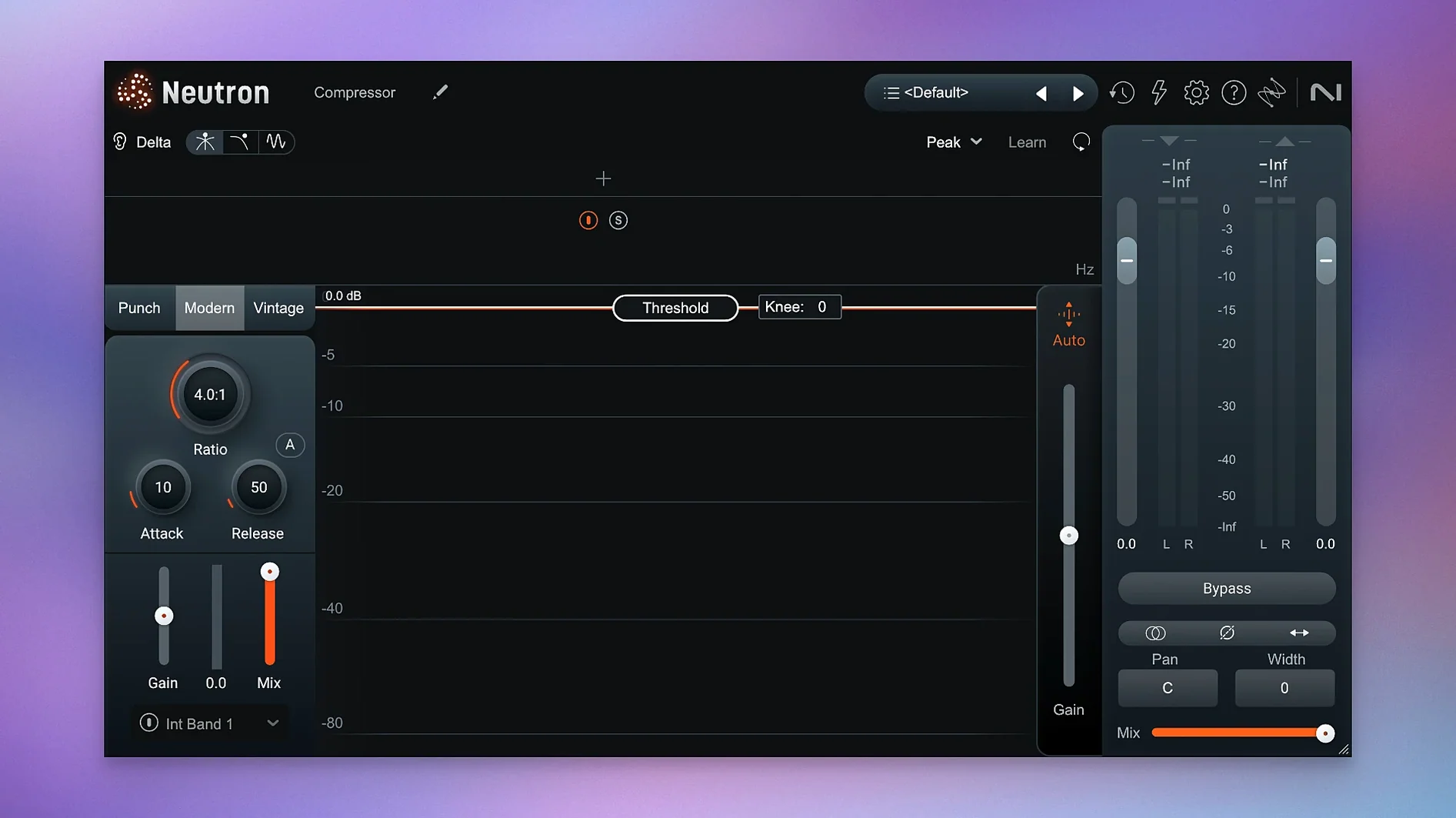
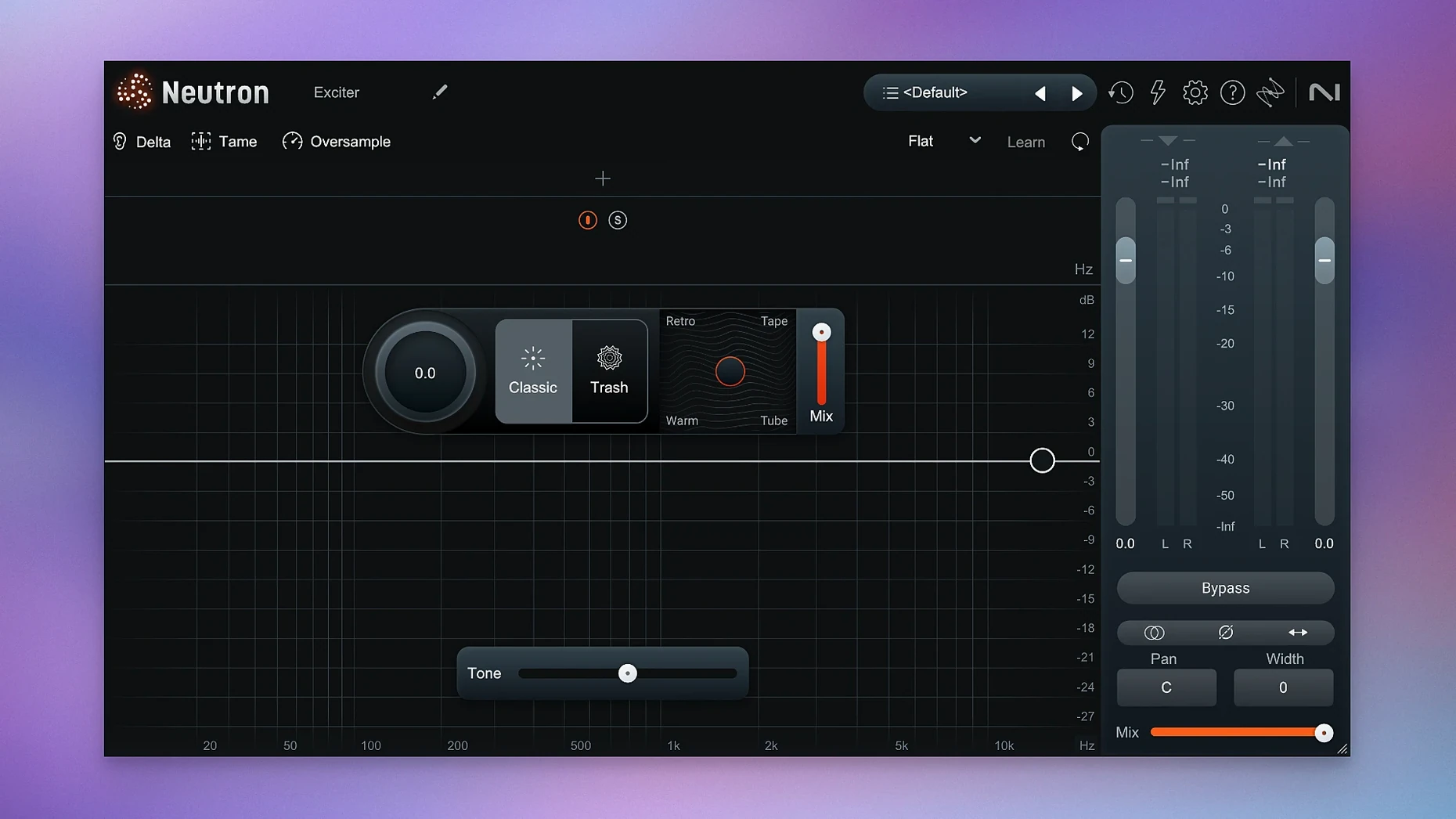
Click a screenshot to see it wider.
Mixing engineers and producers who want a smart assistant behind the faders turn to iZotope Neutron. It is a suite of 11 plugins — one main console and 10 focused modules — that work together or standalone.
How It Shapes a Mix
The Masking module scans your tracks and finds frequencies that collide, then tells you exactly where to carve so each element sits clear. Each module has a Delta button that lets you solo what that module is changing, so you hear the effect in isolation before committing. Punch Mode gives you visual and audible control over transient impact, making drums and plucks land harder without pushing the whole mix.
Neutron 5 Control and Flow
You can run the modules on individual tracks or load them as a chain on the master bus. The AI-assisted tools suggest starting points, but you keep final say over every knob. Version 5.2.0 is a maintenance update that fixes iLok authorization in surround instances, so if you are working in 5.1 or 7.1, the plugin stays licensed and ready. It runs on macOS 13.4 and later, Intel or Apple Silicon.
People new to AI-assisted mixing usually ask the same things before they install. Does the Mix Assistant replace my ears? No — it suggests, you decide. It analyzes your tracks and proposes EQ moves, compression settings and level adjustments based on instrument profiles you choose or a reference track you supply. You can accept, tweak or bypass any suggestion. The assistant learns nothing from your session; it does not build a profile of your taste. Every mix starts fresh.
Another common question: can I use the modules outside the main plugin host? Yes. Each of the 10 component modules loads as a separate plugin in your DAW. You might want only the Compressor on a vocal or only the Exciter on a synth. The mothership plugin is there when you want the full control center with the Mix Assistant and the routing that links modules together.
People also ask about the iZotope neutron 5 crack builds you see in forums. The version here is K'ed by TEAM HCiSO and includes install and activation instructions — you do not need an iLok dongle or cloud session. Just follow the steps in the package.
Some wonder if Trash Mode and Punch Mode are gimmicks. They are not. Trash Mode adds saturations and distortions that range from subtle tape warmth to aggressive bit-crushing on a separate distortion module. Punch Mode lives on the Transient Shaper module and lets you see the envelope of the hit while you tighten or stretch it. Both are precise tools that end up on drum buses, percussion loops and bass synths more often than you expect.
Who gets the most out of Neutron 5? The person who mixes daily — home studio producers who balance their own tracks, engineers working on client projects in stereo or surround, and post-production editors who need to clean dialog and effects quickly. The AI tools cut the guesswork on the first pass: set an instrument profile in the Assistant, let it find masking, then use the Delta buttons to hear what each module is actually doing. That workflow saves time whether you are mixing a full band or a podcast with music beds.
For a typical session, start by loading the Neutron mothership on your mix bus or on a group track. Open the Mix Assistant, pick the instrument profile that matches your track — guitar, vocals, drums, whatever — or drag in a reference audio file. The assistant analyzes the material and sets initial levels and EQ. From there, open the Masking module to see which tracks fight for the same frequencies. The display highlights collisions; adjust EQ on one track until the conflict disappears. Engage Punch Mode on the Transient Shaper module for your kick and snare. Listen with the Delta button on to confirm the change is doing what you want. Loop a section, make three or four small moves, then bypass the whole suite to hear the difference. By then you have a cleaner mix and a clear idea of where to go next.
- Fixed iLok authorization not working in surround instances of Neutron 5.
- Updated supported macOS versions.
- macOS 13.4 or later
- Intel or Apple Silicon
Questions I get about this line
It detects and removes masking problems by showing which frequencies clash between tracks, so you can make room for each element.
Punch Mode controls and visualizes the impact of transients, letting you shape the punch of drums and other percussive sounds.
Yes, Neutron 5 supports both Intel and Apple Silicon architectures on macOS 13.4 or later.
The install order
- Download the package and open it.
- Follow the included installation and activation instructions.