
- Home
- VST Plugins
- Kalifornia Dynamic KD Alkane

- Version
- 1.0.17.0
- Developer
- Kalifornia Dynamic
- Languages
- English
- License type
- k'ed by GUISEPPE
| macOS range | macOS 11 or later |
|---|---|
| Chip | Apple Silicon |
| Download | 270 MB |
Screenshots
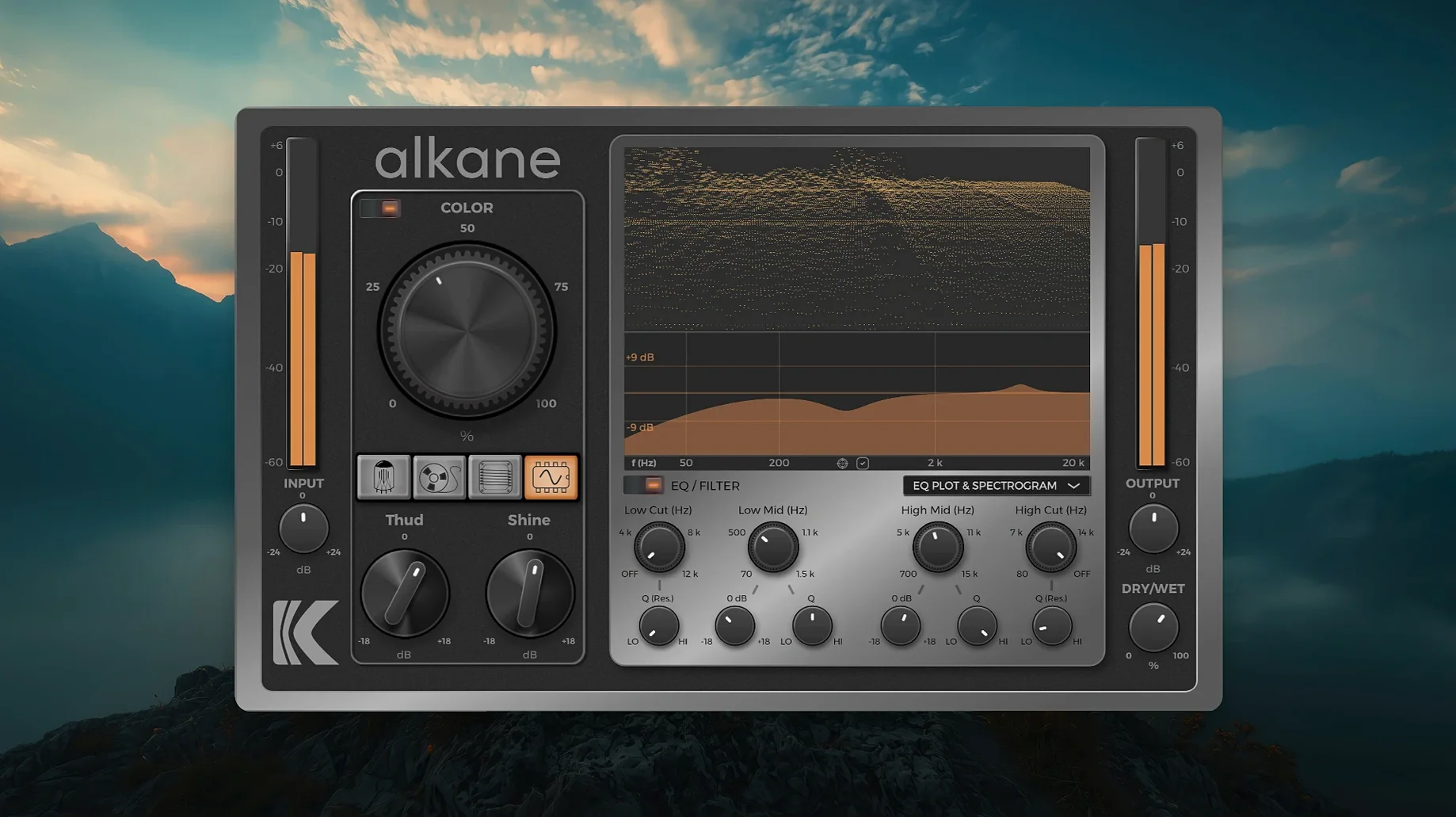
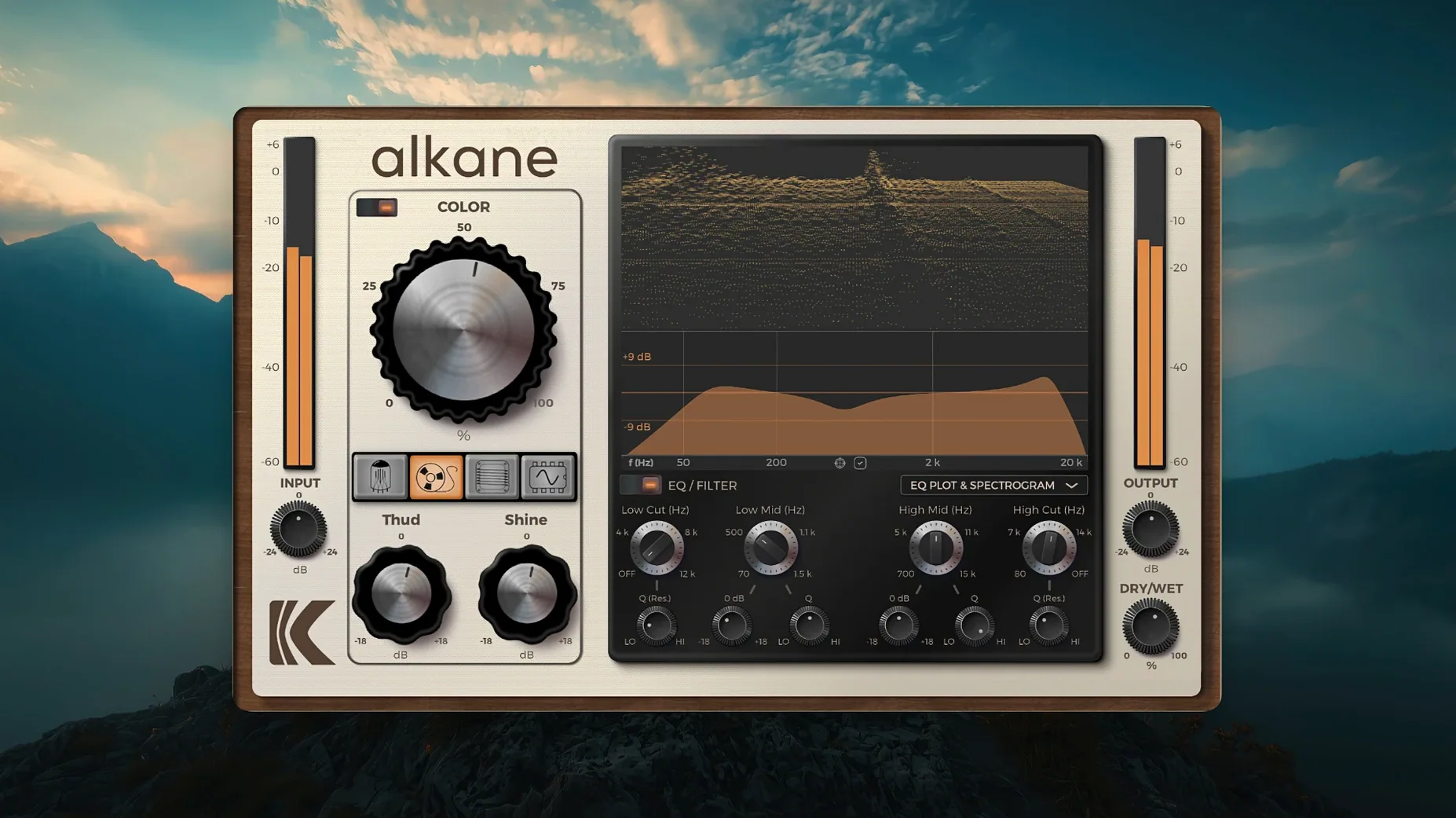
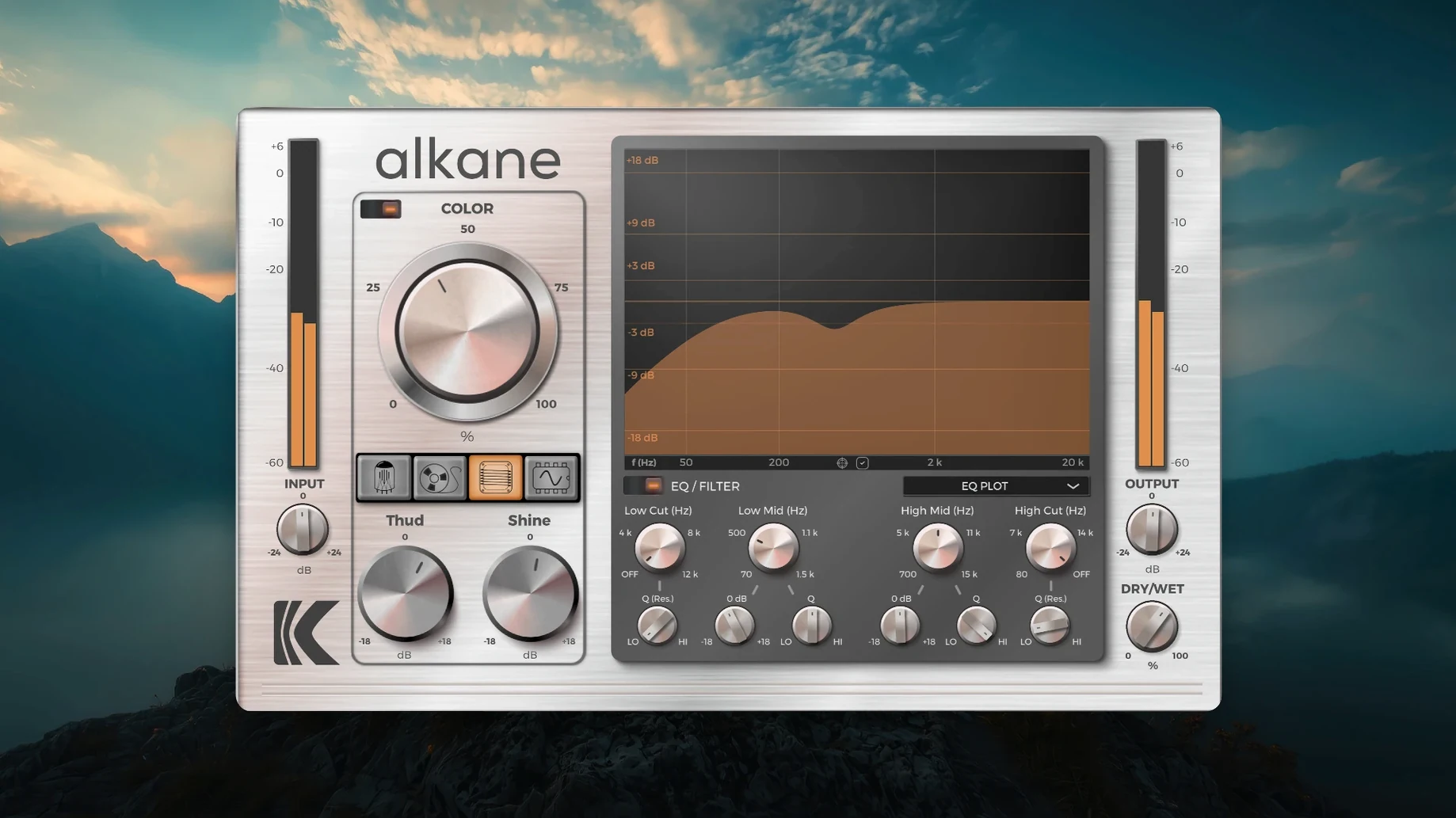
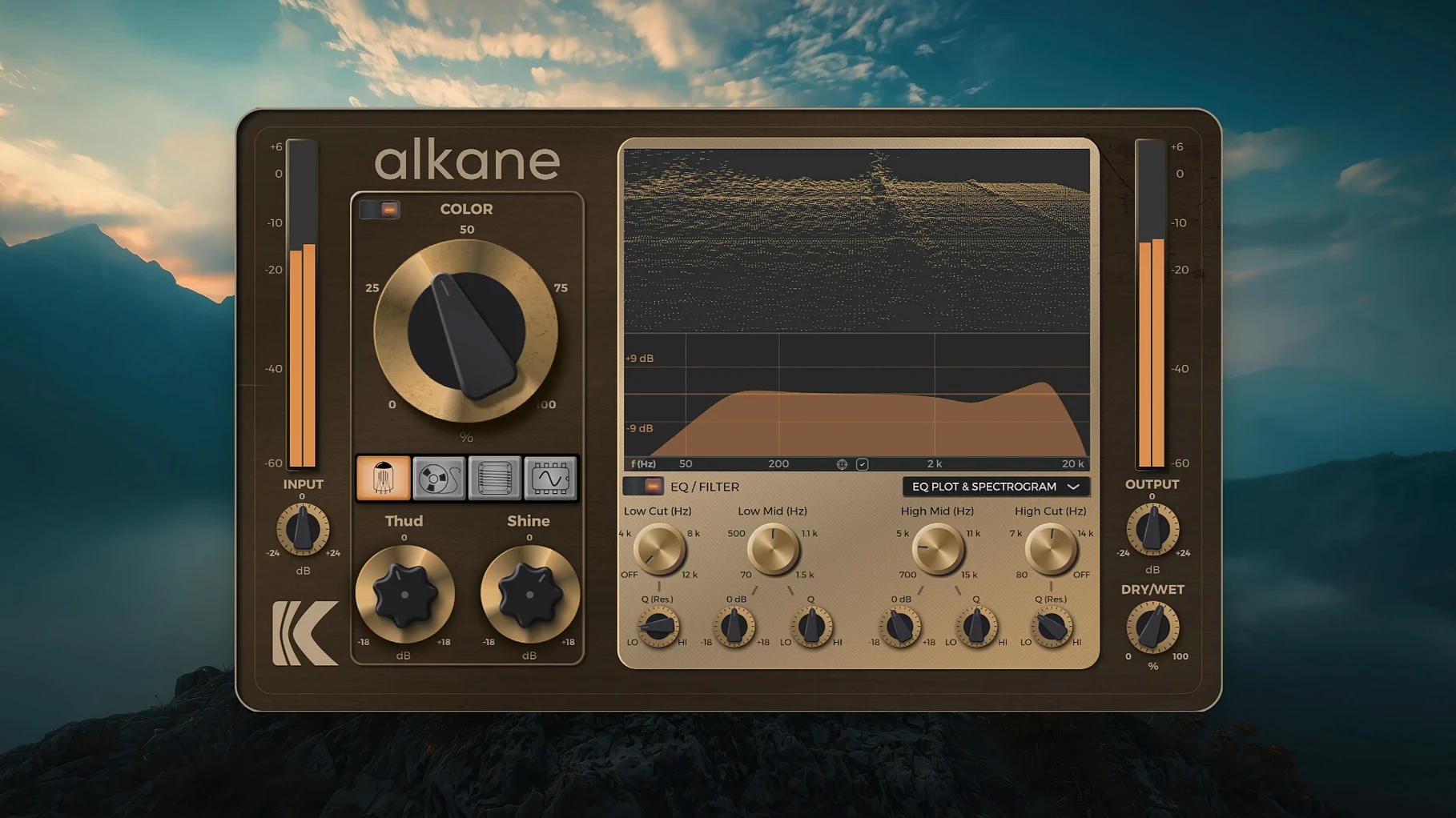
Scroll the row, it snaps to each screenshot. Click one to see it wider.
Version 1.0.17.0 of Kalifornia Dynamic KD Alkane is out, and it keeps the focus on getting analog-style harmonics into your Mac without the hardware. This is a quad-circuit harmonics processor, built for producers and music designers who want tube, tape, transformer, and synth coloration in the box.
Runs Native on Apple Silicon
Alkane runs as a native Apple Silicon plugin on macOS 11 and later. It is ARM architecture, so no Rosetta translation is needed. The plugin works inside any Audio Unit–compatible host, which covers Logic, GarageBand, and most Mac DAWs. It does not require a VST wrapper.
Transient-Safe Harmonics on Any Source
The core is a two-band parametric EQ with high-pass and low-pass filters, feeding a Color module that adds transient-safe, non-linear harmonics. That means you can push saturation and distortion on vocals, drums, bass, or full mixes without smearing the attack. The four circuit models—Tube, Tape, Transformer, Synth—give you a range of tonal flavors, from warm glue to aggressive edge.
Interface and Oversampling
The GUI is human-centered, with high-resolution scaling for Retina displays. Internal 8x oversampling keeps aliasing low even when you drive the circuits hard. It is a straightforward tool: pick a circuit, shape the EQ, and dial in the color.
Live 3D Spectrogram and Real-Time EQ
A few details in the interface save time once you start using Alkane in a mix session. The 3D spectrogram gives you a live frequency view while the EQ plot and parameter editor update in real time. That means you see exactly where the harmonic content hits without bouncing audio to check it. The high-resolution scaling also keeps the GUI readable when you run a multi-monitor setup or a Retina laptop display — no squinting at tiny knobs.
Includes AAX, AU, VST3 and 8x Oversampling
- AAX, AU, and VST3 formats — covers Pro Tools, Logic, Cubase, and most other Mac DAWs
- 8x oversampling on all circuits, so harsh digital artifacts stay low even with heavy drive
- Two-band parametric EQ with built-in high-pass and low-pass filters for frequency shaping before the Color module
- Visualizer with a 3D spectrogram, EQ plot, and parameter editor — all updated live as you adjust controls
Four Circuit Types vs. Decapitator's One
If you already use Soundtoys Decapitator, you get a single saturation model with a few flavors. Alkane gives you four distinct circuit types in one plugin — Tube, Tape, Transformer, and Synth — plus the Color module for transient-safe harmonics that Decapitator does not have. The 3D spectrogram visualizer is also something Decapitator lacks entirely.
Compared to FabFilter Saturn 2, Alkane is narrower in scope. Saturn 2 offers multi-band saturation, a distortion module, and more extensive routing. Alkane stays focused on quad-circuit harmonics with a two-band EQ and the Color module. For sessions where you want quick tube or tape character without building a multi-band chain, Alkane gets you there faster.
For quick, warm saturation on vocals or synths, the alkane plugin free download suits music producers who want simplicity. It is a direct alternative for music designers who want analog-sounding harmonic distortion from a native Apple Silicon plugin.
- macOS 11 or later
- Apple Silicon (ARM)
- English interface
Questions I get about this line
No. Alkane uses ARM architecture and requires Apple Silicon. It runs on macOS 11 or later.
Alkane works in any Audio Unit–compatible host, such as Logic Pro or GarageBand.
The install order
- Close all open DAWs or music applications.
- Download the installer package.
- Open the downloaded disk image.
- Double-click the installer package to start installation.
- Follow the on-screen prompts.