
- Home
- VST Plugins
- Metric Halo Production Bundle
- Version
- 2025.05 (4.0.23.187)
- Developer
- Metric Halo
- Languages
- English
- License type
- K'ed by ARTiC
| macOS range | macOS 11 or later |
|---|---|
| Chip | Apple Silicon |
| Download | 318 MB |
Screenshots
Scroll the row, it snaps to each screenshot. Click one to see it wider.
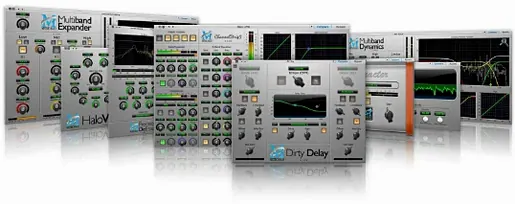
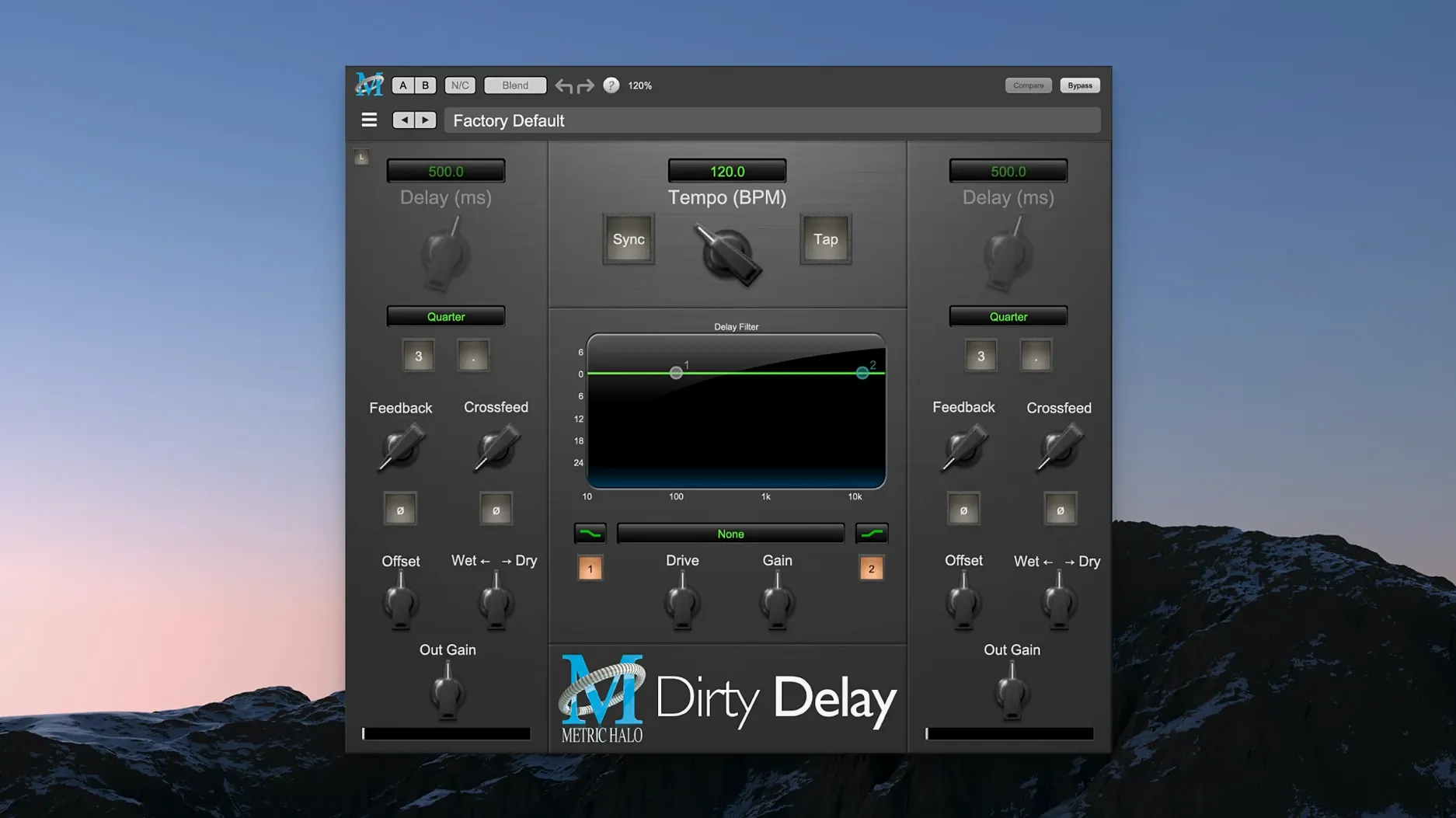
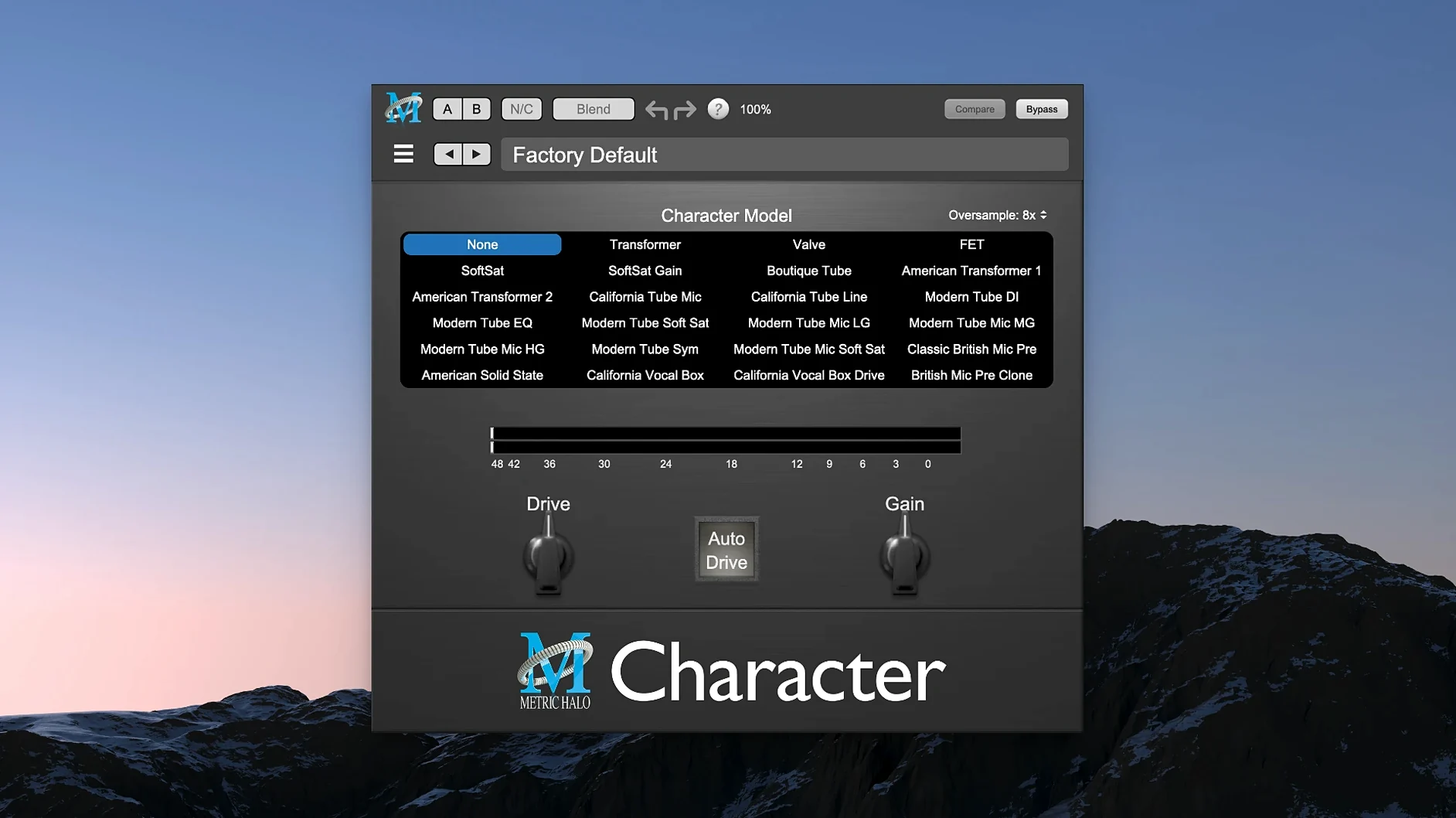
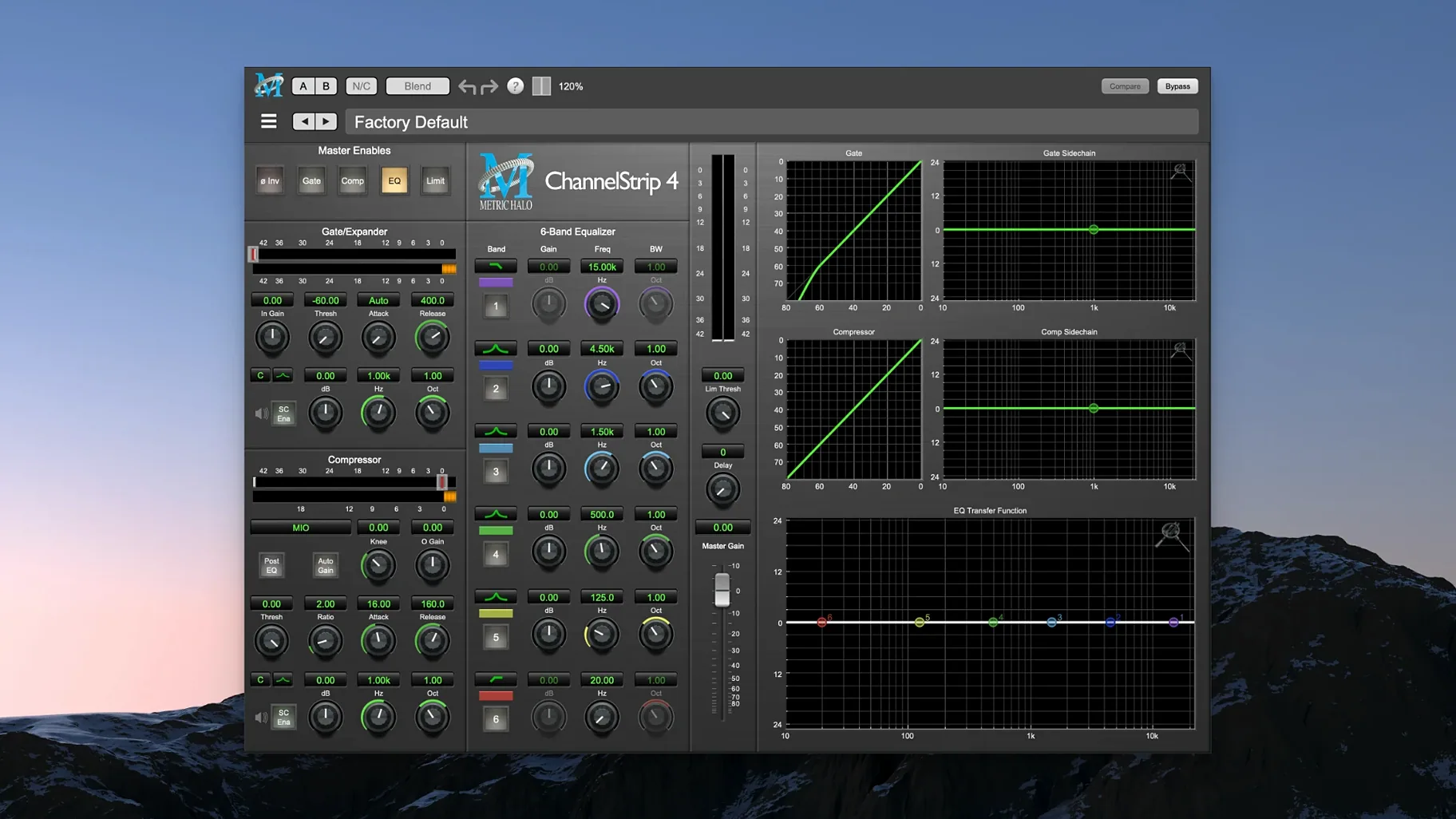
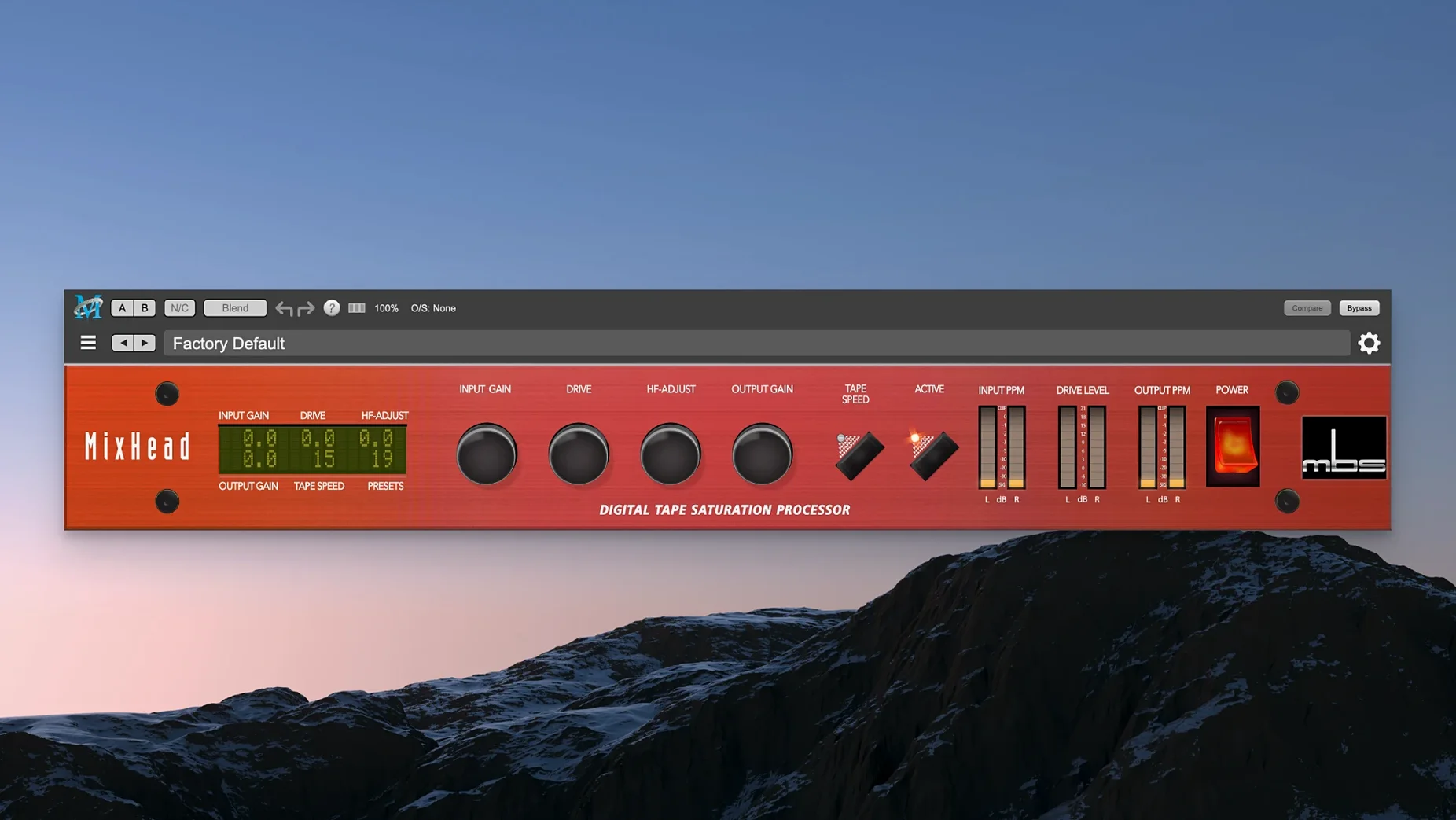
The Metric Halo Production Bundle is a collection of signal processing plug-ins for mixing, mastering, and sound design work in a DAW. It’s a set of tools rather than one processor, so you pull different pieces for different jobs.
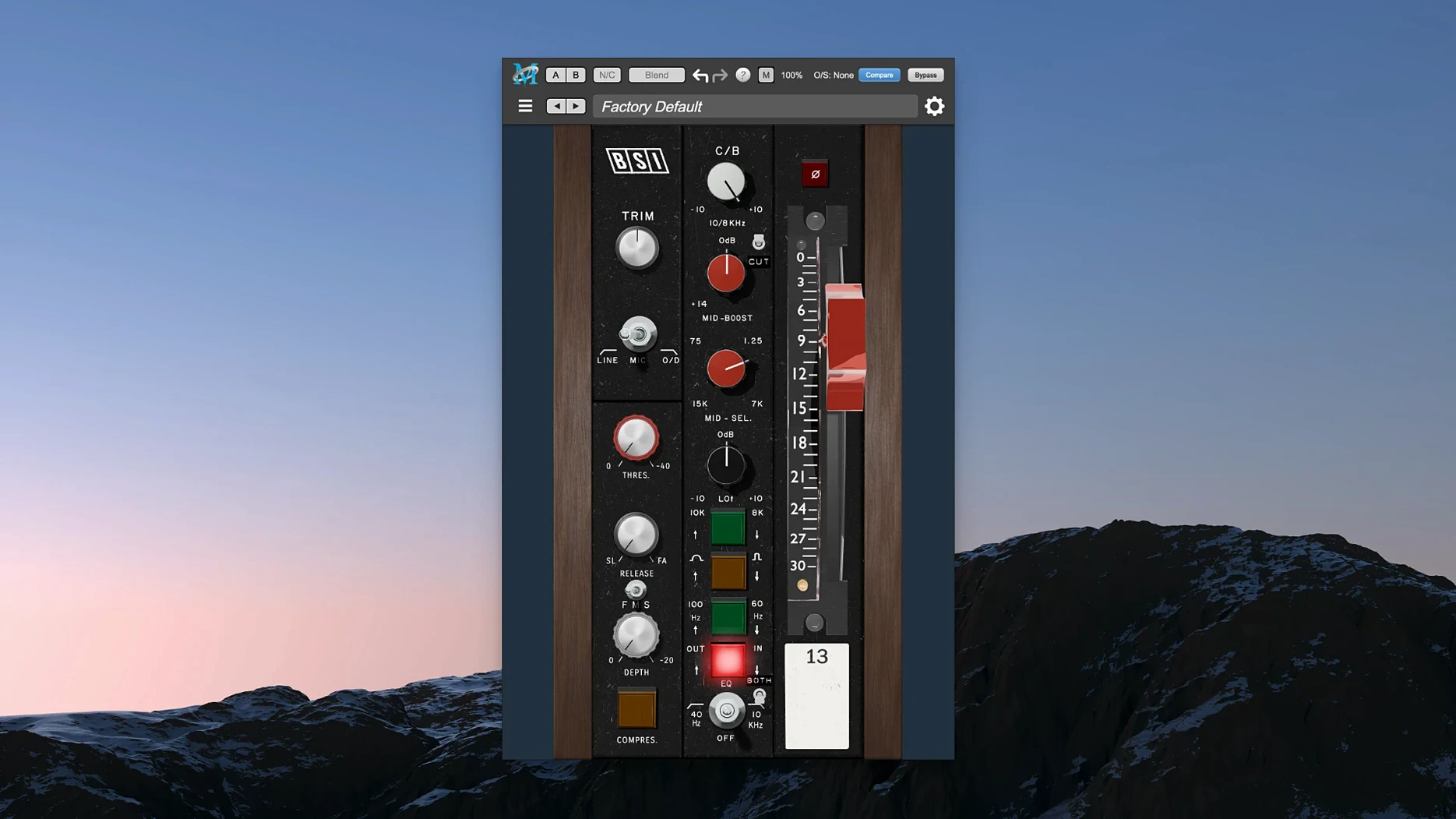
- On individual tracks — start with MIOStrip for gain, EQ, and dynamics. It’s the workhorse for shaping a single source before it hits the bus.
- On buses and groups — add HaloVerb for spatial depth or Thump for low-end weight. Both sit well on a drum bus or a submix.
- On the master — use the Precision De-Esser to tame sibilance or transient harshness before final limiting.
- In sound design — layer Thump’s punch with HaloVerb’s tails to build textures and impacts.
The bundle runs natively on Apple Silicon, so it slots into a modern Mac session without translation layers. ChannelStrip covers the core, and the extras handle the character work.
Console-style layout for long DAW sessions
Post-production engineers and mixers who work inside a single DAW session for long hours get the most from this bundle. The tools are laid out like a physical console, so you don't hunt through menus. Tracking engineers appreciate MIOStrip for its clean signal path on the way in, and mastering engineers can park the Precision De-Esser on the final stereo bus without worrying about latency buildup on Apple Silicon.
Sound designers who build layered impacts and transitions will find Thump useful for adding weight to synthetic elements. If you do voice-over or dialogue editing, the Precision De-Esser does one job well. The bundle rewards users who prefer dedicated processors over multi-effects units.
Start with MIOStrip on a vocal or guitar track
Start with an existing mix session. Load MIOStrip on a vocal or guitar track and get familiar with the EQ curve and dynamics response before introducing other plug-ins. Add HaloVerb on a return bus, not on the track itself — it stays cleaner that way. Drop Thump on a kick or bass channel and dial up the harmonic content in small steps. Overdo it early and the low end turns to mud.
Keep a reference session with your default DAQ tools open alongside. A/B between Metric Halo's channel strip and your usual EQ-comp combination to learn where the character lives. Remove all plug-ins from one bus and rebuild with only Metric Halo tools so you hear the combination effect. Make notes on which plug-in handles parallel compression best for your material.
Multiple processors in one bundle vs. single-flavor plugins
Waves SSL G-Master Bus Compressor gives you one flavor done well. Metric Halo gives you multiple processors in one bundle — EQ, dynamics, reverb, and subharmonic synthesis. You trade the SSL coloration for versatility.
iZotope Ozone is a mastering-focused suite with intelligent assist and spectral shaping. Metric Halo is more traditional. You turn knobs, not set targets. Ozone helps if you work fast; Metric Halo helps if you want manual control across mixing and sound design.
FabFilter Pro bundle excels at surgical EQ and transparent dynamics with deep metering. Metric Halo's processors are broader — you get a reverb and a subharmonic synth that FabFilter doesn't offer. FabFilter is sharper for precision work; Metric Halo covers more ground in a single install.
- macOS 11 or later
- Apple Silicon (ARM)
- English interface
Questions I get about this line
The bundle includes ChannelStrip, MIOStrip, Thump, HaloVerb, and Precision De-Esser.
The install order
- Open the package and run the installer.
- Follow the on-screen prompts.
- Activate the plug-ins using the instructions included in the package.