- Home
- VST Plugins
- oeksound Spiff
- Version
- 1.4.4
- Developer
- oeksound
- Languages
- English
- License type
- K'ed by FLARE
| macOS range | macOS 10.14 or later |
|---|---|
| Chip | Apple Silicon, Intel 64-bit |
| Download | 140 MB |
Screenshots
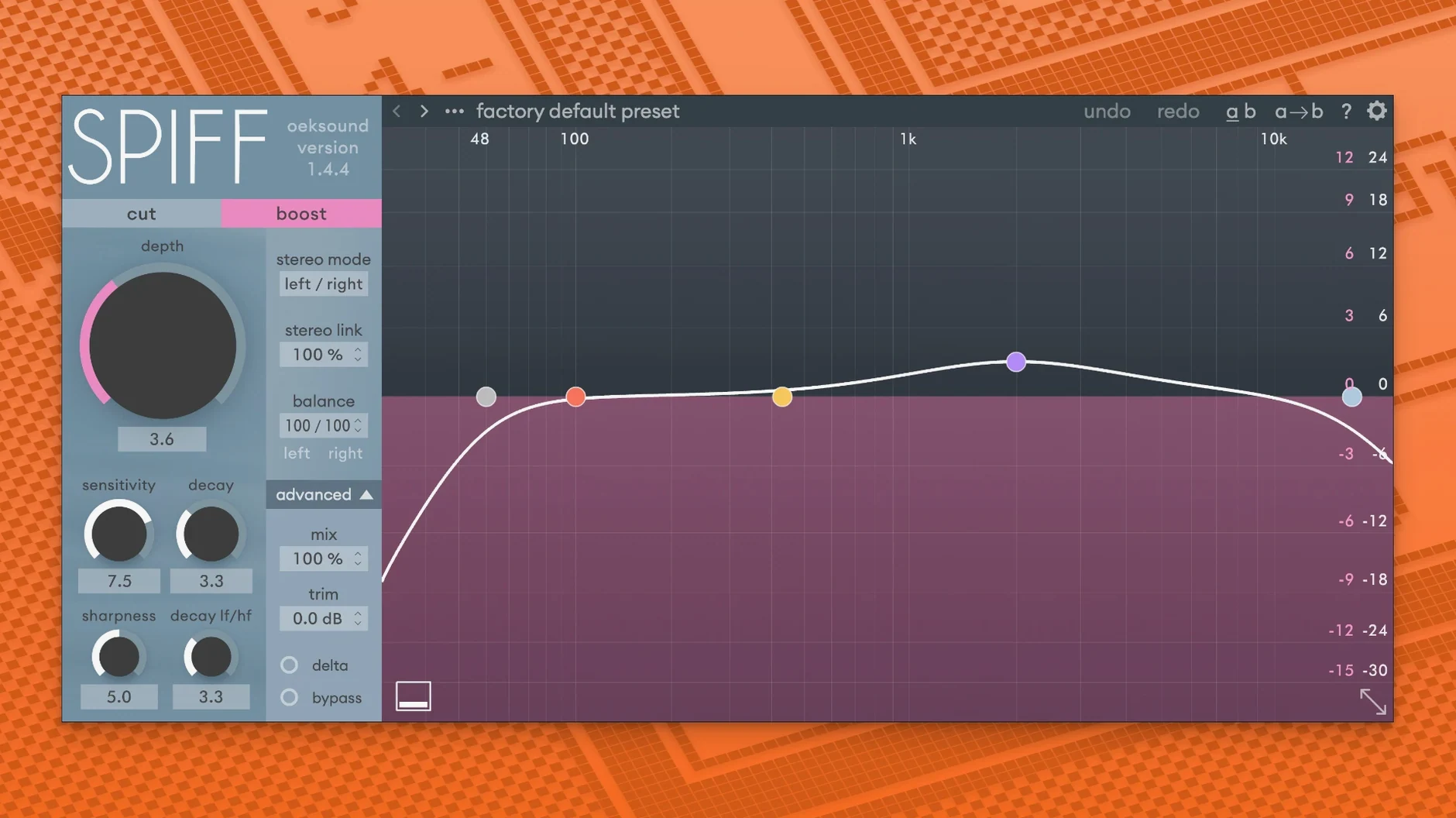
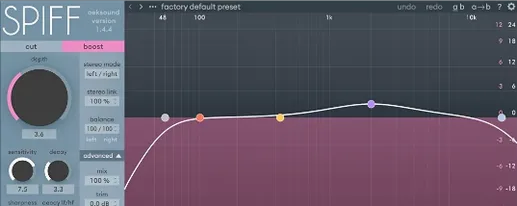
When a snare needs to cut through a dense mix without getting louder, Spiff is the tool that does it. It analyzes the incoming signal, detects transients, and applies spectral processing to shape the attack with precision.
Transient detection — Identifies the start of each sound in real time.
Spectral analysis — Works across the frequency range without splitting the signal into fixed bands.
Dynamic control — Increases or reduces the attack portion of a sound while keeping loudness steady.
Mix placement — Moves sounds forward or backward in a mix, adding clarity and expression to instruments.
Format support — VST, VST3, AU, and AAX. Apple Silicon supported on macOS. AAX requires Pro Tools 11 or later.
How Spiff compares to similar Mac transient processors
Spiff sits in a category with tools like Sonible Transient and Newfangled Audio Transient. Where those often use band-splitting or fixed frequency ranges, Spiff does spectral analysis across the full frequency range without dividing the signal into bands. This means it catches transients that fall between split points, which is useful for complex material like a drum bus or a vocal with mouth noise.
Sonible Transient uses AI-assisted profiling and a simplicity-focused interface. Newfangled Audio Transient applies a multiband approach with per-band controls. Spiff gives you one continuous processing field and relies on the user to dial in frequency focus with its adaptive detection. For engineers who want a non-band, single-window approach to transient shaping, Spiff is the distinctive choice.
- Sonible Transient — AI-driven, multiband, quick presets for genre-based work.
- Newfangled Audio Transient — Multiband, sidechain option, more user control over band splits.
- oeksound Spiff — Adaptive spectral, no band splitting, precise frequency targeting via detection.
Mix engineers who pull snares from dense mixes
Three groups benefit most:
- Mix engineers handling dense pop, rock, or electronic mixes. Spiff pulls a snare or kick forward without raising overall level. It also restores detail in overcompressed tracks, so a mix that feels flat can regain punch and clarity.
- Post-production editors cleaning dialogue. Spiff removes clicks, lip smacks, and other vocal noise artifacts without affecting the body of the voice. The precision of spectral detection lets you target short bursts of unwanted sound while leaving the rest of the track untouched.
- Sound designers shaping instrument attacks. Spiff can add bite to a dull piano or soften the edge of a synthesized hit. Because it works across the full frequency range, you can shape transients on layered sounds where band-splitting would miss part of the attack.
Logic playback overload fix and Pro Tools automation
- Logic playback overload fix — Version 1.4.4 resolves a specific issue where opening the GUI for the first time caused playback overloads in Logic. No more stopping playback just to adjust Spiff on a track.
- Pro Tools automation fix — Mod-key parameter clicks no longer break automation in Pro Tools. This is a detail that matters when you are riding Spiff parameters throughout a session.
- Minor fixes and improvements — The 1.4.4 release includes small stability and performance tweaks that make the plugin behave more consistently across different sessions and DAWs.
These are not headline features — they are the kind of fixes that keep Spiff working quietly in the background so you can focus on the mix rather than the plugin.
oeksound spiff macos download is a transient shaper plugin that helps audio engineers reduce harsh resonances in recordings. AAX users need Pro Tools 11 or later.
Current version is 1.4.4, released May 15, 2025.
- Fixed playback overloads in Logic when the GUI is opened for the first time.
- Fixed automation issues in Pro Tools after mod-key parameter clicks.
- Minor fixes and improvements.
- macOS 10.14 Mojave or later
- Intel or Apple Silicon
- VST, VST3, AU, or AAX host
- AAX requires Pro Tools 11 or later
Questions I get about this line
Yes, Spiff supports Apple Silicon on macOS.
Spiff comes in VST, VST3, AU, and AAX formats. The AAX version needs Pro Tools 11 or later.
The install order
- Open the downloaded disk image.
- Run the standard installation procedure.