- Home
- VST Plugins
- Plugin Alliance Mega Bundle

- Version
- 1.2.4
- Developer
- Plugin Alliance, Brainworx
- Languages
- English
- License type
- Included
| macOS range | macOS 13 or later |
|---|---|
| Chip | Apple Silicon, Intel 64-bit |
| Download | 16.9 GB |
Screenshots
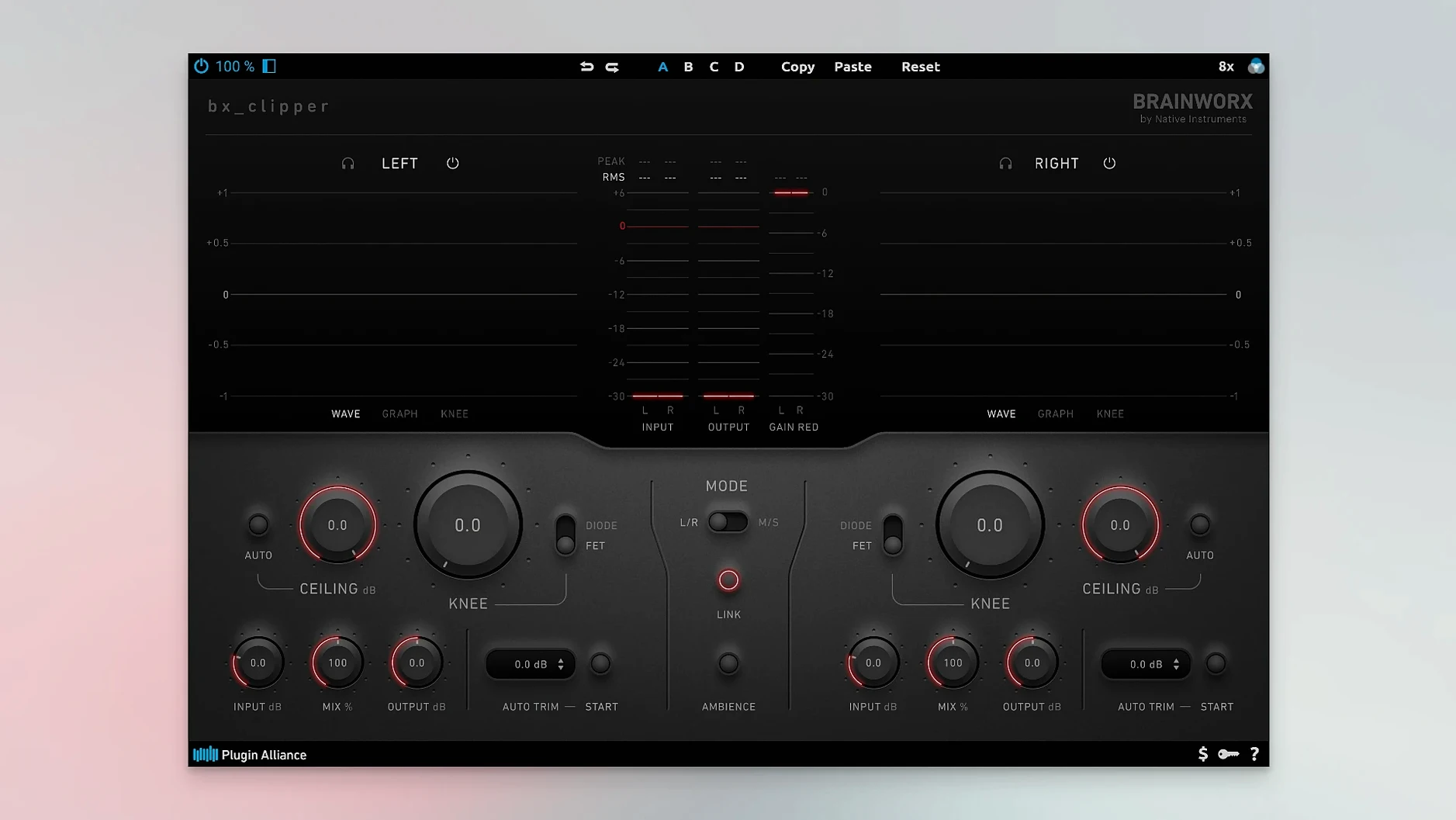
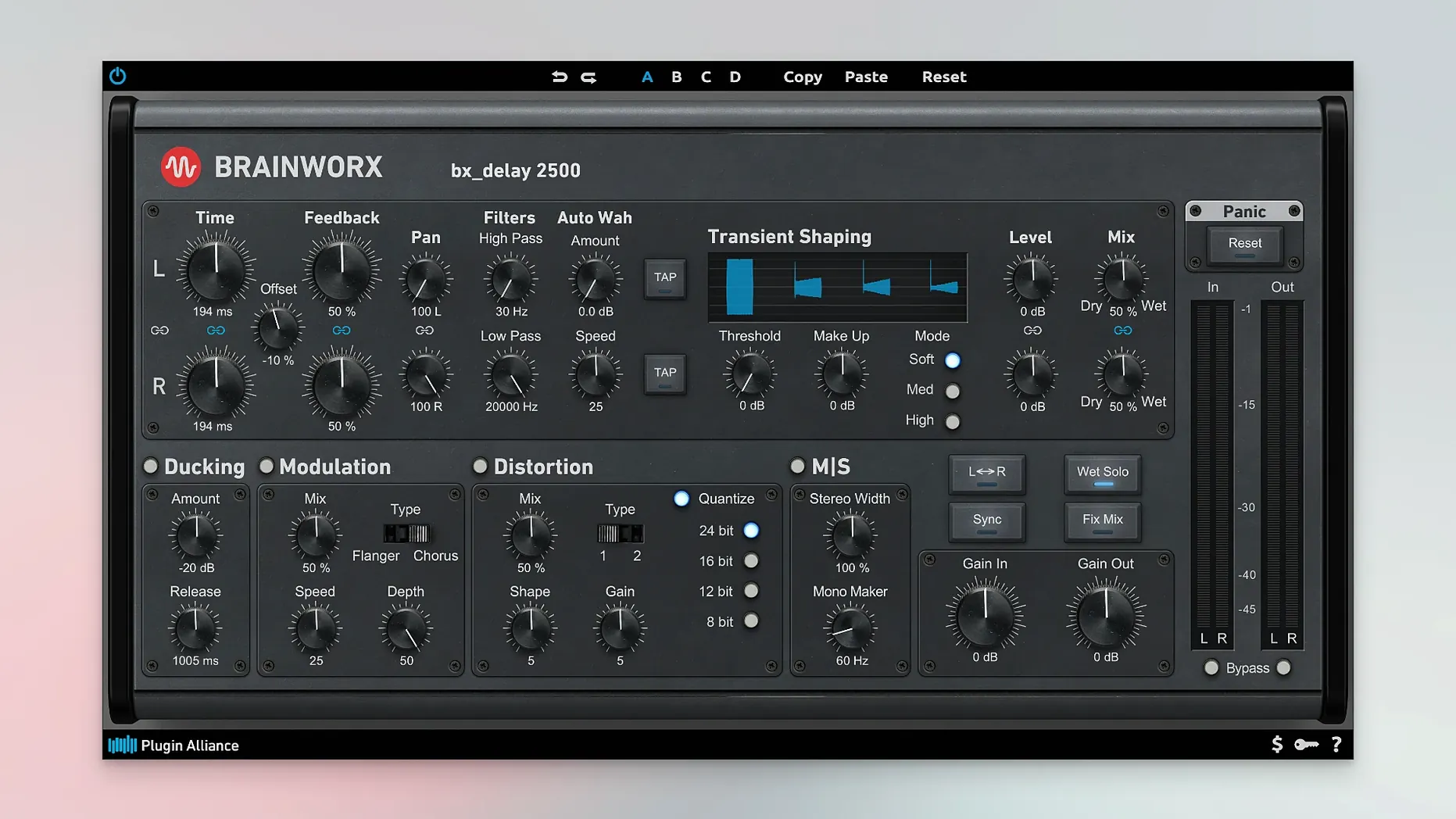
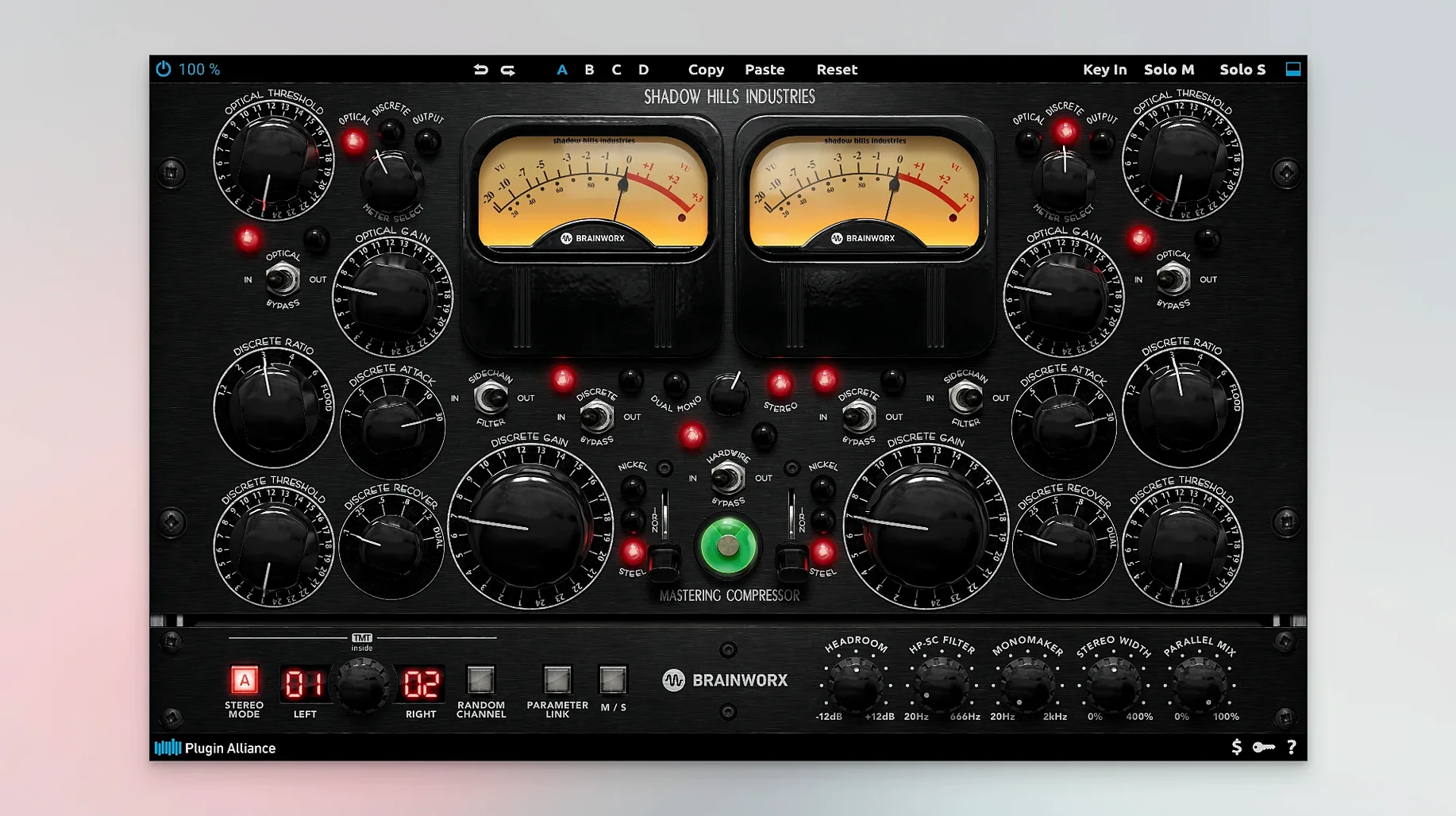
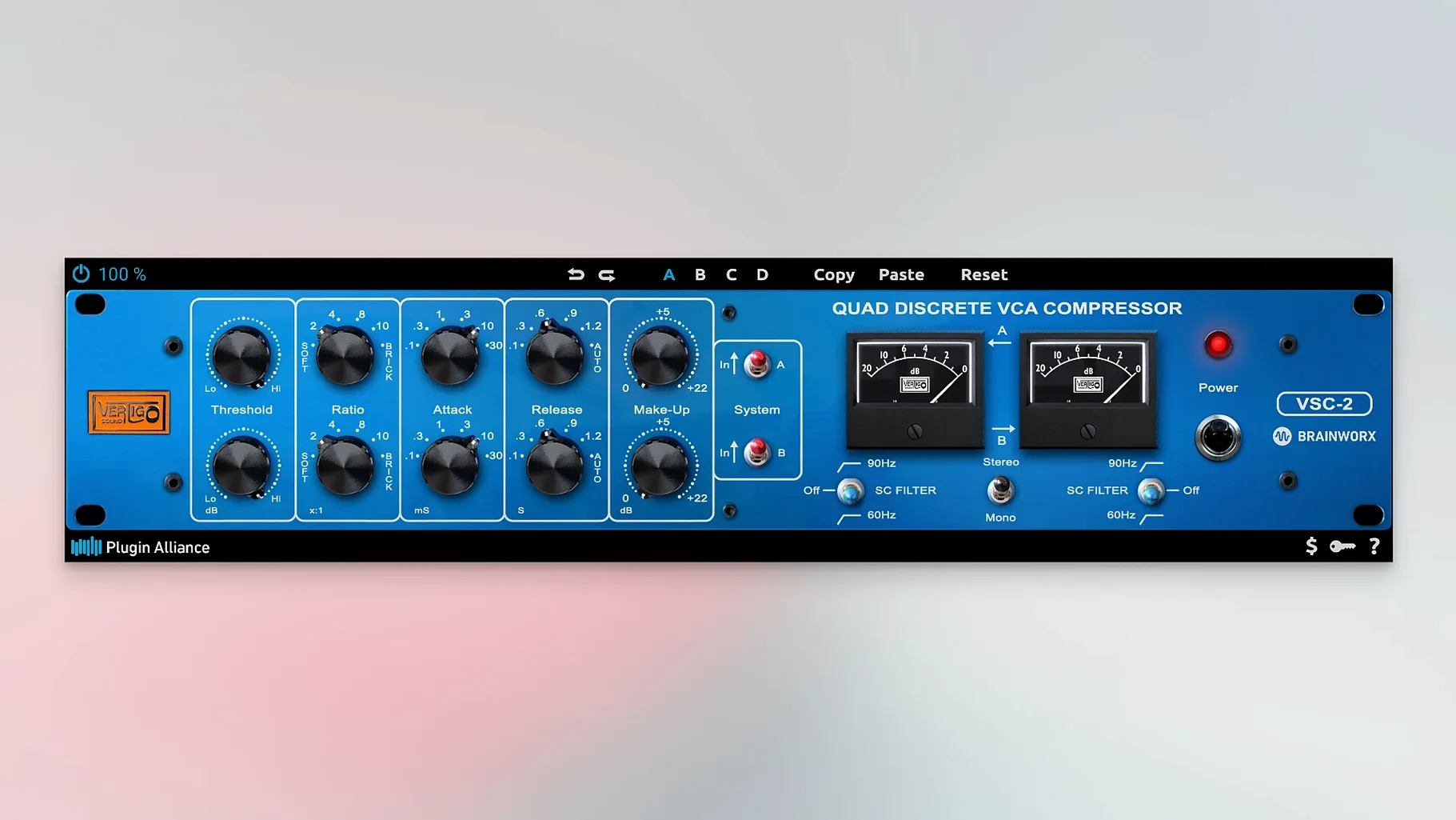
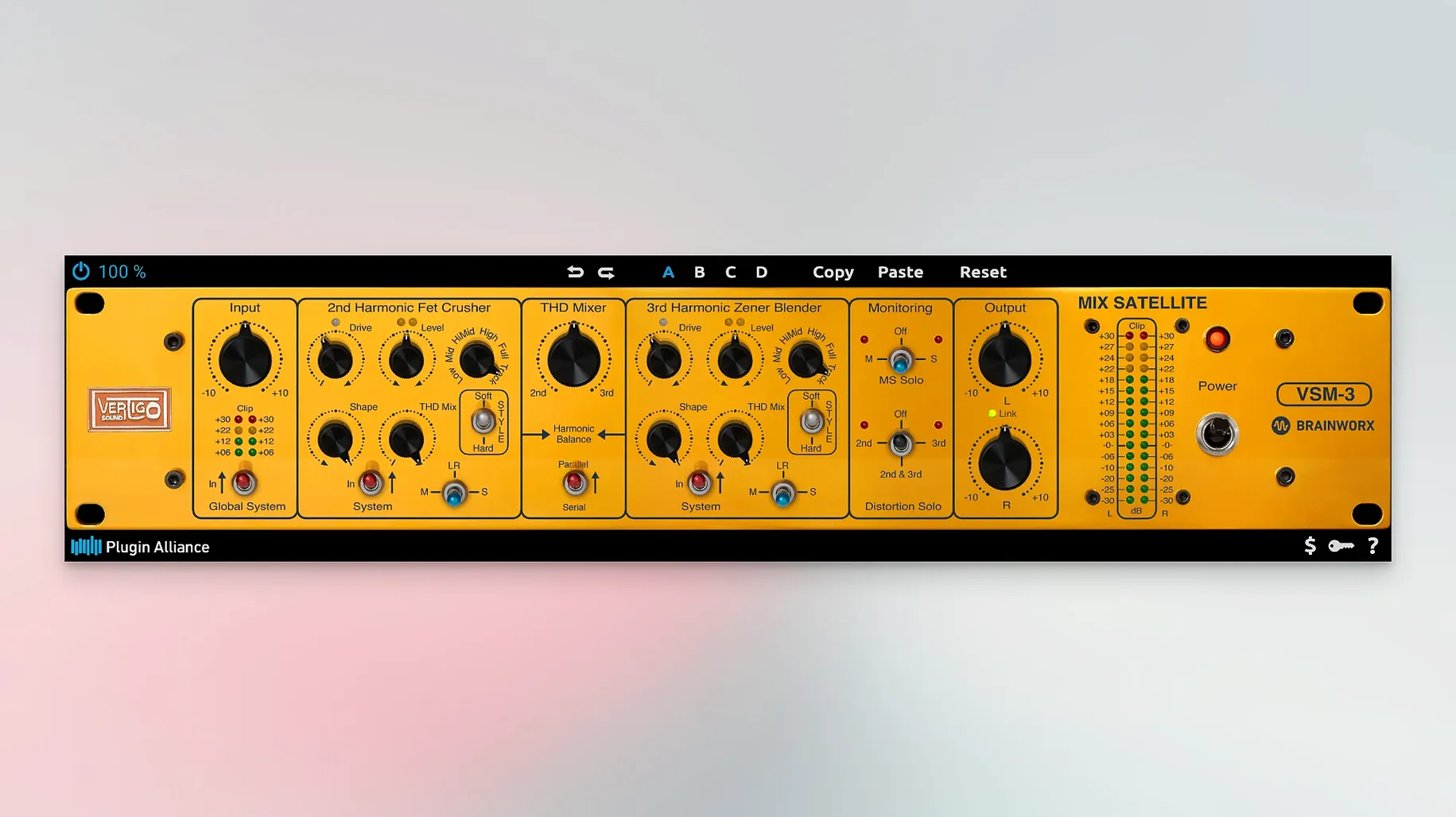
Click a screenshot to see it wider.
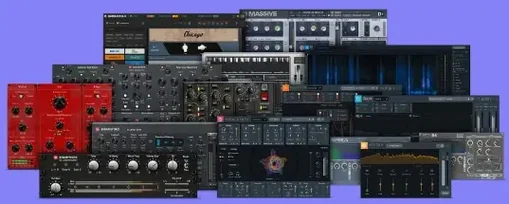
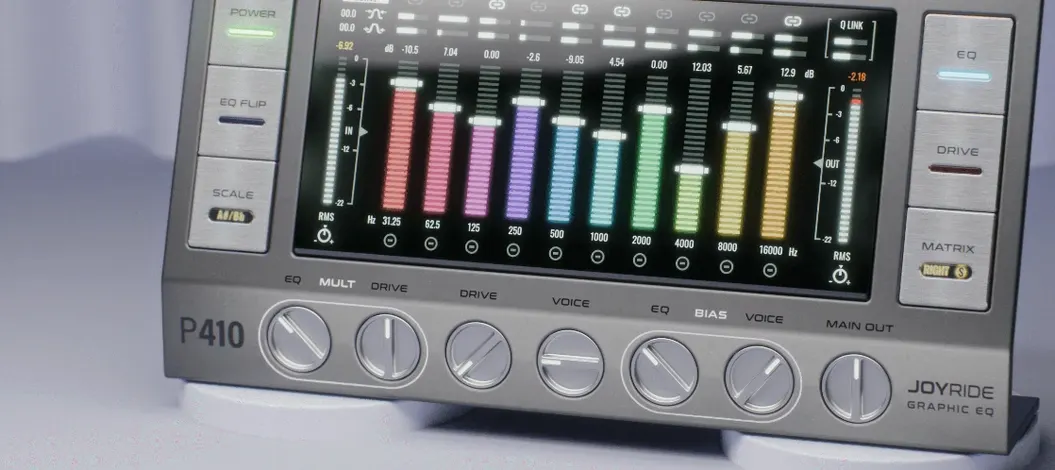
If you already use a DAW like Logic Pro or Pro Tools, you know the stock plugins only get you so far. The Plugin Alliance Mega Bundle expands your toolbox with a large unofficial set of professional audio plugins for mixing, processing, and creative experiments. It covers the chain from individual tracks to final track finishing.
- 200+ plugins from 40+ premium brands, including equalizers, compressors, saturation, spatial effects, guitar amps, and virtual instruments
- Suitable for vocals, drums, instruments, and full mixes
- Works on macOS 13 Ventura, both Intel and Apple Silicon
- Only VST3 and AU formats are supported
- Archives extract to a DMG file with Keka or another ZIP-compatible archiver
Starting a mix with the bundle
Say you have a vocal track that needs body and presence. A practical first step is picking a channel strip plugin from the bundle that combines EQ and compression in one window. Load it as a VST3 or AU insert on the vocal track. Dial in a modest high-shelf boost around 8-10 kHz to add air, then set the compressor section to a 4:1 ratio for light gain reduction, around 3-4 dB. The low-cut filter at 80 Hz cleans up rumble without touching the vocal body. This one-plugin approach keeps your session tidy and your CPU load moderate.
For drums, try a bus compressor on the drum subgroup. Aim for 2-3 dB of reduction. The result is a glued, punchy drum sound without over-processing. The same plugin works on a stereo mix bus for final track finishing, but back off the compression to 1-2 dB of reduction there.
Guitar amp simulations and A/B comparison
- The bundle includes guitar amplifier simulations. If you record DI guitar, load an amp plugin instead of re-amping through hardware. The amp models cover clean, crunch, and high-gain tones.
- Many plugins offer A/B comparison. Click the A/B button to toggle between two settings snapshots. That makes it simple to audition drastic changes without losing your starting point.
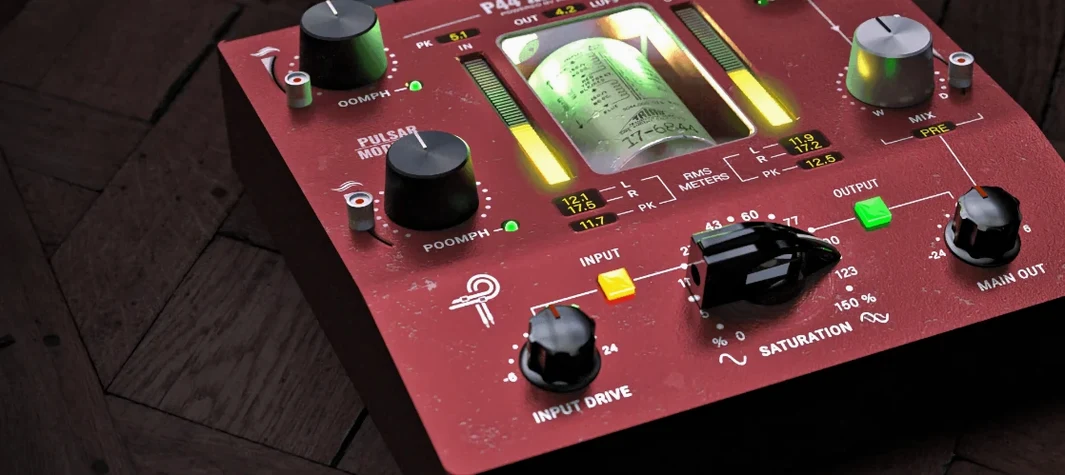
- The saturation effects work well as subtle harmonic exciters. Insert one on a synth pad or bass track, drive the input just until the meter shows 1-2 dB of harmonic distortion, and blend with the dry/wet control. The effect adds warmth without obvious grit.
- Spatial effects include stereo wideners and room simulators. Use them on mono sources like a lead vocal or snare to place them in a stereo field without true reverb.
Installing plugins from the extracted archive
- After extracting the archive with Keka, mount the DMG and copy the plugin files to your usual plugin folder, typically
~/Library/Audio/Plug-Ins/VST3or~Library/Audio/Plug-Ins/Component, depending on your DAW. Restart your DAW so it scans the new plugins. - Open your DAW and create a fresh session. Add one or two of the bundled plugins to a test track. Check that the AU or VST3 format loads without error. If it does not appear, confirm your DAW's plugin scan path includes the folder you copied the files into.
- Organize the plugins by category inside your DAW. Most DAWs let you create folders. Group EQs together, compressors together, and so on. This saves time when you want a specific tool during a busy session.
- Run through the activation instructions included in the package. The bundle requires a one-time activation. Follow those steps before relying on the plugins in a critical project.
- Test the plugin alliance mega bundle macos download on a small project first. Insert one compressor, one EQ, and one saturation plugin on individual tracks. Verify that playback is stable and that you can save and reopen the session. Only then move to a larger mix.
For a working IT setup, compatibility comes first. The bundle is a solid add-on for any serious mixing session.
- macOS 13 Ventura
- Intel or Apple Silicon
- VST3 or AU host
- English interface
Questions I get about this line
Only VST3 and AU formats are stated to work on macOS.
You need macOS 13 Ventura or later. Both Intel and Apple Silicon are supported.
Place both archive files in the same folder, right-click the .001 file, choose Open With, and select Keka or another ZIP-compatible archiver. Extraction produces a DMG file.
The install order
- Place both archive files in the same folder.
- Use Keka or another ZIP-compatible archiver.
- Right-click the .001 archive file and choose Open With, then select the archiver.
- Extract the archive to obtain a DMG file.
- Follow the installation and activation instructions included inside the archive.