
- Home
- VST Plugins
- Plugin Alliance Shadow Hills OptoMax

- Version
- 1.0.0
- Developer
- Plugin Alliance, Brainworx
- Languages
- English
- License type
- K'ed by TEAM HCiSO
| macOS range | macOS 12 or later |
|---|---|
| Chip | Apple Silicon, Intel 64-bit |
| Download | 73 MB |
Screenshots
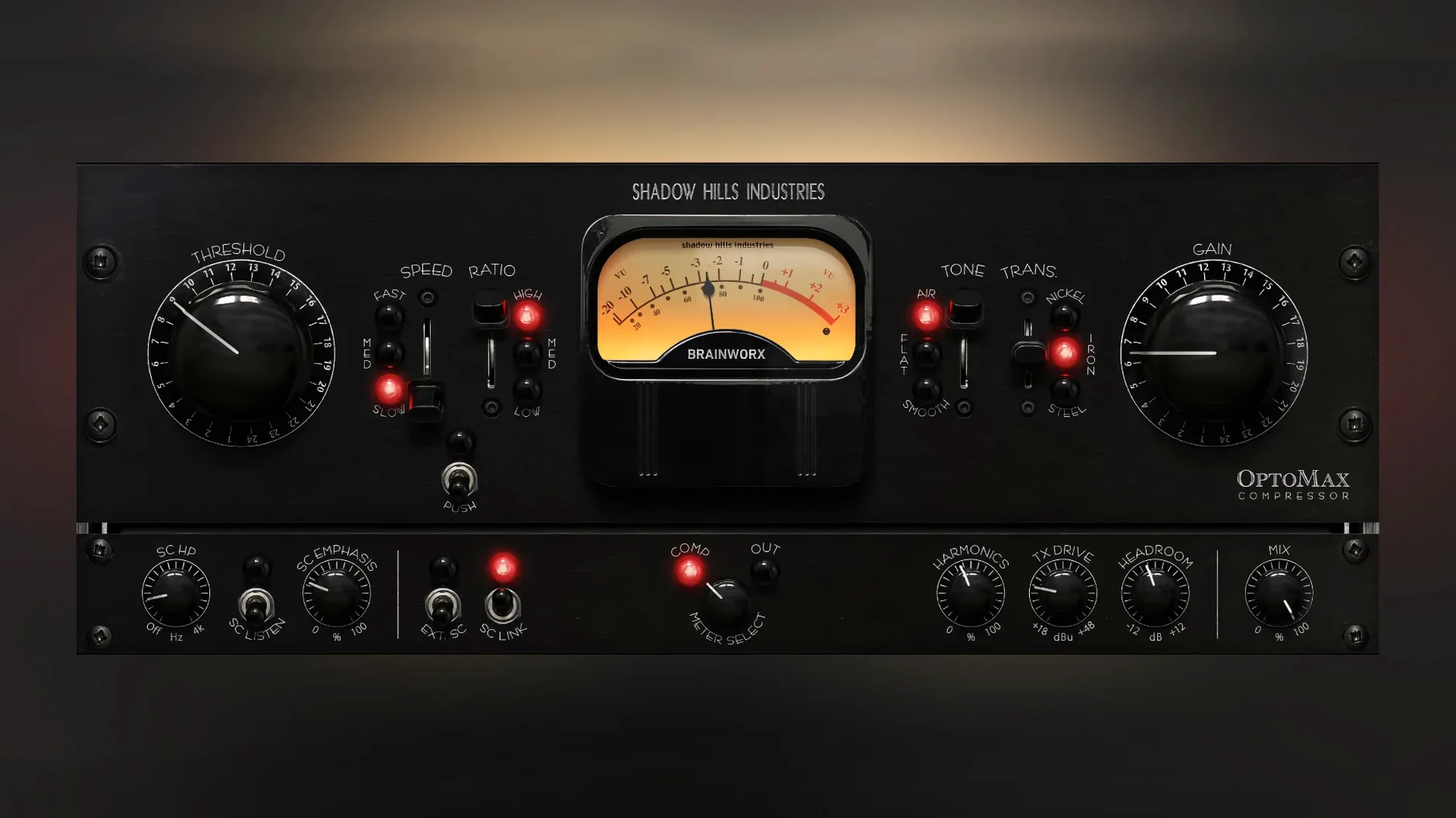
OptoMax, developed with Brainworx, is an optical compressor that handles gentle leveling or stronger peak control, depending on how you set it.
Where does it fit in a session?
Use it on vocals or instruments when you need smooth, transparent gain reduction. It also works well on track groups or the full mix, so it pulls double duty as a bus compressor.
What are the three transformer types?
Nickel, iron, and steel. Each changes the harmonic character, letting you dial in everything from clean to colored without swapping gear.
Who is this for, really?
A post-production mixer working on a dense pop mix. The vocal track needs to sit consistently without pumping, and the instrumental bus wants glue without losing transient detail. With OptoMax, they can set the vocal to medium response for gentle evening and then switch to slow on the mix bus, adding the nickel transformer for a subtle harmonic sheen. The parallel mix control lets them keep some of the original attack on both.
More Transformer Options and Shine/Softness Modes vs. CLA-2A
Compared to the Waves CLA-2A, OptoMax gives you more transformer options and the Shine/Softness high-frequency modes. The CLA-2A is a straight tube-emulation limiter compressor, great for vocals, but it does not offer the same multi-stage sidechain filtering or the three distinct harmonic characters.
Next to the Kush Audio UBK-1, which is a two-stage optical compressor with a gritty character, OptoMax is cleaner and more transparent by default. The UBK-1 is built for aggressive, character-heavy compression, while OptoMax can go from transparent to colored depending on the transformer and response settings. The UBK-1 also lacks the advanced sidechain options that OptoMax includes.
For mastering engineers who already own the Shadow Hills Mastering Compressor plugin from Plugin Alliance, OptoMax fills a different role. The full mastering compressor offers more control over the entire compression circuit, but OptoMax gives you just the optical section with a simpler, faster workflow. It is a good complementary tool when you want the optical character without the full mastering chain.
What about sidechain filtering?
The advanced sidechain filter lets you focus compression on specific frequency areas. This helps when you want the compressor to react mostly to the low end or avoid triggering on high-frequency content. It is a practical feature for bus work where you do not want the compressor pumping on every hi-hat hit.
Mix engineers running a shadow hills mastering compressor mac setup might find OptoMax a quicker option for individual tracks or subgroups, while keeping the full mastering compressor on the stereo bus. Plugin Alliance Shadow Hills OptoMax applies the iconic optical compressor circuit for transparent dynamics control in mastering and mixing. Plugin Alliance Shadow Hills OptoMax emulates vintage optical compression for smooth, transparent dynamics in mixing and mastering.
Yes. The parallel mix knob lets you blend the compressed signal with the dry one, which is handy for parallel compression on drums or vocals.
- Initial release
- macOS 12 or later
- Intel or Apple Silicon
Questions I get about this line
It is inspired by the optical section of the Shadow Hills Mastering Compressor and developed with Brainworx.
It requires macOS 12 or later and supports both Intel and Apple Silicon Macs.
The install order
- Open the downloaded disk image.
- Run the standard installer.
- Follow the normal installation prompts.