Free download (779 MB) Previous versions
- Version
- 2.6.5
- Developer
- Serif Labs
- Languages
- English, German, Spanish, Italian, Chinese (Simplified), Portuguese, French, Japanese
- License type
- K'ed by TNT team
| macOS range | macOS 10.15 or later |
|---|---|
| Chip | Apple Silicon, Intel 64-bit |
| Download | 779 MB |
| Previous versions | 1 on file |
Screenshots
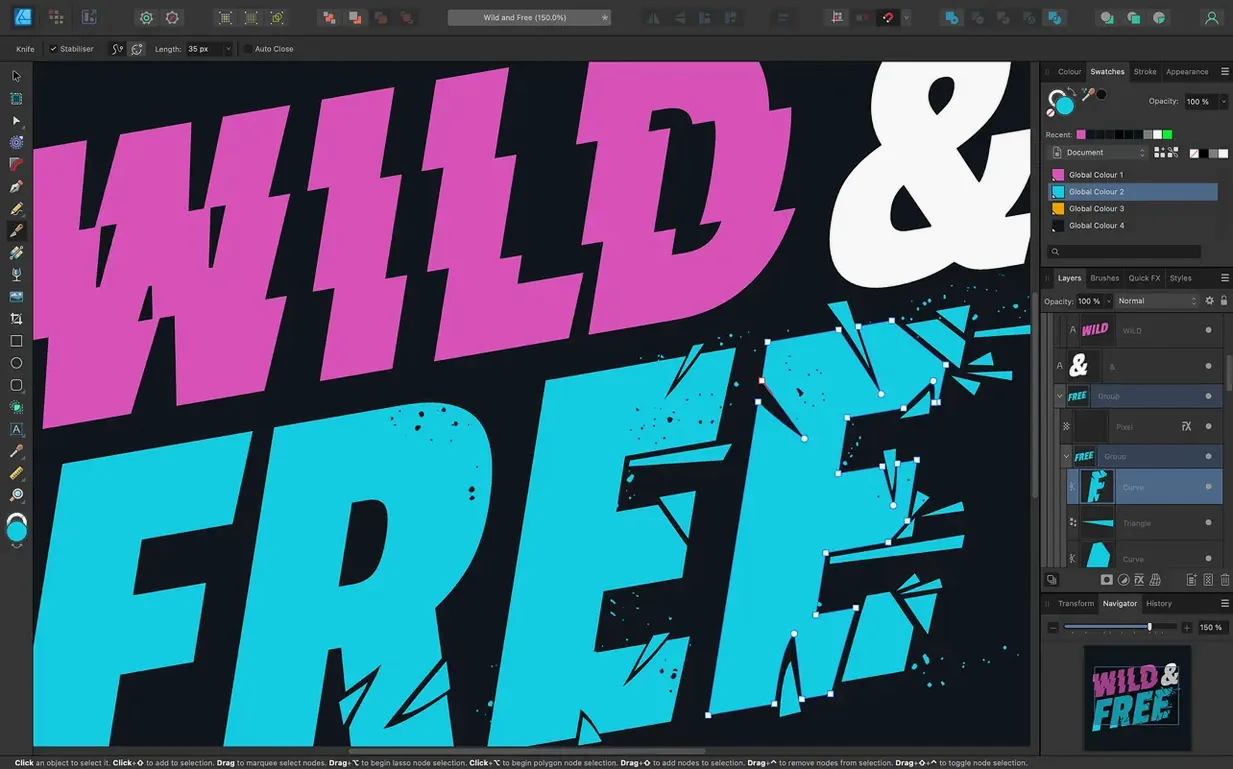
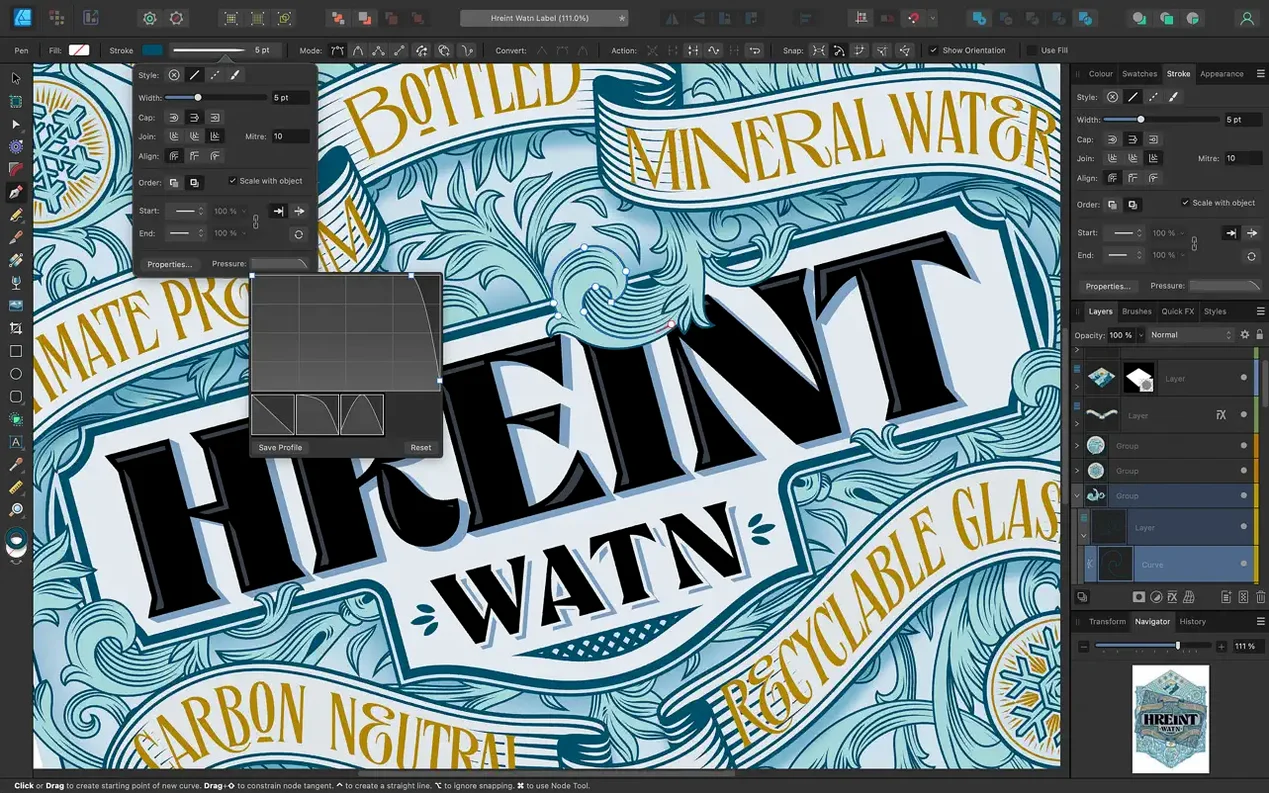
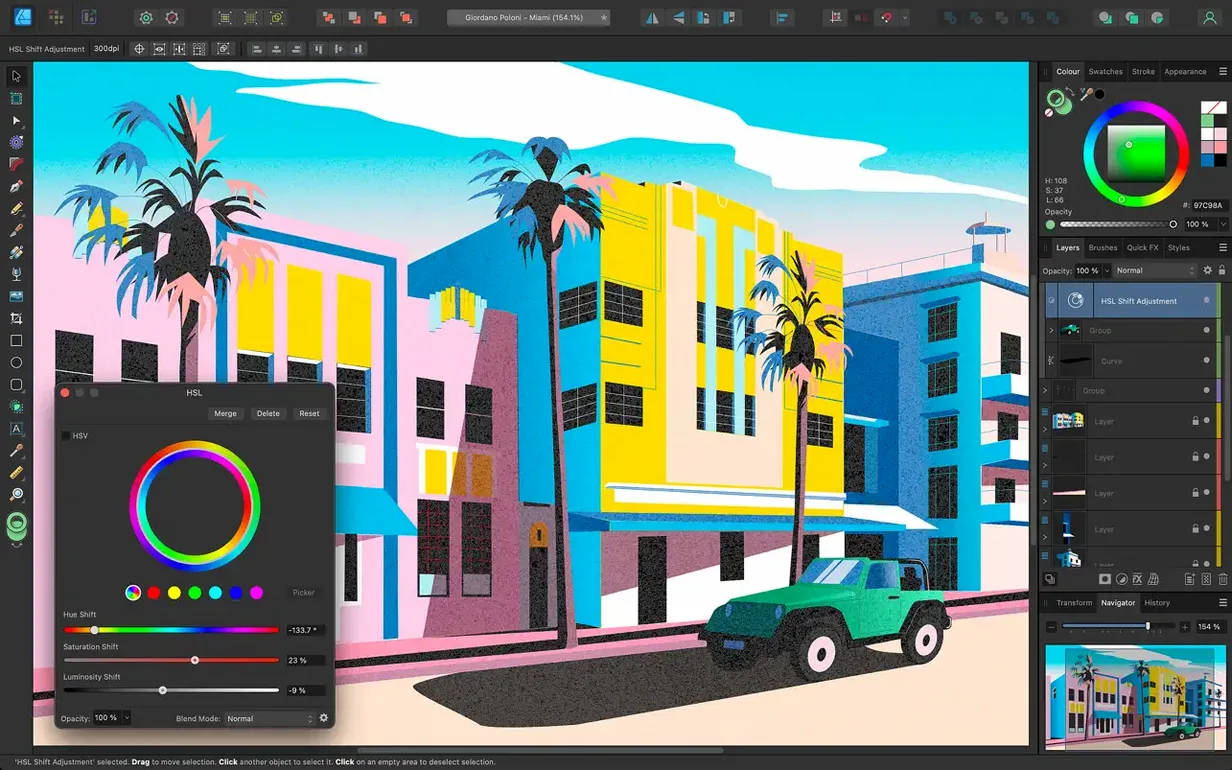
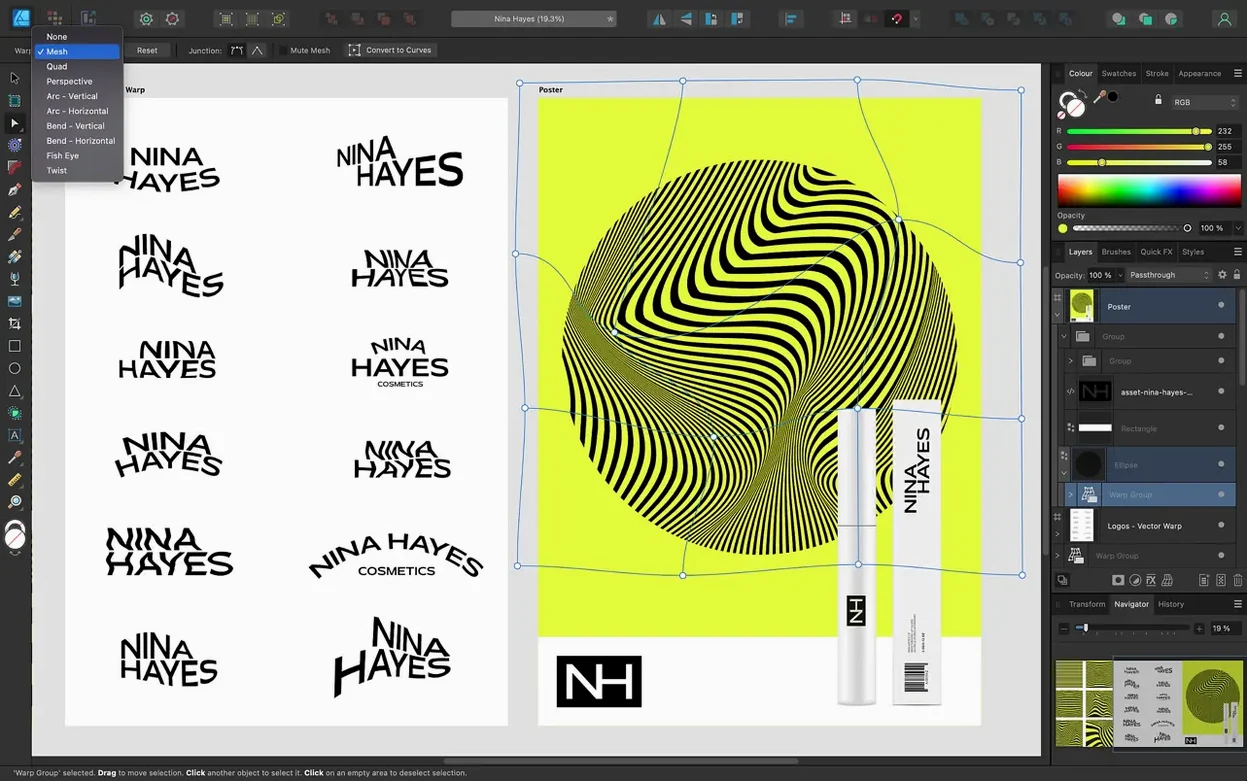
Click a screenshot to see it wider.
Affinity Designer 2 runs on any Mac with macOS 10.15 or later, covering both Intel and Apple Silicon models. If your Mac meets that bar, the app is ready to install and work with Metal, OpenGL, Grand Central Dispatch, and Core Graphics. You do not need a bleeding-edge machine; a reasonably recent Mac will handle it fine.
Full Vector Tool with Pen, Node, and Text-on-Path
This is a full vector design tool. The Pen, Node, curve editing, and shape tools cover most drawing tasks, and you can set text along a path when you need it for logos or layouts. The app supports CMYK, LAB, RGB, and grayscale color models, so print work stays accurate.
File Compatibility and Workspace
Affinity Designer 2 opens and exports PSD, AI, PDF, EPS, SVG, JPG, TIFF, and EXR files. Unlimited artboards give you room for multi-page projects. On Mac, the Touch Bar and Force Touch trackpads have support built in.
Part of the Affinity Suite
This app is one of the three Affinity desktop products, alongside Affinity Photo 2 and Affinity Publisher 2. If you already use those, Designer 2 shares the same update channel and feels consistent.
Adjust Performance RAM Before Drawing
Before you start drawing, a few defaults are worth adjusting. Open the app and hit Cmd + , to reach Preferences.
- Performance — If you work with multiple documents, set disk RAM usage higher. The default is usually fine for single-file work, but bumping it up helps when you have a few artboards open.
- Keyboard Shortcuts — The app lets you customize nearly every command. I reassign the Pen tool shortcut to something I can hit without looking. Worth spending two minutes on.
- Interface — Turn off the welcome screen if you open the same files daily. Saves a click each time.
- Color — Set the color format to match your typical output. CMYK for print, RGB for screen. The app remembers per document, but the default matters for new files.
System Requirements and Compatibility
Will this work alongside Affinity Photo 2 or Publisher 2?
Yes. All three share the same update mechanism and file format. You can copy assets between them without conversion. If you already own one, the others slot in cleanly.
Does it handle large vector files?
The app handles hundreds of artboards and complex node structures. Performance depends more on your document size than on the app itself. Keep your stroke profiles clean and your curves simplified if you plan to work on very large projects.
Can I open Adobe Illustrator files?
Affinity Designer 2 opens AI files and also exports to AI format. It is not a perfect round-trip — Illustrator handles some features that Designer does not — but for most logo and icon work, the exchange works well.
Is the interface in English only?
The app ships with English, German, Spanish, Italian, Simplified Chinese, Portuguese, French, and Japanese. You can switch the language in Preferences without reinstalling.
Works with Mouse or Trackpad
Not at all. The brush and pencil stabilization tools make freehand curves smooth even with a mouse or trackpad. A tablet helps for natural-feeling strokes, but the app is usable with any input device.
Tighter Freehand Curves in 2.6
Version 2.6.5 is the current release. The 2.6 update, which landed before it, brought three notable changes that affect daily work:
- Pencil tool improvements — The freehand curve tool now feels tighter. It is useful for quick sketches and rough lines that you refine later. If you avoided the Pencil tool before, give it another try.
- Stroke Width Tool profiling and Reset Profile — When you adjust stroke widths with the Stroke Width Tool, the profiling behaves more predictably. The Reset Profile button saves you from undoing multiple steps if you overshoot.
- Marquee select intersection toggle — Hold Command or Ctrl while using the marquee selection tool to switch between standard selection and intersection mode. That is a small time-saver for selecting overlapping objects.
Version 2.6.5 itself is a maintenance release — bug fixes and stability improvements. No new features, but the app runs cleaner than the previous build. If you are still on a 2.5.x release, jumping to 2.6.5 gets you all the tool changes plus the fixes.
- Bug fixes and stability improvements.
- Pencil tool improvements from the 2.6 release.
- Stroke Width Tool profiling improvements and Reset Profile.
- Command or Ctrl toggle for marquee select intersection behavior.
- macOS 10.15 or later
- Intel or Apple Silicon
Questions I get about this line
Yes. Version 2.6.5 supports both Intel and Apple Silicon Macs, as long as you are on macOS 10.15 or later.
It opens and exports PSD, AI, PDF, EPS, SVG, JPG, TIFF, and EXR files.
The install order
- Mount the disk image and launch Open Gatekeeper friendly.
- Press Enter in Terminal to bypass Gatekeeper.
- Drag the app into the Applications folder.
- Open the app when installation is complete.