Free download (403 MB) Previous versions
- Version
- 4.1.4 fix
- Developer
- CELSYS Inc.
- Languages
- English, German, Spanish, Chinese (Simplified), Korean, French, Japanese
- License type
- K'ed by Antibiotics
| macOS range | macOS 14 or later |
|---|---|
| Chip | Apple Silicon, Intel 64-bit |
| Download | 403 MB |
| Previous versions | 1 on file |
Screenshots
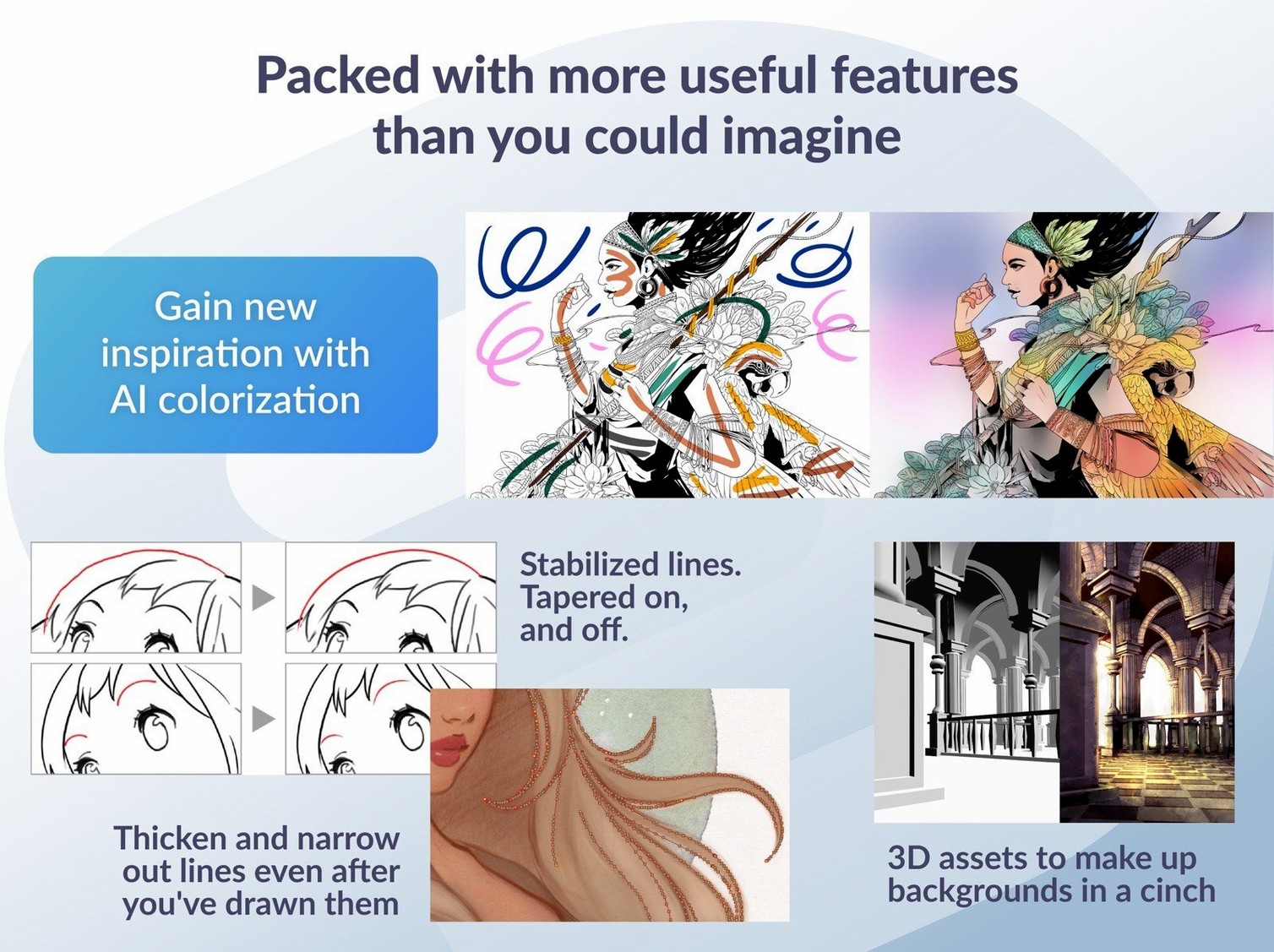
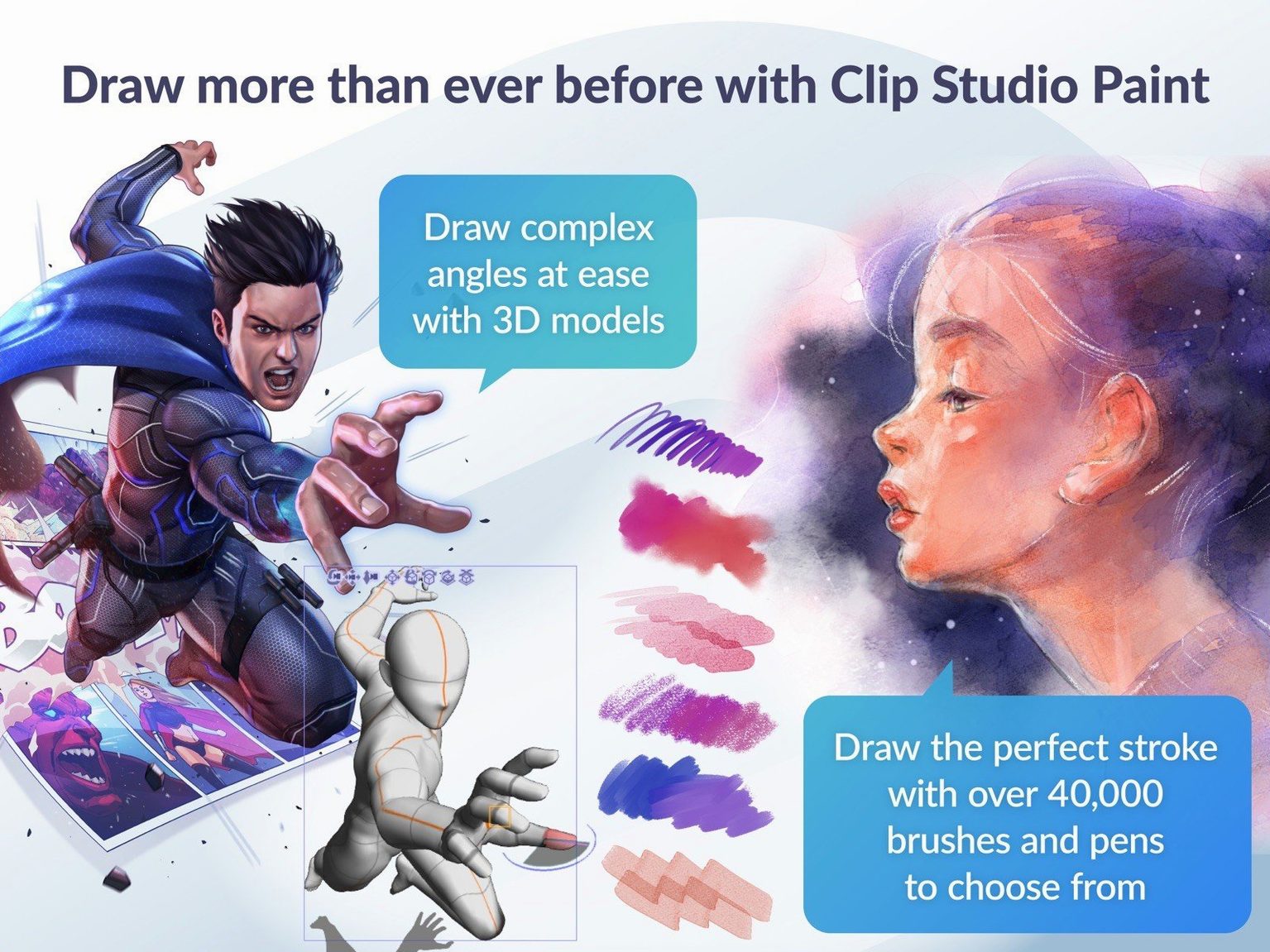
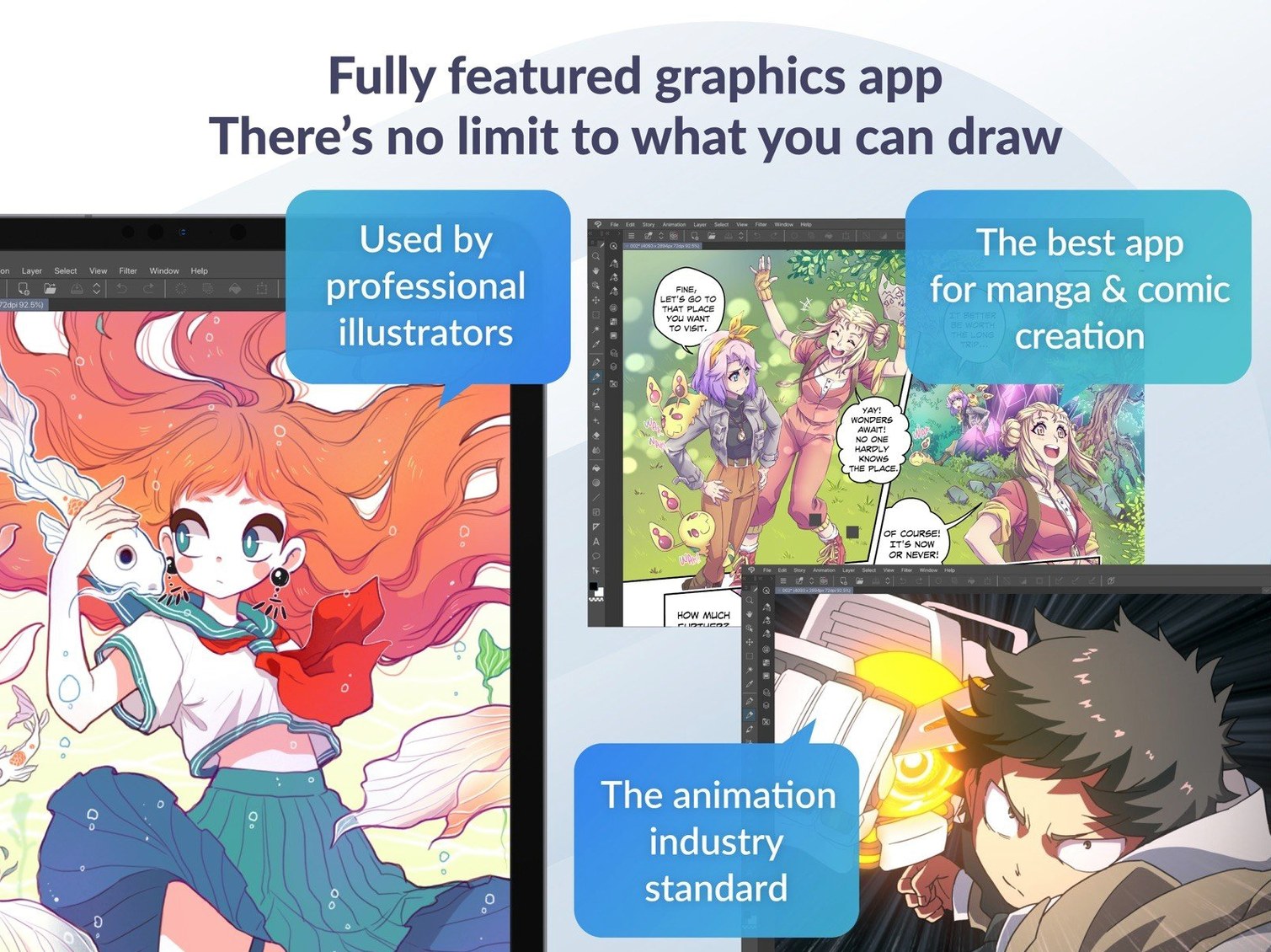
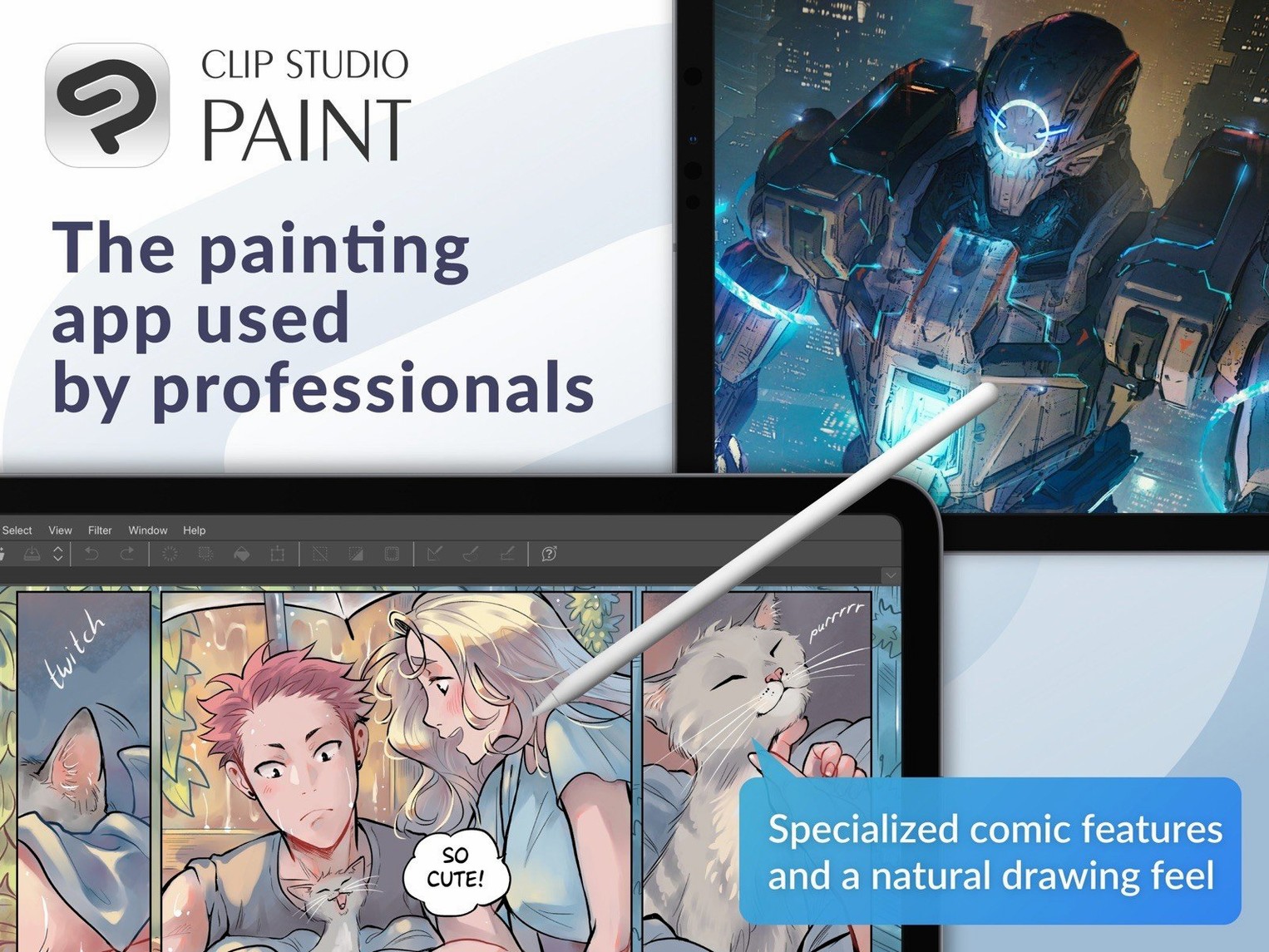
Click a screenshot to see it wider.
Clip Studio Paint 4.1.4 adds Simplified Chinese as a display language and fixes edge artifacts that showed up in canvas previews with Quick Filters and Quick Effects. Quick Look previewing of .clip files in macOS 15 is noticeably faster now.
Draw a Comic Page
Set up panel borders with vector tools, then sketch and ink using pen tablet pressure sensitivity. Layer your tones and screentones. Export the finished page as a layered PSD for print or as a flattened image for web.
Animate a Short Loop
Open the timeline, turn on onion skin display, and draw a few frames of a walk cycle. Adjust timing per frame, then export the sequence as a GIF or movie file. The animation tools handle timing control without extra software.
Move a 3D Prop
Drag a 3D material onto a 3D layer outside any frame folder. Version 4.1.4 fixed the behavior so the prop lands exactly where you want it, not inside a random frame. Rotate and scale it, then use it as reference for your line art.
Full Comic Layout vs. Single Canvas Workflow
Clip Studio Paint goes up against a few apps that serve similar roles. Against Procreate it’s a different workflow: Procreate stays on iPad, and it does one canvas at a time with no multi-page layout. Clip Studio handles full comic chapters, storyboard management, and frame-by-frame animation on the same project file. Procreate’s brush engine is fast and responsive; Clip Studio offers more vector control and a bigger range of export options for print production.
Against Adobe Fresco, the gap is in vector and animation depth. Fresco has live brushes and decent vector strokes, but its animation tools are limited to simple time-lapse capture. Clip Studio gives you a full timeline, keyframes, onion skin, and export to sequential images, GIF, and movie files. If your work involves panel layouts, speech bubbles, and screentones, Fresco doesn’t have those tools built in.
Against Krita, the difference is polish and ecosystem. Krita is free and powerful for painting, but its comic and manga tools are community-driven and less integrated. Clip Studio imports Manga Studio 4 files, supports 3D figure posing, and exports layered PSDs that open cleanly in Photoshop. Krita does layered exports too, but the round-trip between story pages and animation timelines is smoother inside Clip Studio.
Set Print Resolution and Brush Stabilization First
Before you draw, open Preferences and set your canvas default resolution. If you work for print, set it to 350 or 600 dpi so you don’t have to resize later. Switch the brush stabilisation to a setting that matches your stroke speed — medium works for most people, high if you draw slowly.
Turn on auto-save in the same panel. Set the interval to every five minutes. Clip Studio will store recovery files in a folder you can locate from Preferences, so a crash won’t cost you a full page.
If you use a tablet with pen pressure, check the pen pressure calibration tool. Draw a few test strokes and adjust the curve until light strokes register. The app responds to pressure from Wacom, Huion, and XP-Pen tablets without extra drivers.
PSD Export Keeps Layers Intact for Photoshop
Clip Studio reads and writes PSD files, so you can move a finished piece to Photoshop or Affinity Photo for final color adjustments. Layered PSD export keeps your layer structure intact — no flattening needed before you send a file to a layout app like InDesign or a print service.
The Quick Look improvement in macOS 15 means you can highlight a .clip file in Finder and press Space to preview it without launching the app. That saves time when you’re hunting for the right sketch among dozens of project files.
Use macOS virtual desktops to separate reference images from your canvas. Keep the Clip Studio window on one desktop and your browser, photo references, or a PDF of your script on another. Switch with three fingers on the trackpad.
For a 4k clip download workflow — pulling video reference from YouTube or your own footage — drop the frames into the timeline as animation layers. Clip Studio handles movie imports and lets you draw over each frame using the light table and onion skin features.
- Simplified Chinese added as a display language
- Quick Look previewing of .clip files improved in macOS 15
- Several macOS, animation, and export issues fixed
- macOS 14
- 2 GB memory (8 GB or more recommended)
- OpenGL 3.3 compatible GPU
- A tablet and stylus with pen pressure sensitivity supported
- An internet connection required for some functions and license verification
Questions I get about this line
Yes, it can import files from Manga Studio 4 EX and 4 Debut directly.
Yes, you can export animations as sequential images, GIFs, or movie files.
The install order
- Mount the downloaded disk image and run the standard installer.
- Choose EX or PRO on first launch.