Free download (2.1 GB) Previous versions
- Version
- 27.2.0.135
- Developer
- Corel Corporation
- Languages
- Russian, English, German, Spanish, Italian, Chinese (Traditional), Chinese (Simplified), Dutch, Polish, Portuguese, Turkish, French, Czech, Swedish, Japanese
- License type
- Included
| macOS range | macOS 13 or later |
|---|---|
| Chip | Apple Silicon, Intel 64-bit |
| Download | 2.1 GB |
| Previous versions | 12 on file |
Screenshots
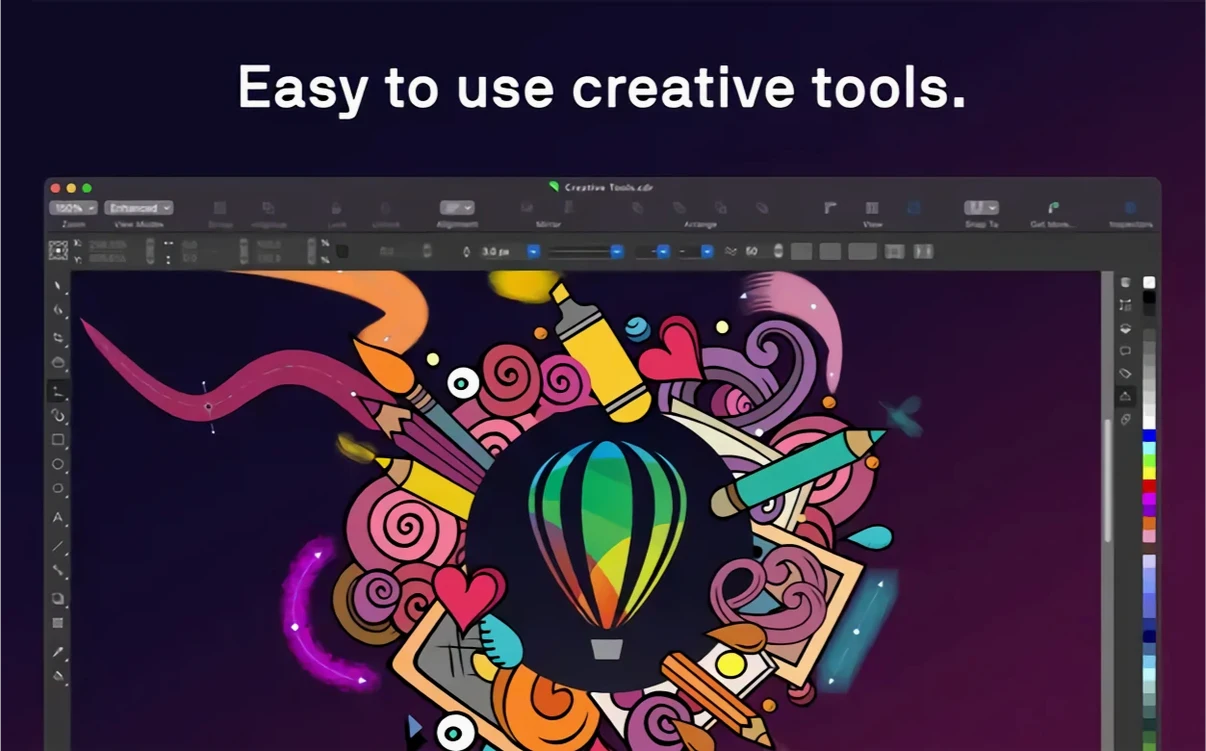
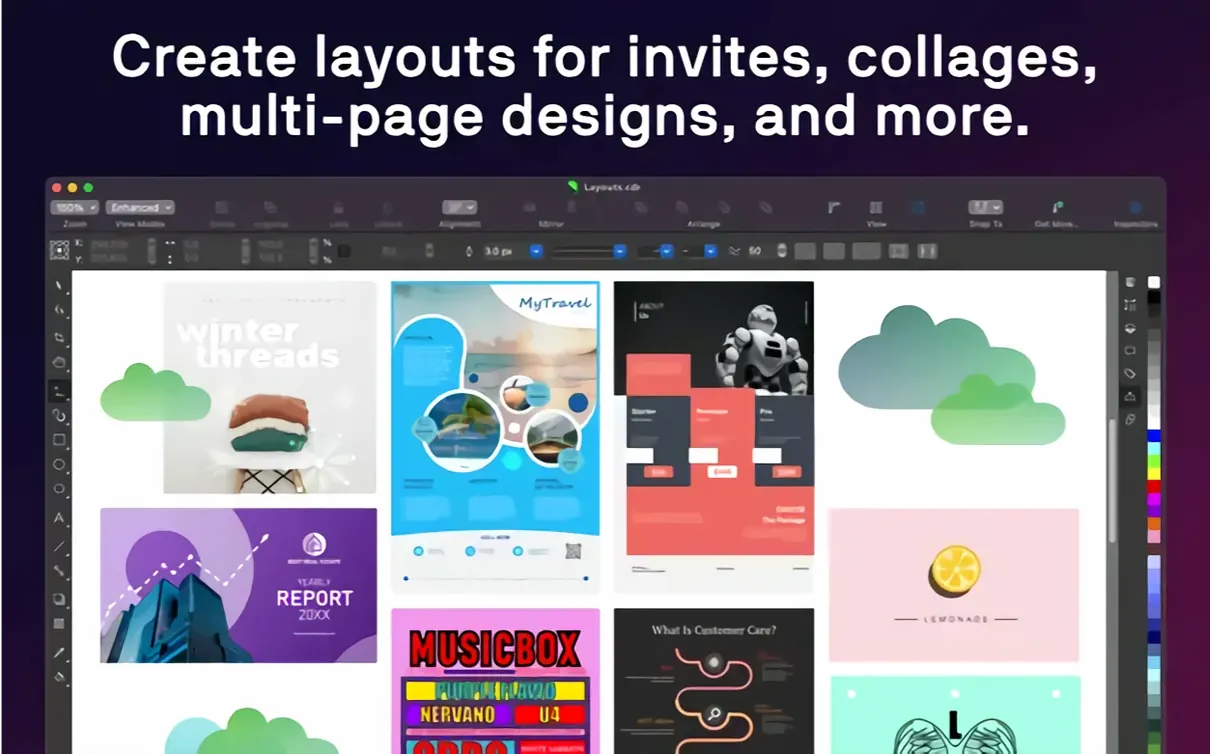
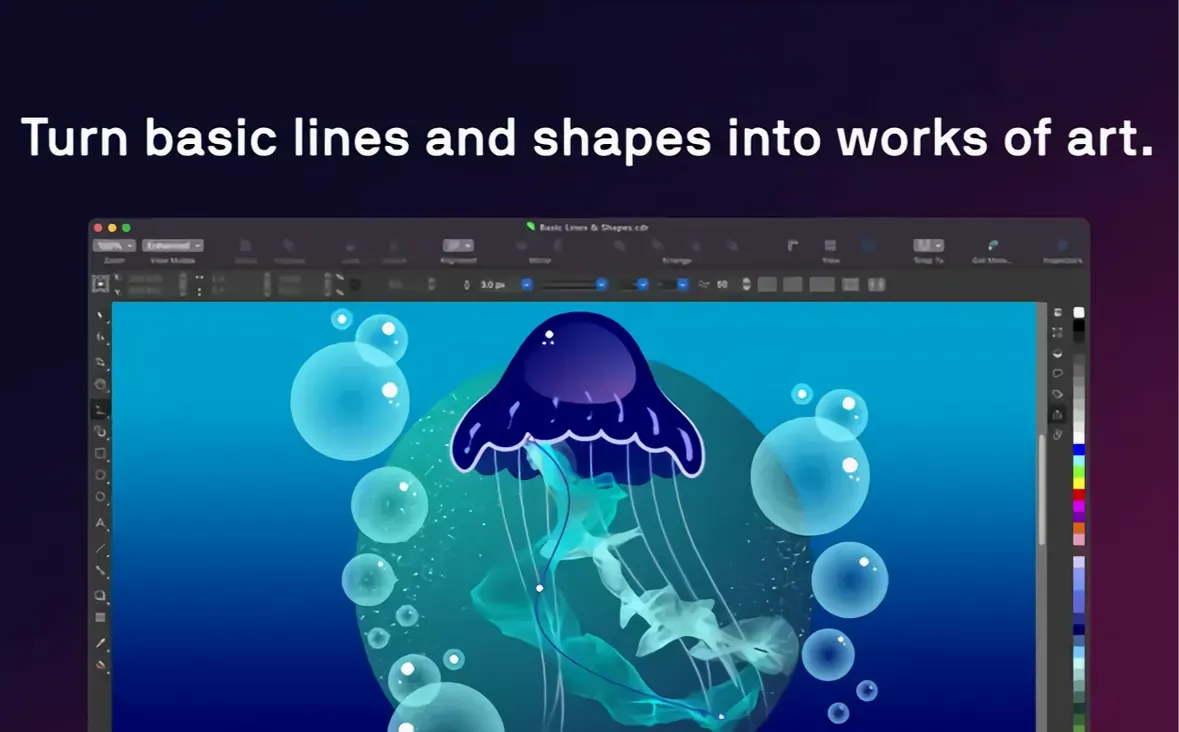
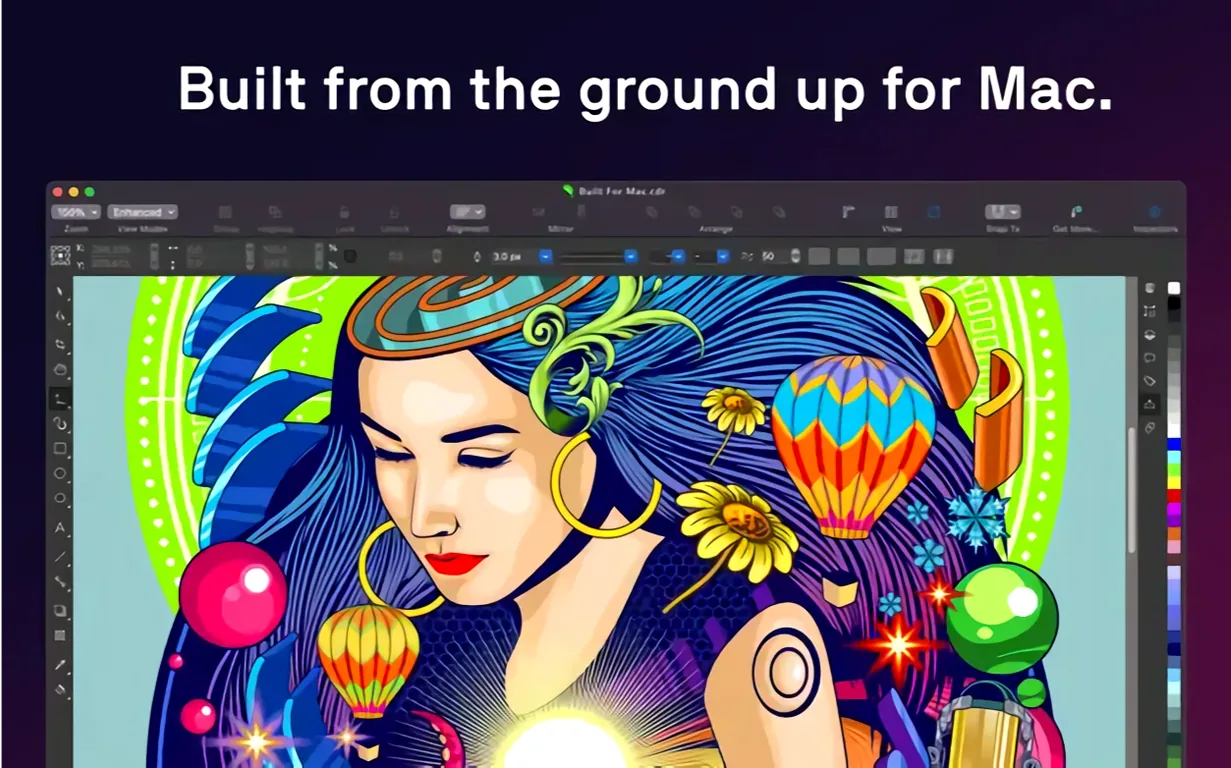
Scroll the row, it snaps to each screenshot. Click one to see it wider.
If you have used Adobe Illustrator, CorelDRAW is the other heavyweight in vector illustration and layout. This Mac build of CorelDRAW Graphics Suite 27.2.0.135 brings the full toolset to both Apple Silicon and Intel machines, so it runs natively on the M-series chips and older Intel Macs alike. Alongside the main app, the suite includes Corel PHOTO-PAINT for raster editing and Corel Font Manager for keeping type collections in order.
People ask a few things before installing it. Can it handle my Mac? The requirement is macOS 13 or later with 8 GB of RAM, and Corel recommends 16 GB for heavier layouts. Does it work with a drawing tablet? Yes, Sidecar support on macOS lets you use an Apple Pencil with iPad as a second display. The AI functions cover upscaling and JPEG artifact removal, and raster-to-vector tracing is built in.
What the Mac Build Expects
CorelDRAW Graphics Suite 27.2.0.135 runs on macOS 13 and later. That covers both Apple Silicon and Intel Macs with 64-bit processors. The architecture support is ARM and x86, so the same installer works on M-series and multicore Intel machines as long as the Intel chip has AVX2 support.
RAM is the main spec to watch. The minimum is 8 GB, but 16 GB or more is recommended. If you regularly work with multi-page brochures or large traced bitmaps, lean toward the higher number. The graphics side needs an OpenCL 1.2-compatible video card with at least 3 GB of VRAM. Most discrete GPUs in recent Macs meet that. Integrated graphics on base models may not.
Storage and processor specifics are not listed in the requirements beyond AVX2 for Intel. The app itself is a modern native Mac application, not a wrapped Windows port. The interface uses standard macOS controls and menus.
Vector, Raster, and Font Management Combined
The suite includes three applications. CorelDRAW handles vector work and page layout. Corel PHOTO-PHOTO-PAINT covers raster editing — think retouching, masking, and painting. Corel Font Manager centralizes typeface browsing and installation. Together they cover the same ground as a combination of Illustrator, Photoshop, and a font manager, all inside one suite.
File support is broad. Native CDR files are the main format, but the app opens and exports AI, PSD, PDF, JPG, PNG, SVG, DWG, DXF, EPS, TIFF, and HEIF. That covers common Adobe files, CAD drawings, and web graphics. If you get a file from a Windows CorelDRAW user, it opens without conversion steps.
On macOS specifically, Sidecar mode is notable. It lets you use an Apple Pencil on an iPad as a drawing surface while viewing the results on the Mac screen. The iPad acts like a graphics tablet, not a separate computer. The Touch Bar controls on the Mac give quick access to layers and text tools.
Variable fonts work for interactive fine-tuning — sliders for weight, width, and slant appear when the font supports them. Styles and style sets apply formatting across whole documents or multiple selected objects, which saves time on consistent branding.
One-Click Tracing and Built-in AI Upscaling
The AI upscaling and JPEG artifact removal are not hidden in a submenu. They are part of the main photo editing workflow, applied to bitmaps inside a layout or as standalone edits.
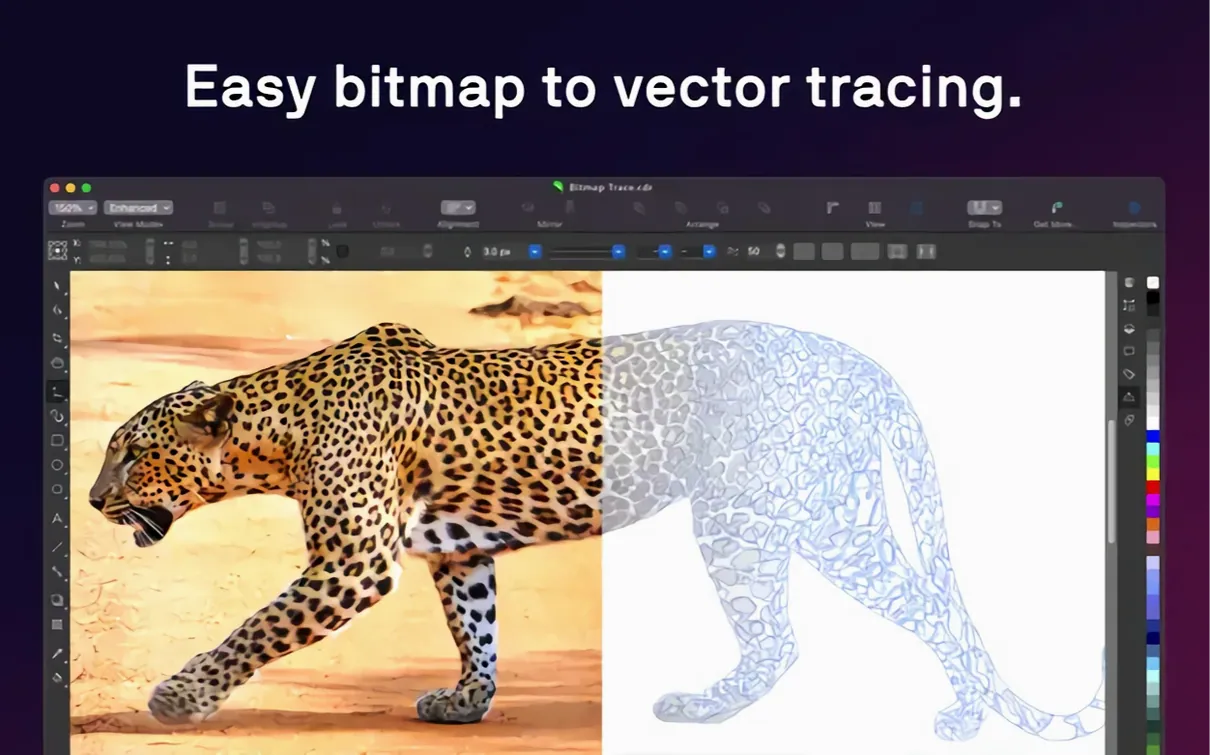
Raster-to-vector tracing is one command. Select a bitmap, choose a preset or custom settings, and the resulting vector sits on top of the original. No separate tracing app or export step needed.
The interface languages cover 15 options, including English, Spanish, French, German, Italian, Portuguese, Dutch, Polish, Czech, Swedish, Turkish, Russian, Japanese, Simplified Chinese, and Traditional Chinese. The language setting sticks to the one you choose during installation.
CorelDRAW lets graphic designers create vector illustrations and layouts, and this version 27.2.0.135 is a corel draw torrent download. The activation instructions sit inside the downloaded archive — no online account fiddling during setup.
- macOS 13 or later
- Apple Silicon or Intel (x86 64-bit)
- 8 GB RAM minimum, 16 GB recommended
Questions I get about this line
Yes. The current version supports both ARM and x86 64-bit architectures, so it runs natively on M-series and Intel Macs.
The suite requires macOS 13 or later. Corel recommends 16 GB of RAM or more for large documents, though 8 GB is the minimum.
The install order
- Open the included installation and activation instructions.
- Follow the steps provided inside the package.