
Free download (584 MB) Previous versions
- Version
- 6.0.10601-personal
- Developer
- Vector 35 Inc.
- Languages
- English
- License type
- Included
| macOS range | macOS 10.15 or later |
|---|---|
| Chip | Apple Silicon, Intel 64-bit |
| Download | 584 MB |
| Previous versions | 4 on file |
Screenshots
Scroll the row, it snaps to each screenshot. Click one to see it wider.
You have a closed-source binary with no documentation. You need to understand its logic, find vulnerabilities, or patch behavior. Binary Ninja loads the file, disassembles it, and gives you a structured view of the code.
Disassemble and Decompile
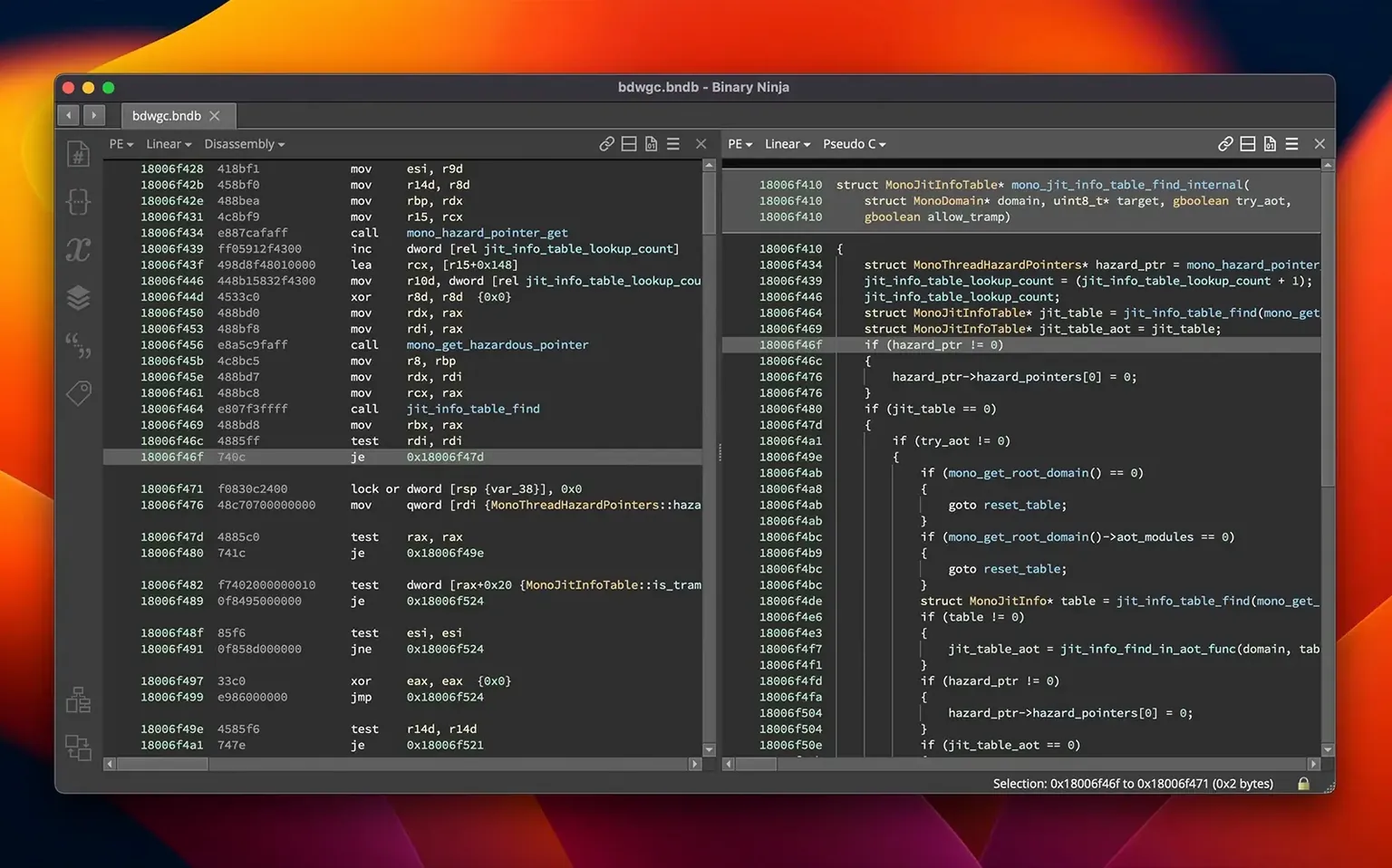
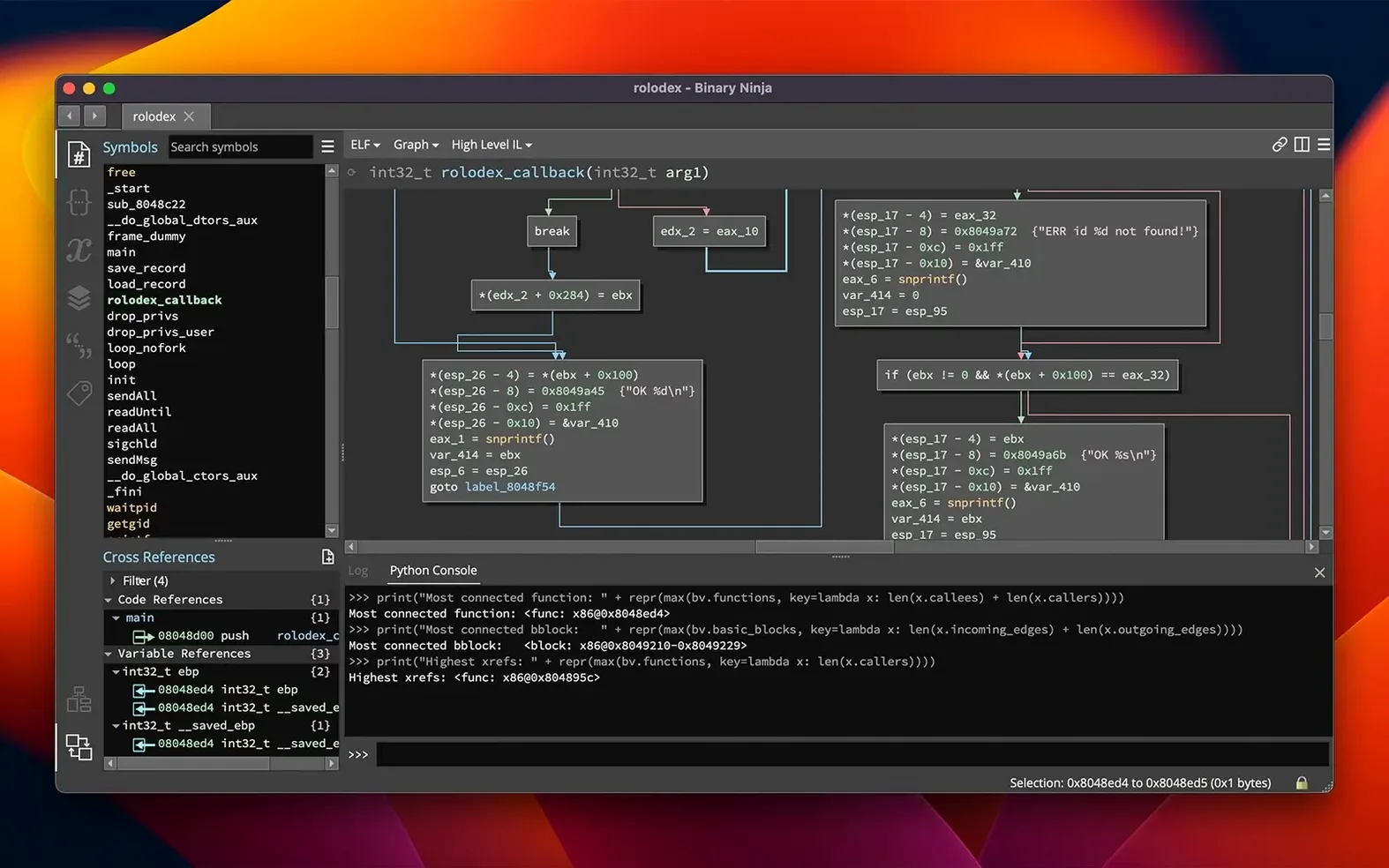
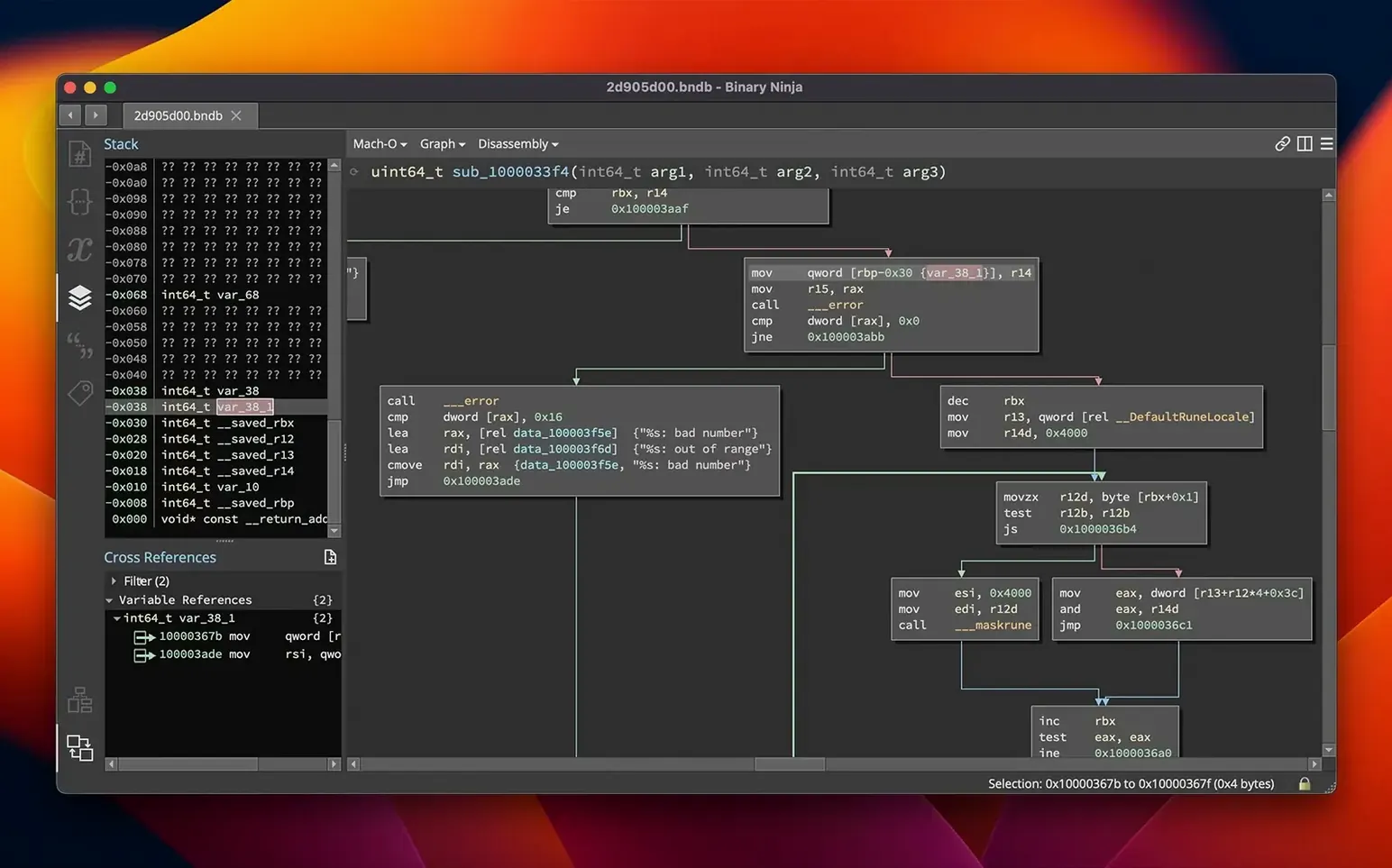
Binary Ninja supports PE, Mach-O, and ELF formats across x86, ARM, PowerPC, and more. It disassembles executables and libraries, then decompiles to C or its own BNIL intermediate language. You can rename variables, apply types, add comments, and build data structures directly in the decompiled output.
Analyze Without the GUI
The platform works headless for scripting and automation. Run analysis pipelines, batch-process files, or integrate into CI without a display. The same analysis engine runs under the hood whether you use the interface or not.
Extend With Plugins
Version 6.0 reorganized the Plugin Manager into the Extension Manager, making it easier to find and install community tools. The new MCP server enables external tools to query analysis state, and the Binary Similarity feature helps compare functions across binaries.
Binary Similarity for Daily Work
The Binary Similarity feature is the one you will likely use most often. It compares functions across different binaries, which cuts down time when you are matching known patterns in malware families or library versions. The MCP server lets external tools query what Binary Ninja has already analyzed, so you can script decisions without writing your own parsing layer.
The Extension Manager replaces the old Plugin Manager. The layout is cleaner, and the search field responds faster. Calling conventions have been refactored, so if you write analysis scripts that rely on function prologues or argument passing, expect cleaner results. HLIL structure initializers now decompile more naturally, especially for C struct assignments.
Large binaries load and navigate quicker than before. The migration wizard handles settings from older versions, so your custom types and saved projects should carry over without manual rework. Debugger improvements include more reliable breakpoint handling for supported backends.
Analysis Options to Adjust First
Open Preferences and check the analysis options. Disable aggressive analysis on very large files if you only need a quick function list, then re-enable when you dig deeper. The new Binary Similarity panel needs a local index directory set before it can compare anything, so point it to a stable folder early.
Set your default decompilation view to High-Level IL if you prefer reading near-C output over assembly. Under Workflow, enable auto-save for projects so you do not lose comments and renamed symbols during long sessions. If you batch-process files, set the headless output format to JSON in the command-line arguments to avoid parsing text logs later.
Start with a Known Binary File
Start with a known file, like a small ELF or Mach-O utility you compiled yourself. Test renaming variables and adding comments in the decompiled view, then check that the cross-reference navigation updates correctly. Try the Binary Similarity feature against two versions of the same library to see how it marks changed functions.
Install the keymap extension from the Extension Manager if you are switching from another disassembler. It remaps common shortcuts so the transition feels less jarring. Browse the headless documentation early; running analysis from the terminal with binaryninja --headless target.bin is often faster than opening the GUI for repetitive tasks.
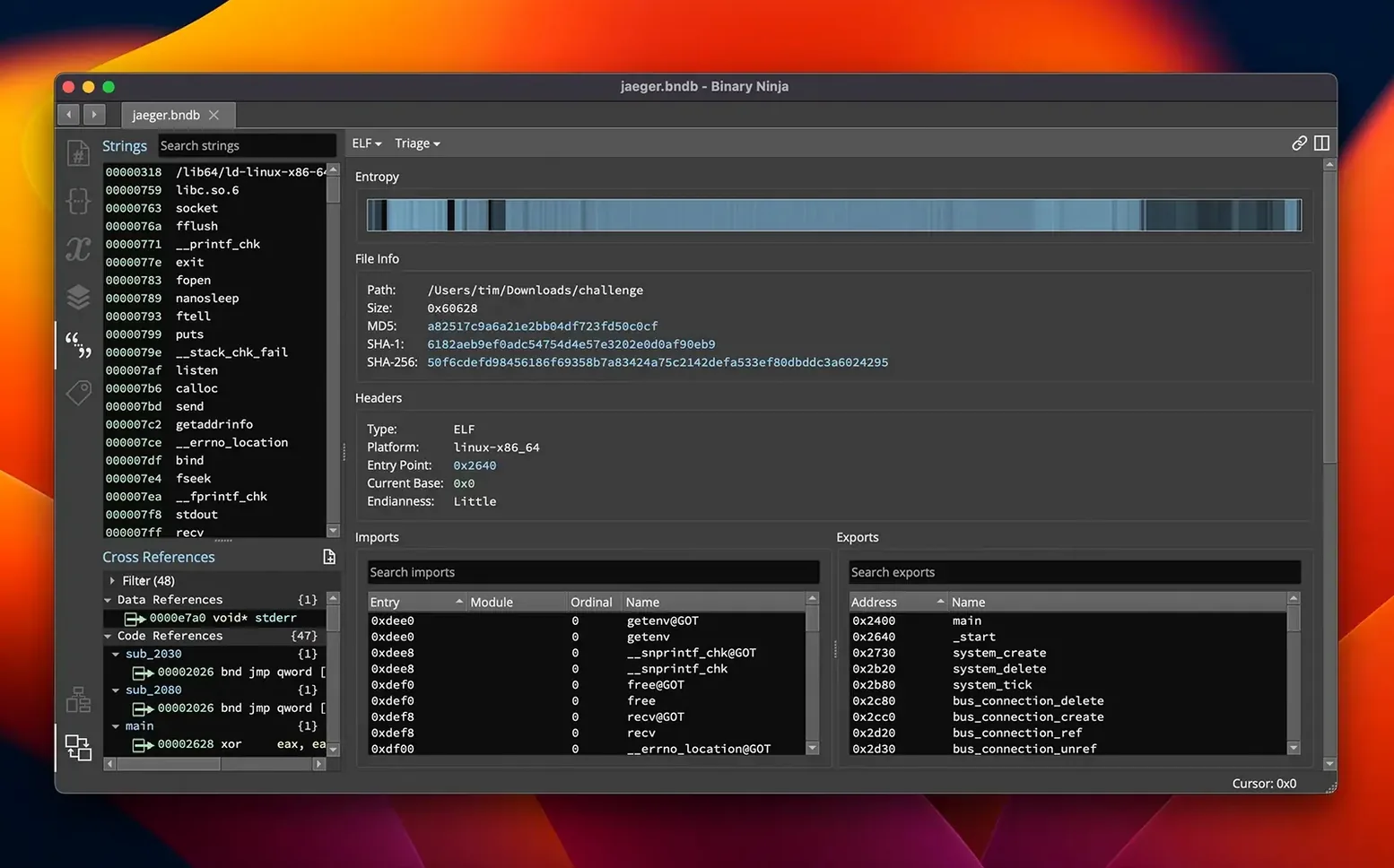
Keep the hex editor panel visible for the first few sessions. Patching raw bytes alongside the decompiled view helps you understand how edits propagate back to the analysis. Use the entropy graph on an unknown binary to spot packed sections before you start disassembly. A high-entropy block near the entry point usually indicates compression or encryption, and saving that area as a separate file for unpacking later will save time.
If you plan to script in Python or Rust, the 6.0 API changes are mostly backward compatible, but the refactored calling convention means existing plugins that read stack frames may need minor updates. Test all active plugins in the Extension Manager after upgrading and roll back any that show errors in the log panel.
- New MCP server and Binary Similarity feature
- Plugin Manager redesigned as Extension Manager
- Added TMS320C6x architecture
- macOS 10.15 or later
- Intel or Apple Silicon processor
- English interface language
Questions I get about this line
It supports x86, x86-64, ARMv7, ARMv8/AArch64, PowerPC, 6502, Z80, MIPS, and the new TMS320C6x architecture added in version 6.0.
The install order
- Extract the package contents.
- Read the included install instructions.
- Follow the activation instructions provided in the package.