Free download (1.2 GB) Previous versions
- Version
- 16.8.6.25
- Developer
- Phase One
- Languages
- Russian, English, German, Spanish, Italian, Chinese (Simplified), Korean, Portuguese, Ukrainian, French, Japanese
- License type
- K'ed by TNT team
| macOS range | macOS 12 or later |
|---|---|
| Chip | Apple Silicon, Intel 64-bit |
| Download | 1.2 GB |
| Previous versions | 4 on file |
Screenshots
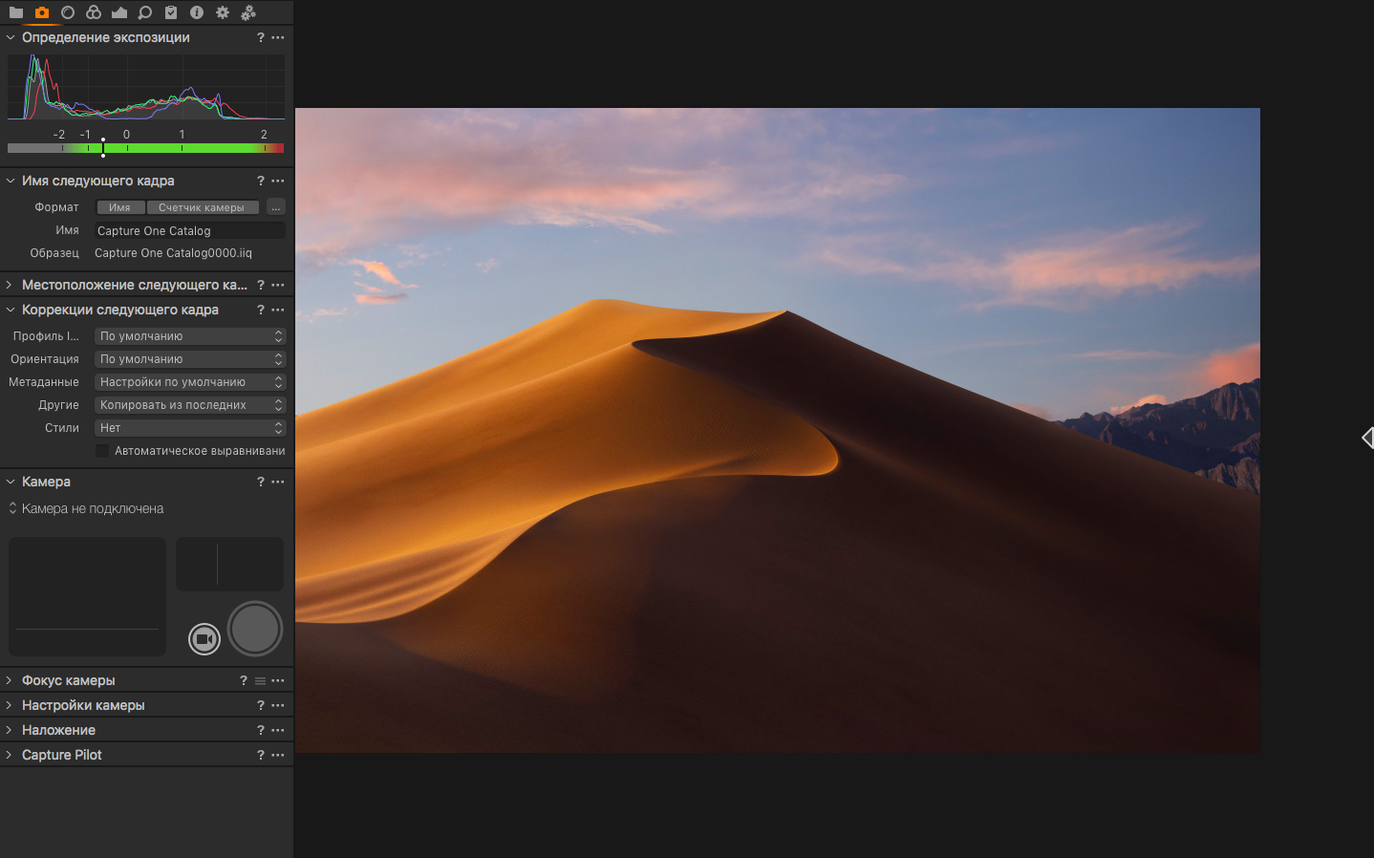
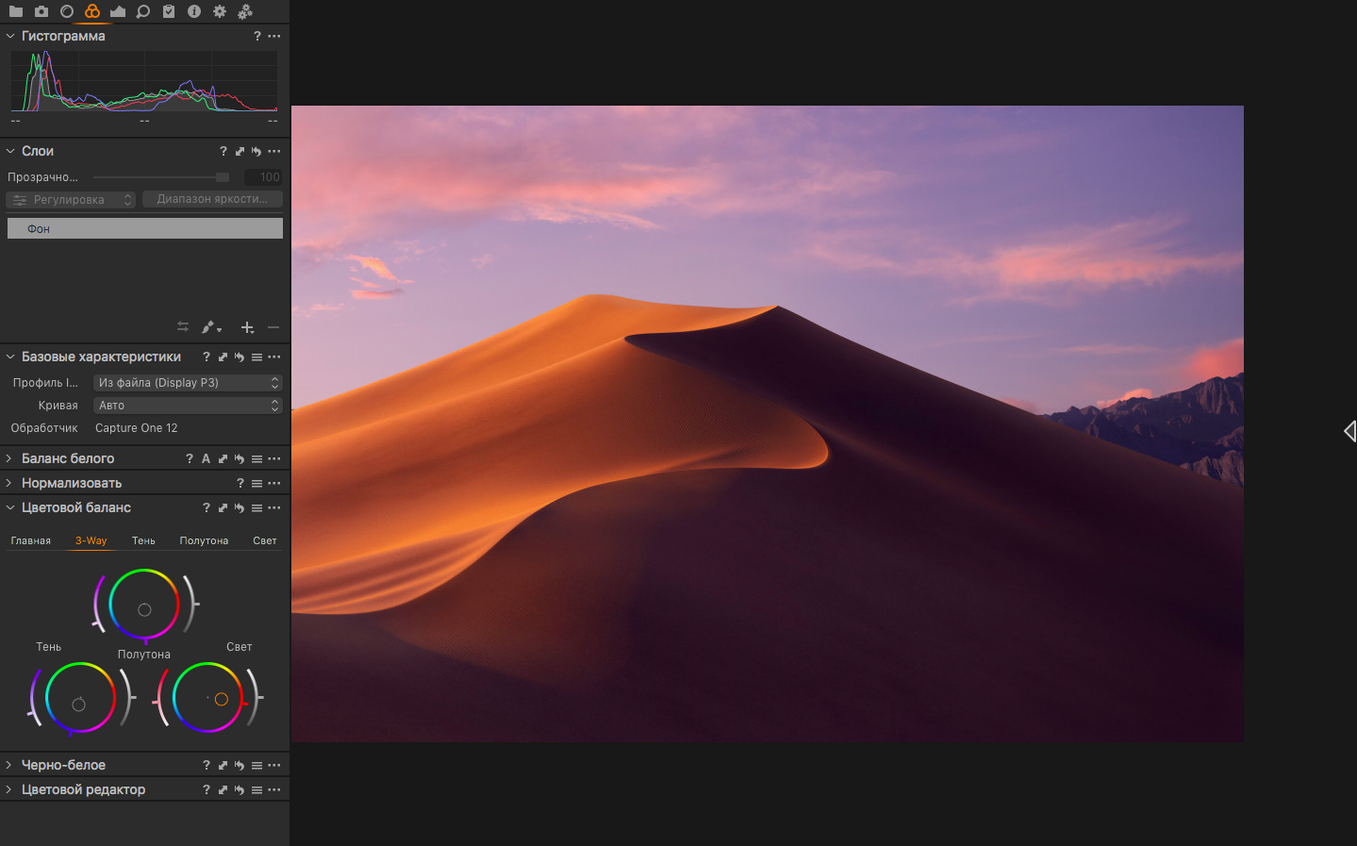
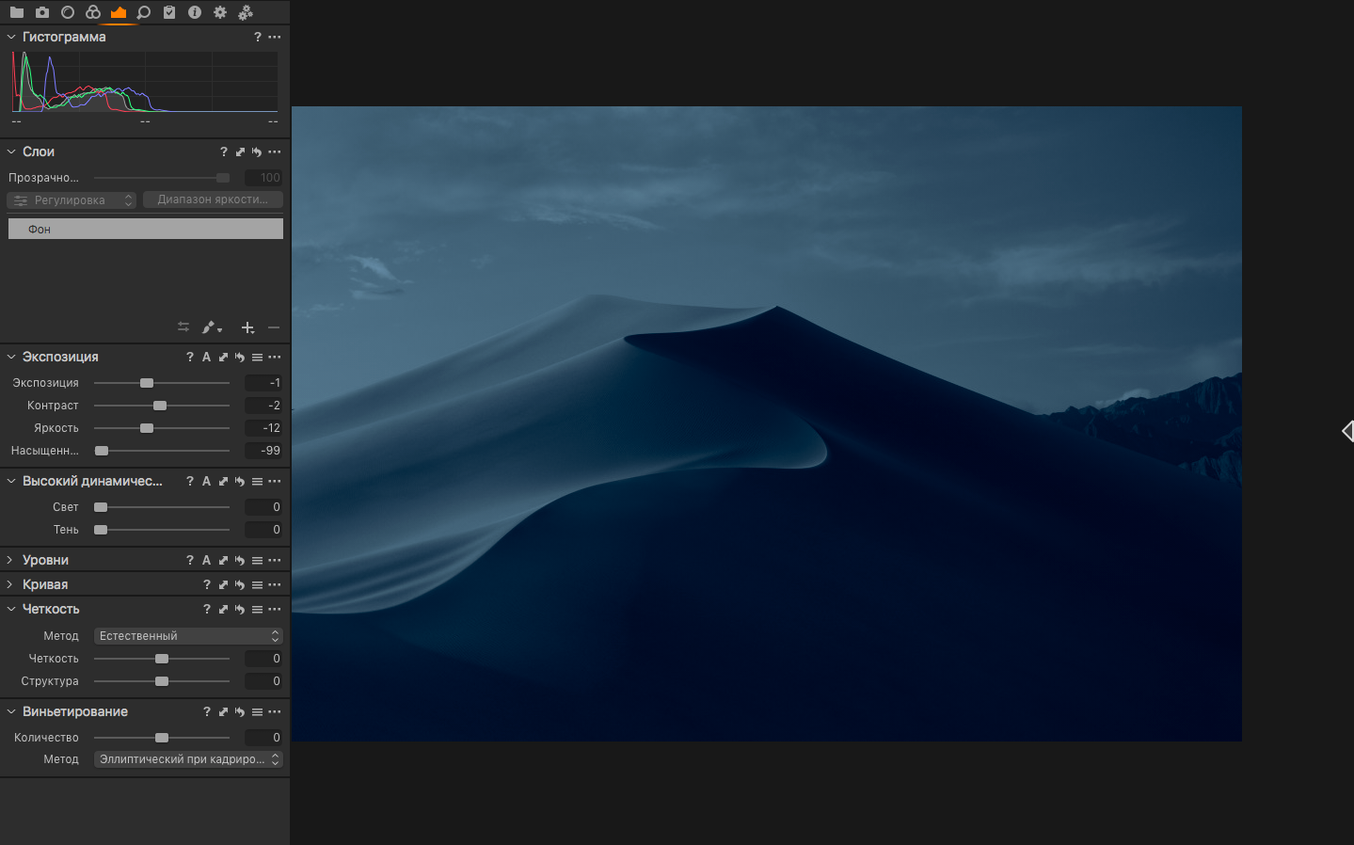
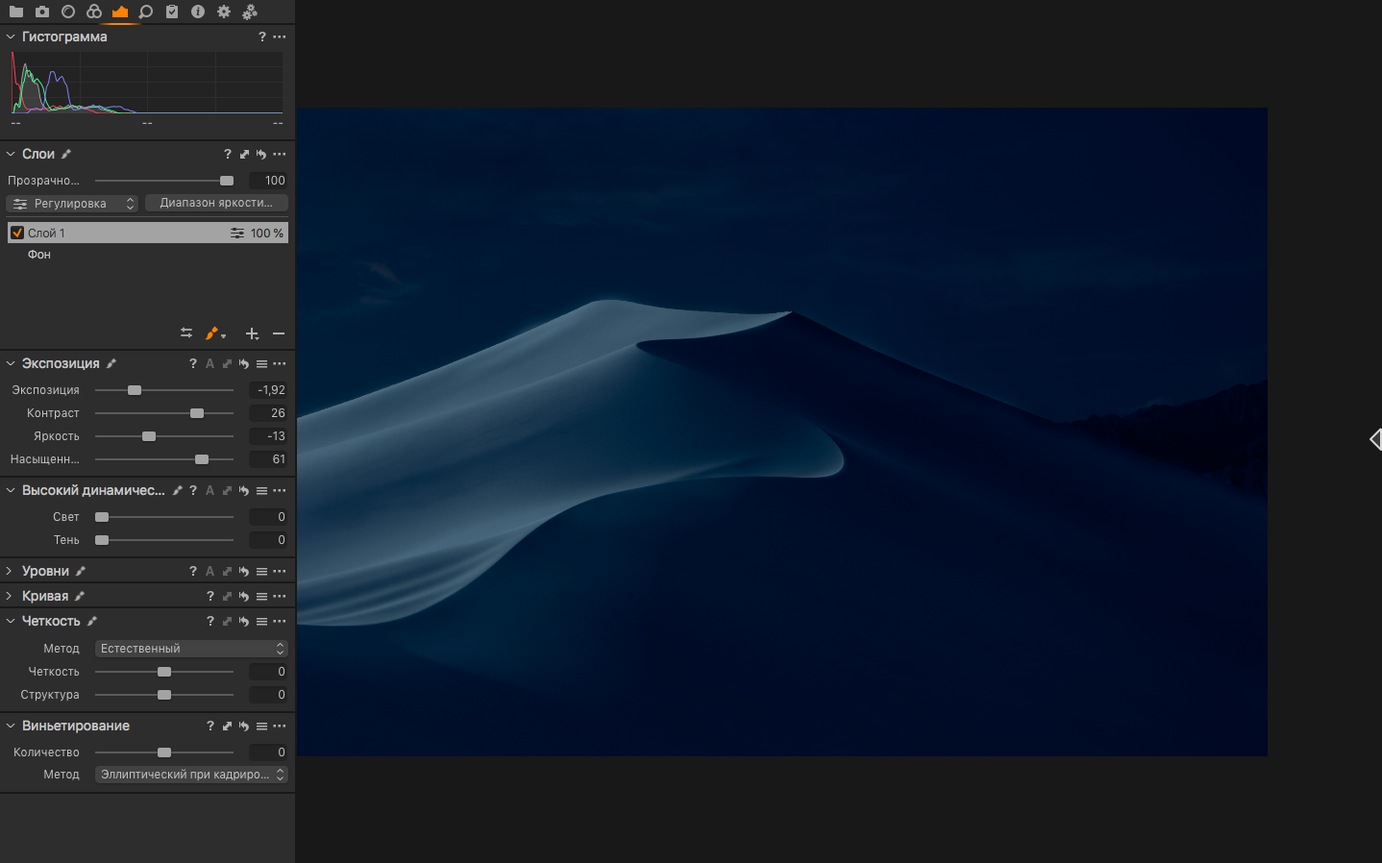
Scroll the row, it snaps to each screenshot. Click one to see it wider.
Capture One 16.8.6.25 adds enhanced denoise, assisted review, and new contact sheets — tools that speed up culling and cleanup without leaving the app.
Raw Conversion
Process RAW files from over 500 camera models with fine control over white balance using an eyedropper or temperature and tint sliders. Export full-size TIFF in RGB or CMYK, or JPG, in single-image or batch modes.
Color Grading
Set white balance on a neutral gray point, then push colors with precision. Multiple correction variants for the same image let you compare looks side by side.
Fix Three Common Switching Hiccups
A few things trip people up after switching to Capture One. Here is how to fix them.
Gatekeeper Blocks the Install
macOS will stop the disk image from opening. Run your Terminal command (Enter to bypass Gatekeeper) before you try to mount. If you already mounted it and got blocked, eject, run the command, then mount again.
Variants Not Syncing
Your edits create a new correction variant, but the adjustments do not appear in the viewer. Check that you are looking at the correct variant layer in the tool tab. Each variant stores its own sharpness, white balance, and noise reduction settings. Switch variants to see which one is active.
Contact Sheets Missing Images
New contact sheets in 16.8 may show a blank grid if your session folder contains unsupported file types. Capture One reads RAW and standard photo formats only. Move video files or PDFs to a separate folder before generating the sheet.
Assisted Review Slows Down
If assisted review feels sluggish, the session catalog may have accumulated too many temporary previews. Go to the session preferences and clear the preview cache. This keeps the flagging and rating process responsive.
500+ Cameras vs. Lightroom's Tethering Gap
Capture One competes with three other Mac RAW editors. Here is how they differ.
Adobe Lightroom Classic shares the same RAW engine across Windows and Mac, but its tethering support is narrower. Capture One supports more than 500 camera models; Lightroom covers most current gear but falls behind for medium-format and older cameras. Lightroom relies on a flat catalog; Capture One works with sessions, so each shoot stays self-contained.
DxO PhotoLab excels at automated lens corrections and its DeepPRIME denoise is strong, but it does not offer tethered shooting at all. For studio work where you need live capture into the app, Capture One is the only option of these three.
Luminar Neo focuses on AI-driven masking and sky replacement. It is faster for one-click edits but lacks the color control and variant system that Capture One users depend on for consistent brand or product photography. Neo also does not support CMYK export.
Real-World Scenario: Product Photographer
A commercial product photographer shoots 800 frames of glassware in a single session. Tethering to Capture One lets her check focus and white balance on a calibrated monitor while the camera stays on the table. She uses the eyedropper to set white balance on a gray card in the first shot, then copies that correction variant across the remaining frames. Assisted review flags the 120 keepers, and she exports TIFF files in CMYK for the client’s print vendor — all without touching another app.
Learn Session Folders Before Importing Your Library
- Import one small session before you move your main library. Learn the session structure — Capture One stores originals, output, and selects in separate folders. That layout becomes second nature.
- Set white balance with the eyedropper on every import for the first few shoots. It builds your eye for neutral gray and trains you to spot color casts fast.
- Use the sharpening slider on a single variant, not the global default. See how much you can push before noise becomes visible. Every camera model behaves differently.
- Generate a contact sheet after your first cull. Check if the layout fits the way your clients review images. Adjust spacing and labels before you need to send a real delivery.
- Check the language preference early. The interface supports eleven languages, so switch it once and forget about it.
Adjust sharpness per variant—not just globally. Use assisted review to flag keepers faster, and generate contact sheets for quick client previews.
- Enhanced denoise tool added.
- Assisted review for faster culling.
- New contact sheets option.
- macOS 12 or later
- Intel or Apple Silicon
Questions I get about this line
Capture One supports more than 500 camera models, including newly added support for Canon EOS R6 V, Phase One IXM-RS250, and Panasonic DC-L10.
Yes, Capture One can export to full-size TIFF in RGB or CMYK, as well as JPG.
Capture One is compatible with both Intel and Apple Silicon Macs, and requires macOS 12 or later.
The install order
- Mount the disk image and launch Open Gatekeeper friendly.
- Press Enter in Terminal to bypass Gatekeeper.
- Drag the app to the Applications folder.
- The app is ready to use.