Free download (94 MB) Previous versions
- Version
- 5.1.0
- Developer
- Mailr Tech LLP
- Languages
- Russian, English, German, Spanish, Chinese (Traditional), Chinese (Simplified), Dutch, Portuguese, French, Japanese
- License type
- Not required
| macOS range | macOS 10.15 or later |
|---|---|
| Chip | Apple Silicon, Intel 64-bit |
| Download | 94 MB |
| Previous versions | 6 on file |
Screenshots
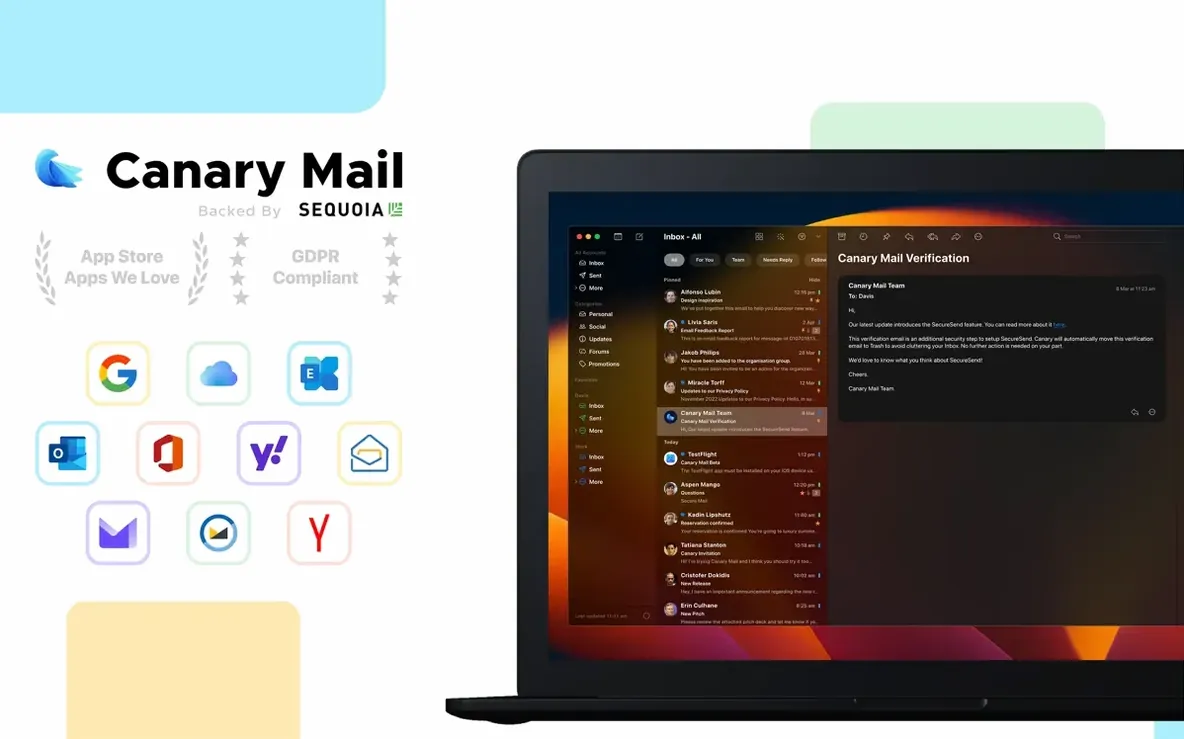
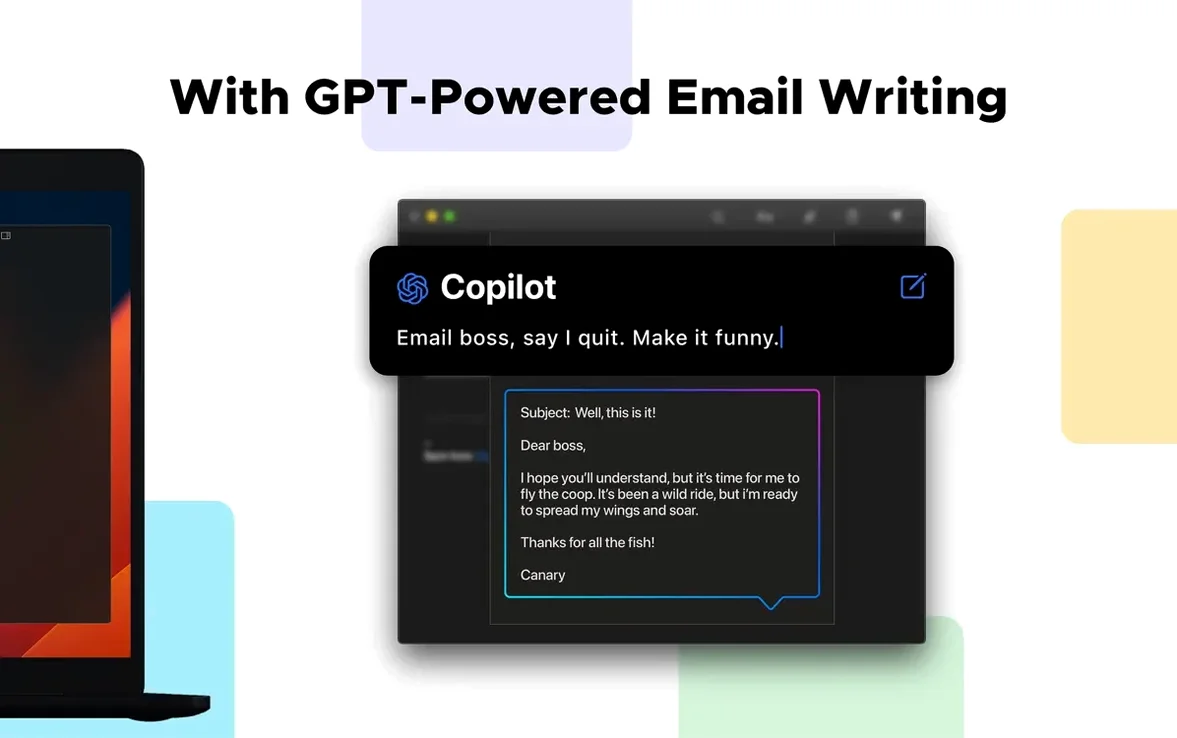

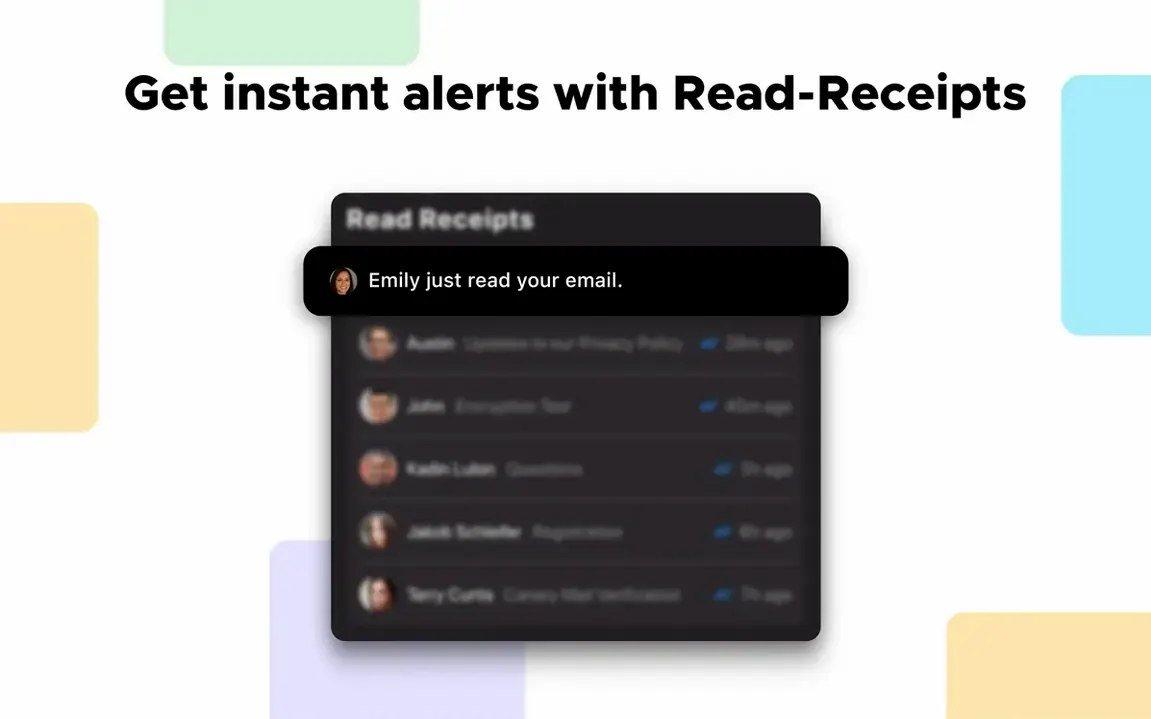
Click a screenshot to see it wider.
Read receipts. That’s the feature that usually gets people’s attention first. Canary Mail 5.1.0 for Mac shows when your message was opened, which is handy for follow-ups and for keeping tabs on time-sensitive replies.
Questions before you install
- Which accounts work? Gmail, Outlook, iCloud, Office 365, Yahoo, IMAP, and Exchange. You can manage several in one window.
- Is my data stored locally? Yes. Canary Mail keeps your mail on the Mac, not just in the cloud.
- Can I encrypt messages? End-to-end encryption is built in, using Canary encryption or PGP.
- What about workflow? Pin emails, snooze them to later, use templates, and set custom actions to automate repetitive steps.
Desktop client for macOS 12+ and Intel or Apple Silicon
Canary Mail is a desktop client that pulls existing accounts together. It runs on macOS 12 or later and supports both Intel and Apple Silicon. Interface languages include English, German, Spanish, French, Russian, Japanese, and more. If you juggle multiple inboxes and want encryption without leaving your mail app, this is a solid fit.
First days: what to adjust
Canary Mail is ready to use right after you install it, but a few settings make the day-to-day smoother. Set aside ten minutes to go through these.
Notifications per account
If you have a work inbox and a personal one, different sounds help you know which message just hit. Custom notification sounds are available per account. Set them from the account preferences.
Encryption defaults
If you plan to send encrypted mail regularly, check which key you are using before your first real message. Canary Mail supports both its own encryption and PGP. Open the encryption settings and confirm your key is active. Test with a message to yourself first.
Attachment browser
Files get buried fast. Open the attachment browser to see all conversation files in one list. It saves digging through threads when you need a PDF from two weeks ago.
Message composer appearance
The dark message composer is on by default on some setups. If you prefer a lighter window when writing, toggle it in appearance settings. The setting sticks per account.
Templates and custom actions
You can create email templates for replies you send often. Pair them with custom actions to apply a template, mark as read, and move the message in one click. Set these up from the actions menu inside a message.
Snooze and pin
For inbox management, use snooze to dismiss a message until later. Pin keeps important threads at the top. Both are quick right-click options. Try them on a few messages to see which pattern works for you.
Canary Mail stores everything locally, so performance depends on the account load, not the server sync. Spend the first few days tuning one or two accounts before adding the rest.
- macOS 10.15 or later
- Intel or Apple Silicon
Questions I get about this line
Yes, Canary Mail supports iCloud, Exchange, Gmail, Outlook, Office 365, Yahoo, and IMAP accounts.
Yes, it includes end-to-end encryption using Canary encryption or PGP.
The install order
- Mount the downloaded disk image.
- Drag the Canary Mail app into the Applications folder shortcut.
- Open the app after copying finishes.
- Launch it from Launchpad.