- Version
- 2.2.3
- Developer
- VideoCopilot
- Languages
- English
- License type
- K'ed by Monter Group
| Chip | Intel 64-bit |
|---|---|
| Download | 320 MB |
Screenshots
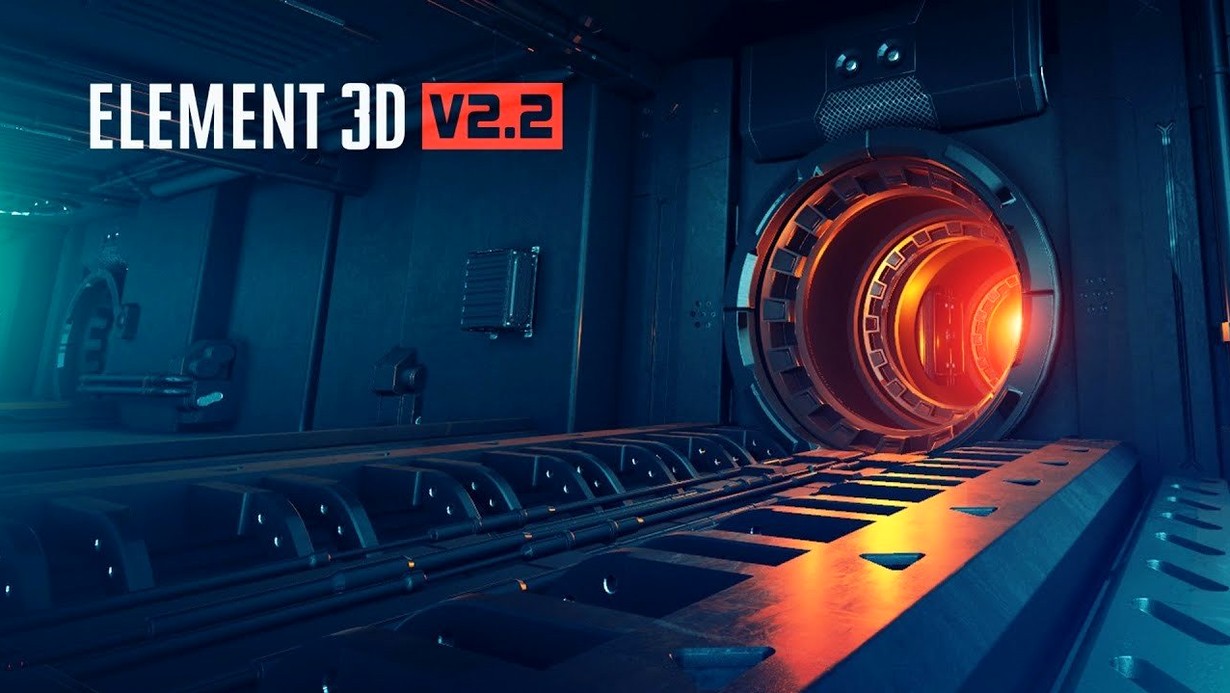
Motion designers and VFX artists use Element 3D when they need 3D objects inside After Effects without leaving the timeline. The plug-in from Video Copilot imports OBJ files and Cinema 4D models directly into comps, then renders them with a fast OpenGL engine.
Object-Based Particle Effects and 3D Geometry in After Effects
- Object-based particle effects with up to 5 independent 3D groups
- Bringing Cinema 4D and OBJ geometry into After Effects for compositing
- Real-time viewport work on Intel Macs
GPU-Dependent Rendering and English-Only Interface
- Built specifically for After Effects, not a standalone app
- High-performance rendering depends on your GPU and OpenGL support
- Interface is English only
Element 3D free download offers a V2.2.3 update for current users of the plug-in.
- Version 2.2.3 is an update for Element 3D V2.2.
- Maintains the 3D object-based particle plug-in feature set.
- Continues with the fast OpenGL 3D rendering engine.
- macOS: not specified
- Architecture: Intel
- Interface language: English
Questions I get about this line
Element 3D imports OBJ files and 3D objects created in Cinema 4D directly into Adobe After Effects.
No. It is a high-performance plug-in that runs inside Adobe After Effects for motion design and visual effects work.
It uses a fast OpenGL 3D rendering engine, which provides real-time feedback while you work.
The install order
- Open the package and read the included installation and activation instructions.
- Follow those instructions step by step to install and activate the plug-in.