
Free download (382 MB) Previous versions
- Version
- 7.3.4
- Developer
- Dehancer
- Languages
- English
- License type
- Included
| macOS range | macOS 11 or later |
|---|---|
| Chip | Apple Silicon, Intel 64-bit |
| Download | 382 MB |
| Previous versions | 2 on file |
Screenshots
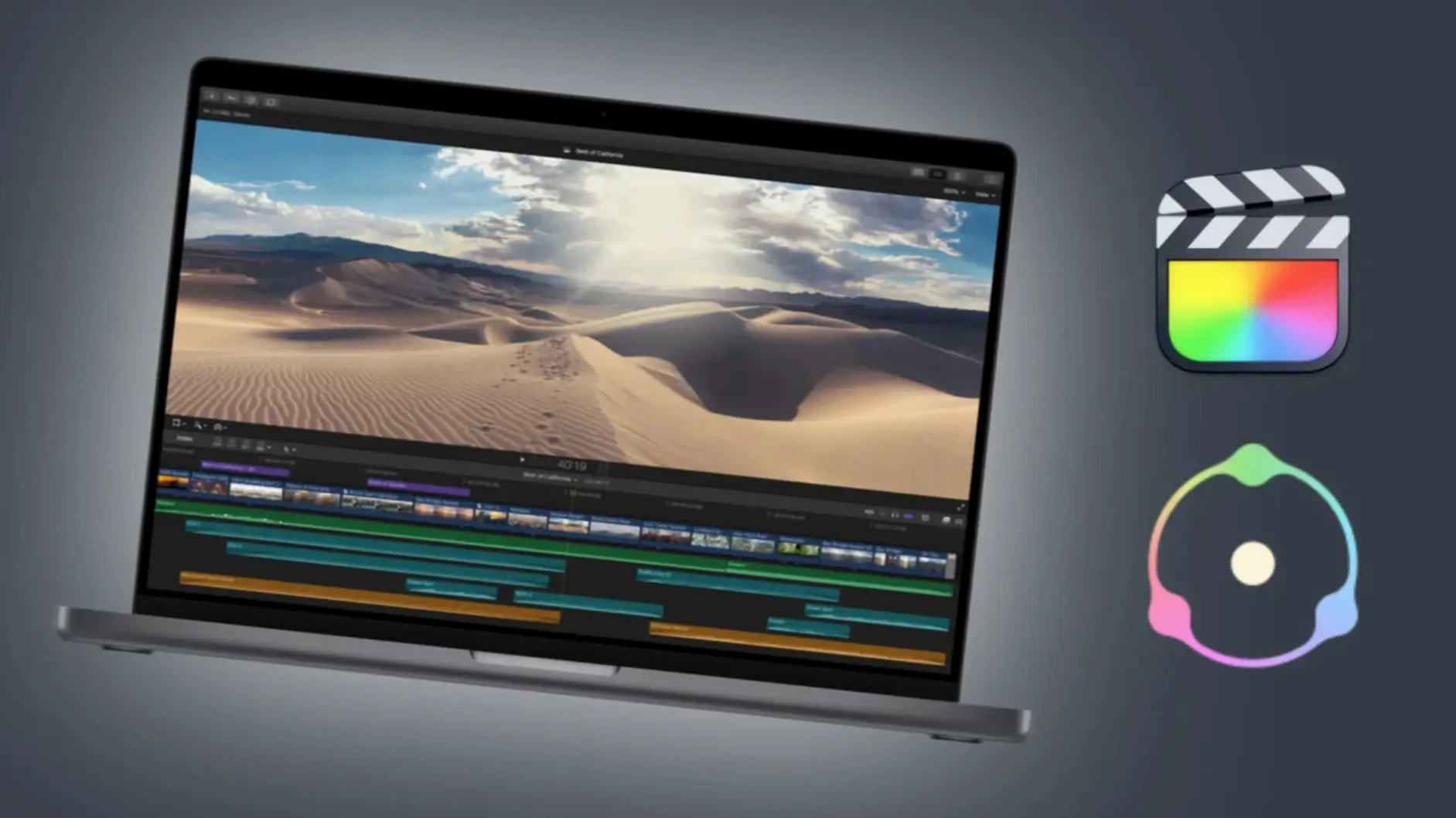
Version 7.3.4 of Dehancer Pro runs as a plugin inside Final Cut Pro and DaVinci Resolve, so it lives where your grade happens: on a clip, a track, or a bus. For a typical job, I drop it on the final adjustment layer or the timeline's master bus, then dial in a film stock and let it react to the whole scene at once. On a track, it works for a consistent look across a sequence of shots; on a single clip, it's a quick way to match one hero shot.
The plugin's English interface is straightforward, and the 7.3.4 build from 15 Aug 2025 brings bug fixes and performance improvements. If you're organizing a session, keep Dehancer on the bus for a global film feel and use clip-level instances for accents. That split keeps render times predictable and makes revisions easier.
Dehancer for Mac crack users typically load it after primary correction — before noise reduction — so the grain and halation sit on top of clean exposure work.
Fewer Render Hangs with 7.3.4 Bug Fixes
The 7.3.4 update doesn't add new film stocks or flashy features — it tightens the workflow. The bug fixes and performance improvements mean fewer unexpected render hangs when you stack multiple instances across a timeline. If you run Dehancer on a long-form project (documentary, event video), you'll notice the timeline scrub stays responsive longer before you need to render cached frames.
The addition of Production License Server support matters mainly for post houses and teams. A single license server lets multiple workstations check out a Dehancer seat without juggling individual activations. For a one-person color suite, it doesn't change your daily work. For a shop with three or four editors sharing a license, it removes the "who has the activation file" bottleneck.
Noise Overlap from Stacking Too Many Profiles
Three common errors show up in support forums and on-site handoffs:
- Stacking too many film profiles. New users will layer grain from one stock and halation from another, expecting a richer look. You get noise overlap and muddy shadows. Pick one base film profile, then tweak the grain and halation sliders inside that profile. Stacking profiles inside a single instance doesn't help — the plugin is designed for one film emulation per instance.
- Applying it before exposure correction. A flat, underexposed shot run through Dehancer will exaggerate noise and crush blacks. The plugin expects a properly graded image. Fix your exposure and white balance first, then drop Dehancer on top.
- Skipping the overscan settings. Beginners leave the default frame crop and wonder why their footage looks slightly zoomed. The overscan and gate weave options are part of the film look. If you don't want the extra crop, turn off overscan in the plugin's display settings.
DaVinci Colorists on Short-Form Content
Dehancer Pro is a plugin, so its usefulness depends on your NLE choice and your footage volume. Three groups benefit most:
- DaVinci Resolve colorists working on short-form content. If you grade music videos, commercials, or short films, the 60+ film profiles let you audition looks fast. You don't build a film print LUT from scratch — you pick Kodak Vision3 250D and adjust a few sliders. On a Mac Studio or MacBook Pro with Apple Silicon, the 7.3.4 build runs well inside Resolve's node tree without bogging the timeline.
- Final Cut Pro editors who want a consistent film look across a long timeline. Final Cut's interface doesn't encourage per-clip LUT stacking the way Resolve does. Dropping Dehancer on a connected story or a compound clip keeps the grade unified. The performance improvements in 7.3.4 help here more than in Resolve because Final Cut's background rendering handles the plugin frames better now.
- Dehancer inside your existing NLE means you use the same film profiles you'd apply in Lightroom, just with timeline controls. The English interface and simple layout make it easy to dip in and out of video grading without a deep color science refresher.
The bug fixes from this build make it a stable choice for both Intel and Apple Silicon Macs running macOS 11 or later. For dehancer pro torrent users, the same version applies — no separate build for the torrent distribution.
- Bug fixes and performance improvements.
- macOS 11 or later
- Intel or Apple Silicon
- Interface language: English
Questions I get about this line
It is available as a plugin for Final Cut Pro and DaVinci Resolve on macOS.
The install order
- Install and activation instructions are included in the package.