
Free download (397 MB) Previous versions
- Version
- 21.0.1
- Developer
- Claris International Inc.
- Languages
- English
- License type
- K'ed by Antibiotics
| macOS range | macOS 10.14 or later |
|---|---|
| Chip | Apple Silicon, Intel 64-bit |
| Download | 397 MB |
| Previous versions | 6 on file |
Screenshots
Scroll the row, it snaps to each screenshot. Click one to see it wider.
You manage a small dental clinic chain. The front desk needs a patient recall tracker that ties into your existing records. FileMaker Pro lets you assemble that in an afternoon, no dedicated development team needed.
What can I actually build with it?
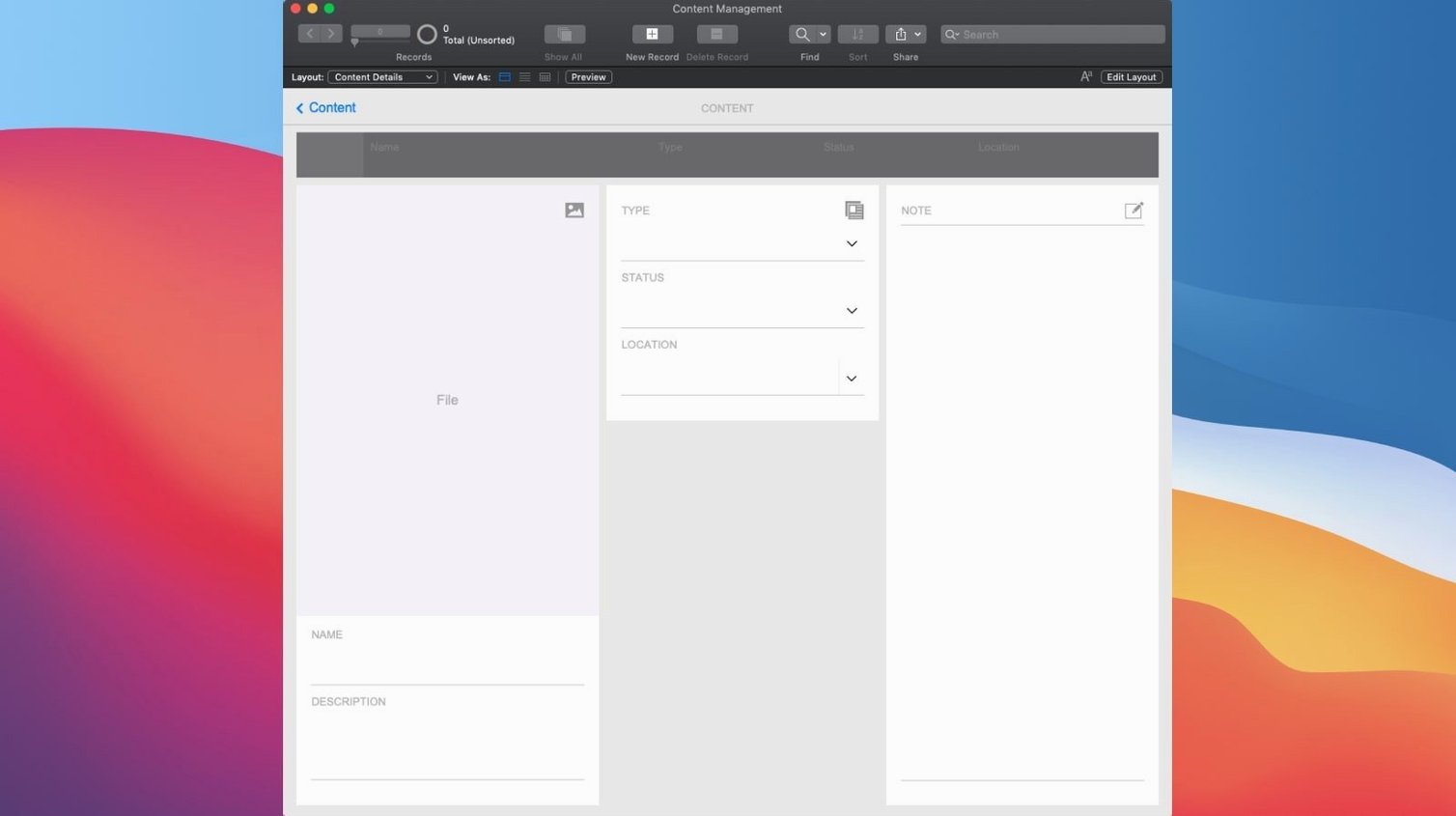
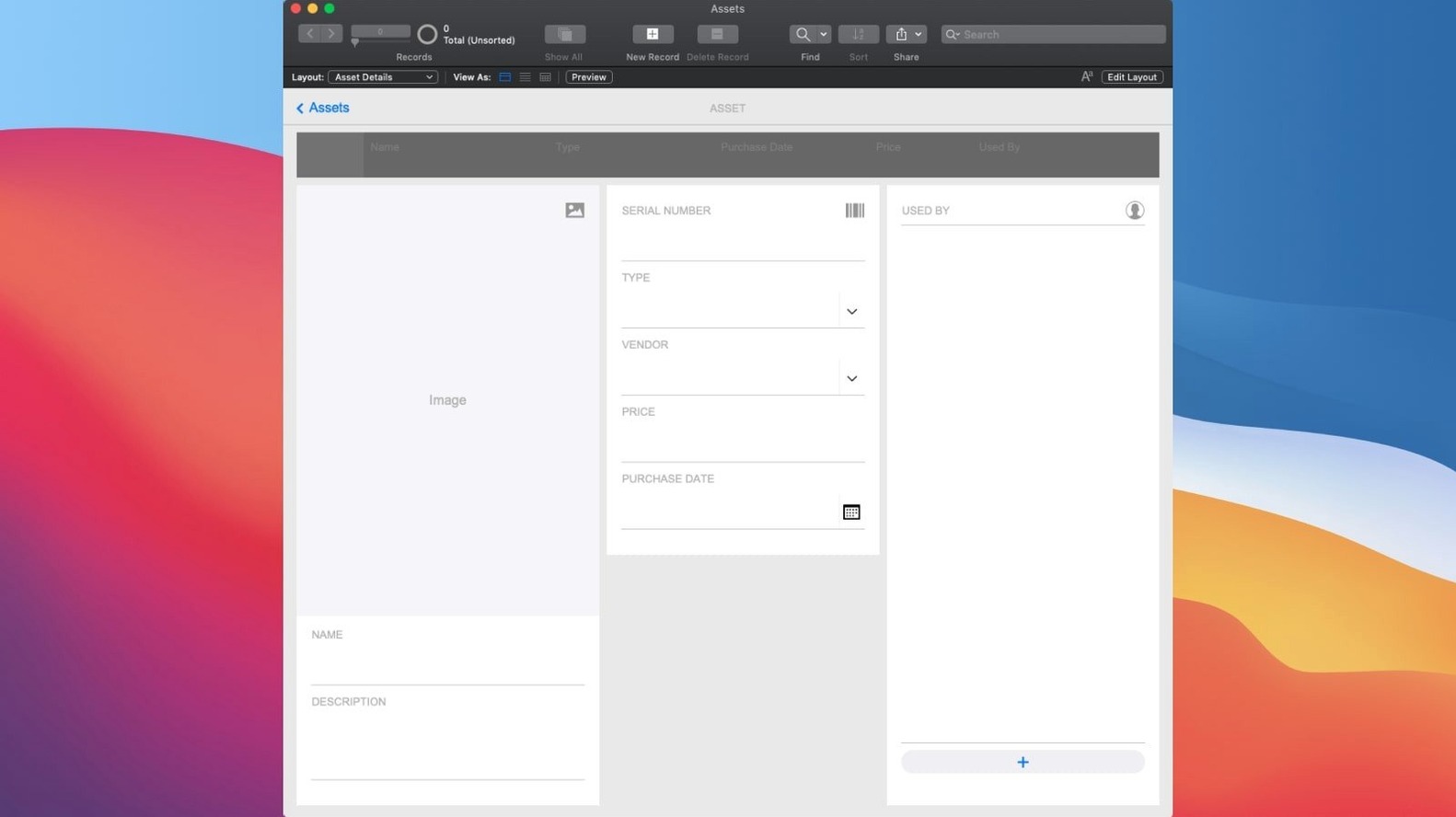
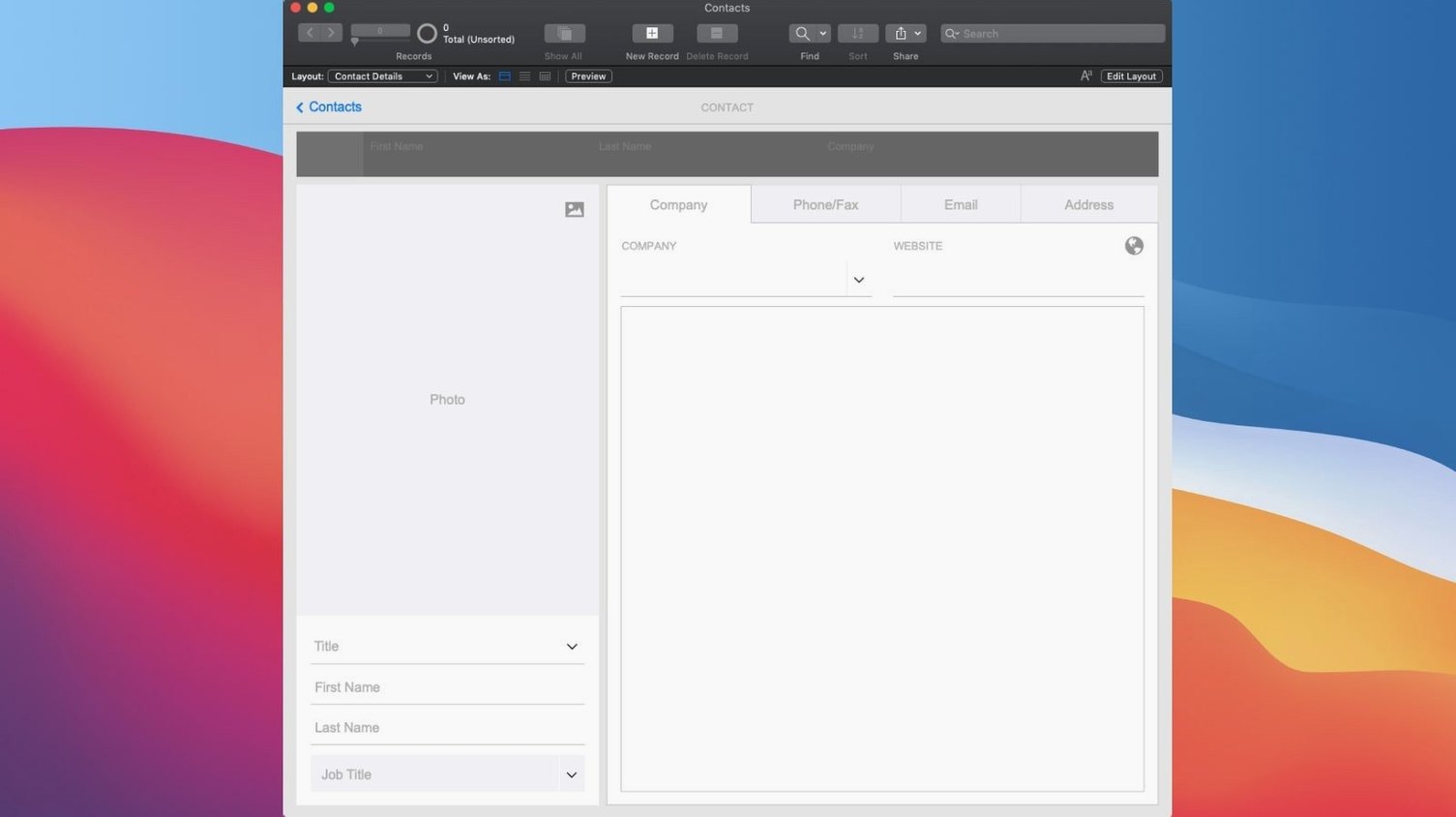
CRM, project management, content libraries, asset management — the built-in templates and drag-and-drop design cover most common business tools. Add ready-made charts, calendars, Kanban boards, and activity graphs without writing code.
How does sharing work?
Apps run in real time across mobile, desktop, web, local networks, or the cloud. That means the front desk, hygienists, and office manager all see the same patient data as it updates.
Semantic Search With Configure AI Account
The new Configure AI Account sets up AI services for semantic searches. Insert Embedding and Insert Embedding in Found Set bring vector data into records, and Perform Semantic Find lets you query by meaning rather than exact matches.
Backward Compatibility With Older Apps
Can I open apps built in older FileMaker versions? Yes. FileMaker Pro 21.0.1 opens custom apps created with earlier versions. You do not have to rebuild anything, though you will be prompted to update the file format on first open.
Do I need a server to use it? Not for building. You design and test locally on your Mac. If you want to share the app with others, you add a FileMaker Server or use FileMaker Cloud. The single-user workflow works entirely offline.
Can I move an app from my Mac to someone else's? Yes. Export the file and open it on another machine running FileMaker Pro. The app carries its layouts, scripts, and data with it.
Is this a database tool or a development environment? It is both. The underlying structure is relational database tables. The design tools let you build screens, buttons, and automation on top of those tables without writing SQL by hand.
macOS 10.14 and Apple Silicon Support
FileMaker Pro 21.0.1 runs on macOS 10.14 and later. It supports both Intel (x86 64-bit) and Apple Silicon (ARM) architectures, so it covers every current Mac lineup. The installer is a standard macOS package, and activation instructions are included inside the download.
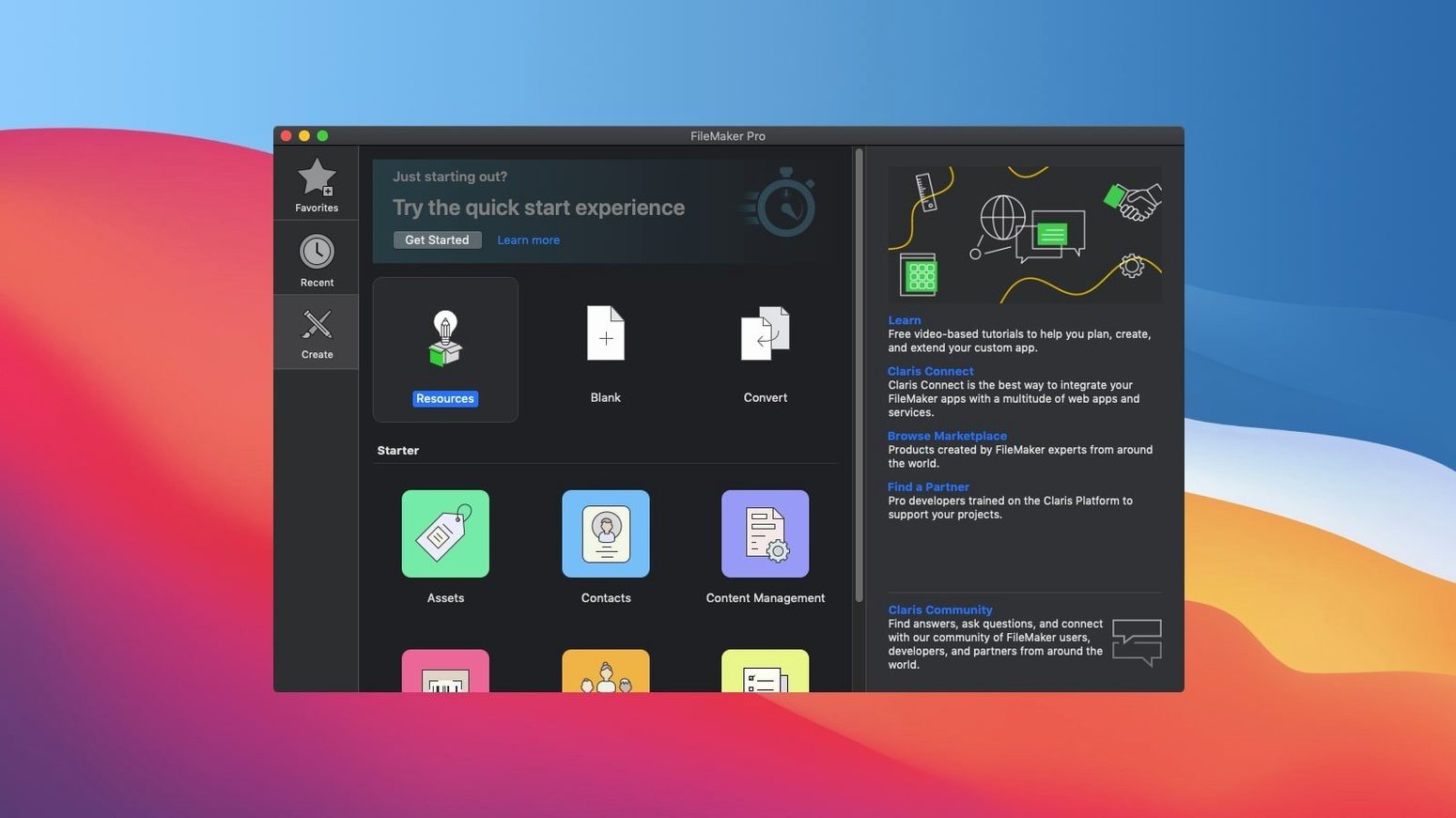
The application is a full desktop application, not a lightweight viewer. It loads the development environment, the runtime engine, and the sharing services. During regular use you will see the main application window with a layout editor, a data browser, and a script workspace. When you open an existing app, the tables and layouts load from the file you select.
For team use, you direct the app to a FileMaker Server address or a hosted file URL. The client connects over your local network or the internet. Real-time sharing means changes made on one machine appear on others within seconds, depending on network speed.
File Won't Open? Check macOS Version and Architecture
Snag: the app file from a coworker will not open.
Check the macOS version and architecture. Both machines need FileMaker Pro 21.0.1 on a compatible system. If the file originated in a newer version, you cannot open it in an older one. Update to the same build.
Snag: the drag-and-drop design tool does not place an element where I want.
Layout alignment in FileMaker uses a grid system. Elements snap to the grid by default. Turn off alignment guides in the Layout Setup dialog if you need free positioning, or adjust the grid spacing under the View menu.
Snag: real-time sharing does not show new records.
Confirm the host machine has the app open and the sharing option is enabled. On the client machine, use the Open Remote command and enter the host's IP address or server name. Firewall settings on the host may block incoming connections — add an exception for FileMaker Pro in macOS Security & Privacy.
Snag: the Configure AI Account option is grayed out.
That feature requires a network connection and a valid AI service account. Set up the account through the dialog before you try to use Insert Embedding or Perform Semantic Find. The dialog expects an API endpoint and credentials from your chosen AI provider.
Snag: the app runs slowly on large datasets.
Large tables with many related records can slow down layout rendering. Use summary fields and filtered portals to reduce the data loaded on screen. Index fields you search frequently. Compacting the file from the File menu can also recover disk space and speed up operations.
Snag: a filemaker download or filemaker torrent did not include activation instructions.
The package from this site includes the instructions. Check the folder that came with the download — the text file is named "Install and Activate.txt". If you cannot find it, re-download the package and verify you received the full archive.
- Configure AI Account added.
- Insert Embedding added.
- Insert Embedding in Found Set added.
- Perform Semantic Find added.
- Set AI Call Logging added.
- macOS 10.14 or later
- Intel or Apple Silicon
- English interface
Questions I get about this line
Yes, FileMaker Pro opens and runs custom apps created with the same software, so you can share solutions across your team.
FileMaker Pro 21.0.1 runs on macOS 10.14 or later, on both Intel and Apple Silicon Macs.
The install order
- Open the downloaded package.
- Follow the included install and activation instructions.