Free download (2.6 GB) Previous versions
- Version
- 6.2.1
- Developer
- Native Instruments
- Languages
- English
- License type
- k'ed by Team V.R
| macOS range | macOS 14 or later |
|---|---|
| Chip | Apple Silicon, Intel 64-bit |
| Download | 2.6 GB |
| Previous versions | 6 on file |
Screenshots
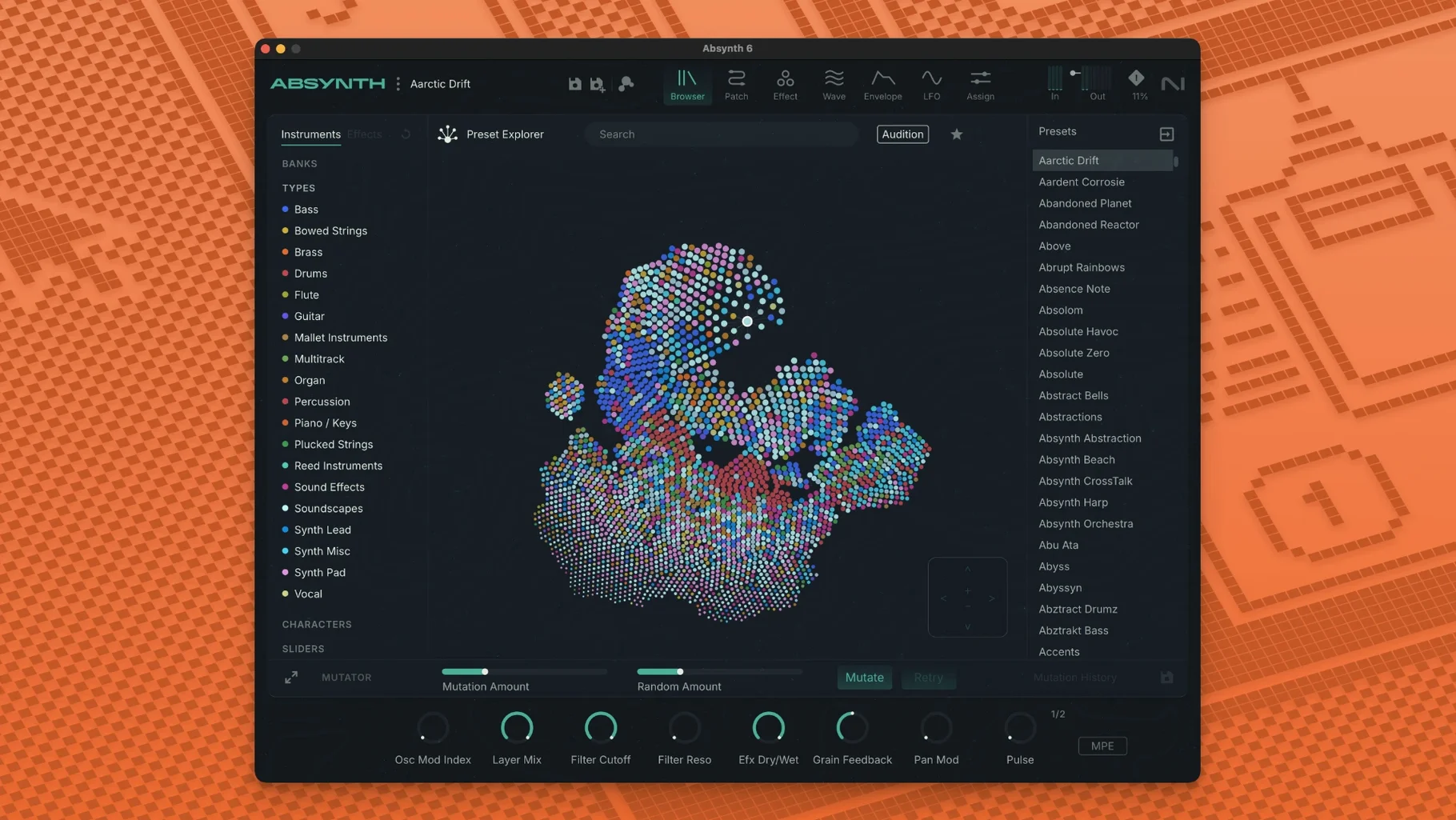
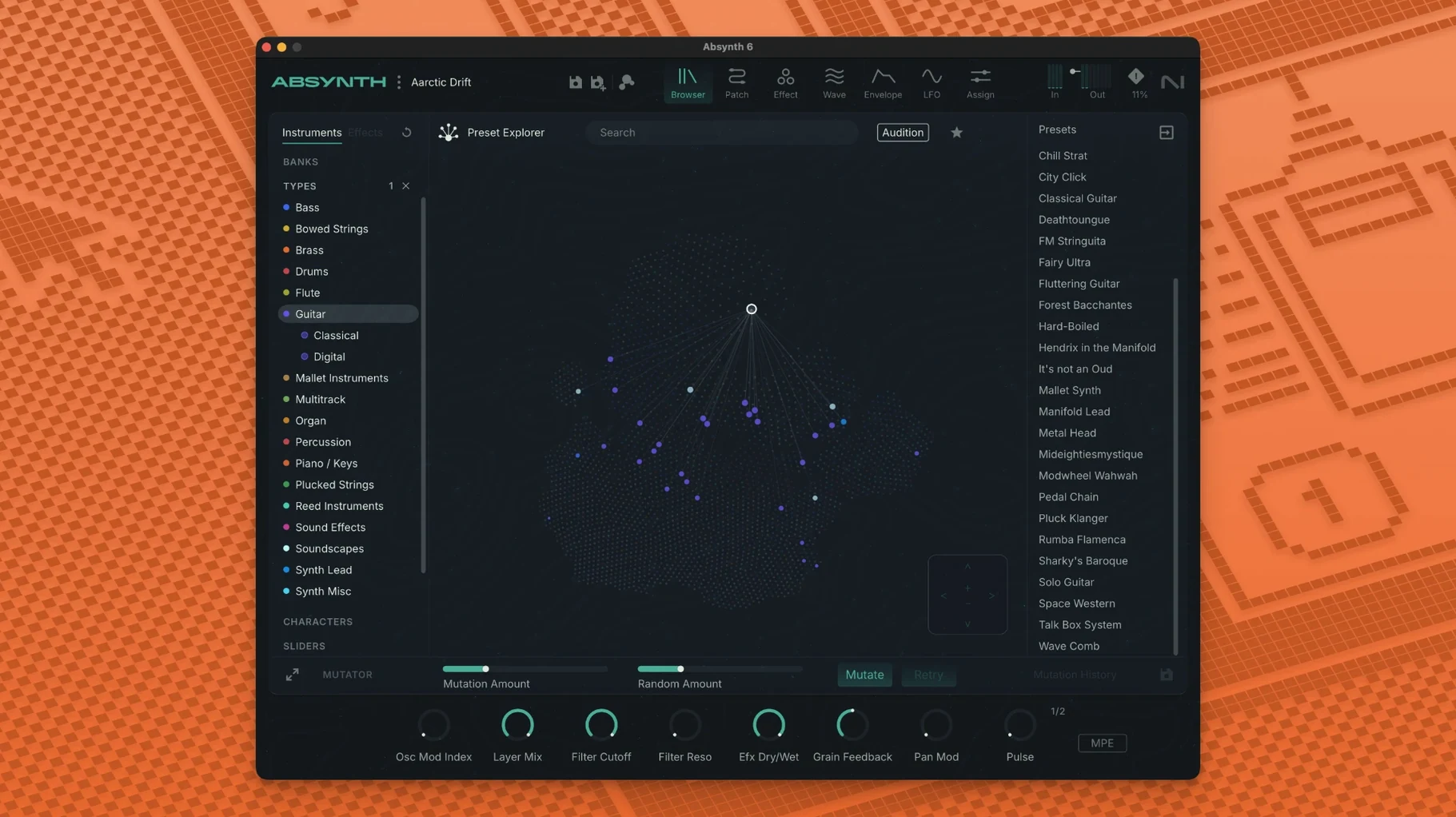
Scroll the row, it snaps to each screenshot. Click one to see it wider.
Absynth 6 is a semi-modular synthesizer from Native Instruments, built for deep sound design rather than quick preset tweaking.
Designing Evolving Pads and Surround Textures
- Designing evolving pads, textures, and atmospheres.
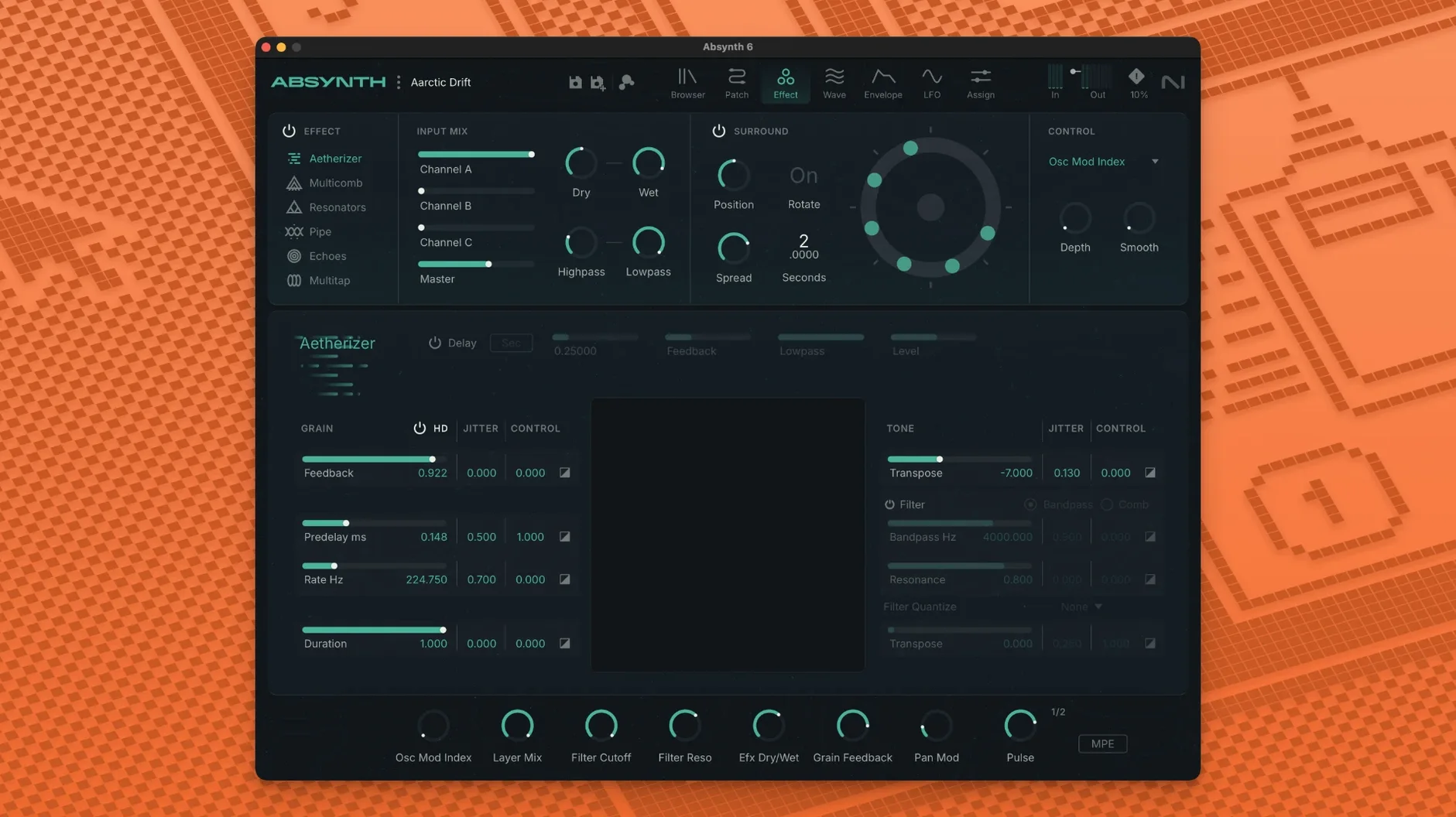
- Working with the Aetherizer, Cloud Filter, and Supercomb effects for unusual timbres.
- Using full MPE and polyphonic aftertouch for expressive performances.
- Mixing in surround sound, with support for up to eight channels.
- Starting from 250 new presets that show off the engine.
macOS 14 or Later, Intel and Apple Silicon
- It runs on macOS 14 or later, on both Intel and Apple Silicon.
- You need at least 4 GB RAM, 6 GB recommended.
- The interface is in English only.
- It works as a 64-bit VST3, AU, or AAX plugin.
Set Audio Output to Match Your Interface
Before you start browsing presets, open Absynth’s preferences. The first thing I do is set the audio output to match my interface’s channel count. If you work in stereo, the default is fine. If you run a surround rig, switch the output format — Quadraphonic, 5.1, or Octaphonic — in the Audio tab. Absynth remembers this per project.
Second, turn on MPE. It’s off by default. Look for the MIDI / MPE section and enable “Full MPE.” This lets each note from an MPE controller control pitch, pressure, and timbre independently. Without it, you lose the polyphonic aftertouch that makes Absynth feel alive.
Third, set your preset browser view to “List by Category” instead of “All.” The factory presets are grouped by type — pads, leads, textures, surround — and the category view cuts down scrolling. You can save your own presets into custom folders later.
Aetherizer, Cloud Filter, and Supercomb Effects
Absynth vs. Serum 2
Serum 2 is a wavetable synth first. It excels at basses, leads, and drop-ready sounds. Absynth is wider: it mixes subtractive, FM, wavetable, and granular under one hood. Serum 2 does not do surround. Absynth handles eight channels. Serum 2 has MPE support, but Absynth’s implementation is tighter for sound design — the Sound Mutator and Aetherizer have no direct equivalents in Serum. If you need a fast workhorse for EDM, Serum 2 wins. If you build evolving, spatial textures, Absynth is the better tool.
Absynth vs. Falcon
Falcon from UVI is a multi-engine synth with deep modulation and scripting. It is more flexible but harder to learn. Absynth is more focused. Its Cloud Filter, Supercomb, and Sound Mutator feel like instruments, not modules. Falcon supports surround up to 7.1. Absynth goes to Octaphonic. Neither is a beginner synth. Absynth gets you to weird, usable sounds faster because the effects are purpose-built. Falcon requires you to build your own chain.
Absynth vs. Pigments
Pigments from Arturia is a friendly, all-in-one synth with four engines. It is good for learning synthesis. Absynth is not a teaching tool. Pigments lacks surround and MPE. Absynth wins on expressive control and spatial output. If you want quick, musical results and a clean UI, start with Pigments. If you want to build a sound that moves around the room and responds to every finger movement, Absynth is the real choice.
Real-world scenario: a film composer’s surround bed
Let’s say you need an atmospheric drone for a sci-fi scene. You load one of Absynth’s surround presets — “Deep Space Octa” from the factory list. You set the output to 5.1. The sound drifts across channels by default. You grab the Sound Mutator and drop in a recording of wind you have on disk. Within seconds, the drone morphs into something that breathes and pans slowly. The whole bed is done in ten minutes. No layering in the DAW. No automation written out. Absynth handles the movement internally, and MPE lets you shape the density live with a keyboard.
Native Apple Silicon, No Kontakt Required
Does it work on Apple Silicon natively?
Yes. Absynth 6 runs natively on ARM and Intel Macs. No Rosetta needed. It requires macOS 14 or later.
Can I use it without a Native Instruments account or Kontakt?
Yes. Absynth 6 is a standalone plugin. You do not need Kontakt or any Native Instruments player to run it. The installer handles everything.
What about plug-in formats?
It comes in 64-bit VST3, AU, and AAX. It will load in Logic Pro, Ableton Live, Pro Tools, Cubase, and any host that supports those formats.
Will it be slow on a laptop with 8 GB RAM?
It asks for 4 GB minimum, 6 GB recommended. 8 GB is fine for a few instances. If you load multiple surround instances with heavy granular modes, close other applications. It does not need a dedicated GPU.
Can I use my own samples in the Sound Mutator?
Yes. The Sound Mutator accepts audio files you drag in. It blends their characteristics with the current patch. It is not a sampler — it is a morphing tool.
Is the preset browser searchable?
Yes. The browser has a search field. Type a term like “pad” or “surround” and it filters the 250 factory presets instantly. You can also tag your own presets with keywords.
Does it work as a standalone app or only as a plug-in?
It runs as a plug-in only. No standalone mode. You load it inside a DAW or host.
- Absynth returns with version 6.
- Adds support for up to eight-channel surround formats.
- Full MPE and polyphonic aftertouch support.
- macOS 14 or later
- Apple Silicon or Intel Core i5 or equivalent
- 4 GB RAM (6 GB recommended)
- 64-bit VST3, AU, and AAX host
The install order
- Open the downloaded disk image.
- Run the standard installation routine.