
- Version
- 5.40.2675 [Wineskin]
- Developer
- AIMP DevTeam
- Languages
- Russian, English, German, Arabic, Belarusian, Hungarian, Danish, Spanish, Italian, Chinese (Traditional), Chinese (Simplified), Korean, Polish, Portuguese, Turkish, Ukrainian, Finnish, French, Czech, Swedish, Japanese
- License type
- Not required
| macOS range | macOS 11 or later |
|---|---|
| Chip | Apple Silicon |
| Download | 582 MB |
Screenshots
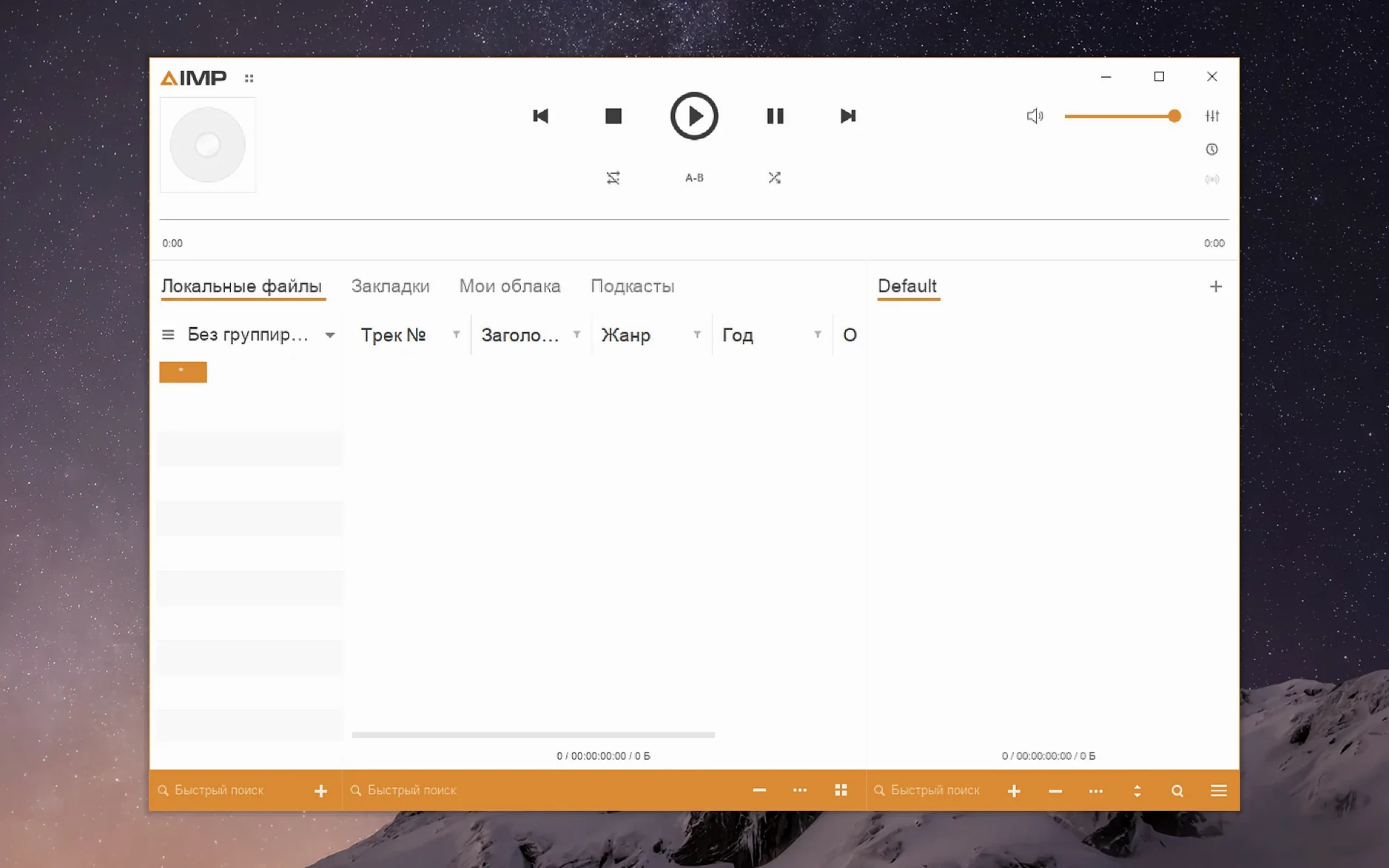
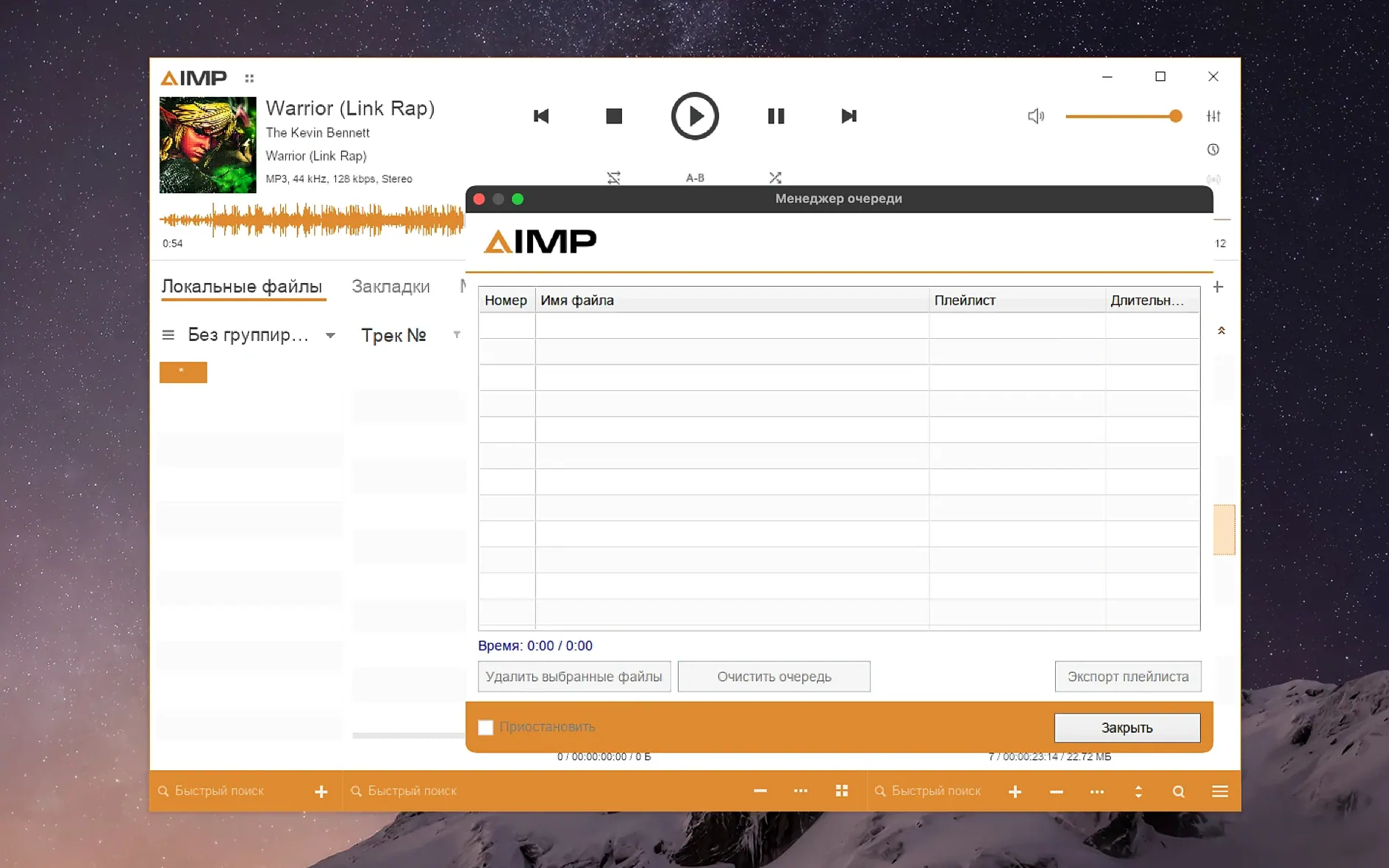
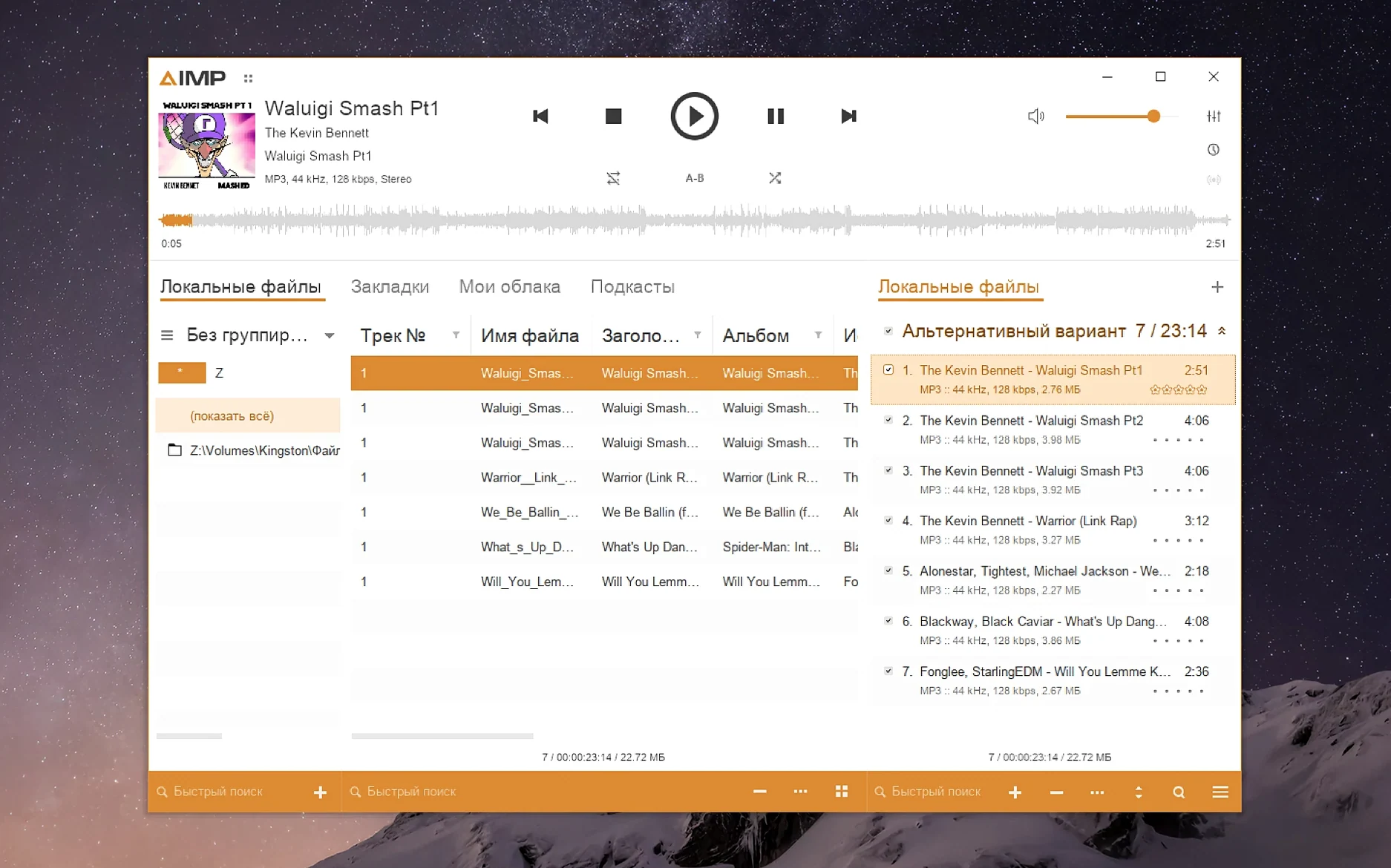
Scroll the row, it snaps to each screenshot. Click one to see it wider.
AIMP has been a dependable audio player on Windows and Android for years, and the macOS build brings that same experience to Mac users. Packaged with Wineskin, it runs on Apple Silicon, so you get the familiar interface and playback engine without a separate Windows machine.
For Windows Migrants Who Miss Playlists and Shortcuts
This is for anyone who wants a straightforward, no-nonsense player that handles a wide range of audio formats. It’s especially useful if you’re migrating from Windows and miss AIMP’s playlist management and keyboard shortcuts. The interface is available in over twenty languages, from English to Belarusian to Traditional Chinese, so it fits in most environments.
Monkey’s Audio Update and Faster Waveform Calculation
Version 5.40.2675 refines the Mac build. The Monkey’s Audio codec is updated to 11.08, waveform calculation is faster, and a libVorbis conflict with third-party plugins is fixed. A sampling-frequency buffering issue is also resolved. If you use the visualization window, the mouse wheel issue with the Skin Engine is gone. Localizations were refreshed across the board.
Wineskin Launch Failures and Fix File Workaround
AIMP for macOS can throw a couple of hiccups if you're new to Wineskin-wrapped apps. Here are the ones I see most often and how to get past them.
- App won't launch after install. This is the most frequent one. Run the Fix file inside the disk image before you try anything else. If you already dragged the app over, go back to the image, run Fix, then launch again.
- Interface is tiny or hard to read. Wineskin apps sometimes default to a low DPI setting. Open the app package contents, go to the Contents folder, and start KegworksConfig. In Tools, open Config Utility (winecfg), then the Graphics tab. Set the screen resolution to a value between 122 and 144. Apply, restart the app.
- Certain file types won't play. Check if the codec is missing. AIMP ships with most common codecs, but Monkey's Audio was updated to 11.08 in this build. If an older APE file fails, that update likely covers it. If you use third-party plugins, the libVorbis conflict fix in 5.40.2675 should help — reinstall the plugin after the update.
Why You Must Run the Fix File Before Drag-and-Drop
A few habits will save you time. Skipping the Fix file on first launch is the big one. People assume the drag-and-drop copy is enough, and it usually is, but the Fix handles Wineskin dependencies that macOS doesn't set up on its own.
Another is ignoring the playlist manager behavior. After you change the playing track in active storage, the playlist manager may mark content as modified — that's flagged in the changelog. Don't panic, it's cosmetic. Save the playlist if you made real edits, otherwise just ignore the indicator.
Tag editing trips up people too. If you get a parser error on an unnamed MP4 field, that's a known issue fixed in this build. The error is harmless; just fill in the field name next time.
Workflow: Organize a Fresh Music Folder
Here's a practical way to use AIMP to clean up a folder of newly downloaded tracks.
- Import the folder. Drag the whole folder into the playlist area. AIMP scans the files and populates the list.
- Fix tags. Right-click any track with missing or wrong metadata. Open the tag editor. Correct artist, album, title — the unnamed MP4 field bug is gone, so you won't get a false error. Tab through fields quickly. Save each track.
- Sort by waveform. If you want to check for silent gaps or clipped peaks, use the waveform view. Calculation speed improved in 5.40.2675, so it renders faster than earlier builds.
- Save the playlist. Once the folder is tagged and sorted, save the playlist. The modified-content flag from changing the playing track won't affect your saved file.
- Localizations were updated.
- The Monkey's Audio codec was updated to version 11.08.
- Waveform calculation speed was improved.
- A libVorbis conflict with third-party plugins was fixed.
- A sampling-frequency buffering issue was fixed.
- macOS 11 or later
- Apple Silicon
Questions I get about this line
Wineskin lets the Windows version of AIMP run on macOS with minimal changes, so you get the same features and interface as the Windows build.
Yes, the build is designed for Apple Silicon Macs running macOS 11 or later.
English, Russian, German, Arabic, Belarusian, Hungarian, Danish, Spanish, Italian, Traditional and Simplified Chinese, Korean, Polish, Portuguese, Turkish, Ukrainian, Finnish, French, Czech, Swedish, and Japanese.
The install order
- Open the downloaded disk image.
- Drag the app to the Applications folder alias.
- After copying finishes, launch the app from Launchpad.
- If an error appears on launch, run the Fix file in the disk image.
- To enlarge the interface, open the app package contents.
- Open the Contents folder and start KegworksConfig.
- In Tools, open Config Utility (winecfg).
- In the Graphics tab, set the screen resolution to a value from 122 to 144.
- Apply the change and start the app again.