Free download (592 MB) Previous versions
- Version
- 6.1
- Developer
- Bitwig
- Languages
- English
- License type
- K'ed by Totoro
| macOS range | macOS 12 or later |
|---|---|
| Chip | Apple Silicon, Intel 64-bit |
| Download | 592 MB |
| Previous versions | 15 on file |
Screenshots
Scroll the row, it snaps to each screenshot. Click one to see it wider.
You are finishing a track at 2 a.m., and the arrangement needs a fresh texture. You drop the Sampler, switch to Spectral play mode, and the sound breaks into something new without leaving the timeline. That kind of direct tool access is what Bitwig Studio 6.1 delivers.
Working the Sampler Harder
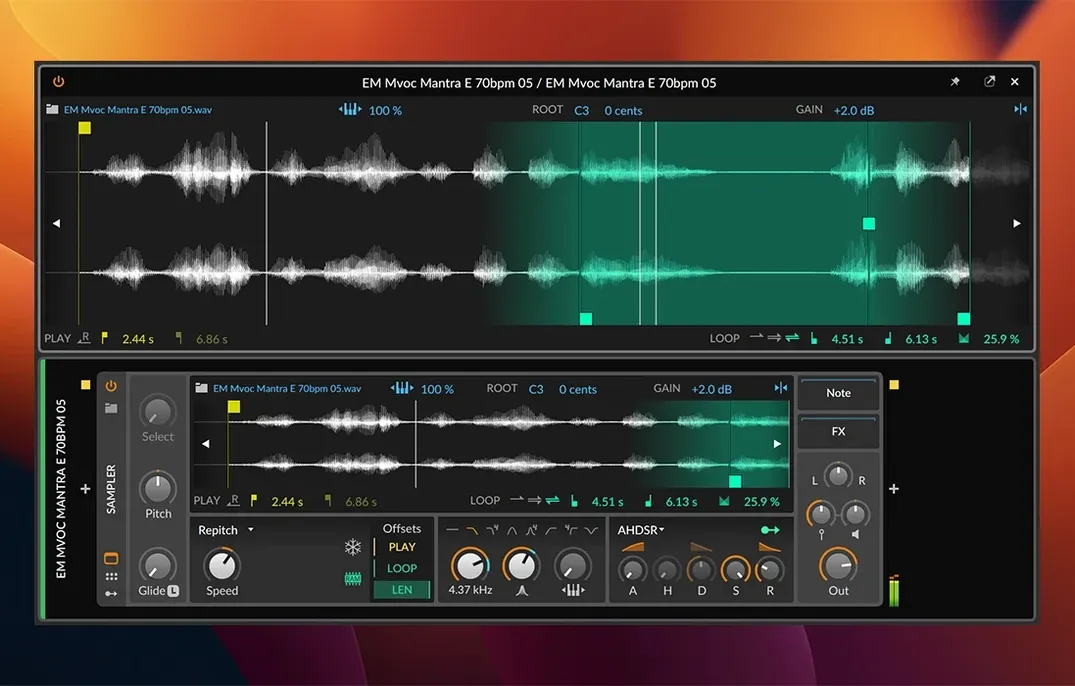
The 6.1 Sampler adds Fragments and Spectral play modes. Fragments slices audio into adjustable cells you can reorder, gate, or modulate. Spectral re-synthesises the source and lets you freeze, stretch, or filter individual partials. Both modes work with the existing modulation system, so you can map LFOs, envelopes, or note velocity directly to slice position or spectral smear.
Editing Tuning and Tempo
Microtonal editing is built into the piano roll and note inspector. You can set a custom scale per clip or per track and quantise to it. Automatic tempo detection and automatic pitch detection handle imported audio: drop a loop and Bitwig writes the tempo map or identifies the root note without a separate analysis step.
Building a Performance Setup
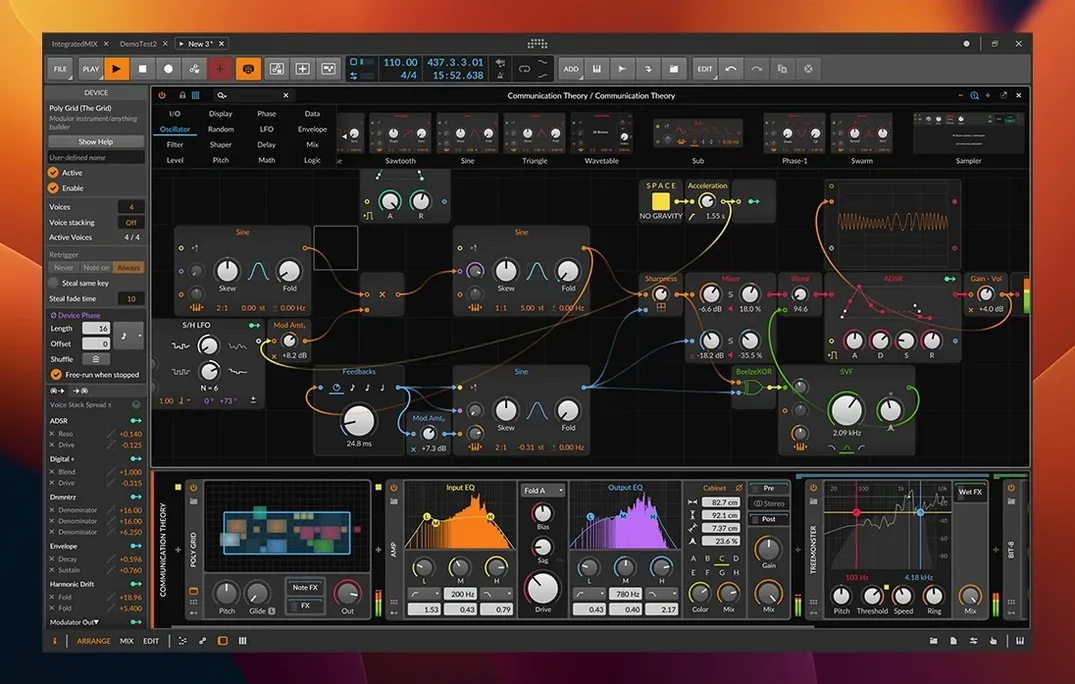
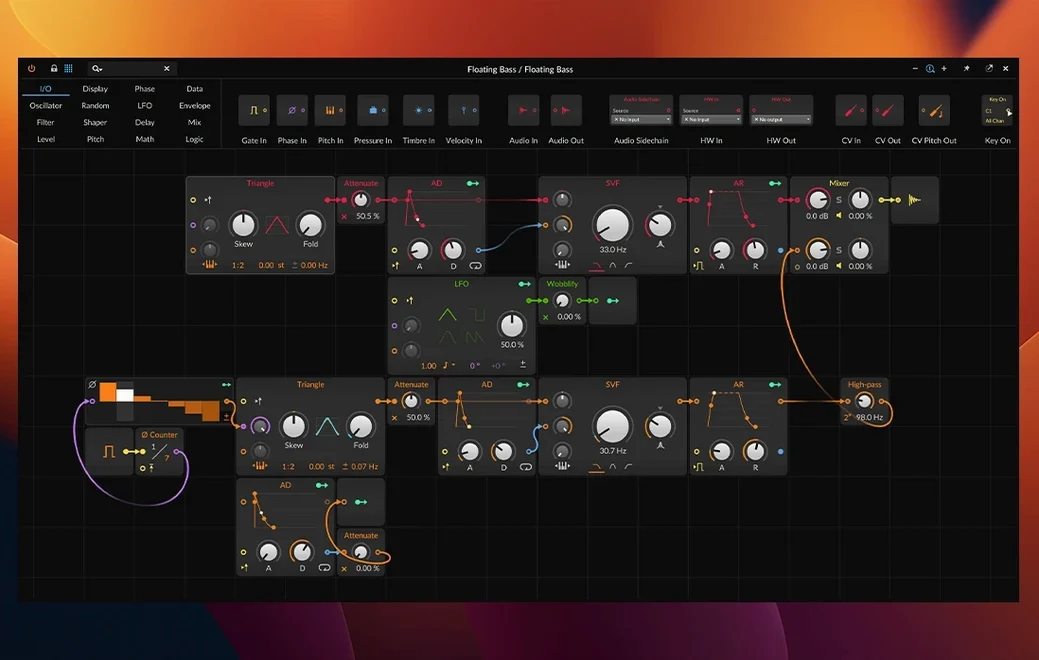
The interface is fully customisable. You strip unused panels, resize the mixer, or save a workspace layout per project. The more than 80 built-in devices and effects cover the usual compressors, delays, and reverbs, plus the modular Grid and the Poly Synth. Flexible modulation means any parameter can be modulated by any source, which is how you turn a simple pad into a shifting texture during a live set.
Lock the Workspace Layout or Lose Panels
The modular interface catches new users off guard. You can undock any panel and lose it behind another window. Keep the workspace layout locked until you know where everything lives. A second common stumble is ignoring the Detail Editor. People edit clips destructively in the timeline when the Detail Editor handles gain, pitch, and time-stretch per clip without altering the original file. Learn that early. Another one: beginners pile devices on a track without checking the CPU load per window. The per-window CPU meter is in the bottom bar. Use it. Finally, people forget that modulation works on practically any parameter. They reach for automation lanes when a simple LFO mapped to filter cutoff does the same job with less clutter.
Three Workspaces Beat Ableton’s Session View
Ableton Live Suite handles clip launching and session view in a way that suits electronic performance. Bitwig Studio 6.1 matches that workflow but adds the three-workspace system, letting you keep Arrange, Mix, and Edit separate across monitors. Ableton Link and CV/Gate support are common ground. Bitwig's modulation system is deeper by default, but Live's Max for Live extends it further if you want to build custom devices. For composition-heavy work, Steinberg Cubase offers a more traditional timeline and a stronger score editor. Bitwig trades that notation depth for a faster sound-design environment and the new Sampler features. Cubase stays fixed in a linear arrange window; Bitwig lets you rearrange your workspace to match your session. Logic Pro keeps the DAW standard layout and ships with a huge library. Bitwig gives you fewer stock sounds but more control over how those sounds morph over time. If you want to sculpt a sound from scratch rather than pick a preset, Bitwig is the better fit.
Spread Arrange, Mix, and Edit Across Monitors
The three workspaces, Arrange, Mix, and Edit, can be spread across separate monitors. Right-click a panel header and select Open in New Window, then drag it to a second screen. The Detail Editor for nondestructive clip editing is a single keystroke away. It works on individual notes in the piano roll, too. The eight time-stretching algorithms are per-clip, so you can set a different engine for drums, vocals, and pads in the same project. Automatic tempo detection writes a tempo map, but you can also drag a clip onto the timeline and let Bitwig adjust the project tempo to match. That is in the clip import options. The automatic pitch detection identifies the root note and suggests a scale for microtonal quantise. It works on audio and MIDI. The included devices and effects support CV/Gate and Clock, which matters if you connect modular hardware. The modulation system routes MIDI CC, note velocity, and pressure to any parameter. That is how you get the LinnStrument or ROLI Seaboard to control filter sweeps directly. Finally, the app accepts Sync and Ableton Link, so it sits in a Link-enabled studio without manual tempo mapping.
- Radically updated Sampler with slicing.
- New Spectral and Fragments play modes.
- Automatic tempo detection.
- Automatic pitch detection.
- macOS 12 Monterey or newer
- Intel or Apple Silicon processor
The install order
- Use the included installation and activation instructions.