Free download (924 MB) Previous versions
- Version
- 9.0.9
- Developer
- Cycling '74
- Languages
- English
- License type
- K'ed by TEAM HCiSO
| macOS range | macOS 11 or later |
|---|---|
| Chip | Apple Silicon, Intel 64-bit |
| Download | 924 MB |
| Previous versions | 2 on file |
Screenshots
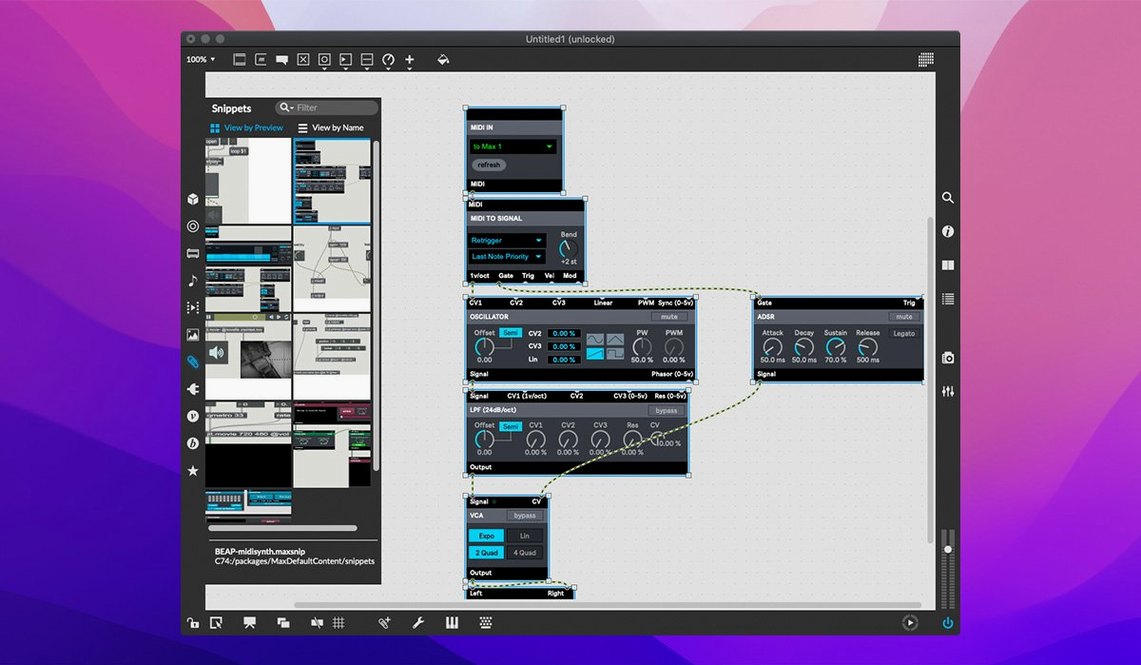
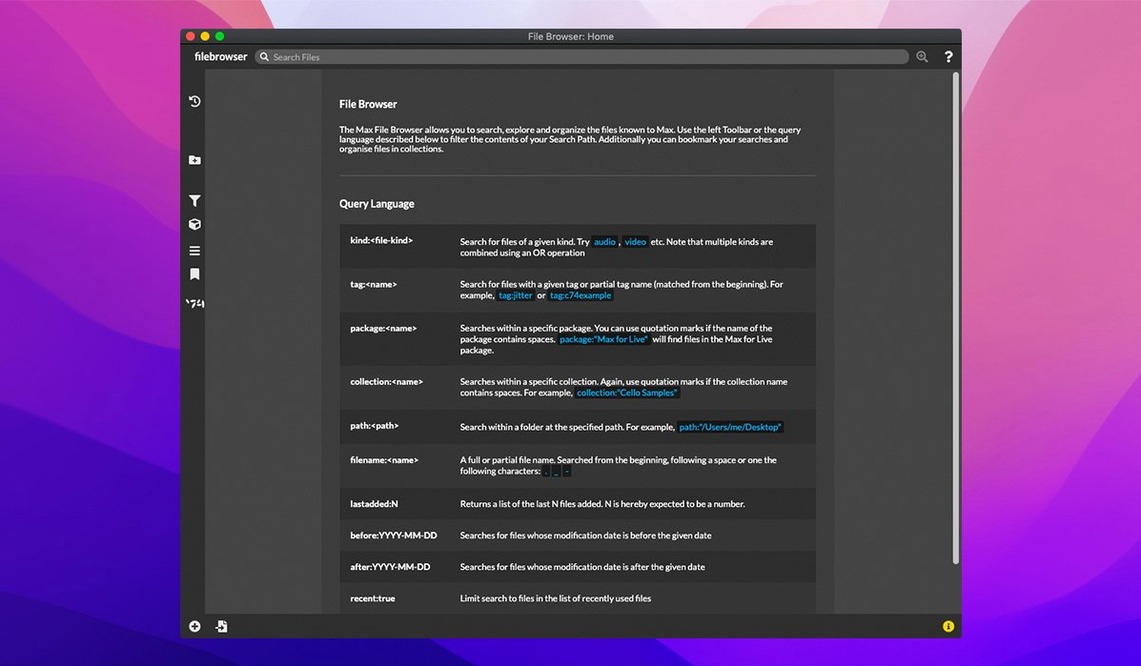
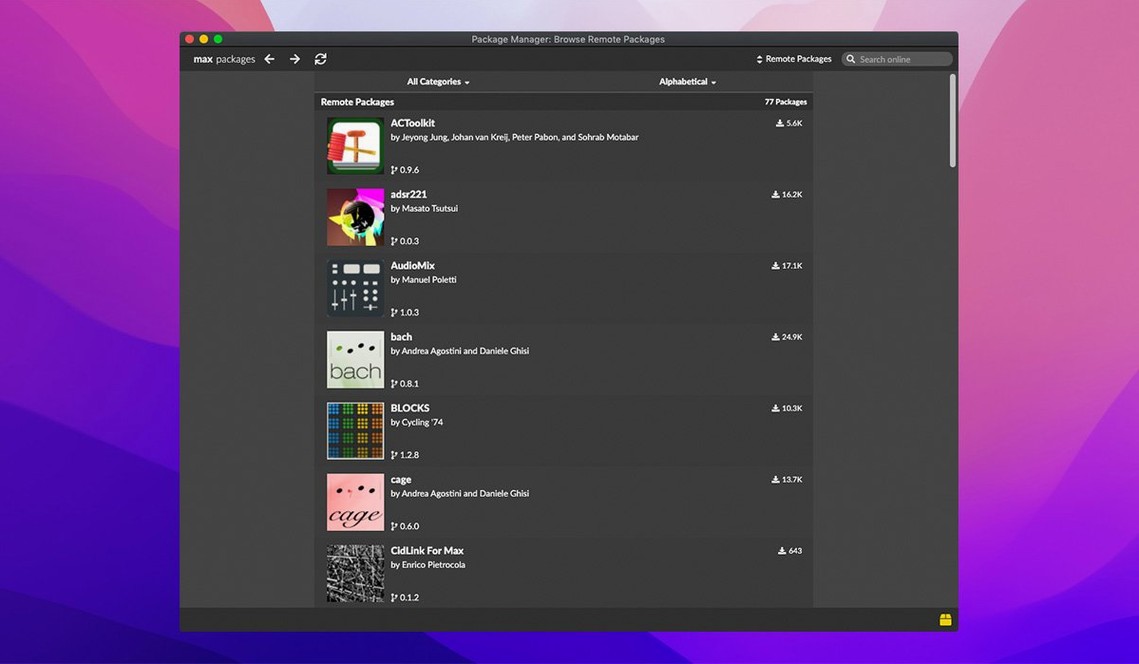
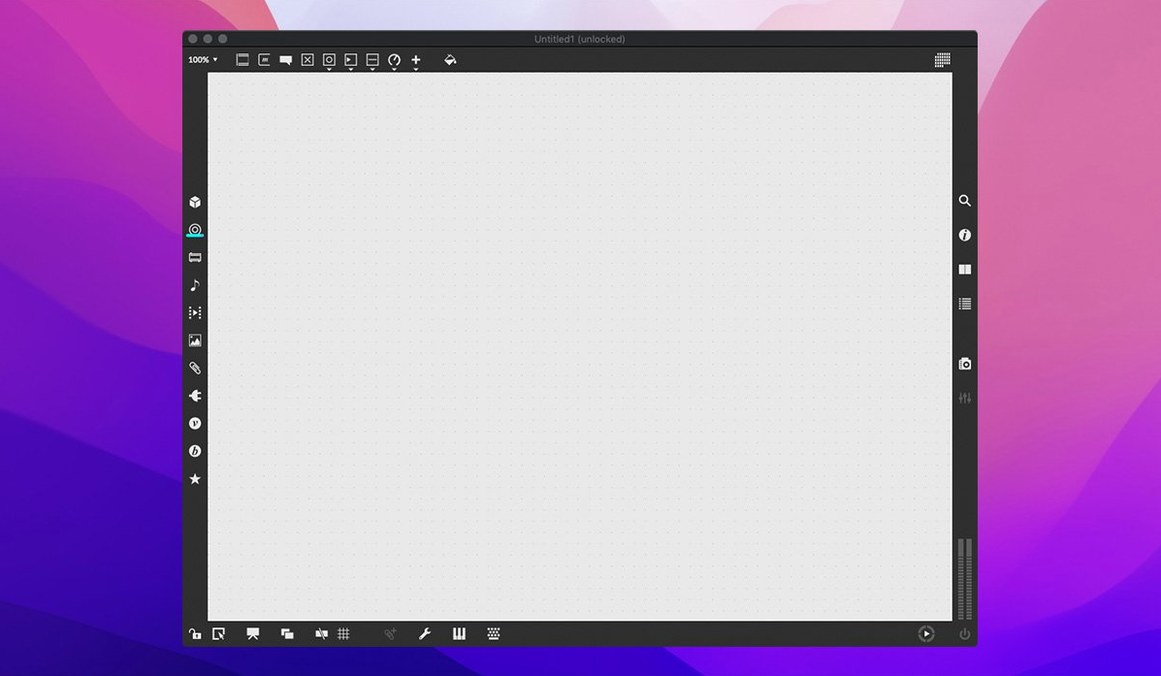
Scroll the row, it snaps to each screenshot. Click one to see it wider.
Max 9.0.9 for Mac is a visual programming environment for music and multimedia, letting you build interactive audio and graphics by connecting objects on a canvas.
Visual programming — Max provides hundreds of modular objects and UI widgets, so you can design programs and interfaces without traditional text coding.
Max/MSP — The full name is Max/MSP; it covers both the patching environment and the MSP audio engine.
RNBO — A bundled tool for exporting your Max patches to other platforms; version 1.3.5 is included in 9.0.9.
Tutorials — More than 40 interactive tutorials help you get started with patching and common workflows.
Users — Composers, performers, software developers, researchers, and artists use Max for live performance, installation, and research projects.
First-day tips
Before you open a blank patcher, browse the tutorials. Cycling '74 ships over 40 of them, and they cover the basic objects and data flow you will use every day. Work through at least the first five before you start your own project.
Keep the interactive help open while you patch. Every object has a working demo you can inspect, copy, and modify. It is faster than searching menus or forums.
Start with a small test patch to confirm your audio and MIDI hardware works. Drop a cycle~ 440 object into an ezdac~ and play a note. If you hear a tone, your audio routing is correct. Then test MIDI input with a notein object and a makenote.
Save often. Max does not autosave your work. Get in the habit of pressing Cmd-S after every change that works.
Name your patcher and objects clearly. A week from now you will not remember what patcher 3 does. Use the object inspector to rename and comment your patchers.
Audio MIDI Setup first for missing devices
Audio or MIDI not showing up. Check your Mac's Audio MIDI Setup preferences first. Max uses the system audio and MIDI services. If your device does not appear in Max, it will not appear in the OS audio panel either. Restart the device, then restart Max.
Patcher freezes or behaves oddly. Open the window menu and turn on the inspector. Look for locked or hidden objects. A hidden gate or a trigger you forgot can cause unexpected behavior. Use message tracking in the debugger to see what data flows where.
Can not find an object. Type the object name in a new object box and hit Cmd-Shift-P. Max will list all loaded objects that match. If nothing appears, the object is not in your search path. Add its folder in File > File Preferences.
Third-party externals do not load. Max 9.0.9 runs on ARM and x86 Macs. Externals compiled for one architecture will not load on the other. Make sure you have the correct build for your Mac's processor. Check the developer's site for a current version.
Crash when using the Inspector. The 9.0.9 release fixed a potential crash when editing or closing a text field in the Inspector. If you still see instability, update to 9.0.9 and restart your Mac. If the problem persists, reset the Max preferences by holding Option while launching.
Requires macOS 11, runs on Apple Silicon and Intel
Max 9.0.9 requires macOS 11 or later. It runs on both Apple Silicon (ARM) and Intel (x86) Macs. No disk-space minimum is specified in the release materials, but leave several gigabytes free for the application, tutorials, and the RNBO runtime.
Performance depends on your computer's memory and speed. Max can run multiple applications and tasks at the same time, but complex patches with high sample rates, many audio channels, or heavy graphics will use more CPU. The OS will allocate resources normally — there is no special performance mode in Max.
The interface language is English only. There is no localization switch.
MIDI support is built in. You can send and receive MIDI from hardware controllers, virtual ports, and other software. Serial devices and mouse cursor tracking also work out of the box.
QuickTime movie playback is supported, so you can synchronize audio and video in installations or live work.
The cross-platform SDK is included if you want to write your own externals or extend existing ones. This is useful if you work in C or need to port code from another environment.
After installation checklist
- Run the tutorials (Help > Tutorials) to confirm everything loads.
- Test audio and MIDI with a simple patch.
- Check that RNBO v1.3.5 appears in the File menu or in the RNBO object list.
- Open the Inspector and edit a text field to confirm the crash fix works on your system.
- If you use
live.banks, test button assignments for parameter banks — that is new in 9.0.9. - Save your first working patch and give it a clear name.
- Button assignments for parameter banks in live.banks are now supported.
- RNBO v1.3.5 is bundled.
- Fixed an inspector crash when editing or closing a text field.
- macOS 11 or later
- 64-bit processor (Apple Silicon or Intel)
- Approximate disk space: not stated
Questions I get about this line
Yes. Max 9.0.9 supports both ARM (Apple Silicon) and 64-bit x86 Intel Macs.
Max 9.0.9 requires macOS 11 or later.
It includes RNBO v1.3.5 and more than 40 interactive tutorials, along with the full Max patching environment.
The install order
- Mount the downloaded disk image.
- Drag the app to the Applications folder alias.
- After copying finishes, launch the app from Launchpad.