Free download (322 MB) Previous versions
- Version
- 5.6.10 [MAS]
- Developer
- algoriddim GmbH
- Languages
- English, German, Spanish, Italian, French, Japanese
- License type
- K'ed by TNT team
| macOS range | macOS 10.15 or later |
|---|---|
| Chip | Apple Silicon, Intel 64-bit |
| Download | 322 MB |
| Previous versions | 8 on file |
Screenshots
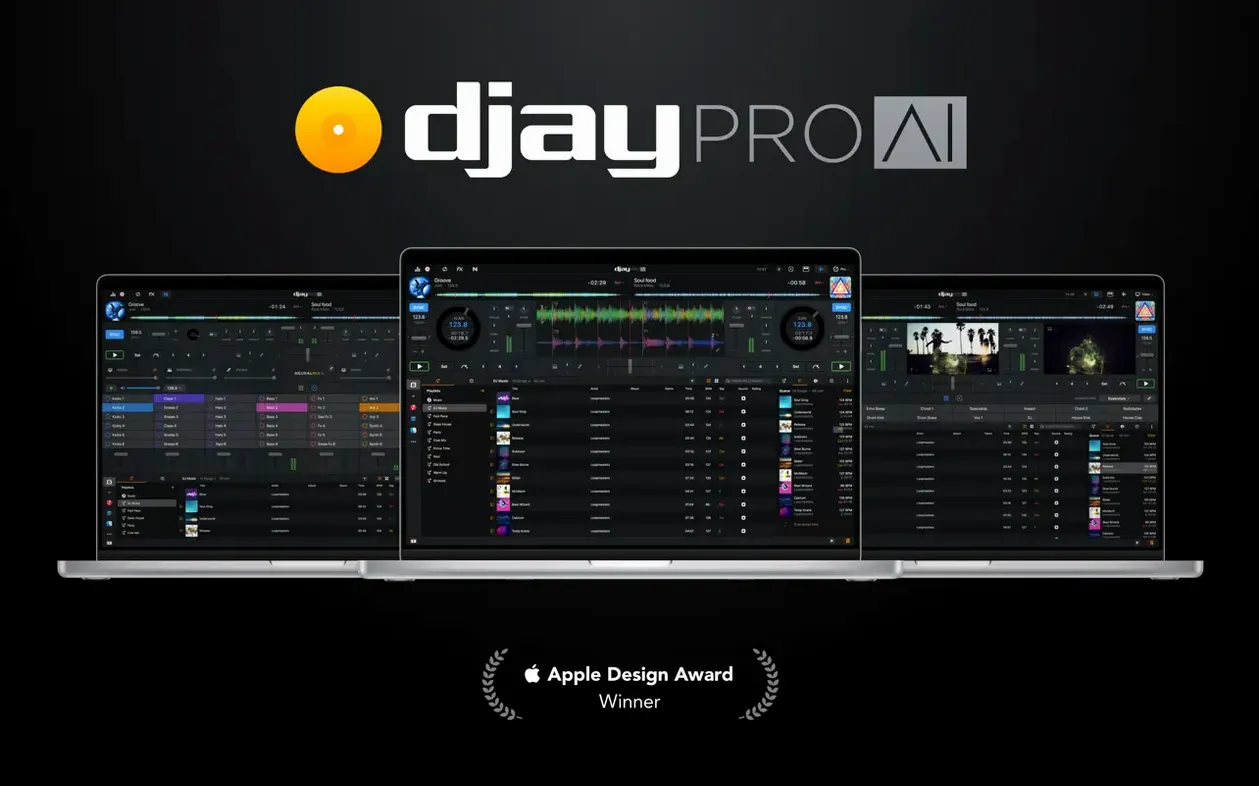
Scroll the row, it snaps to each screenshot. Click one to see it wider.
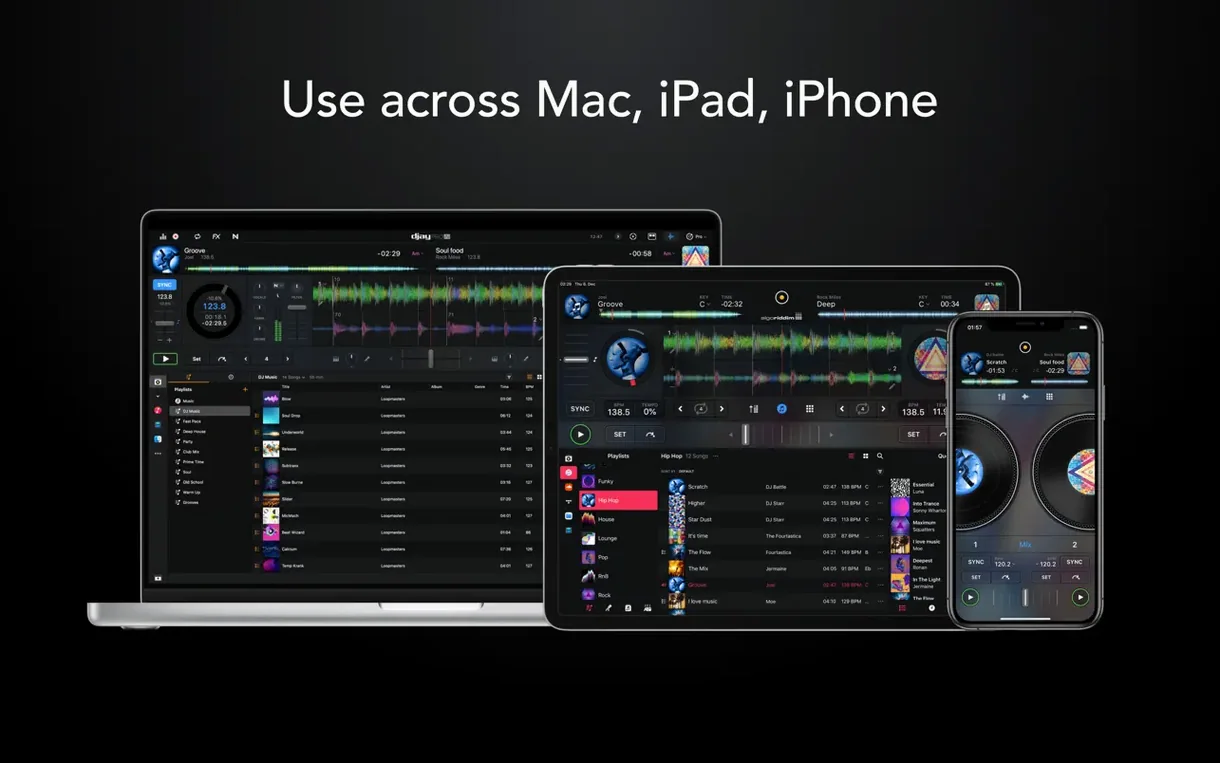
You’re behind the decks at a small club, a house party, or a backyard wedding. djay Pro on Mac handles the set: four decks, high-def waveforms, and real-time stem separation via Neural Mix. It’s the desktop version of djay by Algoriddim, built for live performance.
Real-time mixing of audio, video, and stems
- Mixing audio, video, and stems in real time
- Creating beats over tracks with the built-in sequencer
- Using your existing MIDI controller — support spans over 100 models
- Adding depth with 40+ effects and four-deck layouts
45 RPM support and RANE System One integration
- Version 5.6.9 improves 45 RPM support with motorized controllers
- RANE System One integration now includes native display support
- Works on macOS 10.15 and later, both Intel and Apple Silicon
- Interface languages include English, German, Spanish, Italian, French, and Japanese
Loading tracks into four decks from internal or external drives
I start a set by loading tracks into the media library. djay Pro reads my collection from the Mac’s internal drive or an external USB. The interface shows four deck slots across the top. I drag a track to Deck A and a second to Deck B. The high-definition waveforms appear instantly, showing the beat grid and cue points I set earlier.
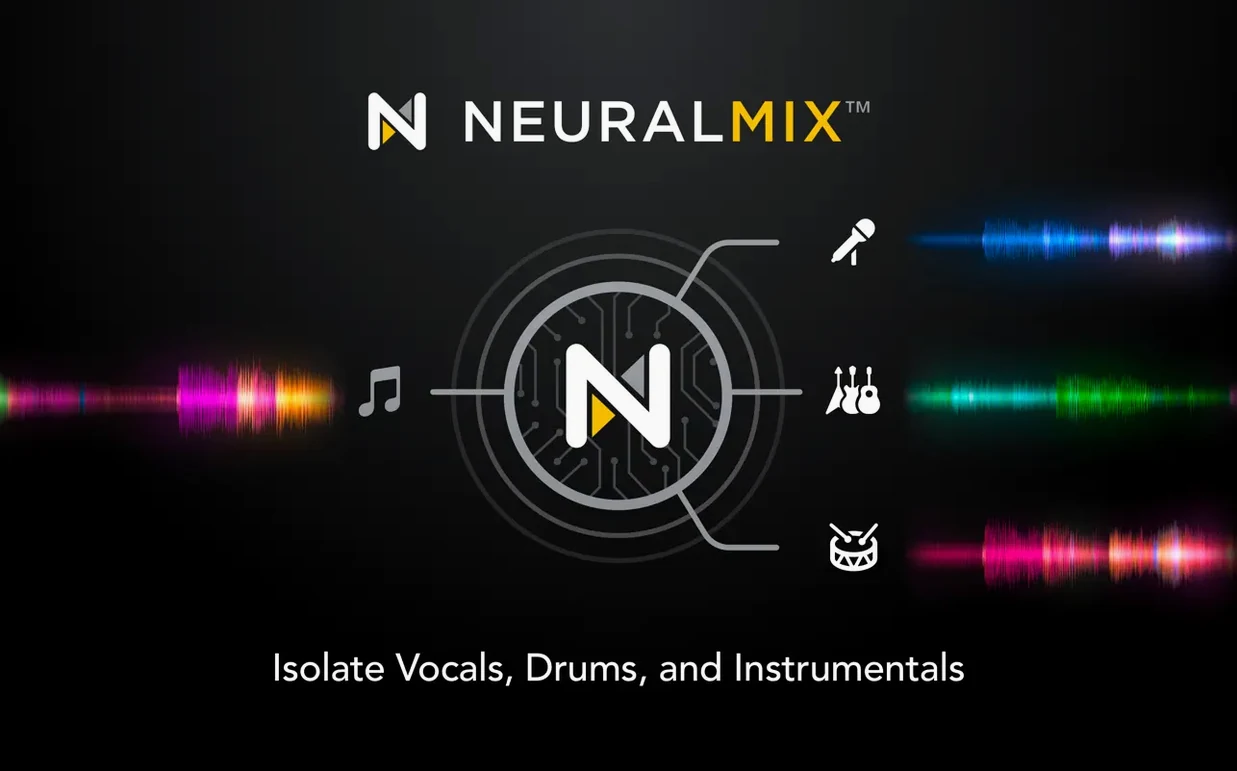
Neural Mix is the first thing I activate for a vocal-heavy track. I click the button to separate vocals, drums, bass, and instrumental parts. This lets me drop the vocal out during a breakdown, then bring it back on the drop. The separation happens in real time, so I don’t need stems prepared beforehand.
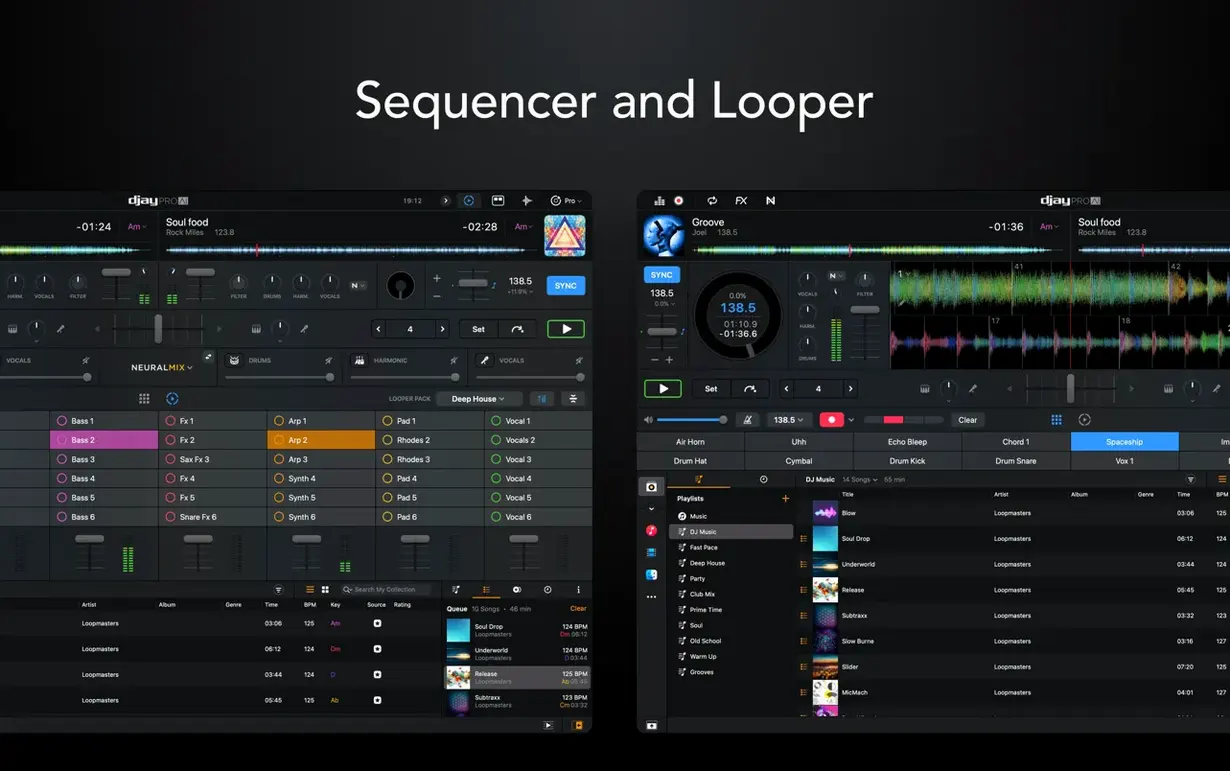
Next I add a beat over the track using the sequencer. I choose a kick pattern and a hi-hat loop, set the tempo to match the track, and let it play over Deck C. The looper lets me grab an eight-bar phrase from Deck D and hold it as a background texture. I set up to 48 loops per track, but for this set I use two.
During the transition between tracks I apply one of the 40 built-in audio effects — a filter sweep, then a delay. The waveform stays visible so I can see where the next beat lands. When I’m ready, I cue the next track and fade out the current one.
For the final segment I switch to video mixing. I load a promo video into Deck A, set a cue point at a visual highlight, and crossfade to a second video on Deck B. djay Pro handles both audio and video mixing in the same session.
Real-world scenario: the mobile DJ
A friend of mine DJs corporate events in Columbus. He uses djay Pro on a MacBook Air because it’s light and fits in a messenger bag. At a recent event he needed to switch from background music to a high-energy set in thirty seconds. He had the hardware integration set up with a RANE controller. The system recognized the controller instantly. He loaded a four-deck layout, started the automix mode for the background segment, then took manual control for the main set. The Neural Mix let him isolate vocals for a request song without a pre-made acapella. He packed up the MacBook Air in the same bag as the controller and was out the door in five minutes. djay pro crack mac searches don’t apply here — he runs the licensed version through his work account.
Cleaner CDJ playlist presentation and MIDI beat jump duration
- The media library playlist presentation on CDJs got improved in version 5.6.9. Track lists look cleaner on the controller screen, which helps when you’re browsing quickly during a set.
- MIDI actions now let you change beat jump duration. Map a knob or fader on your controller to shorten or lengthen the jump without touching the mouse. This is useful when you want a short skip during a breakdown and a longer jump during a build-up.
- 45 RPM support with motorized controllers works better in this build. If you use a turntable-style controller, the platter responds more naturally when spinning down or scratching. Cue point jumping remains accurate even during aggressive scratching.
- RANE System One integration includes native display support. The controller screen mirrors the deck info from djay Pro, so you can keep your eyes on the hardware instead of the laptop.
Compared with other Mac DJ software
Traktor Pro from Native Instruments has a similar four-deck layout and hardware support, but it does not include built-in Neural Mix stem separation. You need to prepare stems externally or use a third-party plugin. djay Pro handles that inside the app.
Serato DJ Pro is strong on library management and file organization, and it integrates with hardware controllers. Its effects section is smaller — about 15 effects versus djay Pro’s 40. Serato also lacks the sequencer for creating beats over tracks during a live set.
Mixxx is open source and free, with a capable four-deck mixer and effects. Its hardware controller support is broad but less polished than djay Pro’s integration with RANE and over 100 MIDI models. Mixxx also does not offer Neural Mix or real-time stem separation. If you need those features, djay Pro is the only one of the three that includes them out of the box.
- Added RANE System One integration with native display support.
- Added MIDI actions to change beat jump duration.
- Improved media library playlist presentation on CDJs.
- macOS 10.15 or later
- Intel or Apple Silicon
Questions I get about this line
Yes, djay Pro supports more than 100 MIDI controllers, and version 5.6.9 improves support for 45 RPM with motorized controllers.
The install order
- Mount the disk image and run Open Gatekeeper friendly.
- Press Enter in the Terminal window to bypass Gatekeeper.
- Drag the app into the Applications folder.
- Disable SIP if required.