Free download Previous versions
- Version
- 2.2.6
- Developer
- Global Delight
- Languages
- Russian, English, German, Spanish, Italian, Chinese (Traditional), Chinese (Simplified), Korean, Dutch, Portuguese, French, Japanese
- License type
- K'ed by Antibiotics
| macOS range | macOS 10.14 or later |
|---|---|
| Chip | Apple Silicon, Intel 64-bit |
| Previous versions | 5 on file |
Screenshots
Click a screenshot to see it wider.
Boom 3D 2.2.6 for Mac fixes that with system-wide volume boosting, per-app volume control, and a 31-band equalizer. Here is how each feature maps to a real task.
System-wide volume booster — Raises the maximum output for all audio, not just one app. Useful for conference calls and video playback.
Per-app volume control — Adjusts Boom 3D volume independently for Safari, Slack, or QuickTime without affecting other apps.
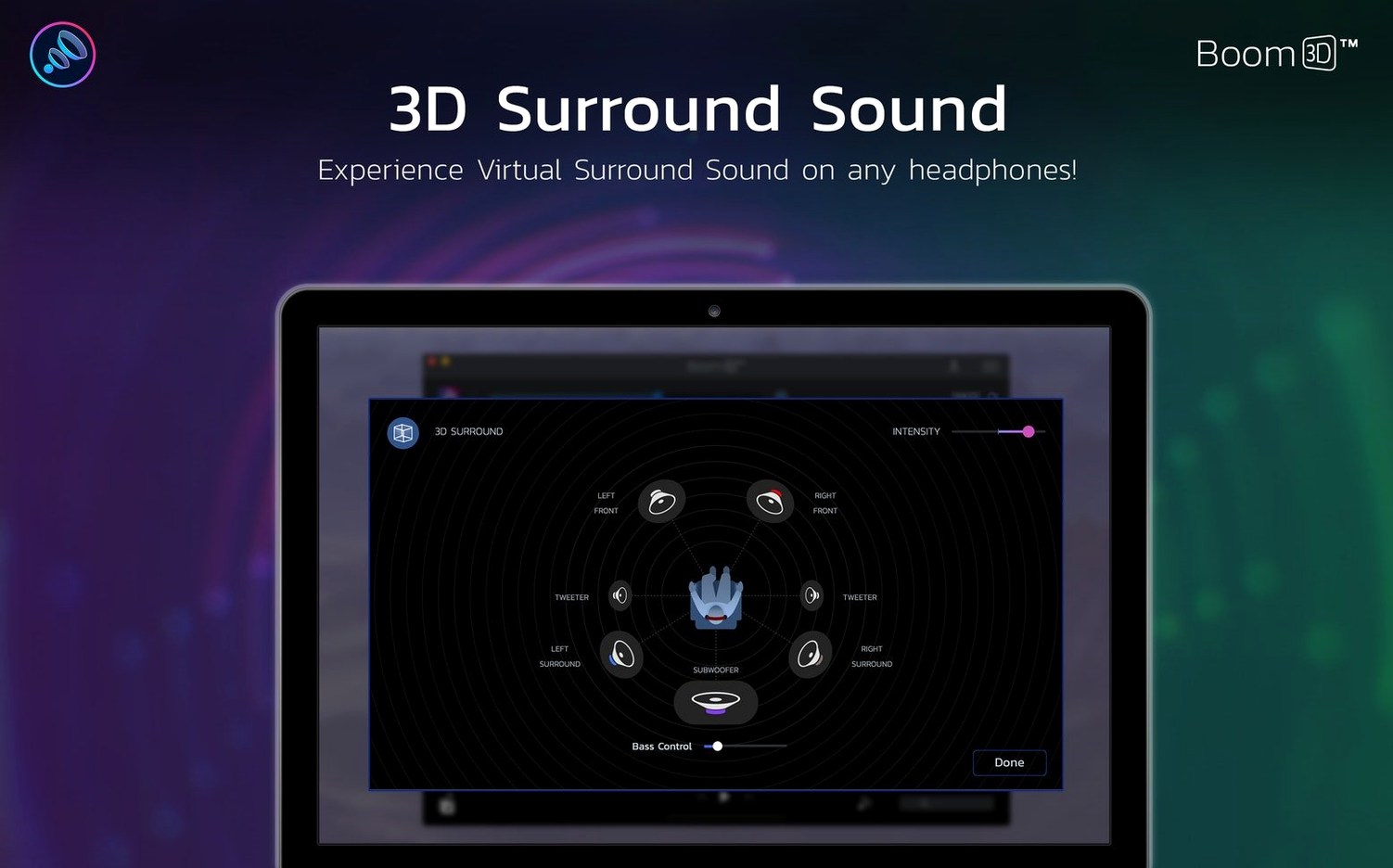
Surround sound — Widens the stereo image for headphones. Less useful on built-in iMac speakers but still adds spatial depth.
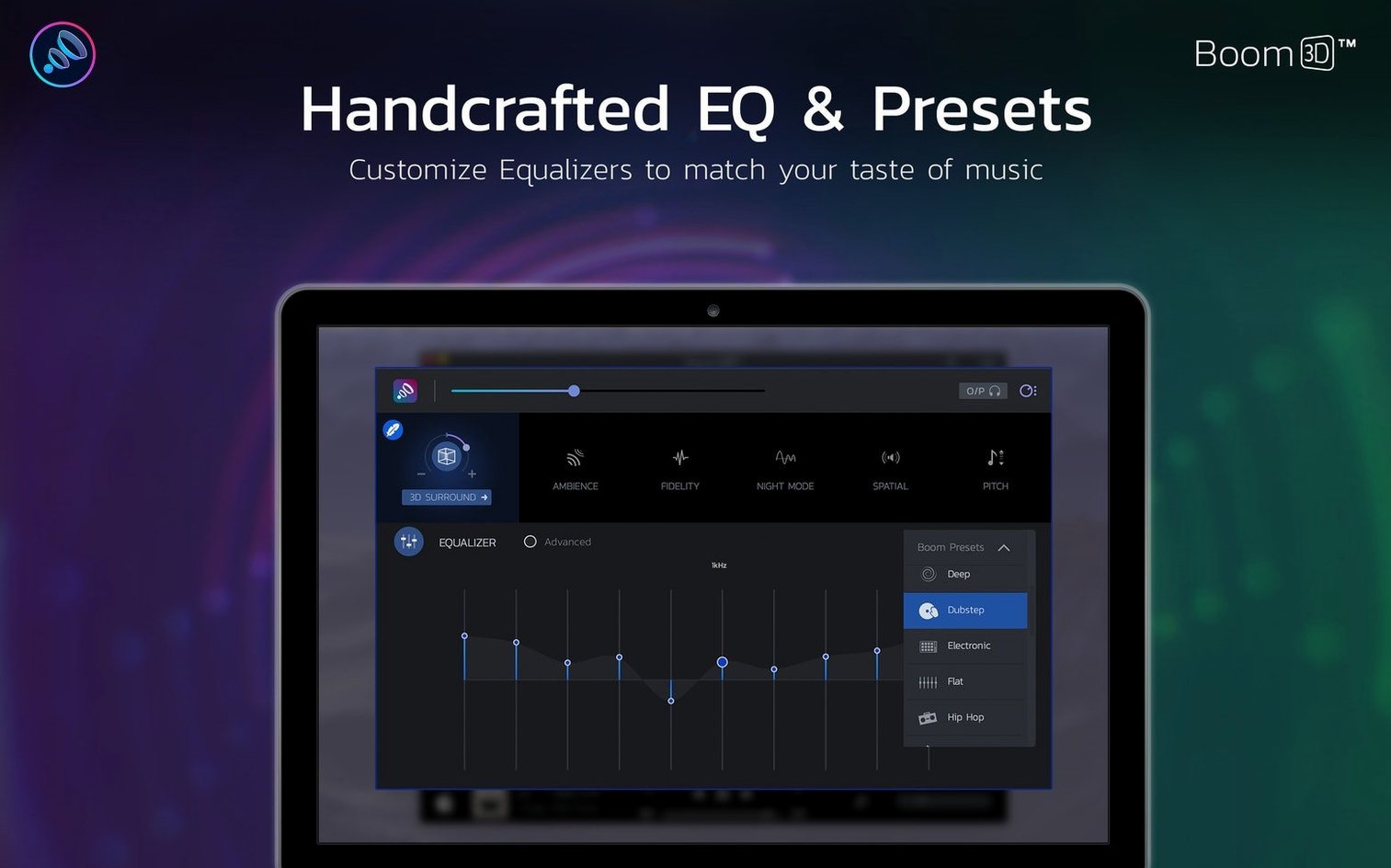
Precision equalizer — Dial in a custom EQ curve for spoken word or music. Presets for podcasts, movies, and gaming cover the basics.
Avoid Maximum Volume Booster Distortion
New users often crank the volume booster to maximum right away. That pushes audio into distortion — everything sounds harsh and clipped.
Another common mistake: ignoring the per-app volume sliders. People boost the system level, then wonder why one app sounds twice as loud as another. Set a baseline system level first, then balance apps individually.
Beginners also forget to check which audio output macOS is using. Boom 3D processes the system output, so if your Mac switches from headphones to built-in speakers, the EQ and boost may sound off. Confirm the output device in System Settings before adjusting presets.
Some users install Boom 3D, set a podcast preset, and never touch the equalizer again. That works, but the 31-band EQ rewards a few minutes of manual tweaking. Boost the low-mids around 250-500 Hz for voice clarity instead of relying on a one-size-fits-all boost.
Intercepts System Audio for EQ and Surround
Boom 3D sits between your apps and your audio hardware. It intercepts the system audio stream, applies EQ and surround processing, then sends it to your speakers or headphones. This means any app that plays sound — Chrome, Spotify, QuickTime, Zoom — goes through the same processing chain.
It plays well with macOS Sound settings. If you use the built-in volume keys on your keyboard, Boom 3D respects those changes. It layers its own boost on top of whatever macOS volume level you set.
Per-app control is the real time-saver. No need to reach for separate app sliders or adjust system volume mid-meeting.
If you use third-party audio tools like Loopback or Audio Hijack, Boom 3D works alongside them because it processes the final system output, not individual app streams. No driver conflicts on standard configurations.
Fix Audio Cutouts After Sleep with a Relaunch
Audio cuts out after sleep. When a Mac wakes from sleep, Boom 3D may lose its hold on the audio output. Quit and relaunch the app. The volume levels and EQ settings stay saved.
Surround sound sounds hollow on some tracks. The 3D effect works best on stereo recordings with a wide stereo field. Mono podcasts or old recordings won't benefit. Switch to the "Music" or "Normal" preset for those tracks.
Per-app volume sliders stop responding. This usually happens after a macOS update that changes the audio routing. Restart Boom 3D. If that fails, reboot the Mac. The app re-initializes its per-app hooks on startup.
Equalizer changes don't stick across reboots. Make sure you save a custom preset rather than just adjusting sliders. The app remembers the last active preset, but unsaved slider positions reset when the app restarts.
Boom 3D doesn't show up in the menu bar. The menu bar icon can hide behind the software update icon or other items. Click the menu bar area and drag the Boom 3D icon out if it is nested. If it vanished entirely, check that the app is still running in Activity Monitor.
Audio sounds distorted after a system update. macOS updates sometimes reset audio preferences. Go to Boom 3D's volume booster slider and reduce it by half, then slowly bring it back up. Re-apply your EQ preset. That usually fixes the distortion.
- macOS 10.14 or later
- Intel 64-bit or Apple Silicon
- Interface: Russian, English, German, Spanish, Italian, Traditional Chinese, Simplified Chinese, Korean, Dutch, Portuguese, French, Japanese