- Version
- 1.4.8 [MAS]
- Developer
- Groove Vibes
- Languages
- Russian, English, German, Spanish, Italian, Chinese (Traditional), Chinese (Simplified), Korean, Portuguese, French, Japanese
- License type
- K'ed by TNT team
| macOS range | macOS 11 or later |
|---|---|
| Chip | Intel 64-bit |
| Download | 103 MB |
Screenshots
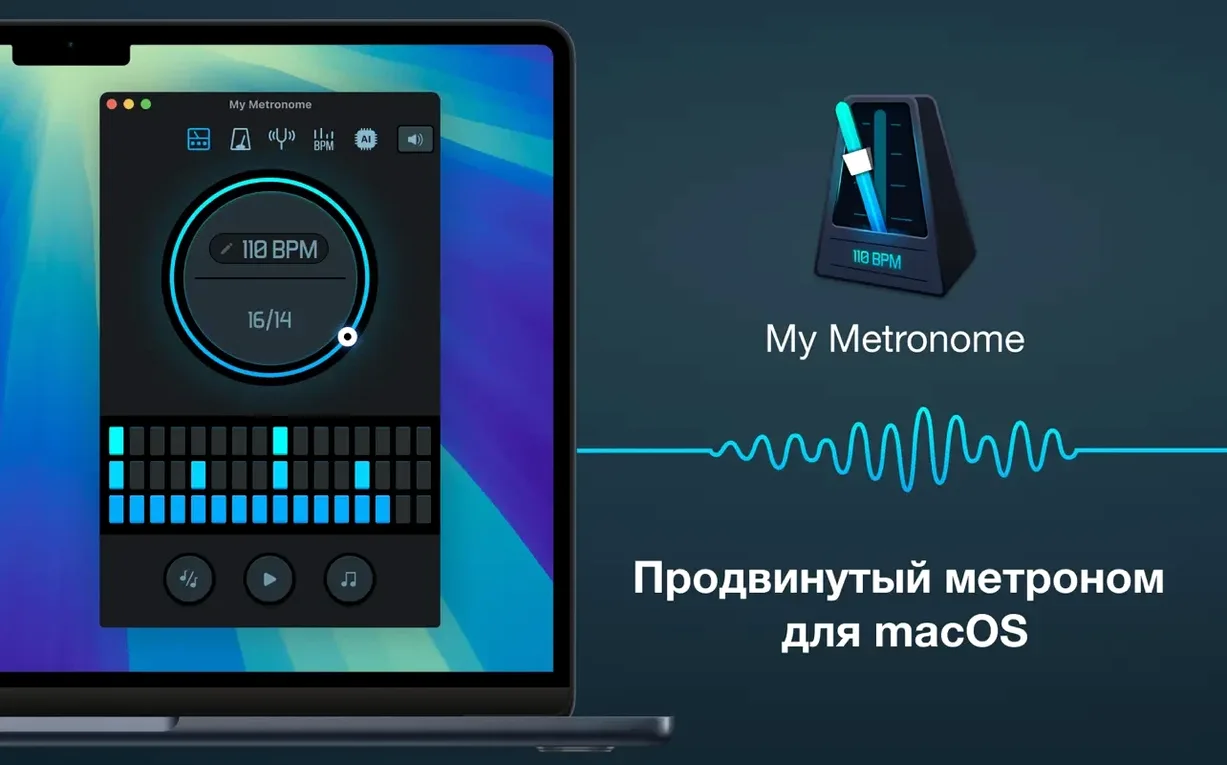
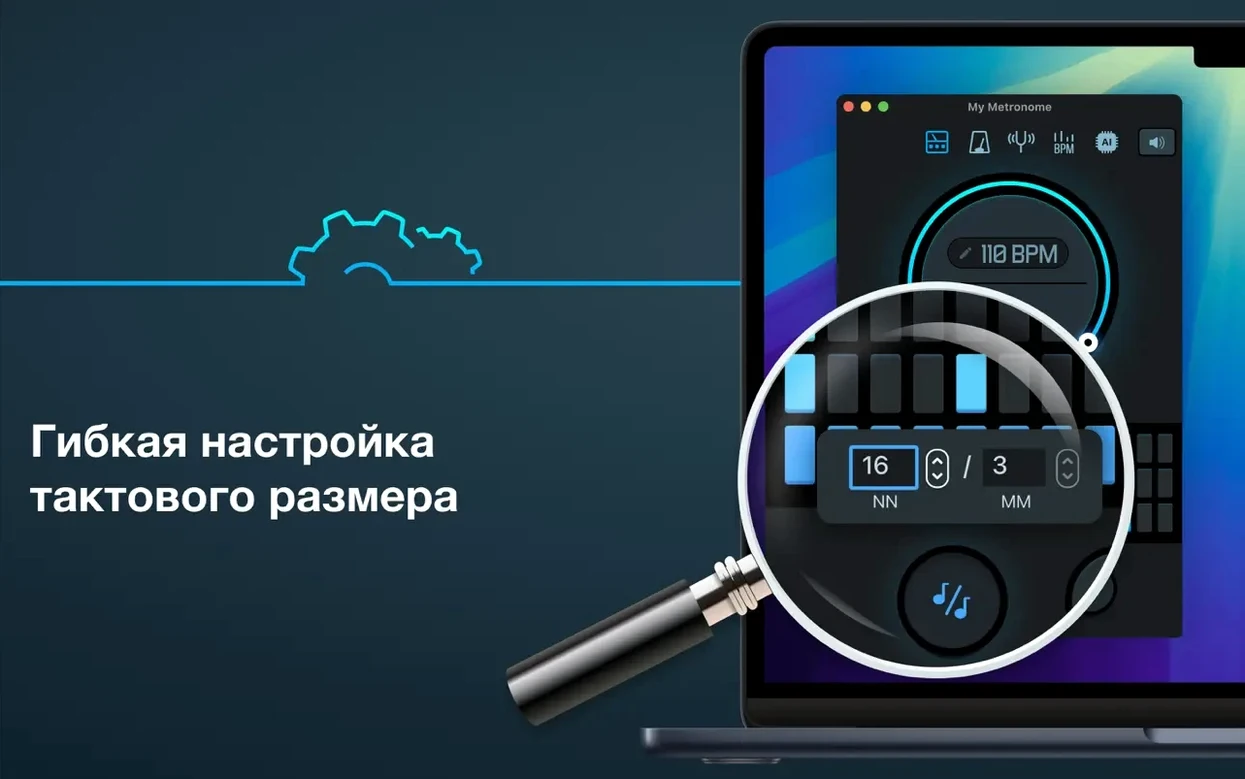
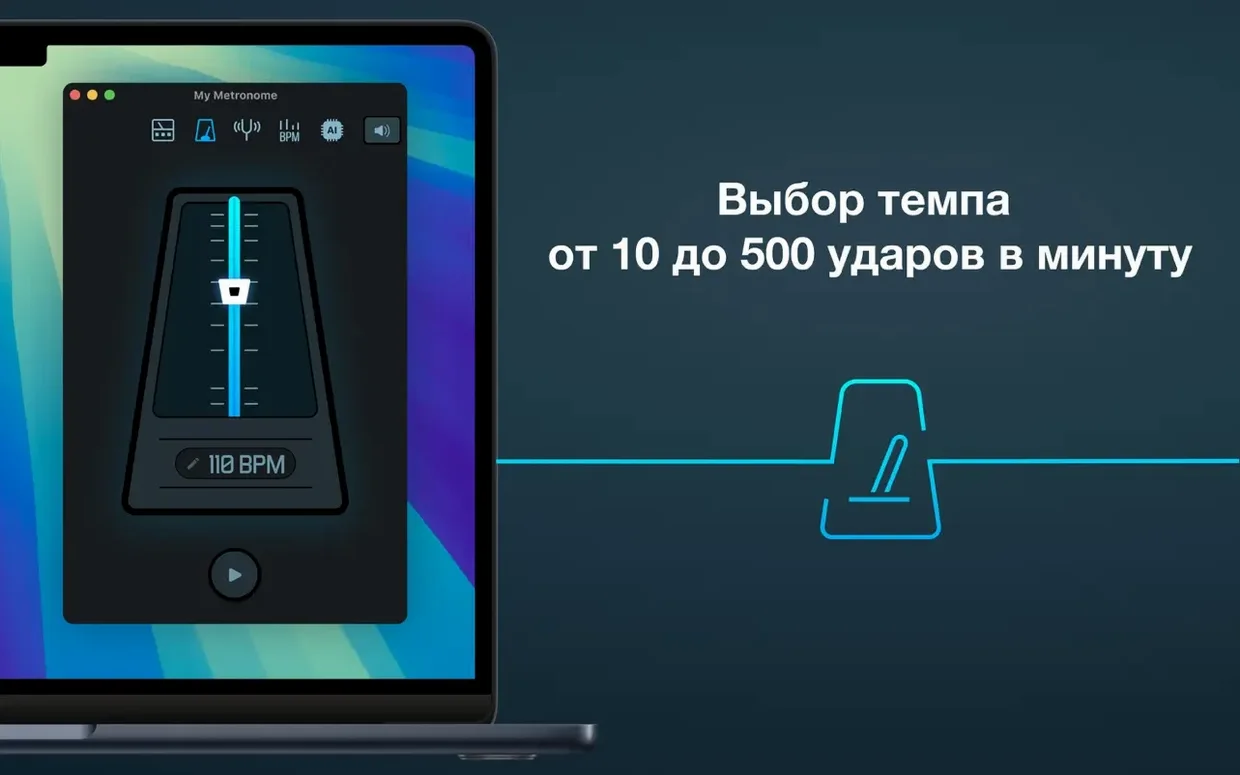
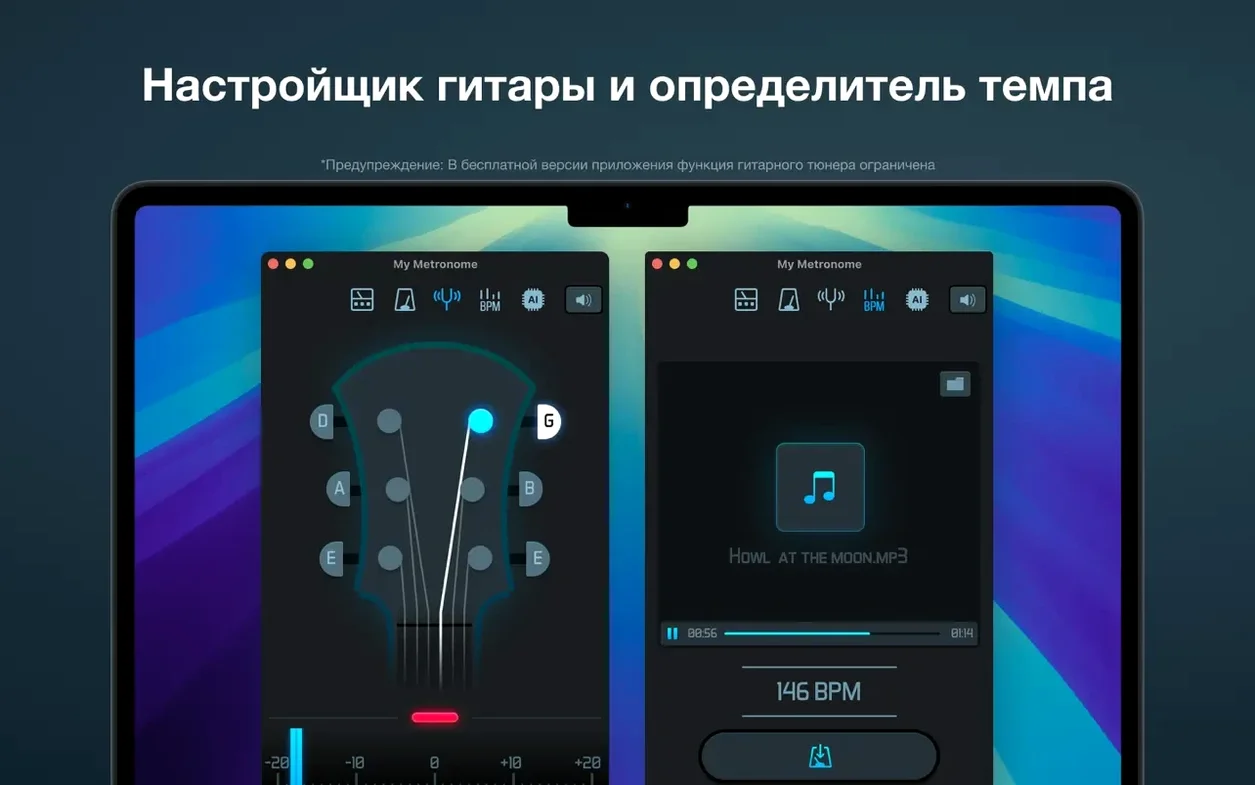
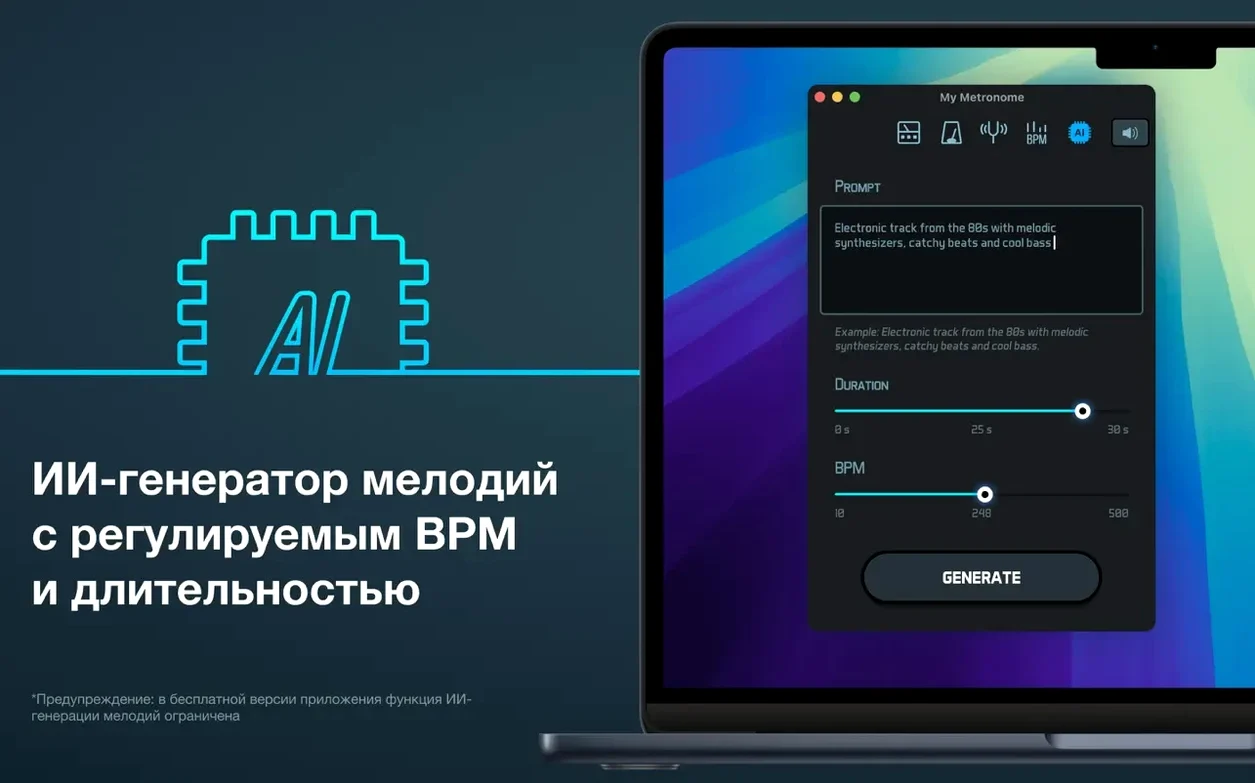
Click a screenshot to see it wider.
My Metronome - Tempo Keeper for Mac is a utility for tempo practice and rhythm setup.
What modes does it offer?
Classic mode gives you a straightforward metronome. Advanced mode adds subdivisions and irregular time signatures for complex practice.
Can it help identify song tempos?
Yes, the built-in BPM detector analyzes a song and returns the tempo. Tap tempo is also there for manual input.
Built-in BPM Detector and Guitar Tuner Missing in Pro Metronome
If you need a dedicated practice tool, the usual alternatives are Pro Metronome and Tempo by FrozenApe. Pro Metronome has a clean interface but lacks a built-in BPM detector and guitar tuner. You'd need a separate app for those. Tempo by FrozenApe is strong on complex time signatures and has a tap tempo, but its BPM detection is limited and there's no tuner at all. My Metronome - Tempo Keeper bundles detection, tuning, and multiple metronome modes in one app, which reduces app switching during a practice session.
Another option is the built-in GarageBand metronome, but that only works inside a project. It's not a standalone tool for quick tempo checks or instrument tuning. My Metronome stays ready in the menu bar and launches fast, so it's better for casual practice away from a DAW.
Guitar Tuner First, Then Practice in One App
Here's how a guitar player might use it during a practice afternoon.
- Start with the tuner. Before playing, open the guitar tuner. Pluck each string and adjust until the indicator centers. No need to launch anything else.
- Find the song tempo. You're learning a new track. Play a short clip through the BPM detector. The app returns a BPM value. Write it down or tap it again to confirm.
- Set the metronome. Switch to Classic mode. Dial the detected BPM. Pick a simple time signature, say 4/4, and start practicing. The click is clean and steady.
- Work on tricky sections. For the bridge, switch to Advanced mode. Add subdivisions to feel the off-beats. Slow the tempo down to 60 BPM and play the part slowly until your fingers remember the pattern.
- Gradually increase speed. Crank the tempo up in small increments, 5 BPM at a time, until you hit the original target. The interface stays out of your way — just change the slider and keep playing.
The session flows without swapping apps or digging through menus. Tuner, detection, and metronome are all there. That's the point of an all-in-one practice tool like my metronome - tempo keeper for mac torrent.
How It Stacks Up Against Similar Apps
Tempo by FrozenApe handles polyrhythms well, but its interface is busier and the BPM detection is less accurate in my experience. My Metronome keeps things simpler: one window, clear controls, and the tuner is right there when you need it.
Guitar Tuner First, Then Practice in One App
- Dial the detected BPM.
It has a guitar tuner for quick string tuning. Localization covers 11 languages, including English, Russian, Chinese, and Spanish.
- macOS 11.0 or later
- Intel 64-bit architecture
Questions I get about this line
Yes, the app offers in-app purchases for additional features.
It requires macOS 11.0 or later with Intel 64-bit architecture.
The install order
- Mount the disk image and run Open Gatekeeper friendly.
- Press Enter in Terminal to bypass Gatekeeper.
- Drag the app to the Applications folder.
- Launch the app when installation is complete.