Free download (1.5 GB) Previous versions
- Version
- 12.3.1 + Not Creator Studio
- Developer
- Apple
- Languages
- English, German, Spanish, Chinese (Simplified), French, Japanese
- License type
- Not required
| macOS range | macOS 15.6 or later |
|---|---|
| Chip | Apple Silicon, Intel 64-bit |
| Download | 1.5 GB |
| Previous versions | 10 on file |
Screenshots
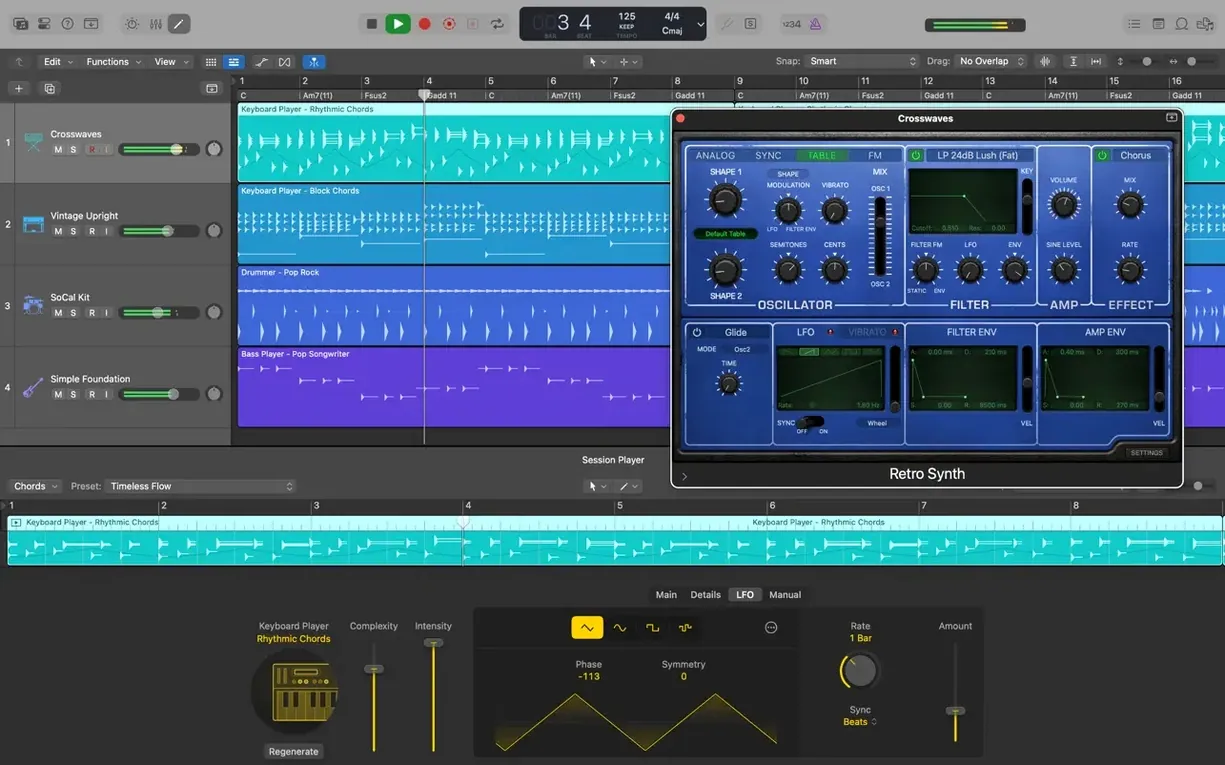
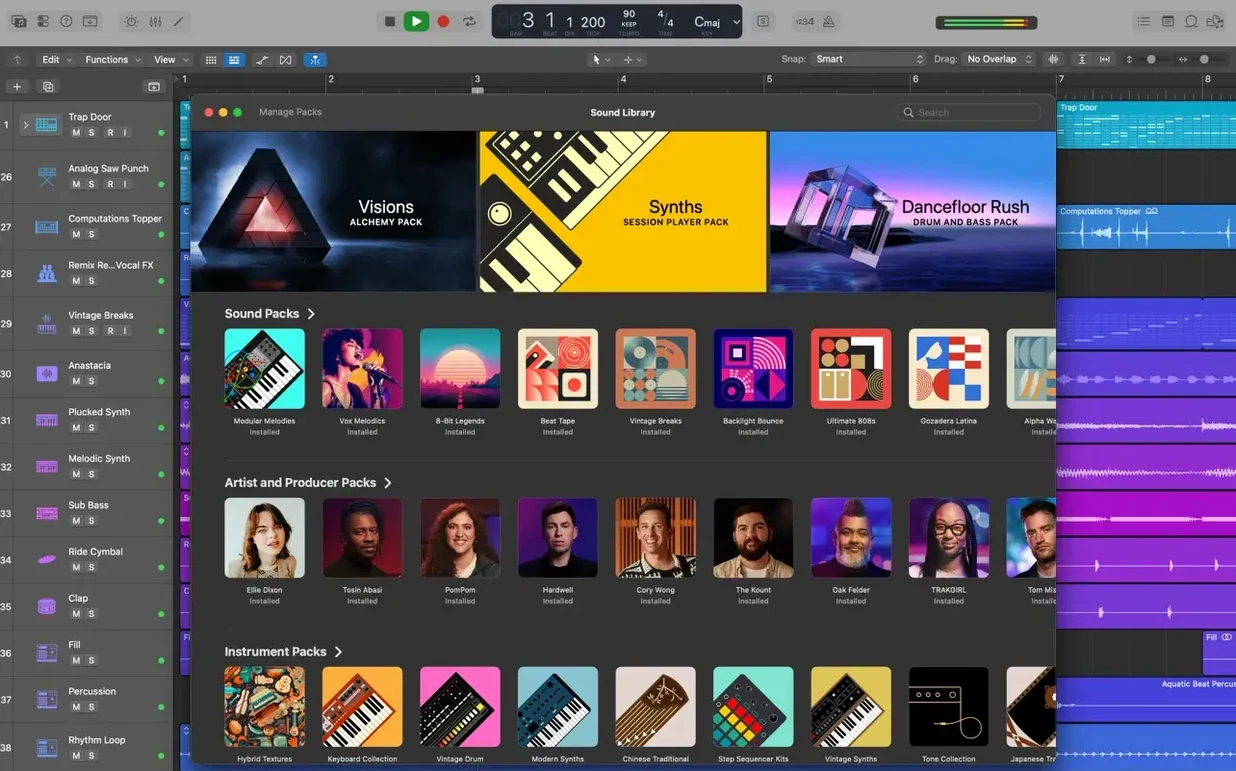
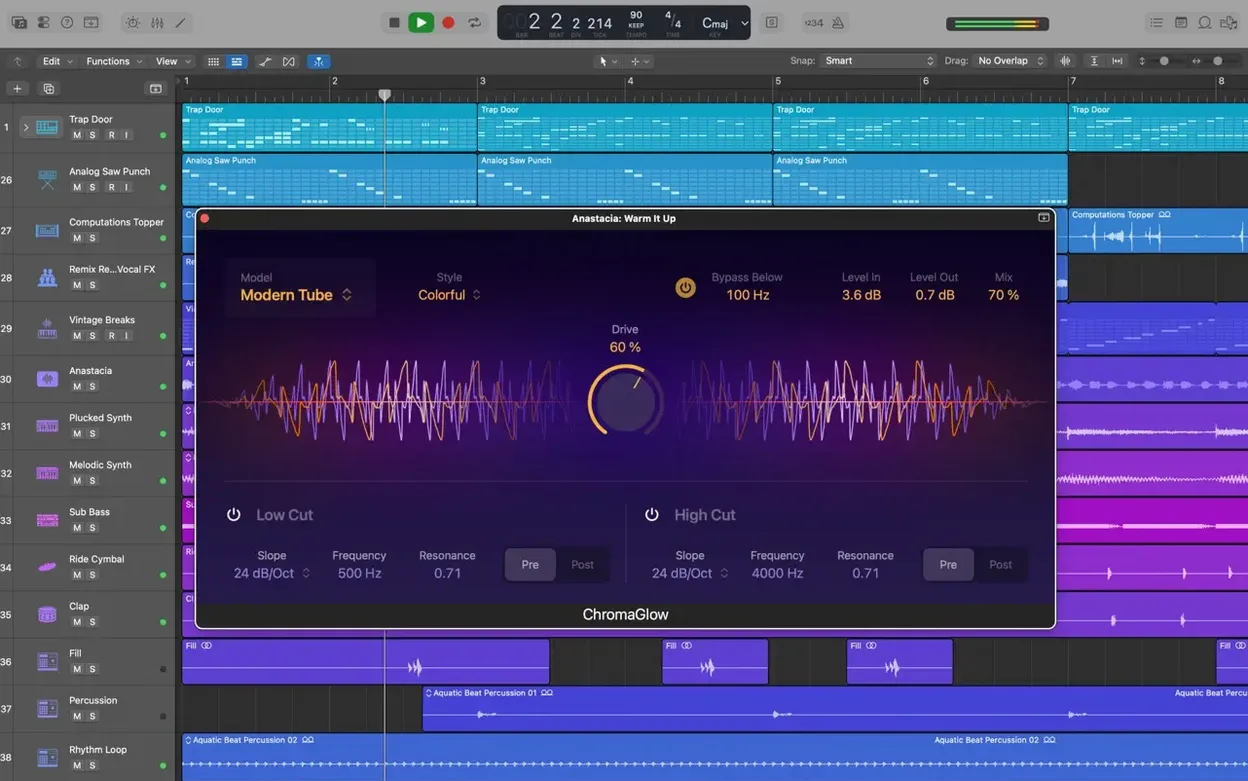
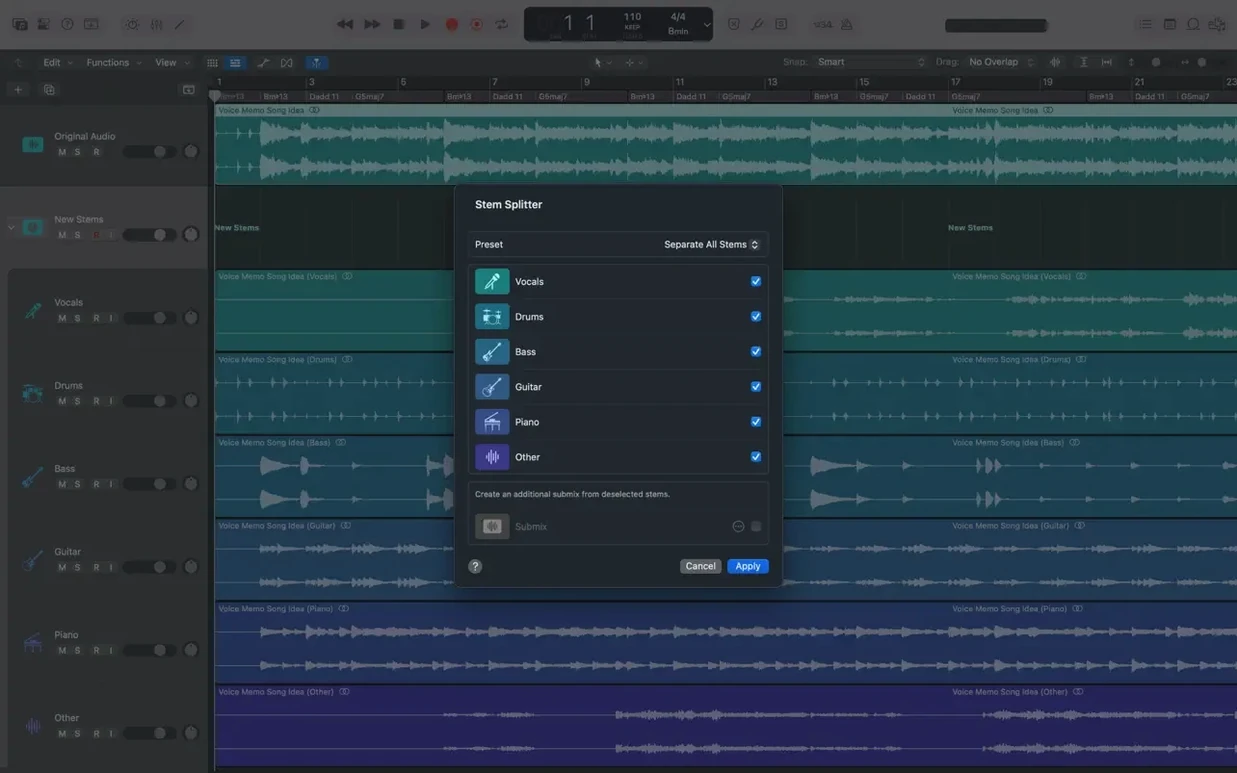
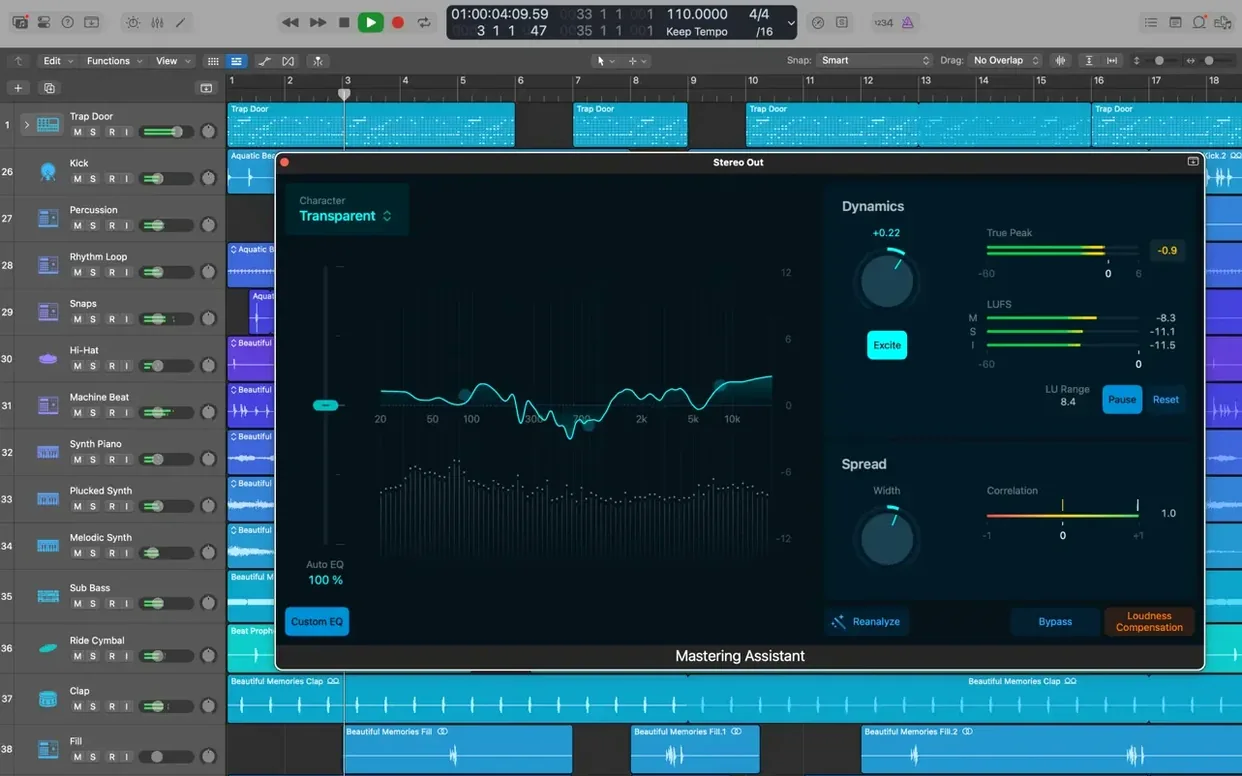
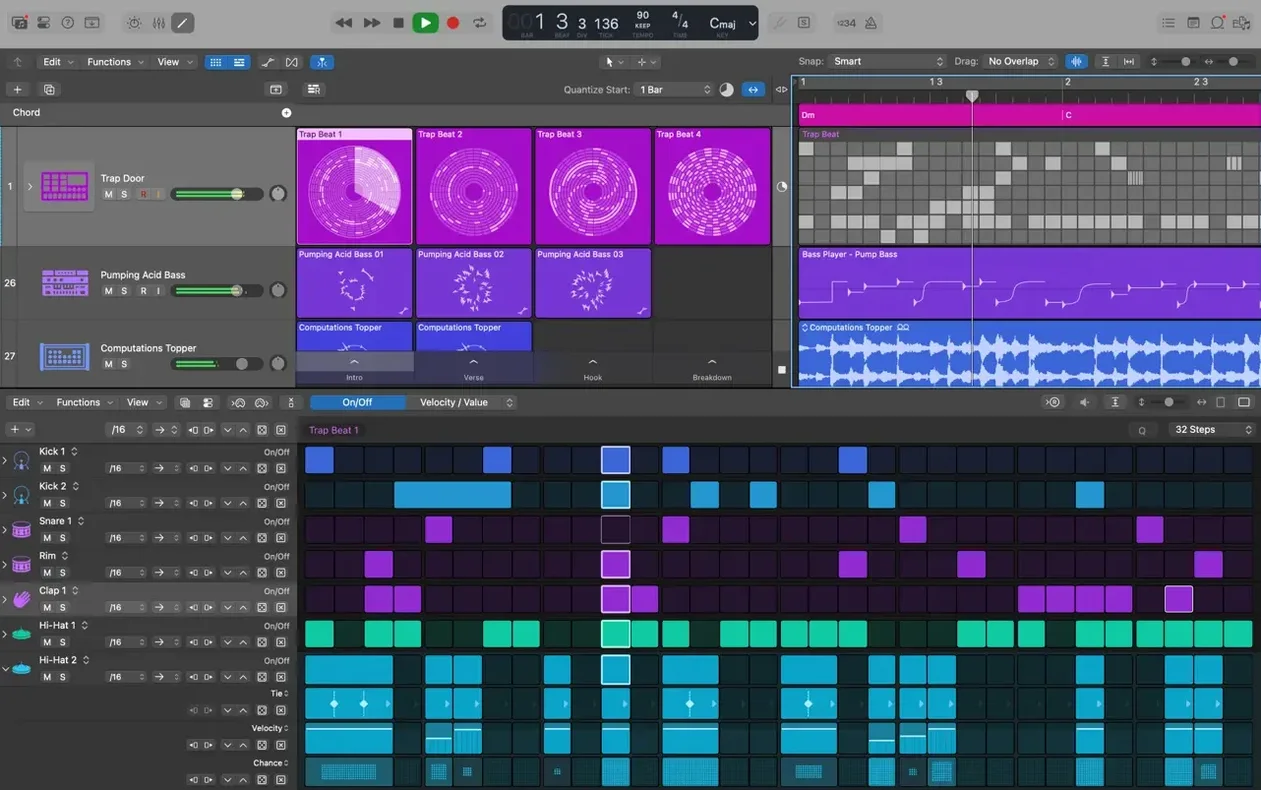
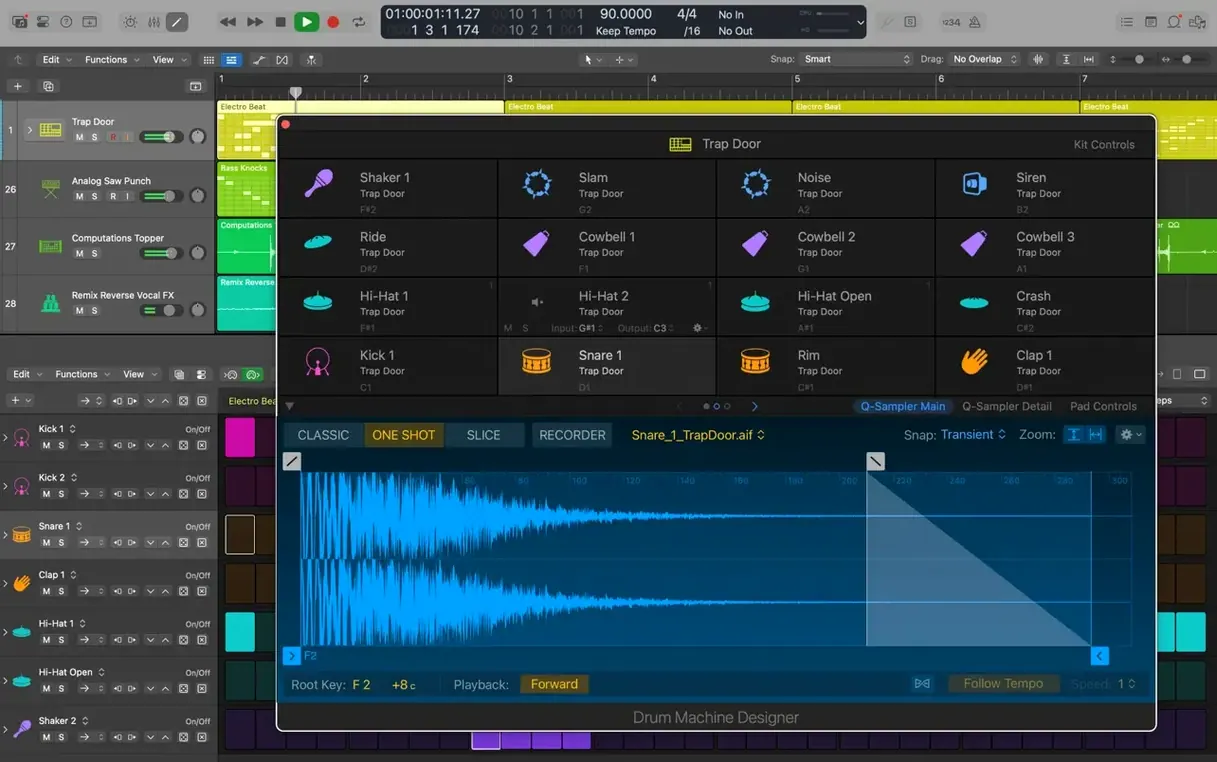
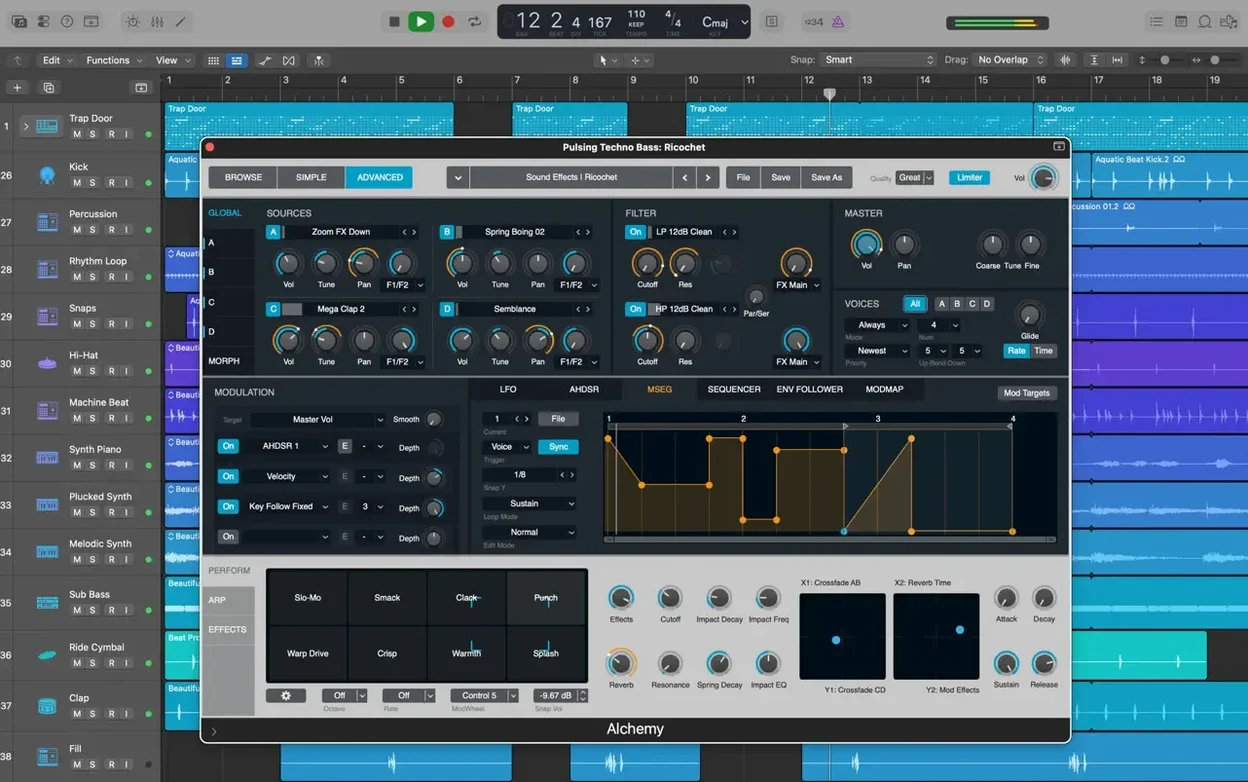
Scroll the row, it snaps to each screenshot. Click one to see it wider.
Logic Pro X is Apple's music creation app for Mac, built for recording, arranging, and editing audio and MIDI regions.
Drum Tracks, Kits, and 7,000 Apple Loops
- Building drum tracks with Drummer or designing your own kits with Drum Kit Designer.
- Shaping electronic beats with Drum Machine Designer.
- Adding effects to selected audio with Selection-based Processing.
- Working with over 7,000 Apple Loops, plus instruments and effects.
- Mixing in stereo or surround, and using third-party Audio Unit plug-ins.
- Adding tracks from iPhone or iPad via iCloud and GarageBand export.
macOS 15.6, 4 GB RAM, and 63 GB Sound Library
- Runs on macOS 15.6 or later, on both Intel and Apple Silicon.
- Needs 4 GB RAM and a 1280 x 768 display or higher.
- Minimum install takes 6 GB; full Sound Library needs 63 GB.
- Requires 64-bit Audio Unit plug-ins.
First days with Logic Pro
Start by pointing Logic Pro at your existing project folders. Open the program, go to File > Open and find a project from Logic 5 or later. It opens without conversion.
Spend a session inside Quick Swipe Comping. Record a vocal or instrument part a few times, then click the take lanes and swipe to build one composite take. You'll see why this workflow saves time over manual splicing.
Open the Drum Machine Designer on a new instrument track. Drag in a loop from the browser or hit keys on your controller. Swap individual drum sounds using the pad view. It helps you learn the layout while building a usable beat.
Test Flex Pitch on a vocal take. Double-click the audio region to open the Audio File Editor, then enable Flex Pitch from the toolbar. Drag notes into tune or move the pitch drift handles. The display is clear enough to see what you're doing.
Compatibility Check Before Installing
Most people ask about compatibility first. Logic Pro 12.3.1 requires macOS 15.6 or later. It runs on both Intel Macs and Apple Silicon. If your Mac is on an older OS version, this build won't launch.
Another frequent question is whether it works with third-party plug-ins. Yes. It supports 64-bit Audio Unit plug-ins. Any AU plug-in you own that is 64-bit will show up in the mixer insert menus. Older 32-bit AUs will not appear.
People also ask if they can open old Logic projects. Projects saved in Logic 5 and later open fine. No conversion step or import wizard. Just open the file.
Some wonder about using it with video post-production. Logic Pro can import XML files from Final Cut Pro X, which lets you move audio edits between the two apps. That covers many film and video workflows.
Finally, the 63 GB full Sound Library scares people. You do not need to install it all at once. Start with the minimum 6 GB install. Add individual instrument packs later from the browser's Library tab as you need them.
4 GB RAM and a 1280 x 768 Display
Based on the requirements: you need 4 GB of RAM minimum and a display resolution of 1280 x 768 or higher. On a system meeting those specs, the app launches and loads projects. The full Sound Library requires 63 GB of free disk space, so plan your drive accordingly if you want all sampled instruments and loops.
The app runs on both ARM and x86 (64-bit) architectures. Intel Macs and Apple Silicon Macs both work. There is no separate build for each architecture. The installer is a disk image you open and drag to Applications.
Language options in the installer include English, German, Spanish, Simplified Chinese, French, and Japanese. You can change the interface language later in Preferences.
Workflow: build a basic drum track from scratch
- Create a new project: File > New Project. Set the tempo and time signature for your song.
- Add a Drummer track: Track > Add Track. Choose Drummer as the instrument type. A new track appears with the Drummer interface loaded.
- Pick a drummer from the 28 available. Each has a style and set of patterns. Click on a drummer name in the browser to audition.
- Drag a pattern from the Drummer browser onto the new track's region. A MIDI region is created with that pattern.
- Open Drum Kit Designer: click the instrument slot on the track header and choose Drum Kit Designer. Swap snare, kick, or cymbal sounds by clicking the pads and selecting a different sample from the list.
- Edit the pattern: double-click the region to open the MIDI editor. Move or delete individual hits. Draw in new ones with the pencil tool. The changes play back immediately.
- Add a fill: hold Option and drag a copy of the pattern to a new bar. Open it in the MIDI editor and alter notes to create a fill.
- Route to a drum bus: select the track, create a Track Stack by right-clicking and choosing Group. Now you can apply compression or reverb to the whole kit from the stack bus.
This gives you a custom drum part using Drummer patterns and your own kit sounds, ready for the rest of your arrangement.
- Restores the ability to relocate beat mapping transients.
- The Score now responds correctly to Staff Style changes in the Inspector.
- The right side of a crossfade can be dragged and extended again.
- Fixes an unexpected quit when playing MIDI in a project with video.
- Performance improves when working with tracks containing many regions.
- macOS 15.6 or later
- Intel or Apple Silicon
- 4 GB RAM
- 1280 x 768 display or higher
- 64-bit Audio Unit plug-ins
- 6 GB free disk space for minimum installation; 63 GB for full Sound Library
Questions I get about this line
Yes. Logic Pro X supports both Intel and Apple Silicon Macs, as long as you're on macOS 15.6 or later.
Yes. It supports 64-bit Audio Unit plug-ins, so most modern plugins will work.
The minimum installation takes about 6 GB. For the full Sound Library, you'll need 63 GB free.
The install order
- Open the downloaded disk image.
- Drag the app to the Applications folder alias.
- After copying finishes, launch the app from Launchpad.