Free download (1.6 GB) Previous versions
- Version
- 8.14.0
- Developer
- Native Instruments
- Languages
- English
- License type
- K'ed by MORiA
| macOS range | macOS 14 or later |
|---|---|
| Chip | Apple Silicon, Intel 64-bit |
| Download | 1.6 GB |
| Previous versions | 39 on file |
Screenshots
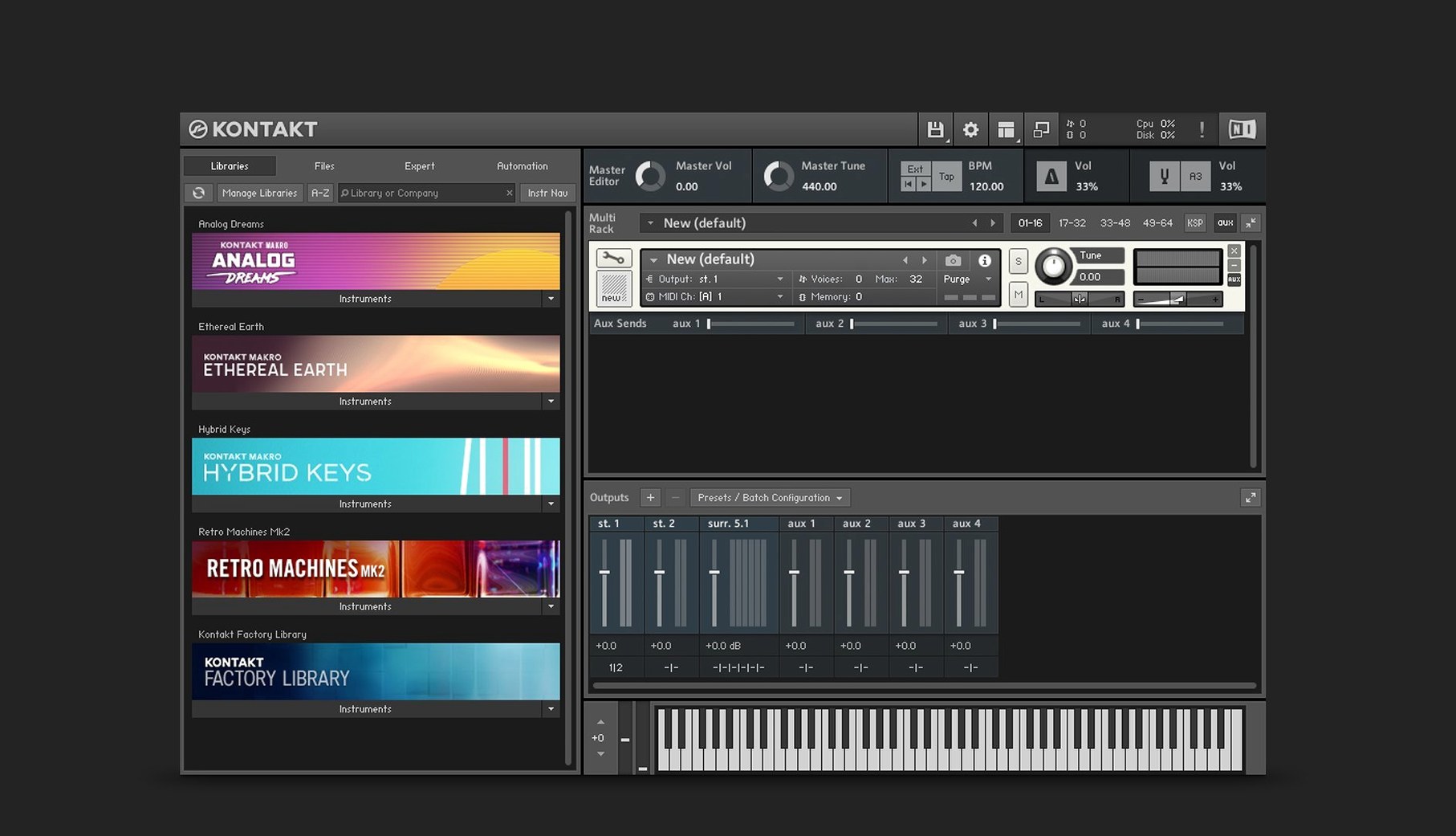
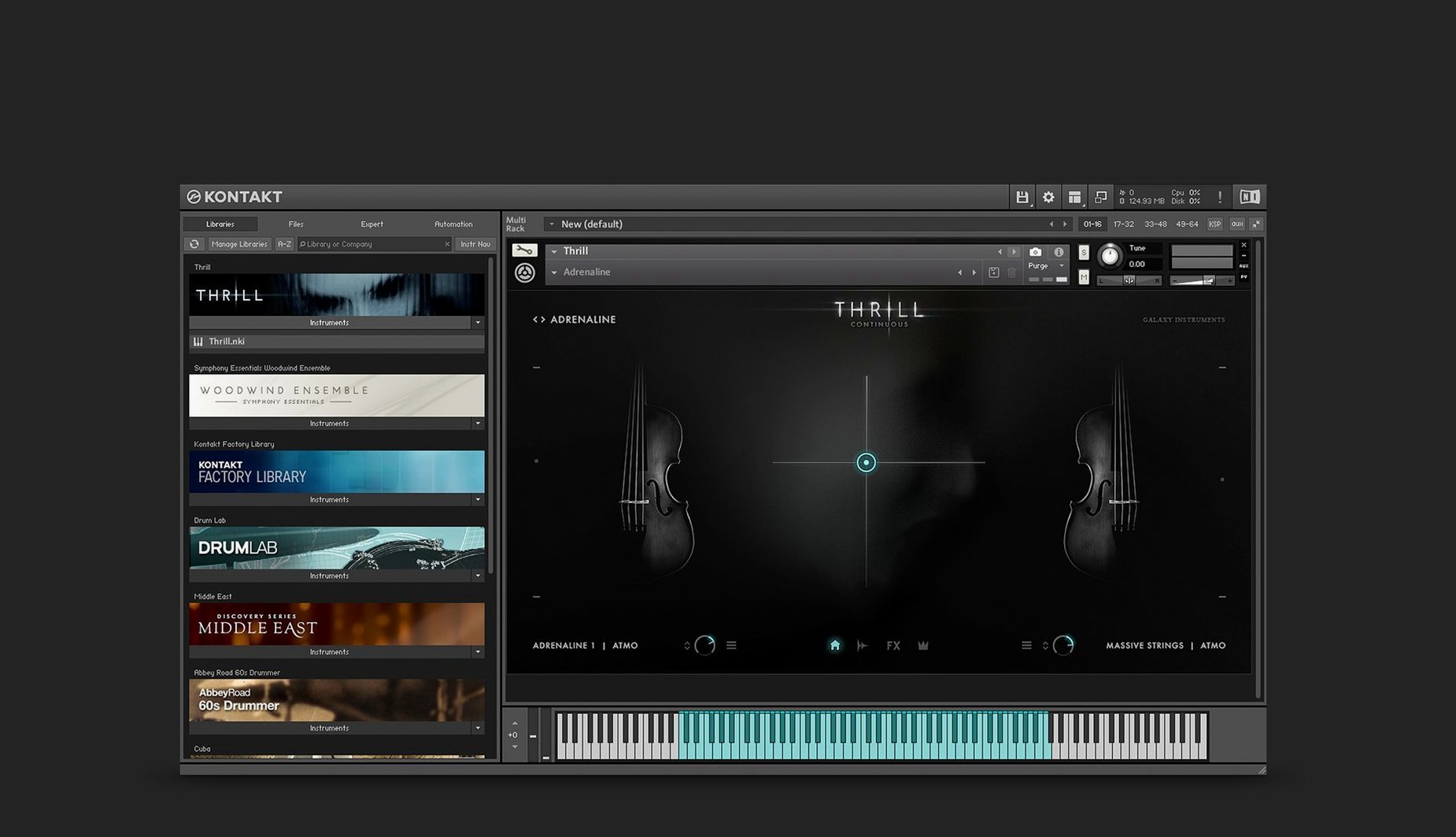
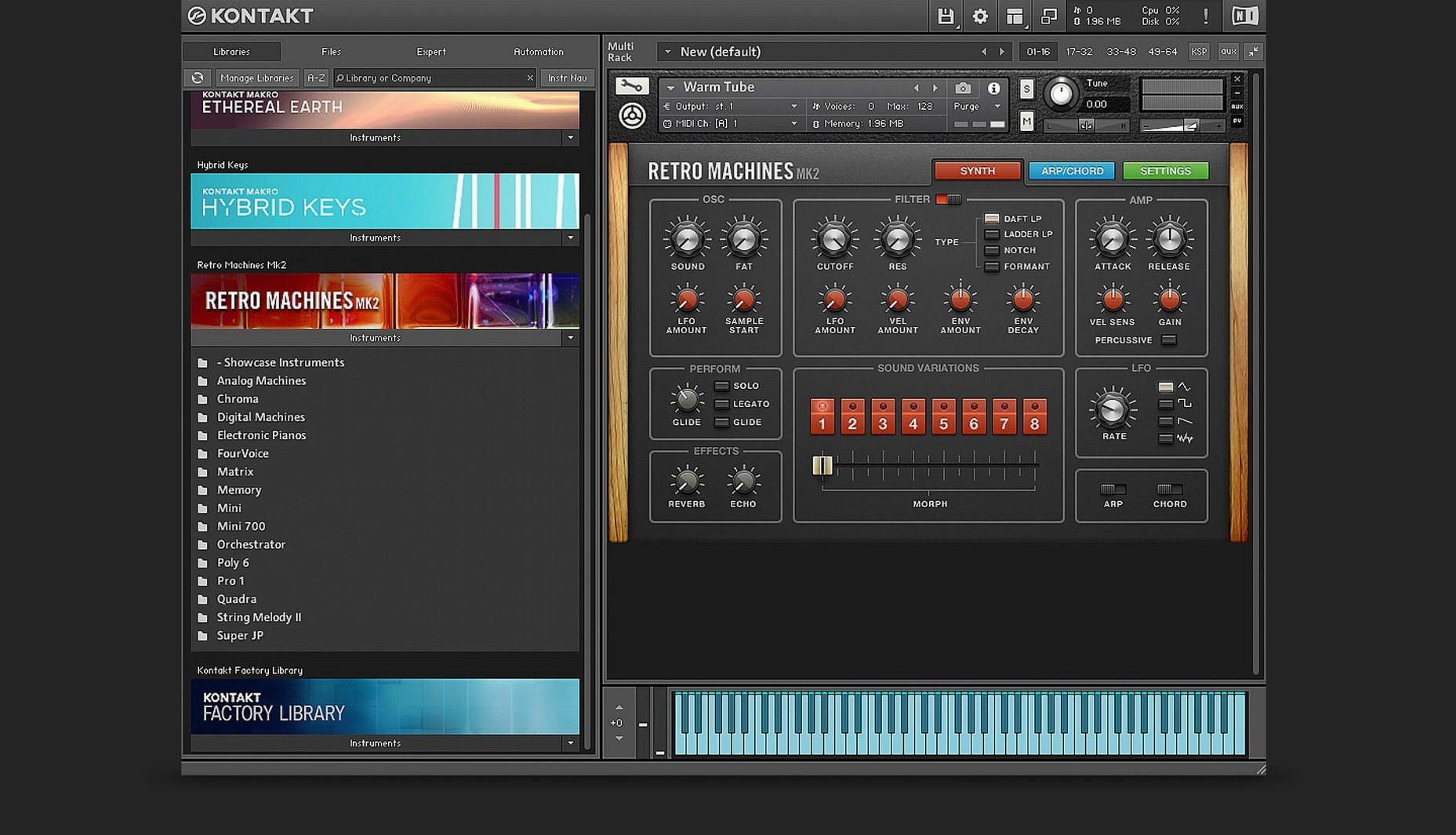
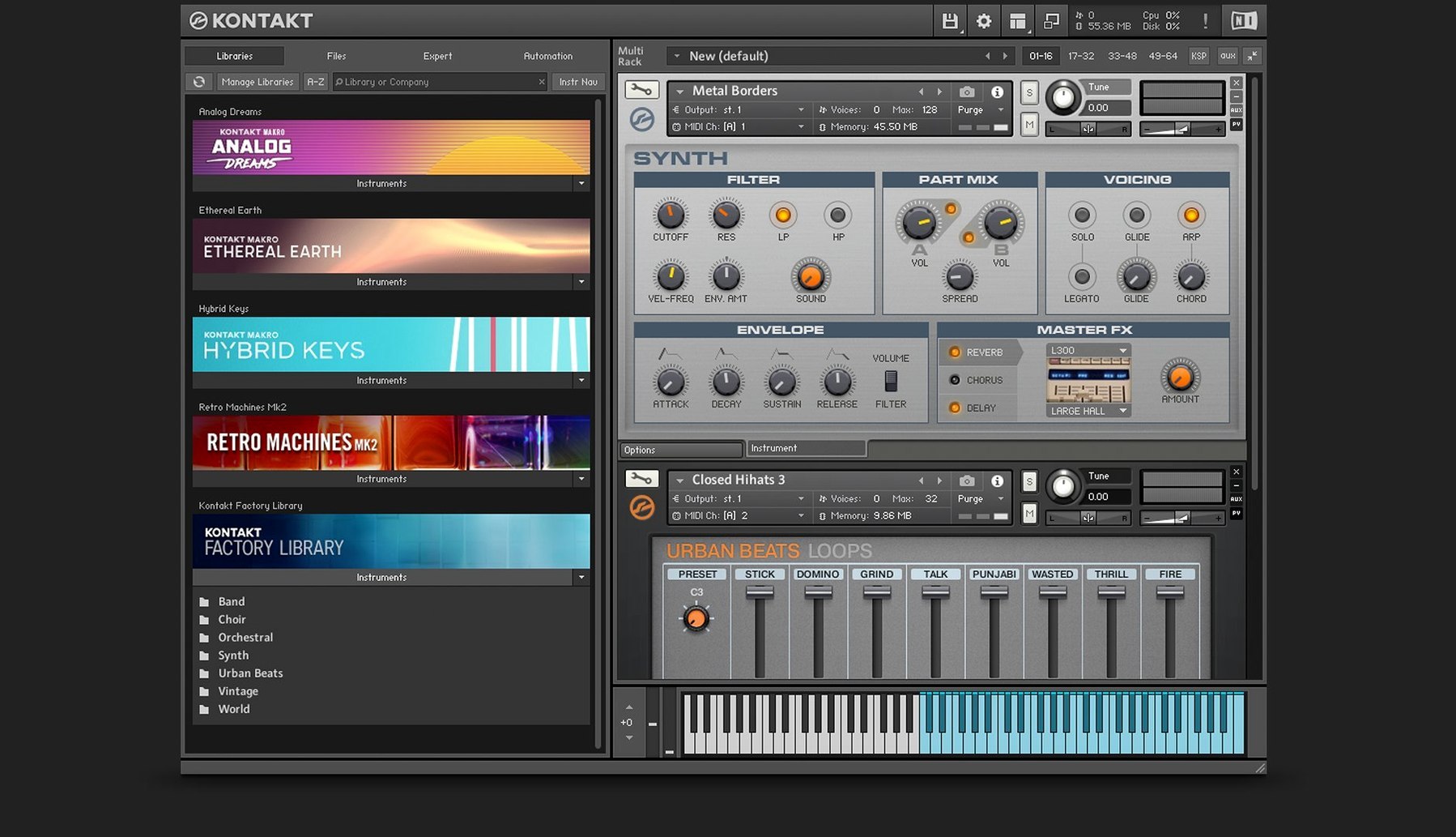
Scroll the row, it snaps to each screenshot. Click one to see it wider.
If you work with sampled instruments, you know the struggle: finding one tool that loads, plays, and lets you shape sounds without bouncing between apps. Kontakt solves that. It is a software sampler platform where you can load existing libraries, tweak parameters, or build your own instruments from scratch. Whether you are a producer, composer, or sound designer, Kontakt gives you a single workspace for all things sampled.
What Kontakt 8 Adds
Kontakt 8 introduces Tools for manipulating MIDI creatively, plus Leap for playing loops and one-shot samples in a performance-oriented way. The new Default view keeps the interface clean, and the effects section now includes Solid G-EQ, Solid Bus Comp, a transient designer, and a tape saturator. If you build instruments, Komplete Script and Komplete UI give you deeper control over scripting and interface design. Adaptive Resonance automatically manages filter behavior to avoid unwanted artifacts from resonance peaks.
For Sample Library Users and Sound Designers
If you use sample libraries — orchestral, synth, drums, anything — Kontakt is the engine behind many of them. It also suits sound designers who want to build custom instruments. Kontakt 8 runs on both Apple Silicon and Intel Macs, supports VST, AU, and AAX formats, and the interface is in English. It is a practical choice for anyone serious about sampling.
Stable Tools, Leap, and Komplete UI
The current build is 8.13.1. The main additions — Tools, Leap, Komplete UI, and Komplete Script — are from the 8.0 jump, not a point release. What you get at 8.13.1 is a stable implementation of those features. Tools let you route MIDI through creative processors inside Kontakt itself, so you can generate variations without leaving the instrument. Leap is worth a look if you prefer triggering loops and one-shots live rather than arranging them on a timeline. The Wavetable module gives you two Form shapers and a modulation oscillator, which expands the sound design palette for synthesizer-style patches.
Day-to-Day Conveniences
Some things are easy to overlook until you use them regularly.
- The side pane is the connection point between Tools and your loaded instrument. Once you attach a Tool, MIDI runs through it before hitting the sampler engine. No menu diving for routing.
- Default view keeps the interface consistent. If you own multiple libraries from different developers, this reduces the time spent hunting for knobs and sliders.
- The instrument bus system, introduced in Kontakt 6, is still here. Sixteen internal stereo buses let you route and mix signals within a single instance — useful when layering patches without opening extra plug-in slots.
- TimeMachine Pro time-stretching handles harmonic material better than older algorithms. If you work with solo string or vocal samples and need to change tempo without artifacts, this is the mode to use.
Requires macOS 14 or Later on ARM and Intel
Kontakt 8.13.1 requires macOS 14 or later. That is the hard floor. The installer runs on both ARM and x86 64-bit architectures, so it covers Apple Silicon and Intel Macs in the same download. No separate build to track. The interface is English only. Plug-in format support includes VST, AU, and AAX — standard for most DAWs. Activation and library management go through Native Access, which handles downloading and updating. The companion Kontakt 8 Player runs free instruments, so you are not forced into the full version for every library. Expect the installer to come as a disk image; open it and run the standard procedure.
- Tools for creative MIDI manipulation
- Leap for playing loops and one-shots
- Komplete UI and Komplete Script for instrument building
- macOS 14 or later
- Apple Silicon or Intel (x86_64)
- Interface language: English
The install order
- Open the downloaded disk image.
- Run the standard installer.