Free download (1.6 GB) Previous versions
- Version
- 15.0.30
- Developer
- Steinberg
- Languages
- English
- License type
- K'ed by iamdumb
| macOS range | macOS 11 or later |
|---|---|
| Chip | Apple Silicon, Intel 64-bit |
| Download | 1.6 GB |
| Previous versions | 14 on file |
Screenshots
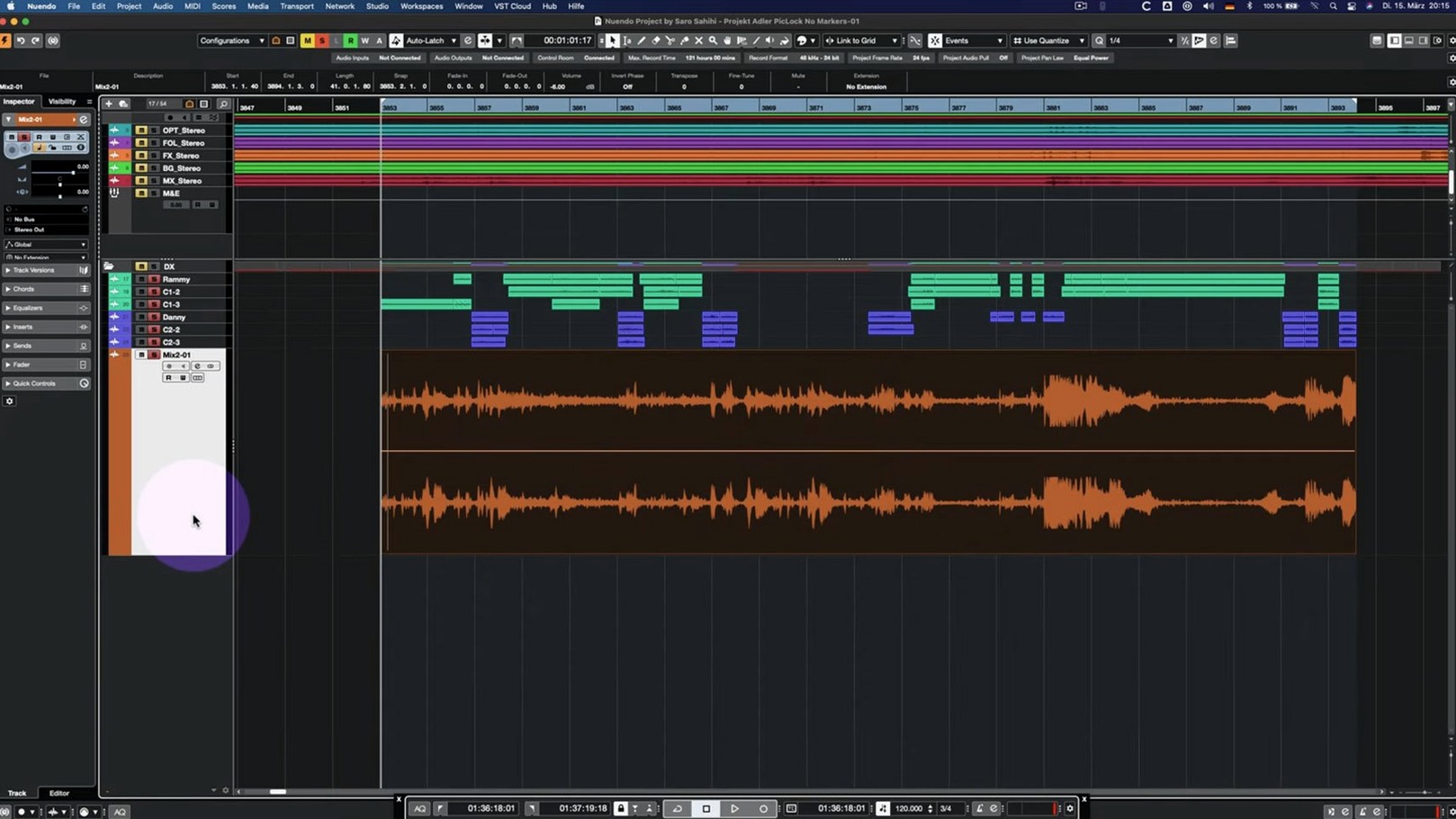
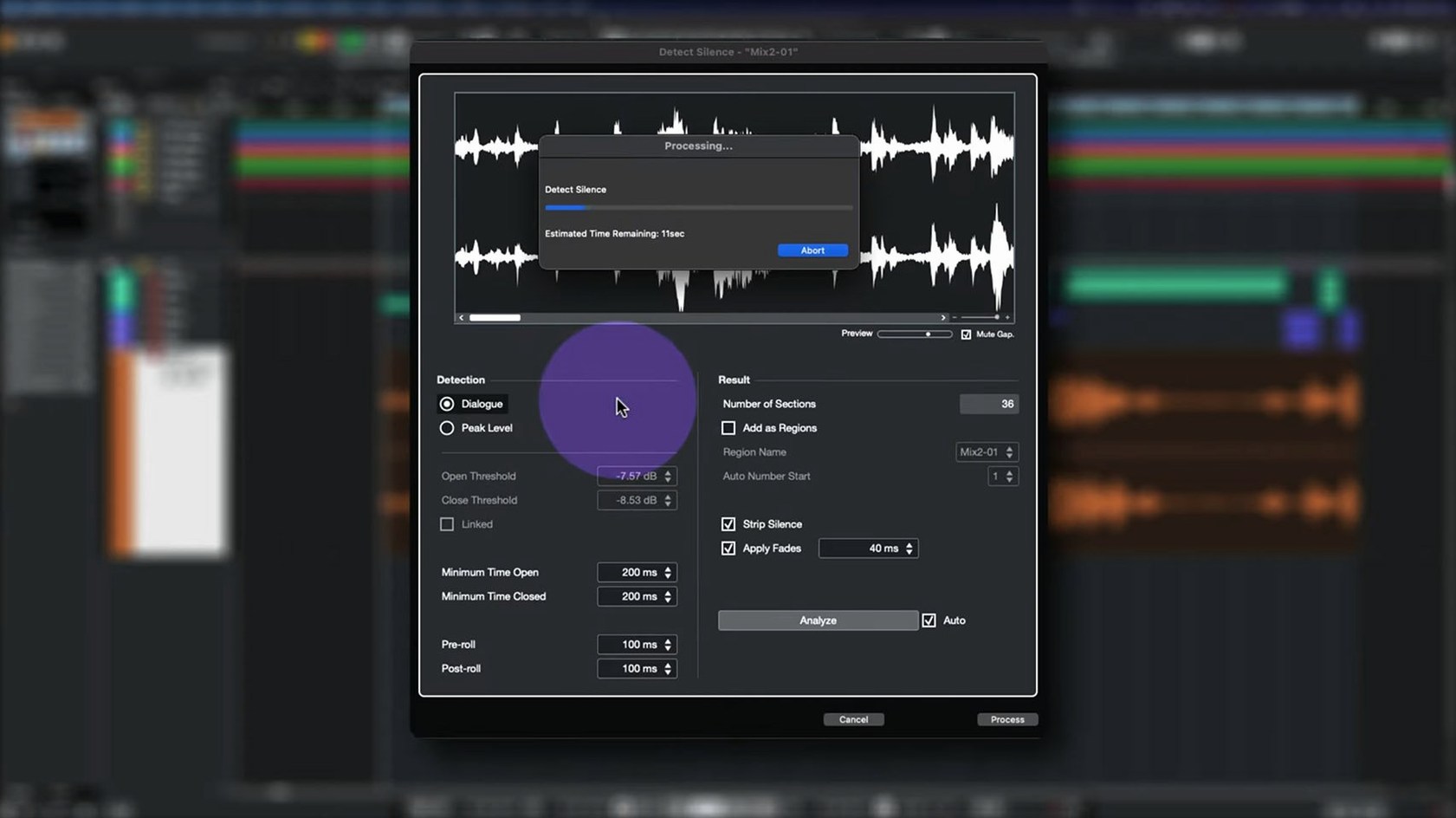
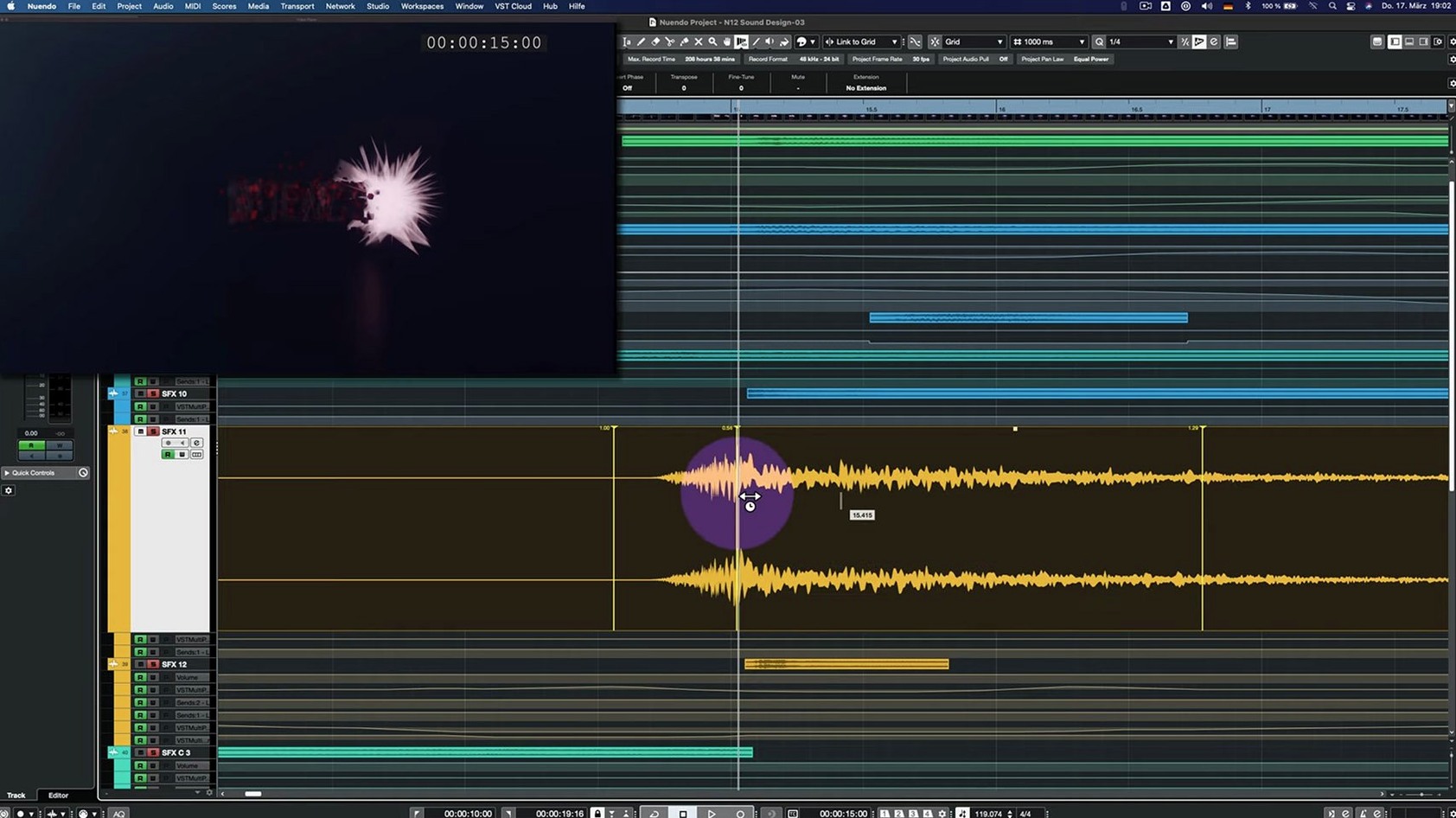
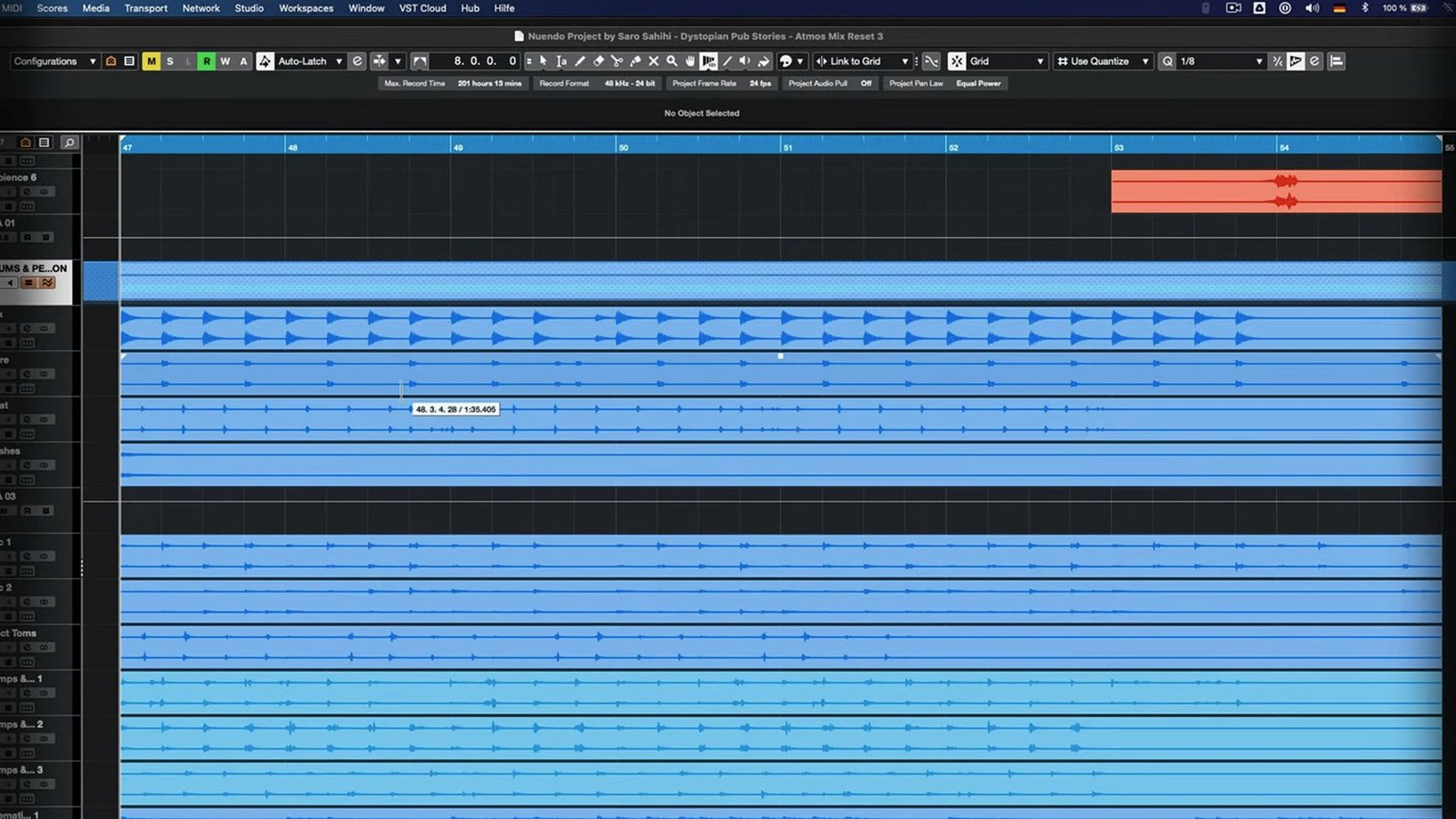
Click a screenshot to see it wider.
If you already use Cubase for music production, Nuendo is its counterpart for post-production. It is built for dialogue editing, sound design, and mixing in film, television, and game audio. The 15.0.30 release refines the core workflow without changing the interface you already know.
How does Nuendo fit with other Steinberg tools?
Nuendo shares the same core engine and file formats as Cubase. Projects, plug-ins, and key commands transfer between them. The difference is Nuendo adds tools specific to post-production: ADR, video sync, and immersive audio formats.
Stability Fixes and Analyzer Track Routing
The update focuses on stability and workflow fixes. The Analyzer track and folder track routing with Group Channel behavior were updated. Quick Link and MIDI port or channel handling were adjusted. Performance for the Multiband Envelope Shaper plug-in when bypassed was optimized.
First days with Nuendo 15.0.30
After you install, work through these checks to make sure the new fixes apply to your setup.
- Open a project you use daily. Test folder tracks with Group Channel routing. The 15.0.30 update changed how these behave, so verify your routing presets still route audio where you expect.
- Check the Analyzer track on your bus channels. The layout or data range may look different after the update. Adjust the Analyzer track display settings to match your monitoring preference.
- Run a Quick Link test between two connected Nuendo stations. The MIDI port and channel handling was adjusted. Confirm tempo maps and marker data sync correctly before a session.
- Load any project with imported track archives. The import logic was changed. Open the track archive, verify that plug-in chains and routing are intact, and save a new template.
- If you use the Comp Tool, test Group Editing on multi-mic dialogue takes. The fix in 15.0.30 stabilizes comp edits across grouped tracks.
Everyday changes from version 15.0.30
The 15.0.30 release notes list fixes across several areas. In routine use, these changes show up in specific situations.
- Score Editor no longer lags or misbehaves when a project contains a locked global track. If you keep a locked tempo track while editing notation, the score redraws correctly.
- Direct Offline Processing no longer shows a broken interface when you use VST Bass Amp or VST Amp Rack. The plug-in window renders properly now, so you can adjust amp settings during offline processing without guessing.
- Multiband Envelope Shaper uses less processing overhead when bypassed. If you leave the plug-in inserted but bypassed on several tracks, the project stays responsive.
How Nuendo compares with similar Mac audio post tools
Nuendo vs. Pro Tools
Pro Tools is the standard for dialogue editing and mixing in many post houses. Nuendo offers a comparable editing toolset with the Comp Tool, fades, and crossfades. The difference is Nuendo's integration with Cubase projects and its native support for immersive audio formats like Dolby Atmos. Pro Tools requires additional software for advanced surround work. For teams that also do music production, Nuendo avoids bouncing between two separate DAWs.
Nuendo vs. Logic Pro
Logic Pro covers a wide range of audio work on macOS. It is fast and has a large sound library. Nuendo is built for post-production workflows: ADR, video sync, and batch processing for dialogue. Logic Pro has limited ADR and video tools. If your work involves film and TV dialogue editing every day, Nuendo saves setup time. For general-purpose music and podcast work, Logic Pro is sufficient.
Nuendo vs. DaVinci Resolve Fairlight
Fairlight is integrated into DaVinci Resolve, which is useful for video editors who also handle audio. Nuendo offers deeper audio editing features: dedicated plug-ins for dialogue, spectral editing, and advanced automation. Fairlight works well for quick fixes in a video edit. Nuendo is the better choice for dedicated post-production sessions where audio quality and editing precision matter more than video integration.
For a nuendo download, the macOS version supports both Intel and Apple Silicon hardware natively. A nuendo torrent search will find the 15.0.30 build with the latest fixes described above.
Nuendo 15.0.30 runs on macOS 11 and later. It supports both Intel and Apple Silicon Macs natively.
- Many fixes and enhancements across several application areas.
- Analyzer track changes added.
- Folder track routing and Group Channel behavior updated.
- Imported track settings and track archives handling improved.
- Quick Link and MIDI port or channel behavior adjusted.
- Comp Tool with Group Editing received fixes.
- Score Editor behavior with locked global tracks fixed.
- Direct Offline Processing interface fixed for VST Bass Amp and VST Amp Rack.
- Multiband Envelope Shaper plug-in bypass performance optimized.
- macOS 11 or later
- Intel or Apple Silicon processor
- Interface language: English
Questions I get about this line
Nuendo is a professional audio post-production workstation for dialogue editing, sound design, and mixing in film, television, games, and immersive audio.
Yes, Nuendo 15.0.30 runs natively on both Intel and Apple Silicon Macs.
The update includes fixes to the Analyzer track, folder track routing with Group Channel behavior, Quick Link and MIDI port handling, and score editing with locked global tracks.
The install order
- Use the included installation and activation instructions.