- Version
- 3.7.7
- Developer
- Coppertino inc
- Languages
- Russian, English, Chinese (Traditional), Japanese
- License type
- Not required
| macOS range | macOS 10.15 or later |
|---|---|
| Chip | Apple Silicon, Intel 64-bit |
| Download | 78 MB |
Screenshots
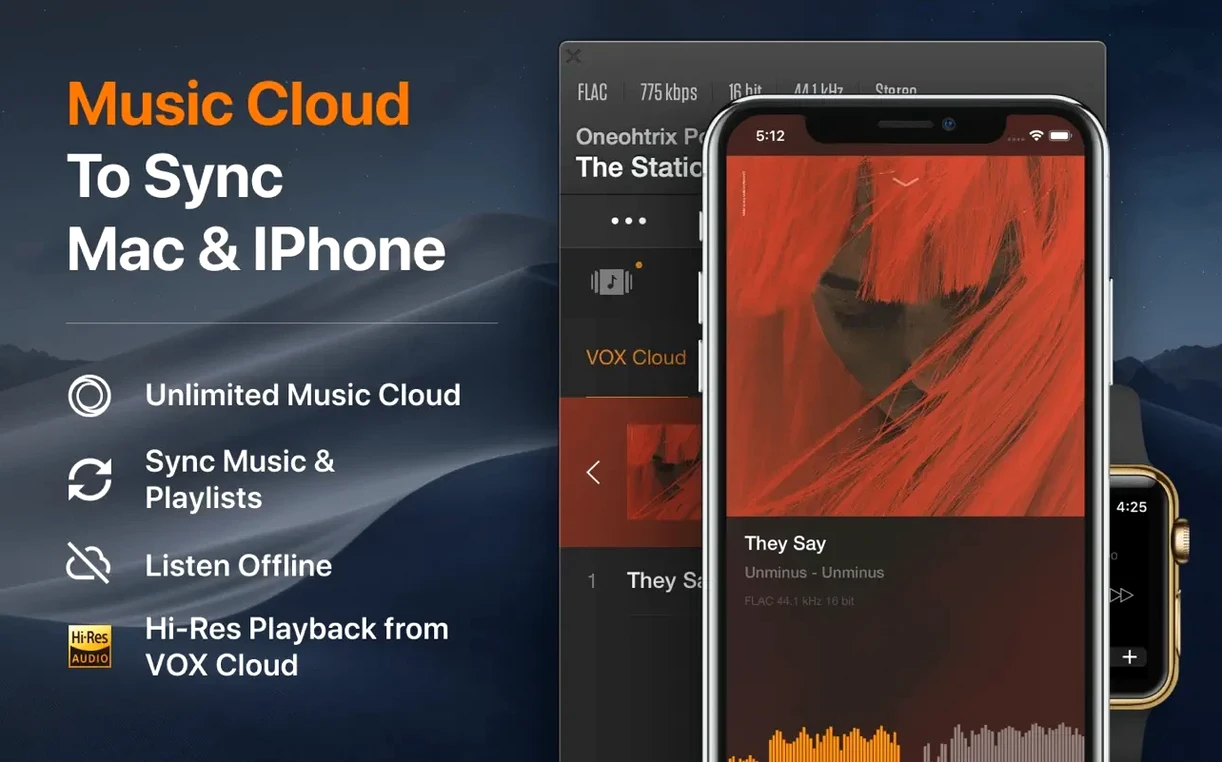
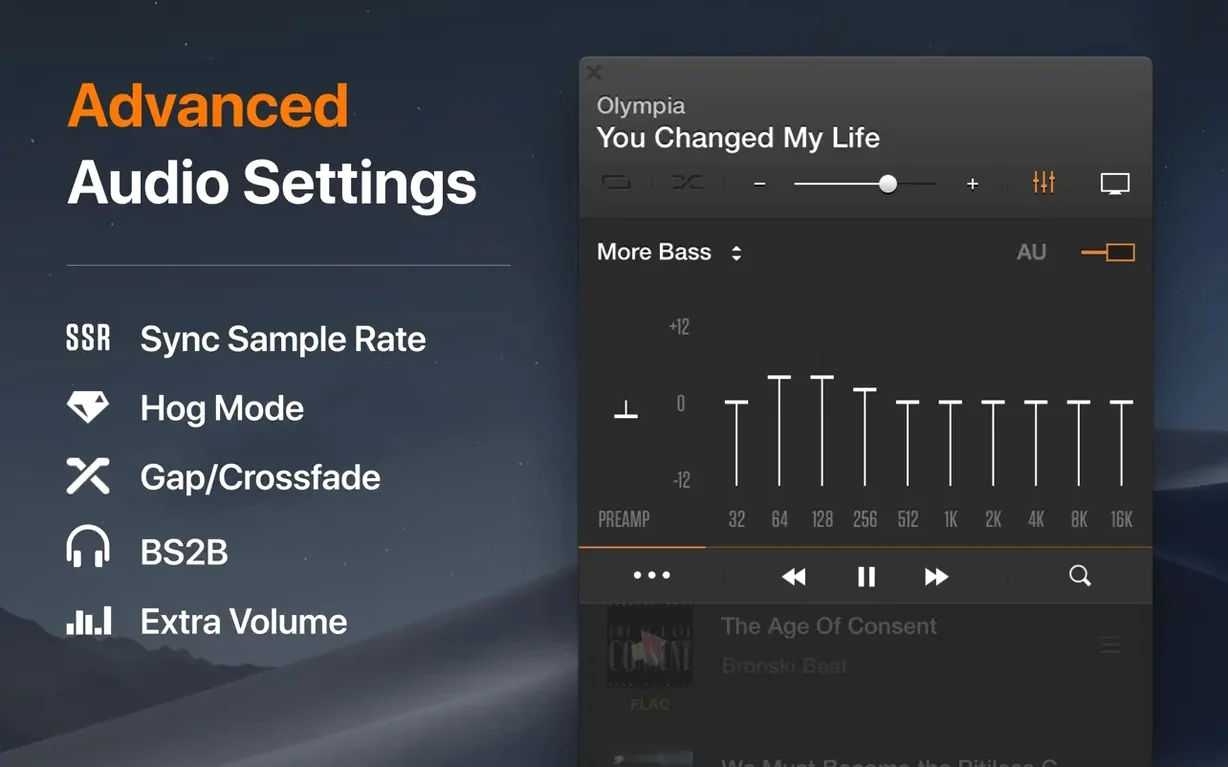
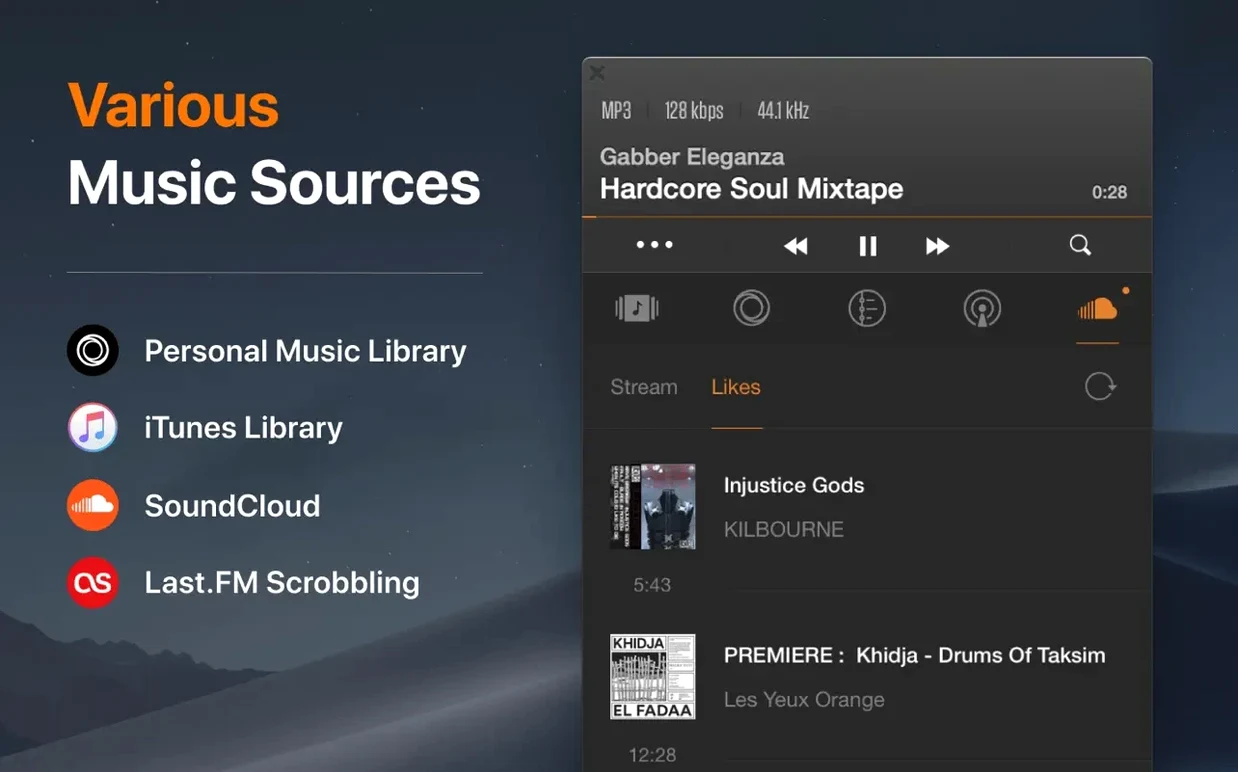
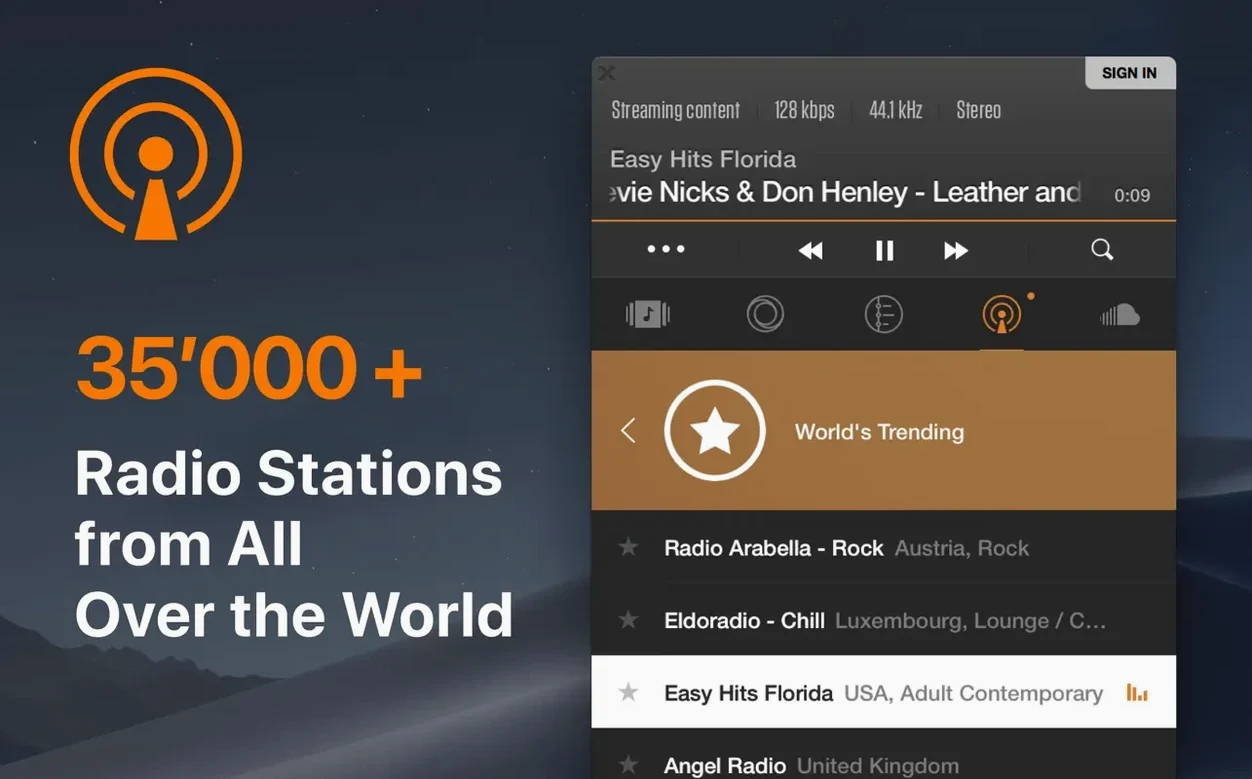
Click a screenshot to see it wider.
VOX is for people who keep a local music library and want a lightweight alternative to iTunes. It plays FLAC, APE, ALAC, WAV, DSD, MP3, WMA, and OGG, and handles Hi-Res audio up to 24-bit/192 kHz. That covers most of what you'd throw at it, from old MP3s to high-resolution files.
Runs on ARM and Intel Macs
VOX runs on both ARM and 64-bit Intel Macs, so it works on Apple Silicon and older Intel models. You need macOS 10.15 or later. Interface languages include Russian, English, Traditional Chinese, and Japanese.
If your Mac is from 2019 or newer, it will run VOX without issue. For older Intel machines, check the macOS version first.
Everyday Player for Local Files
Use VOX as your everyday player for local files. It organizes your library, plays network streams, and keeps things simple.
CUE Sheet and Playlist Support
VOX handles CUE sheets, which matters if you listen to live sets or albums stored as a single FLAC. Drop the folder in, and the app splits the track listing without cutting the file. It also reads M3U, PLS, and XSPF playlists, so you can move your existing queue over without rebuilding it.
Multichannel 5.1 playback is there if your setup supports it. That is rare in lightweight players. For network-attached storage users, VOX reads from NAS and network drives directly — no extra mounts or symlinks.
Hi-Res Lossless Audio Fit
If you have a large FLAC or ALAC library and have been looking to replace iTunes for local playback, VOX is a direct fit. Lossless audio users with files above CD quality get the Hi-Res support up to 24-bit/192 kHz. People who run Apple Silicon Macs benefit from the native ARM support — no Rosetta translation needed.
Users with multilingual libraries will also appreciate the app interface in Russian, Traditional Chinese, and Japanese, alongside English.
NAS and CUE Sheet Fixes
- Files not appearing from a NAS: Check that the network drive is mounted in macOS before launching VOX. If the drive shows in Finder but not the app, restart VOX.
- CUE sheet not splitting correctly: Make sure the CUE file and the audio file share the same folder. Rename them to match exactly if needed.
- High-res files play at lower quality: Verify your audio output device supports 24-bit/192 kHz. VOX uses its own audio engine, but the hardware still sets the ceiling.
- Playlist import fails: Confirm the playlist file uses absolute file paths or relative paths that match the folder structure on your Mac. Relative paths from a Windows machine will break.
If you need a straightforward local music player for macOS and want something that handles FLAC, high-resolution, and network sources without bloat, VOX is worth a look. If you want to download VOX MP3 & FLAC music player for Mac, the version is 3.7.7 and the minimum macOS is 10.15.
For a quick start, follow the install steps below.
- macOS 10.15 or later
- Apple Silicon or 64-bit Intel Mac
- Interface languages: Russian, English, Traditional Chinese, Japanese
Questions I get about this line
Yes, VOX runs on both ARM and 64-bit Intel Macs, so it works on M1, M2, and later models.
The install order
- Open the downloaded disk image.
- Drag the app into the Applications folder.
- Launch VOX from Launchpad after the copy finishes.