- Home
- Mac Cleaners
- CleanMyMac
Free download (180 MB) Previous versions
- Version
- 5.7.0
- Developer
- MacPaw
- Languages
- Russian, English, German, Spanish, Italian, Chinese (Simplified), Korean, Dutch, Polish, Ukrainian, French, Japanese
- License type
- Not required
| macOS range | macOS 11 or later |
|---|---|
| Chip | Apple Silicon, Intel 64-bit |
| Download | 180 MB |
| Previous versions | 33 on file |
Screenshots
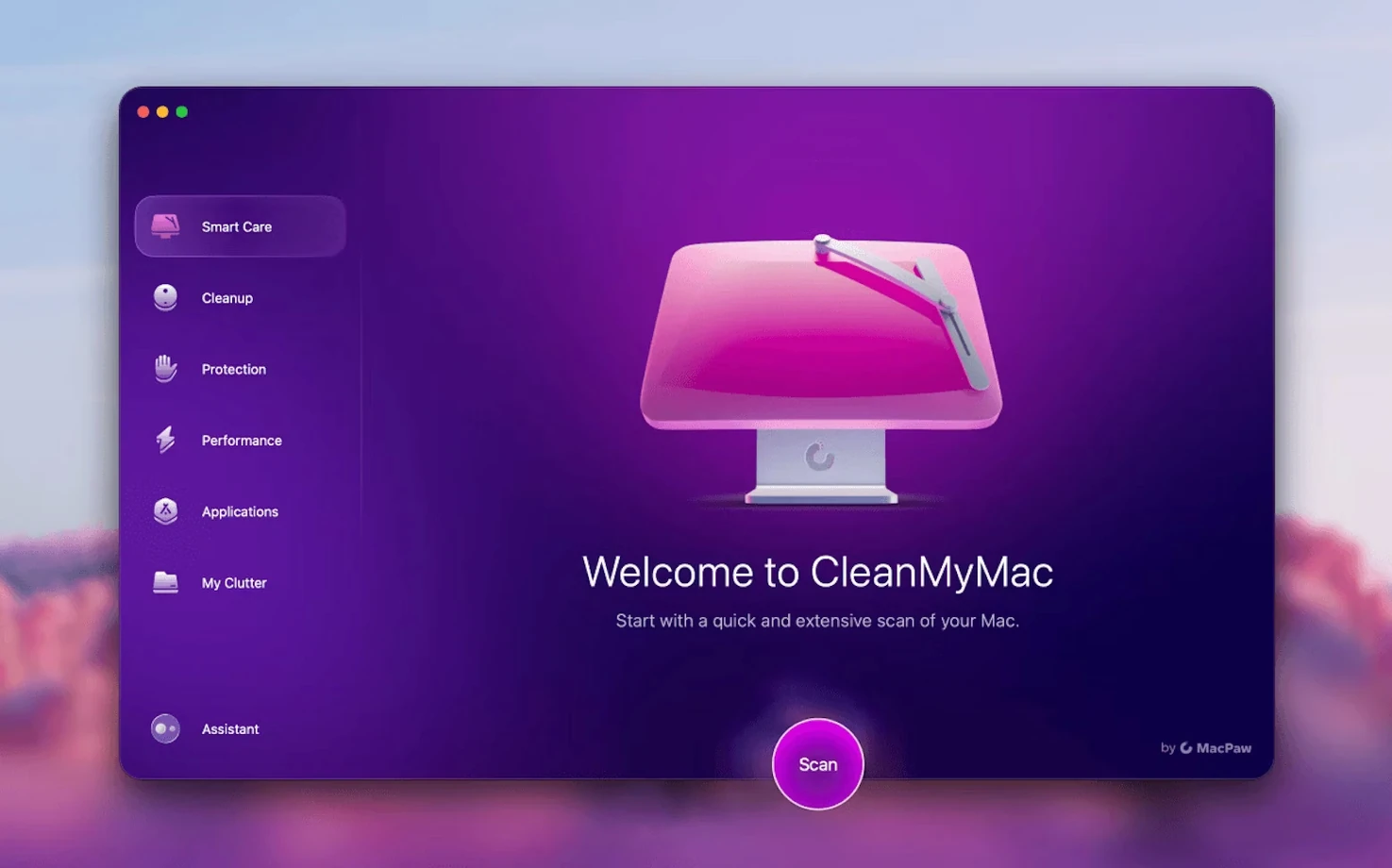
Scroll the row, it snaps to each screenshot. Click one to see it wider.
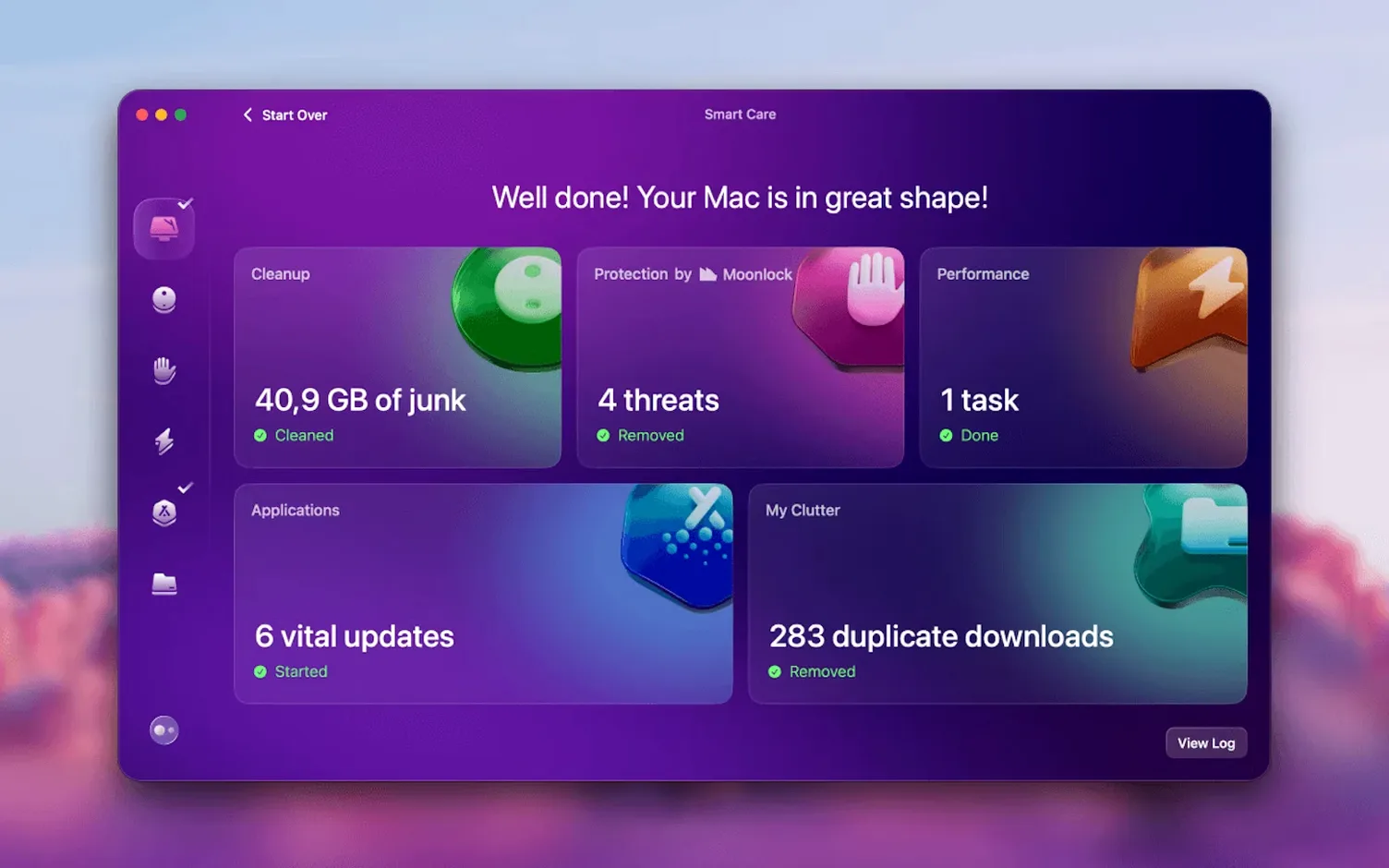
CleanMyMac is the utility that sits next to Disk Utility when you want more control over your Mac. It handles the recurring chores: clearing junk files, removing apps completely, updating software, and scanning for malware. Version 5.7.0 adds tools for cleaning and managing Gmail, plus new email cleanup options.
Frees Disk Space and Removes App Leftovers
- Instant system cleanup to free up disk space.
- Permanently deleting files you don't want recovered.
- Removing apps and their leftovers.
- Keeping installed apps up to date.
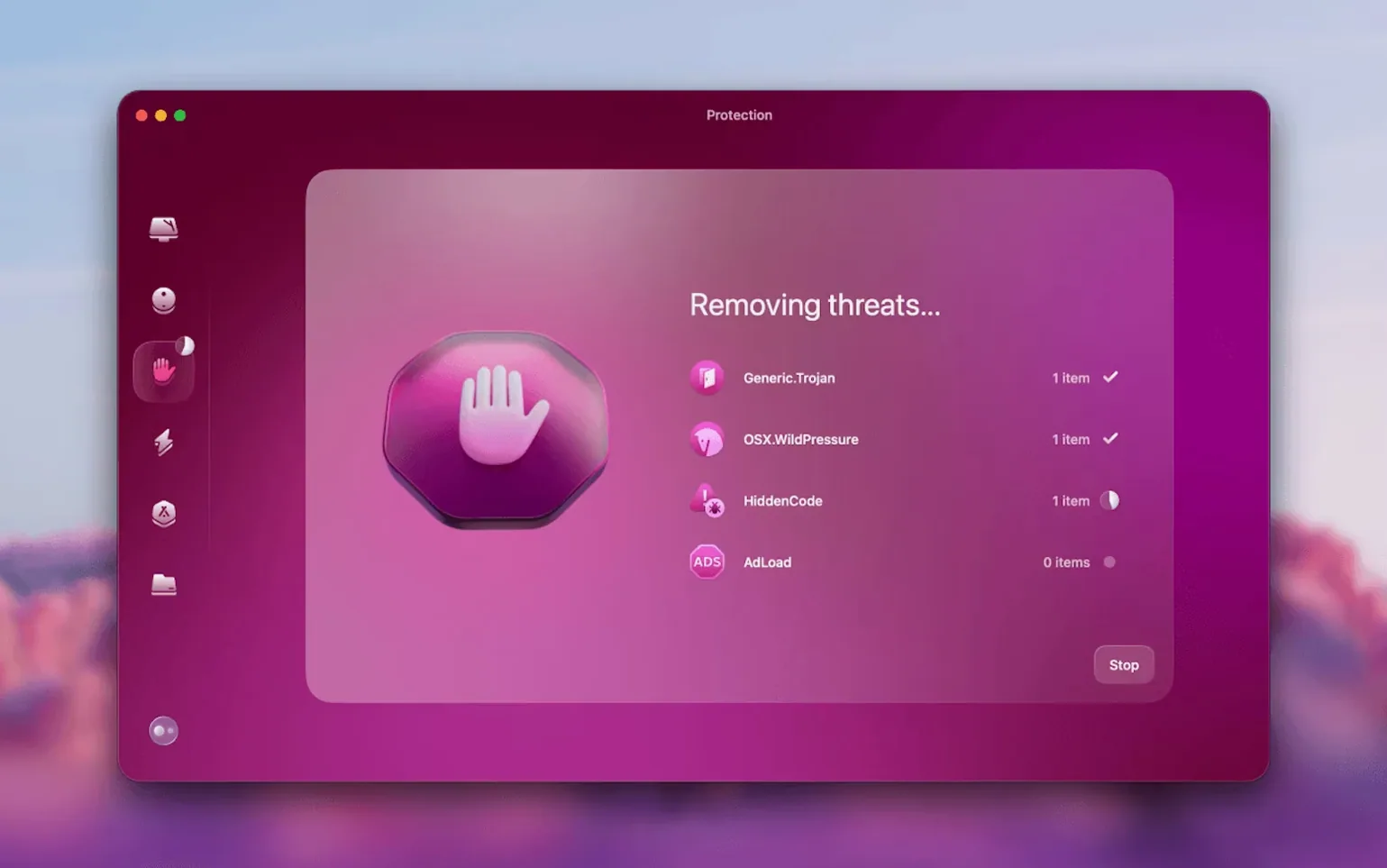
- Checking for malware threats.
Requires Full Disk Access on macOS 27
- You'll need full disk access on macOS 27 before the first launch.
- Install by dragging the app into the Applications folder.
- Supported from macOS 11 up, on both Intel and Apple Silicon.
Drag to Applications, Launch from Launchpad
CleanMyMac runs on macOS 11 and later, covering both Intel and Apple Silicon Macs. The installer is a standard disk image. Drag the app to Applications, wait for the copy to finish, then open it from Launchpad. On macOS 27, you must grant full disk access before the app will start. That's a one-time permission, not a recurring prompt.
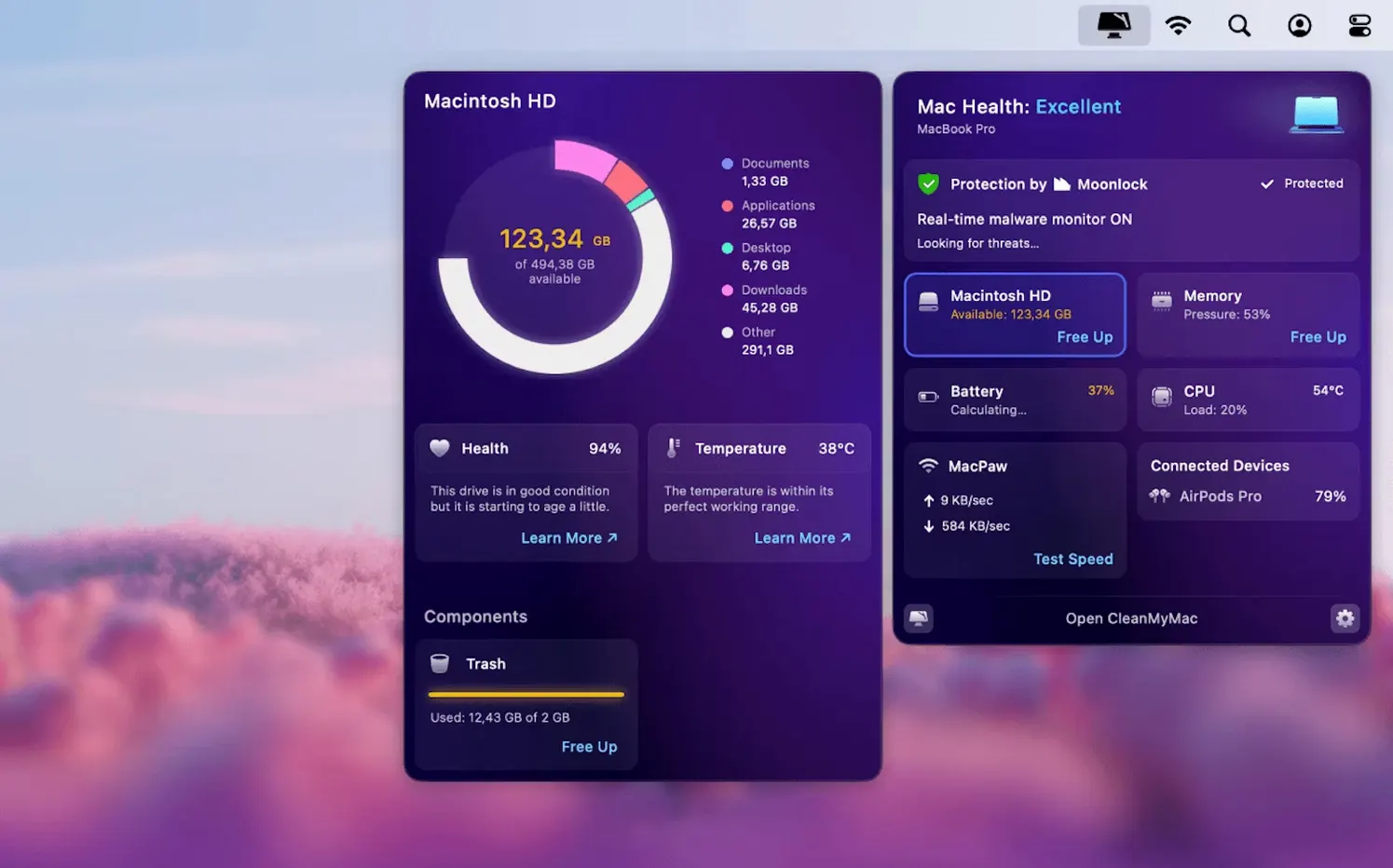
The interface supports twelve languages. If English isn't your preferred language, check the settings after launch. The app includes a memory view called File Scope for seeing which files are consuming space. That module works alongside the large-files finder. You also get a malware protection module. The email cleanup tools in 5.7.0 are new, so expect them to appear in a dedicated section.
Activation is not required. The app does not demand an account or a license key to run. That means you can install, scan, and clean immediately.
Initial Scan Sets a Baseline
Full disk access prompt on macOS 27
If the app doesn't open after copying, you likely missed the disk access grant. The official instructions say to grant it before launch on macOS 27. Go back to your system permissions or the app's first-run dialog and approve it. Without this, the cleaning modules won't function.
Older version still installed
MacPaw recommends removing any previous version before installing or updating to 5.7.0. If you drag the new app to Applications while an older copy is there, you may get two icons, or the old one might launch instead. Drag the old version to Trash first.
App removal tool not finding everything
CleanMyMac's app removal module catches most leftovers, but no uninstaller is perfect. If you suspect an app left behind config files or folders, run the large-files finder separately and check common hideouts like ~/Library/Application Support and ~/.config. The tool is thorough, but a manual sweep after removal adds confidence.
Email cleanup scope
The new Gmail tools in 5.7.0 might require you to log in or authorize access. If the email section appears empty, check that your Gmail account is added and that you've granted the required permissions inside CleanMyMac. The feature works with Gmail only, not other mail providers.
Review Categories Before Deleting
- Run the initial system scan as soon as the app launches. It gives you a baseline of what CleanMyMac sees on your machine. Review the categories before deleting anything. You can exclude certain folders or file types if you prefer.
- Use the app updater right after the cleanup. Many Mac apps sit on old versions because their built-in updaters are silent or ignored. The update module scans for stale versions and lets you update several at once. Saves time compared to checking each app manually.
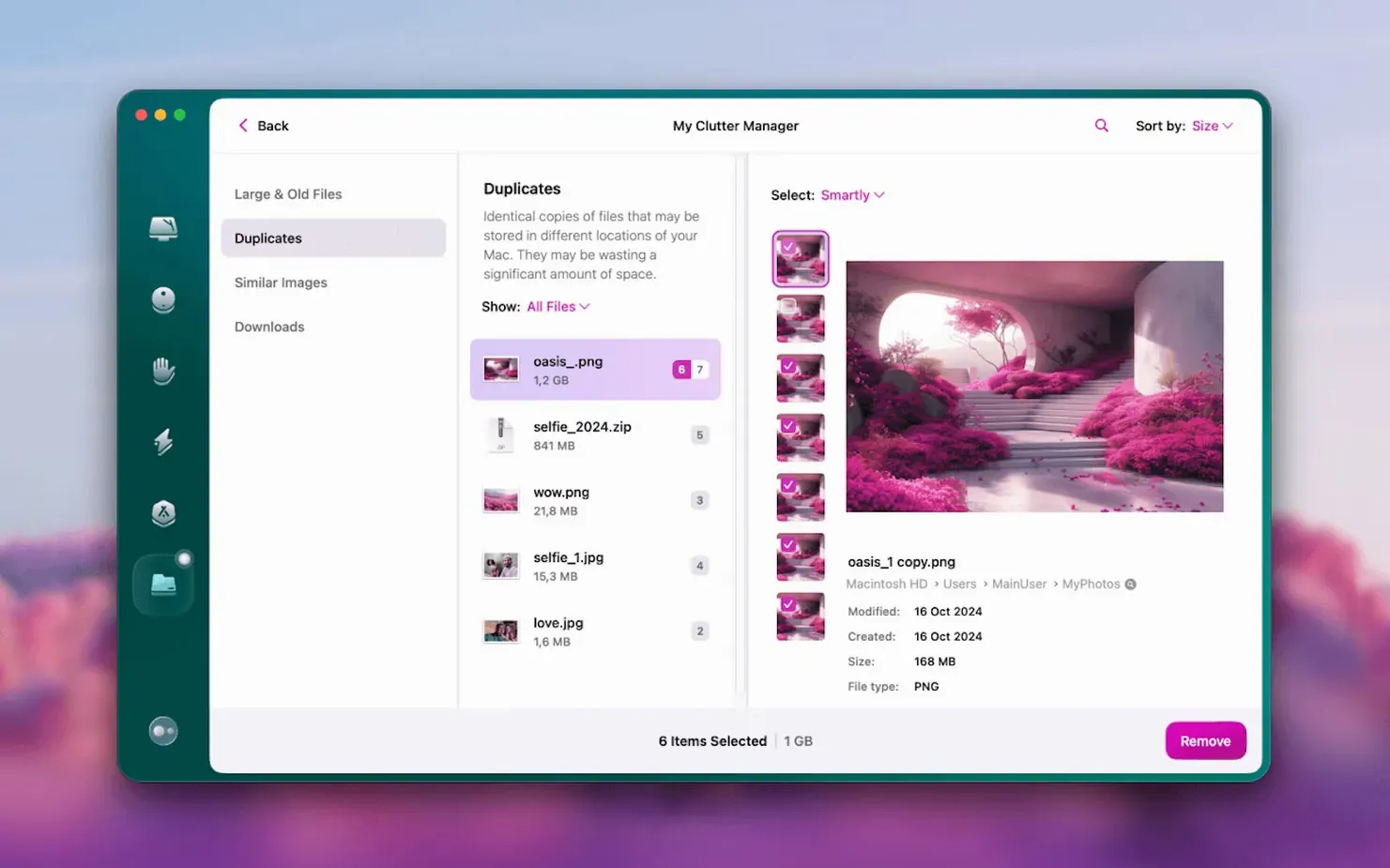
- Test the large-files finder on a weekday when you have a few minutes. It surfaces files you forgot existed: old downloads, installer archives, duplicated media. Sort by size and delete what you don't need. The memory view (File Scope) helps visualize where space went if you're curious.
- For permanent file deletion, use the dedicated tool sparingly at first. Test it on a few test files to learn the workflow. Once a file is permanently deleted, it's gone. No Trash recovery.
- Check the malware protection module once a week. It doesn't run constantly in the background by default, so a weekly scan is a good habit. If you browse unfamiliar sites or download executables often, bump that to twice a week.
- If you search for cleanmymac torrent or clean my mac torrent or clean my mac mac torrent or cleanmymac download online, make sure the file you get matches these instructions. The correct installer is a disk image, not a standalone executable. If the download looks different, verify you have the right file before opening it.
CleanMyMac 5.7.0 fits into a regular maintenance routine without much fuss. The email tools are new, so give them a day or two to settle into your workflow. The rest is straightforward cleanup and updates. Run the full suite once, then schedule smaller scans weekly.
- Adds tools for cleaning and managing mail in Gmail.
- Includes new email cleanup functionality.
- macOS 11 or later
- Intel or Apple Silicon
The install order
- Remove any older version of CleanMyMac before installing or updating.
- Open the downloaded disk image.
- Drag the app to the Applications folder alias.
- After copying finishes, open the app from Launchpad.
- On macOS 27, grant full disk access before launching.