- Home
- Mac Cleaners
- MacBooster

- Version
- 8.3.0
- Developer
- IObit
- Languages
- Russian, English, German, Danish, Spanish, Italian, Chinese (Traditional), Chinese (Simplified), Dutch, Portuguese, Turkish, French, Swedish, Japanese
- License type
- K'ed by TNT team
| macOS range | macOS 11.5 or later |
|---|---|
| Chip | Apple Silicon, Intel 64-bit |
| Download | 38 MB |
Screenshots
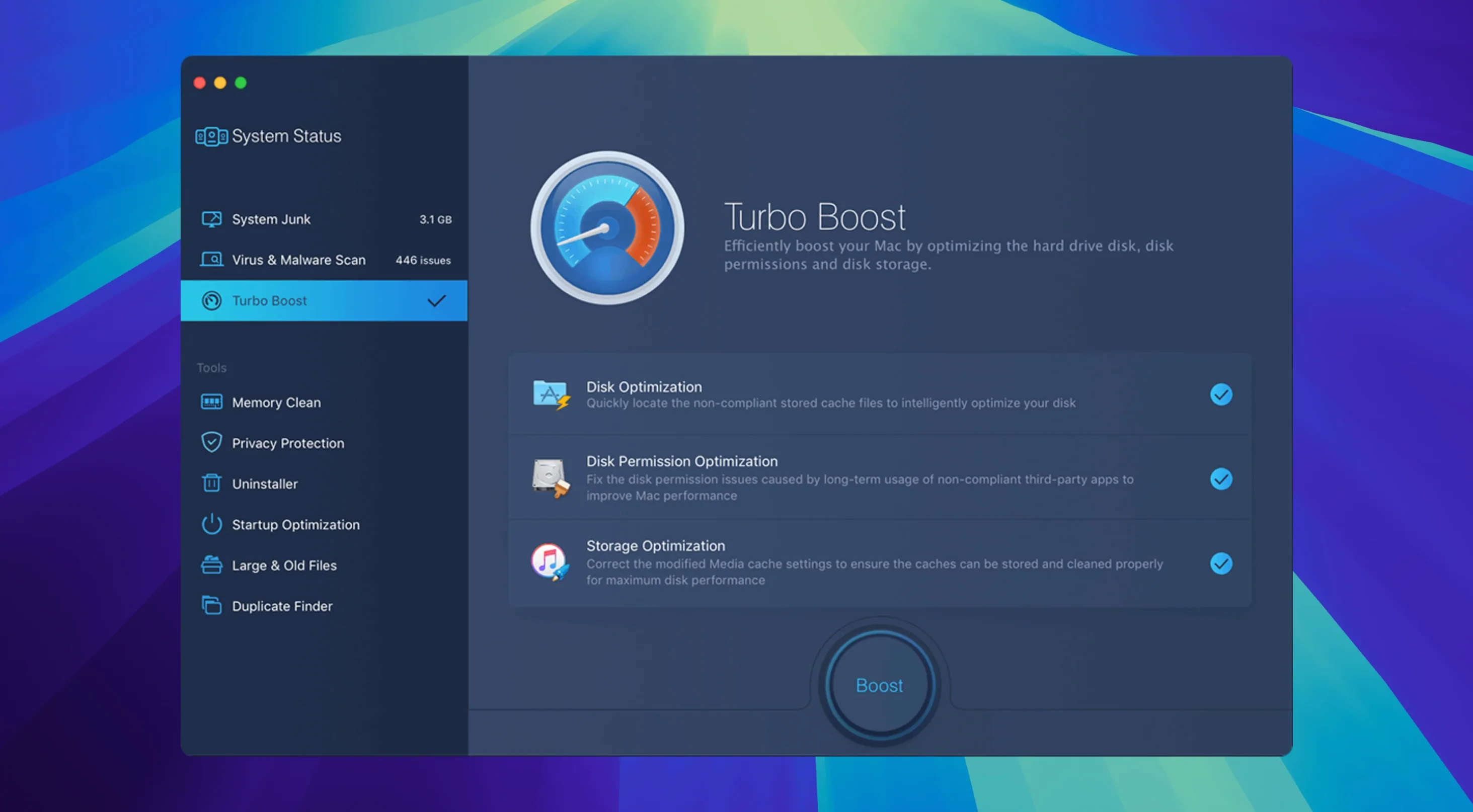
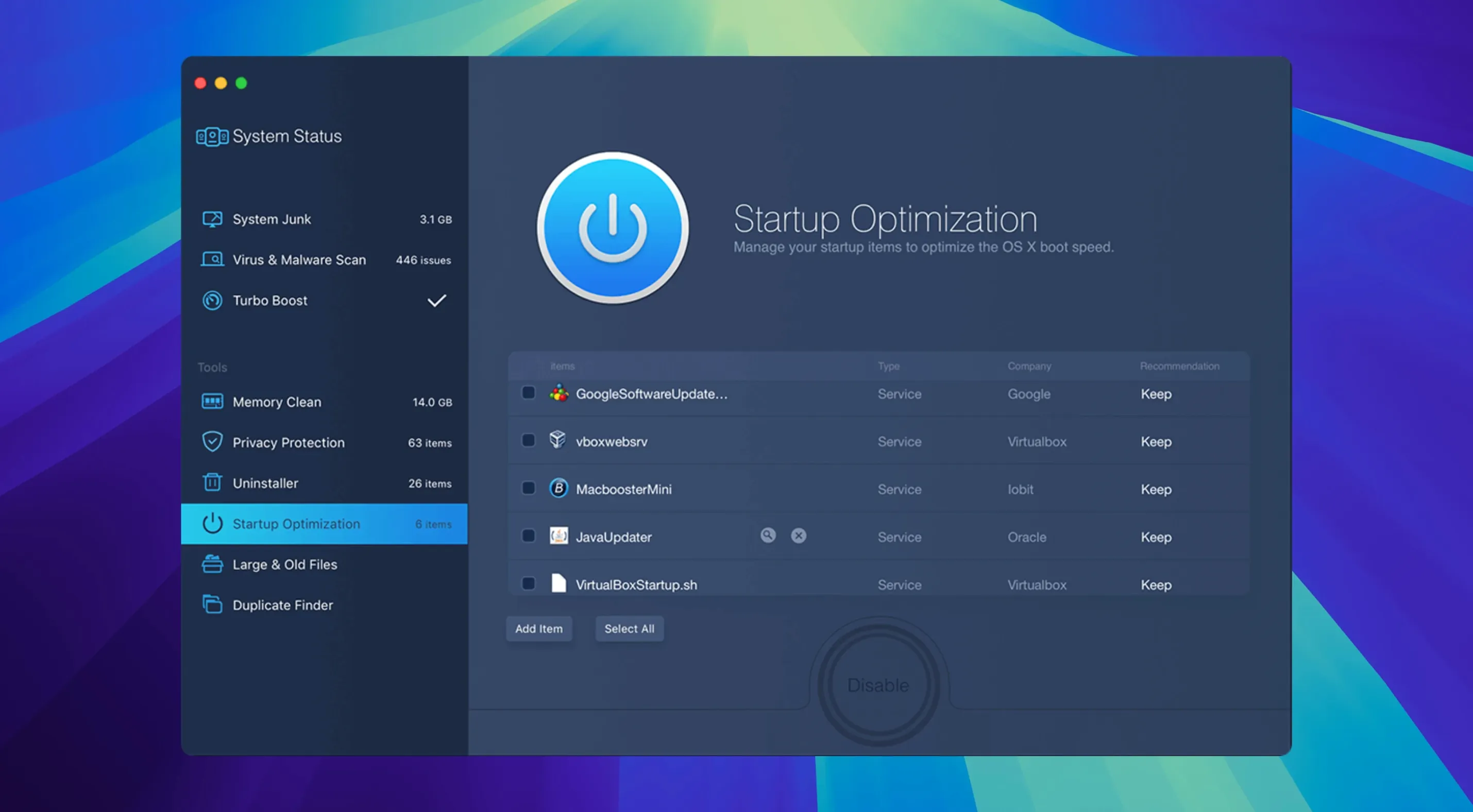
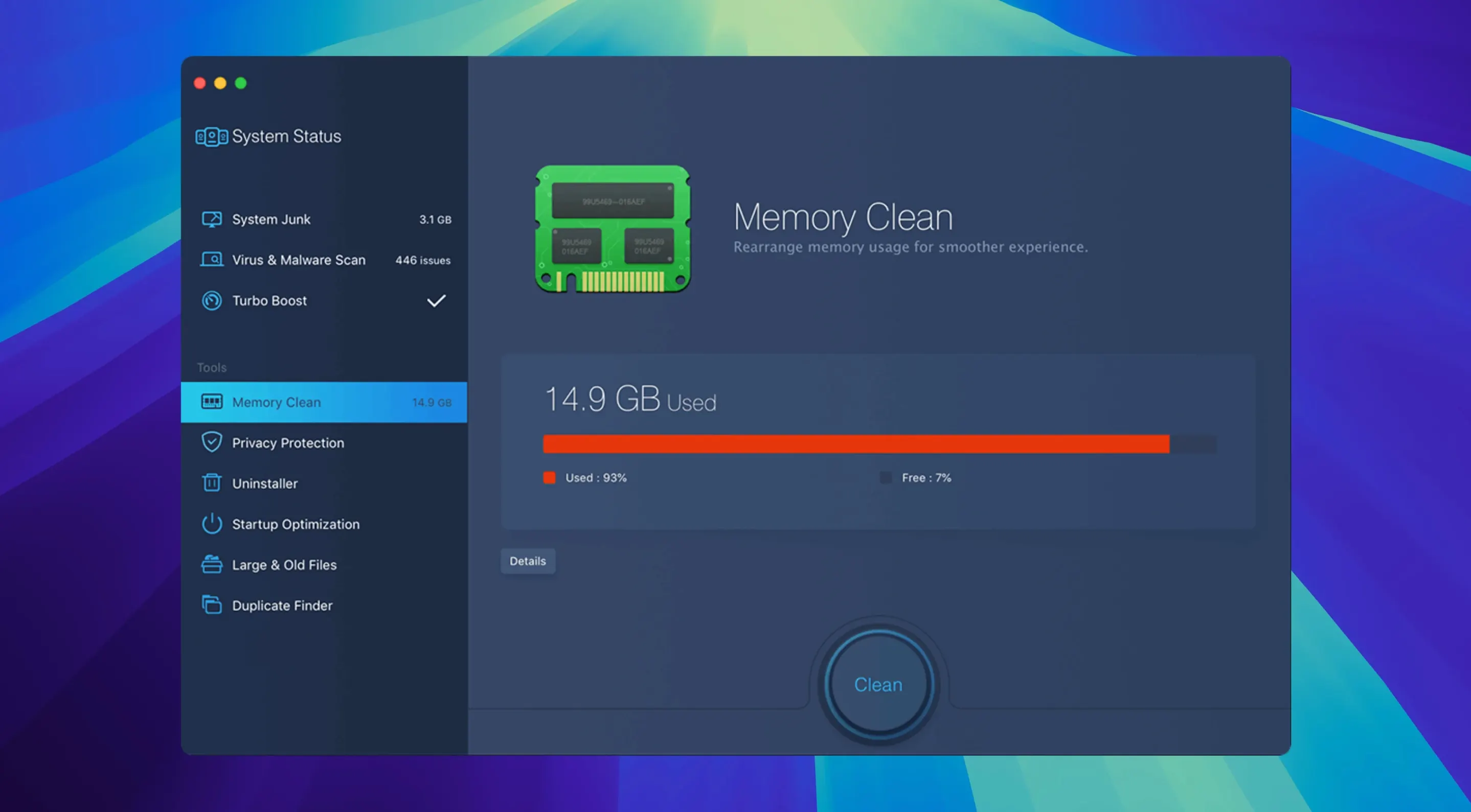
Scroll the row, it snaps to each screenshot. Click one to see it wider.
Twenty types of junk files. That is what a single MacBooster scan hunts down — caches, logs, leftover language packs, broken preferences, and more. You run it when the Mac starts feeling sluggish, and it gives you a number back: so many gigabytes of clutter, so many threats, so much RAM pressure.
Here is one realistic pass. Launch MacBooster Pro, hit the scan button, and wait a minute or two. The results page splits into categories — Junk Files, Malware, Disk Optimization. You check the boxes, click Fix, and it clears what you picked. It also repairs disk permission problems, which is the kind of thing that shows up as "app won't open" or "weird permission error" in the console.
The disk optimizer is where the practical work happens. It frees up space and straightens out the drive, which matters if you edit video or keep a large photo library. For an IT generalist, this is the utility you point a coworker at when their Mac is full and slow.
Developed by IObit, MacBooster 8 runs on macOS 11.5 or later, works on both Intel and Apple Silicon, and needs about 70 MB free. It is a system utility, plain and simple.
Refreshed malware definitions and fewer false positives
Version 8.3.0 is a maintenance update. The malware definitions got a refresh, which means the virus scanner picks up a broader set of threats now. The junk file detection rules were tweaked too — fewer false positives on browser caches you actually want to keep. For everyday use, the scan runs at the same speed, but the results list is cleaner. You see less "this might be safe" noise and more actionable items.
Two practical changes worth knowing:
- Malware scan now flags a wider range of adware and potentially unwanted programs (PUPs).
- Startup optimizer handles the new launch-agents structure in recent macOS builds without leaving orphan entries.
Neither changes the workflow. You still press one button to start, one button to fix. The difference is in what gets caught.
Three common pitfalls and how to fix them
People trip on three things with MacBooster. Here is how to get past them.
Bypass Gatekeeper by right-clicking Open
Mount the disk image, then right-click the app and select Open. That bypasses the block for the first run. After that, it launches normally.
Scan finishes with zero junk found
This happens when the app does not have full disk access. Go to System Settings > Privacy & Security > Full Disk Access. Add MacBooster from the list. Re-scan. You will see the missing caches and logs appear.
"Fix" button does nothing
Sometimes the permissions repair step needs a restart before it applies. Run the fix, reboot the Mac, then check Disk Utility for any remaining permission issues. If it still hangs, reinstall the app — a corrupted preference file is usually the cause.
Beachballing Mac rescued in a Wednesday scan
Wednesday morning. A call comes in from a front-desk Mac — the scheduling app keeps bouncing, and the user says the machine is "beachballing." I remote in, open MacBooster, and click Scan. While it runs, I pull up Activity Monitor to see memory pressure. The scan finishes in about ninety seconds.
I check the boxes for Junk Files and Malware, click Fix. The cleanup takes maybe twenty seconds. Then I open the Disk Optimization tool and let it defragment the free space — that runs in the background while I check the user's login items.
After the disk tool finishes, the Mac has 11 GB free instead of 6. The user says the app opens instantly now. I close the session. Total time: maybe four minutes. No reboot needed.
That is the typical use case. You run it when things slow down, it cleans what it finds, and you move on. No tweaking, no config files. Just a scan and a fix.
- macOS 11.5 or later
- Intel or Apple Silicon
- 70+ MB of free disk space
The install order
- Mount the disk image and open the Gatekeeper-friendly package.
- Press Enter in the Terminal window to allow the bypass.
- Drag MacBooster into your Applications folder.
- Launch it once the copy finishes.