- Home
- Mac Cleaners
- Ghost Buster Pro

Free download (11 MB) Previous versions
- Version
- 7.0.0 [MAS]
- Developer
- Sascha Simon
- Languages
- Russian, English, German, Spanish, Italian, Chinese (Simplified), Korean, Polish, French
- License type
- K'ed by TNT team
| macOS range | macOS 15.6 or later |
|---|---|
| Chip | Apple Silicon, Intel 64-bit |
| Download | 11 MB |
| Previous versions | 5 on file |
Screenshots
Scroll the row, it snaps to each screenshot. Click one to see it wider.
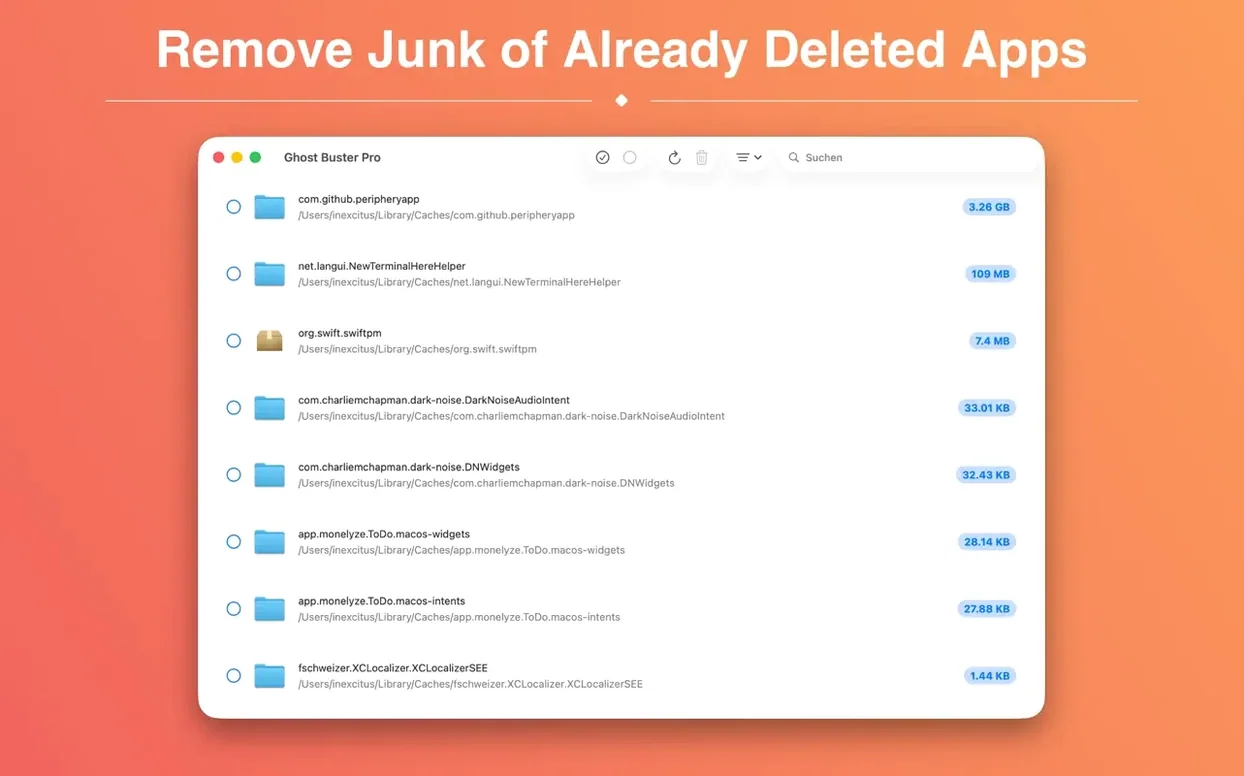
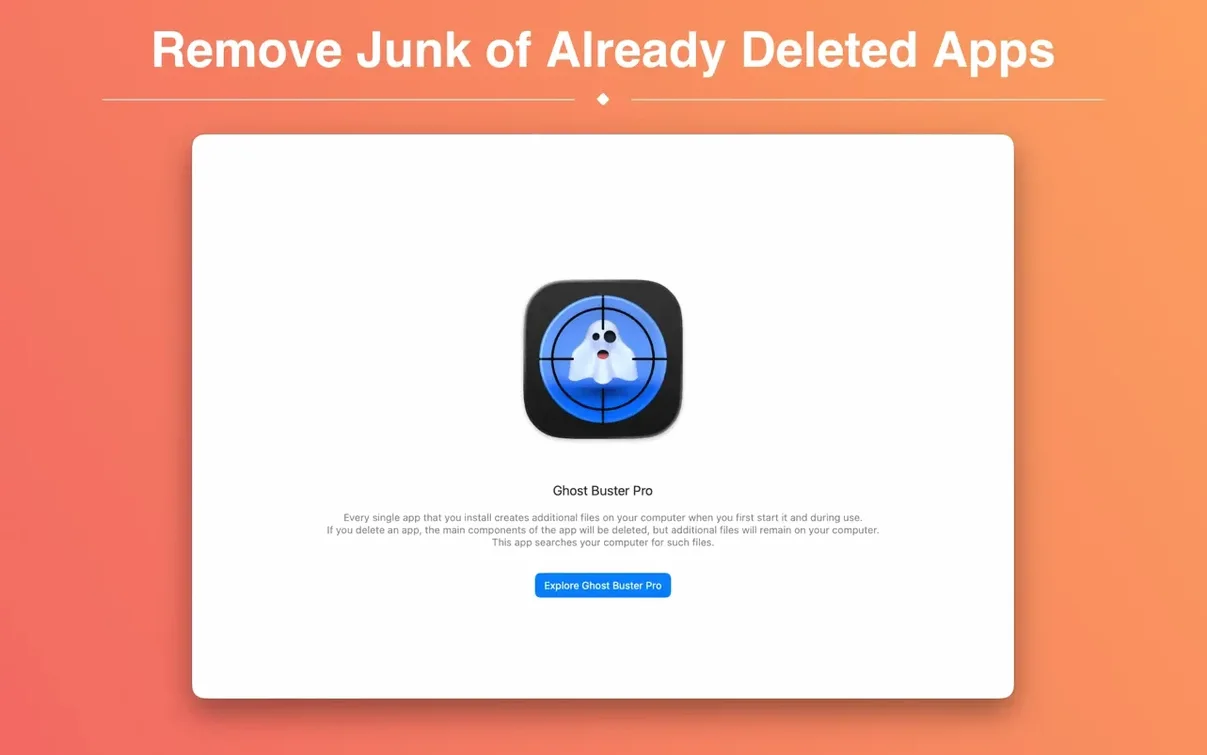
Version 6.2.0 brings a new app icon designed for macOS 27. Ghost Buster Pro scans for leftover files from uninstalled apps and starts searching immediately after launch. It does not delete anything without your consent.
Requires macOS 15.6 or Later
Ghost Buster Pro requires macOS 15.6 or later. It supports both Intel (x86-64) and Apple Silicon (ARM) architectures.
Nine Interface Languages
The interface includes English, Russian, German, Spanish, Italian, Simplified Chinese, Korean, Polish, and French.
Empty Scan Results After Uninstalling
A few things trip people up regularly with Ghost Buster Pro. Here is what to watch for.
- Scan finishes but shows nothing. The app only finds leftovers from apps you have already uninstalled. If you ran it right after a fresh install and never removed anything, there is nothing to find. That is normal.
- Permissions block some files. On macOS 15.6 and later, certain system-protected locations may not be fully readable even with admin rights. Ghost Buster Pro will list what it cannot access. You can try moving those items manually if needed.
- Files reappear after deletion. Some apps recreate preference or cache files on launch if they are still installed. Ghost Buster Pro is for leftovers from uninstalled apps only. If the original app is still on the machine, run a proper uninstall first.
- Gatekeeper warning on first launch. The install steps include pressing Enter in Terminal to bypass Gatekeeper. If you skip that step, the app will not open. Re-mount the disk image and follow the steps again.
Not a General System Cleaner
New users often assume Ghost Buster Pro is a general system cleaner. It is not. It targets only leftover files from apps that are already gone. Do not use it to delete files from apps you still use.
Another common error is deleting everything the scan finds without checking what each item belongs to. The app shows you the list. Take a second to scan the folder names. If you recognize something from a tool you still need, leave it be.
Beginners also skip reading the language list. The default interface may not be English. If that happens, go to the preferences and switch to your language. English, Russian, German, Spanish, Italian, Simplified Chinese, Korean, Polish, and French are all available.
Weekly Scan for Frequent Installers
Run a scan once a week if you install and remove apps often. For most people, once a month is enough — leftover files do not accumulate fast unless you are testing a lot of software.
Keep a note of which apps you have recently uninstalled. That makes it easier to confirm the scan results are accurate. If you see files from something you removed months ago, you know they are safe to delete.
The app does not slow down your machine while scanning. You can leave it running and keep working. It will present the results when it finishes.
If you are helping someone else clean up their Mac, run a scan before they reinstall anything. That way you catch the leftovers before new installs create fresh clutter. It is a useful ghost torrent to keep on a USB stick for quick cleanups on other machines.
It finds files left behind by removed applications. You control what gets deleted — the app does not take action automatically.
- New app icon for macOS 27.
- macOS 15.6 or later
- Intel or Apple Silicon
Questions I get about this line
Yes. It supports both ARM and x86-64 architectures.
macOS 15.6 is the minimum requirement.
No. Ghost Buster Pro does not delete data without your consent.
The install order
- Mount the disk image and launch Open Gatekeeper friendly.
- Press Enter in Terminal to bypass Gatekeeper.
- Drag the app to the Applications folder.
- Open the app to start using it.