
- Version
- 3.3.0.B18 Native
- Developer
- The Fun Pimps
- Languages
- Russian, English, German, Spanish, Italian, Chinese (Traditional), Chinese (Simplified), Korean, Polish, Portuguese, Turkish, French, Japanese
- License type
- Not required
- Released on
- 13.12.2013
- Installed and checked on
- macOS Golden Gate, Mac mini 2024 M4
- Audio language
- Music only
| Chip | Apple Silicon, Intel 64-bit |
|---|---|
| Download | 16 GB |
Screenshots
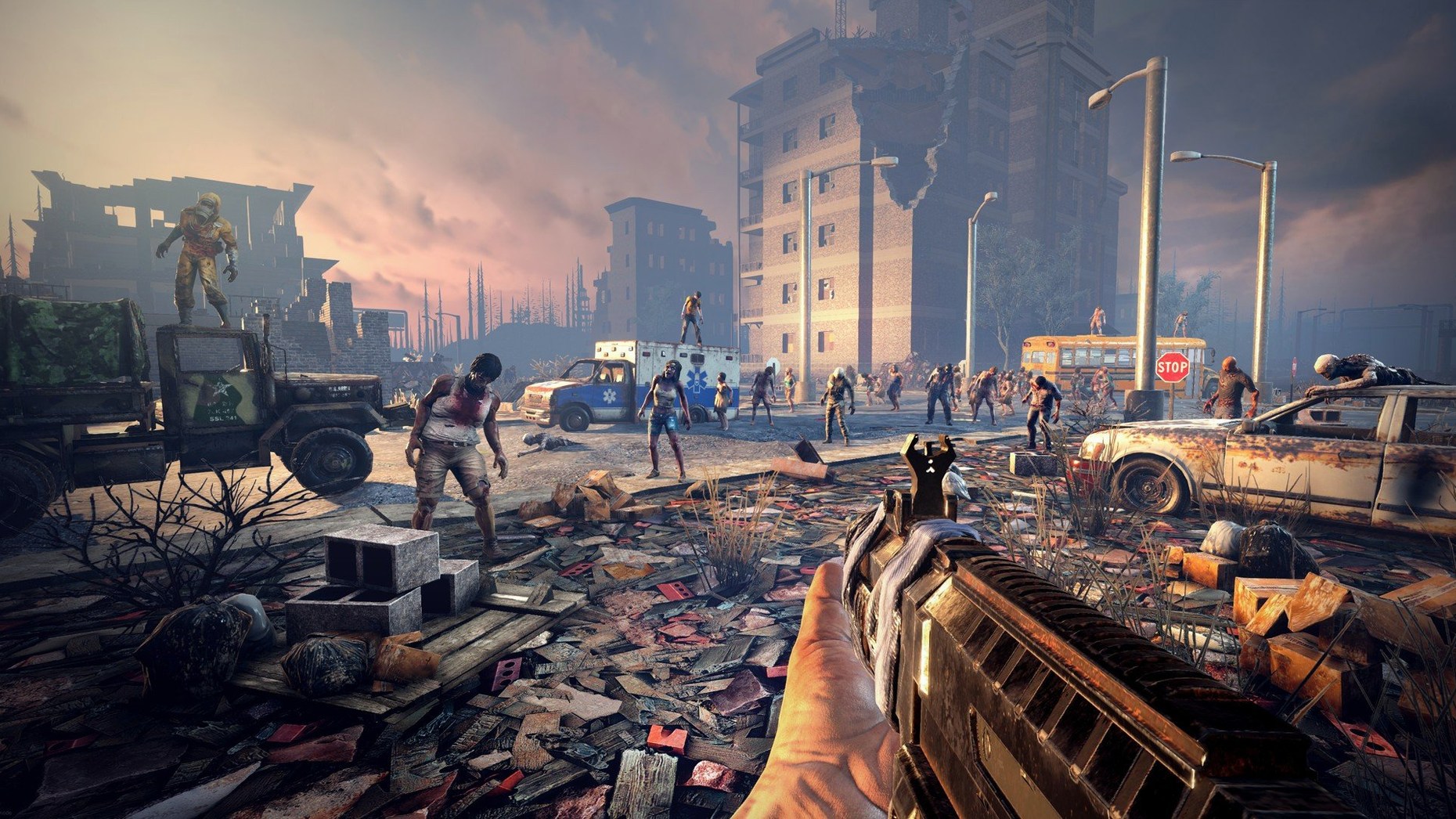
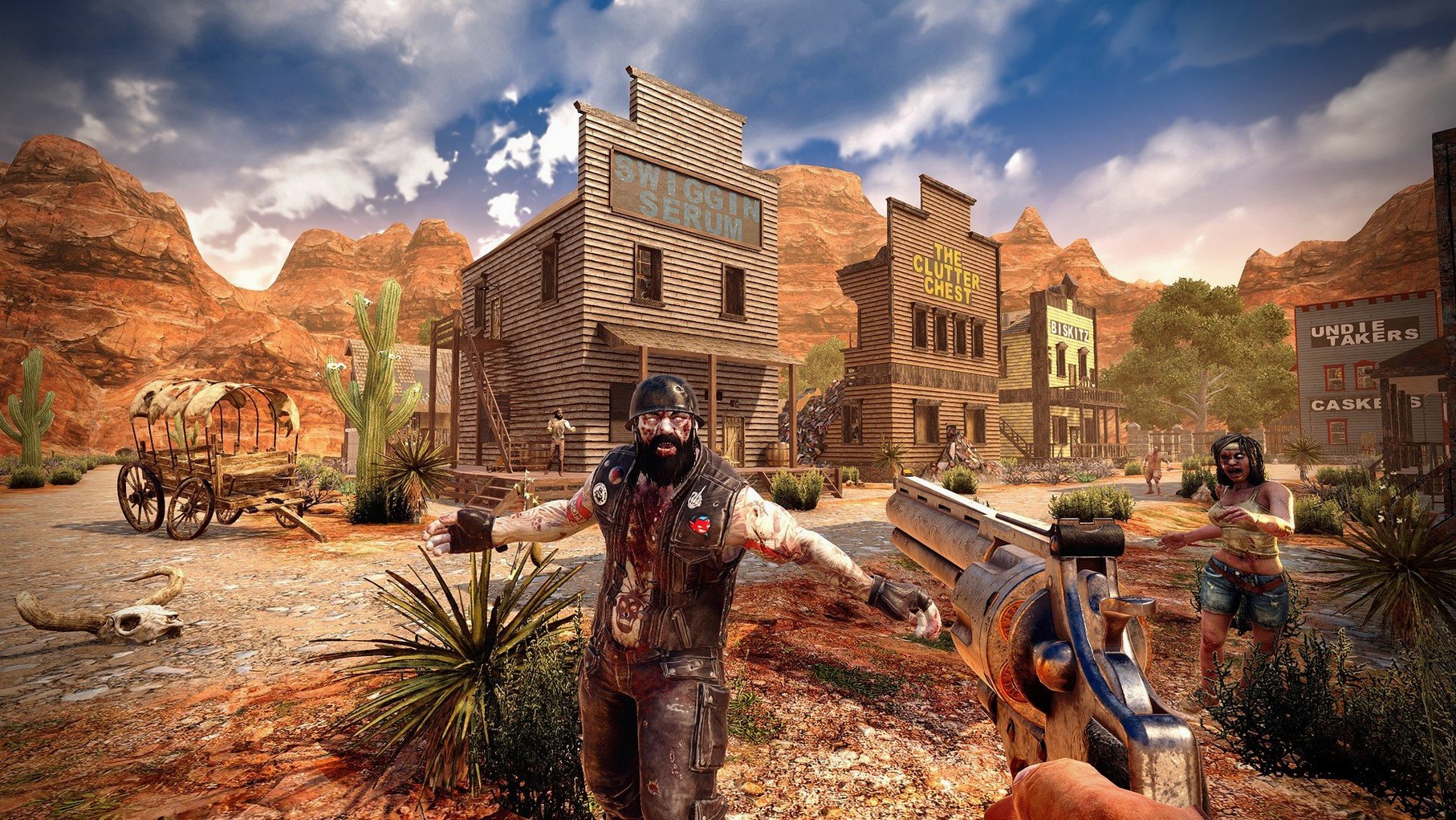
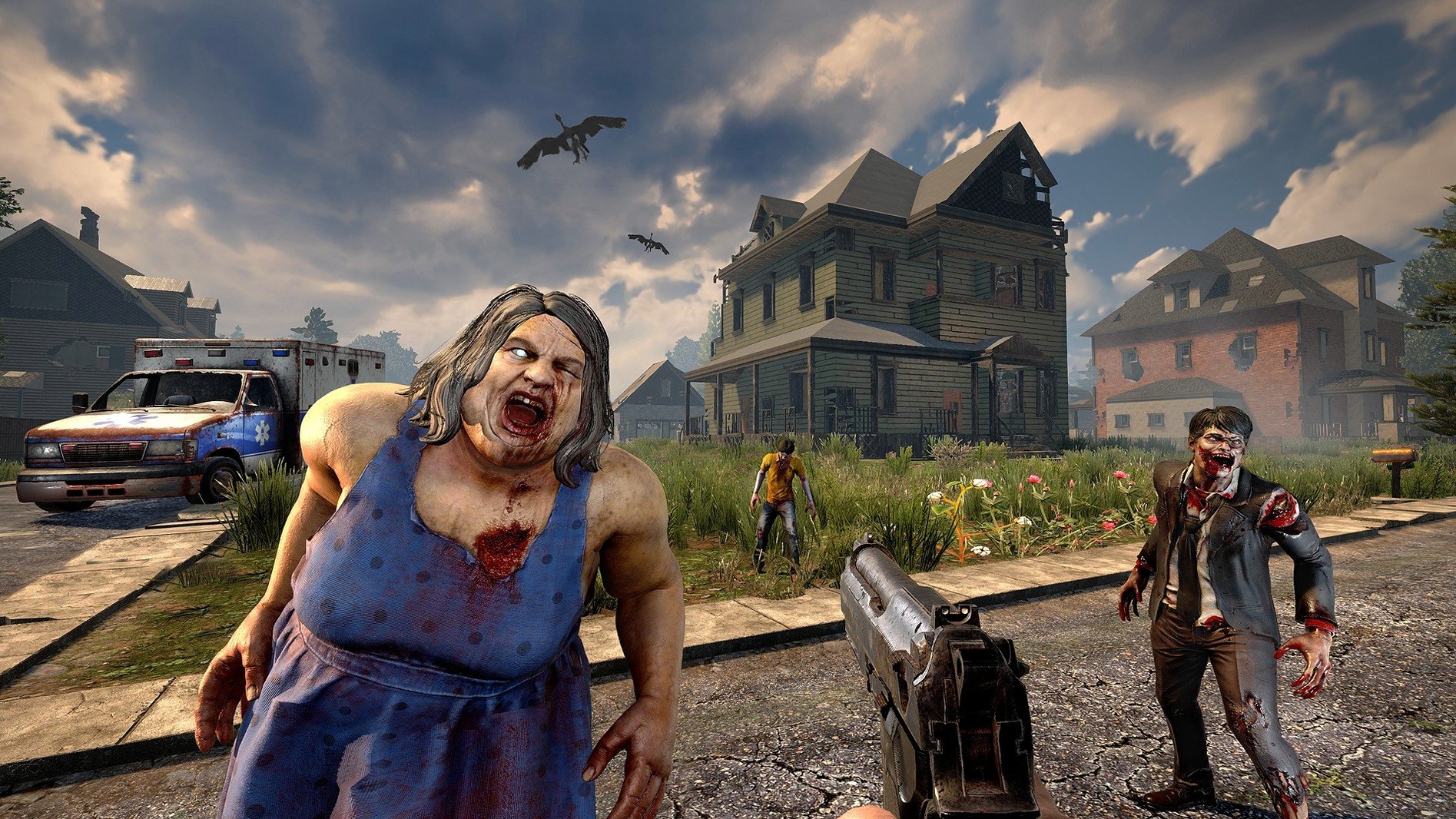
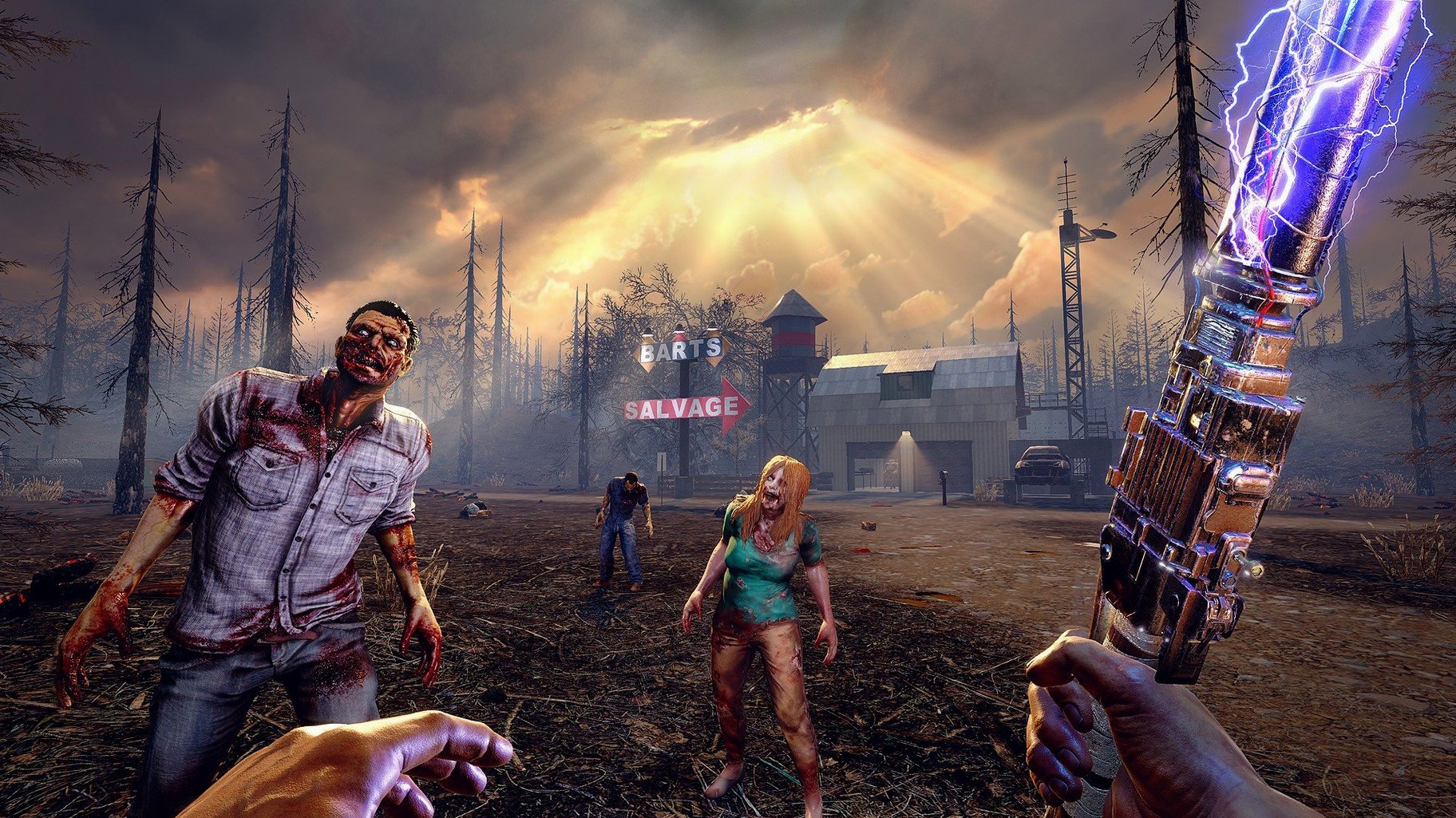
Scroll the row, it snaps to each screenshot. Click one to see it wider.
7 Days to Die runs on both Intel and Apple Silicon Macs, as long as you're on macOS 10.13 or later. It's a full game package for macOS, so you don't need a Windows emulator or cloud streaming. The minimum specs are 8 GB RAM, 15 GB free disk space, and 2 GB dedicated graphics memory — on the lighter side for a game this size.
Over 1,300 Building Blocks and Traps
The core loop is straightforward: gather, build, survive. You'll face a zombie horde every seven days, so you need a defensible base. The building system is deep — over 1,300 unique blocks, plus traps, electricity, automatic turrets, and gates. You can read more than 100 books to unlock new skills, and special infected enemies keep fights unpredictable.
Modes and multiplayer
You can play solo or with others. The game supports both cooperation and competition, so you can team up to build a fortress or raid someone else's. Worlds can reach 100 square kilometers, giving you plenty of room to explore. It mixes first-person shooting, survival horror, and role-playing elements into one package.
Resolution and Texture Quality First
A few options are worth adjusting before you start your first game. The game ships with default graphics settings that work on a range of hardware, but you'll want to confirm the resolution matches your display and the texture quality fits your 2 GB of dedicated graphics memory. Turn down shadow quality and reflection detail if you're on a machine with the minimum specs — it keeps the game responsive during horde nights.
Key bindings are worth a look too. The default controls are fine for most actions, but the building menu and quick-slot assignments are worth memorizing or remapping early. The combine station UI was reworked in version 3.2.0.B10, so the crafting interface is cleaner than older builds.
Ignoring Food and Water Meters
New players tend to ignore their food and water meters until they're empty. Keep an eye on both from the start — farming and hunting are available, but it takes time to get a reliable supply running. Another mistake is building a base directly on the ground without a reinforced foundation. Zombies will tear through wood walls by day two, and buildings and natural elevations can collapse under their own weight if you cut corners on supports.
Loot management trips people up too. With more than 800 in-game items, your inventory fills fast. Prioritize weapon parts, vehicle components, and crafting materials. Don't hoard every rusty pipe you find. The six item quality tiers mean you'll swap gear often, so keep a weapons workbench nearby to upgrade.
Native macOS Build for ARM and Intel
This is a native macOS build, not a wrapper or port. The game launches from the full file path once you drag it to Applications. It runs on both ARM and 64-bit x86 Macs, so an Intel model works just as well as Apple Silicon. You need at least 8 GB of RAM and 15 GB of free disk space — that's for the base install, so leave extra room for saved worlds and mods. Broadband internet is listed as a requirement, but only for multiplayer sessions; single-player works offline.
Sound is limited to music accompaniment, so dialogue and environmental audio cues come through the game's soundtrack. The language list covers 13 options including English, German, French, Japanese, and both Chinese variants. No activation is required, so you can play without an internet connection once the game is installed.
- Trader doors can now be opened with a vehicle horn.
- The combine station UI was reworked.
- Fixed some player gear textures using too much memory.
- macOS 10.13 or later
- Intel or Apple Silicon
- 8 GB RAM
- 15 GB available disk space
- 2 GB dedicated graphics memory
- DirectX 11
- Broadband internet connection
Questions I get about this line
Yes, the game runs on both Intel and Apple Silicon Macs.
The minimum is 15 GB of available disk space.
Yes, the game supports cooperative and competitive multiplayer.
The install order
- Mount the downloaded disk image.
- Drag the game to the Applications folder.
- Launch the game from /Applications/7DaysToDie.app/Contents/Game/7DaysToDie.app.