
Free download Previous versions
- Version
- 1.4.0.0
- Developer
- Matt Makes Games
- Languages
- Russian, English, German, Spanish, Italian, Chinese (Simplified), Portuguese, French, Japanese
- License type
- Not required
- Released on
- 25.01.2018
- Installed and checked on
- macOS Sonoma, MacBook Air (M1. 2020)
- Audio language
- Music only
| Chip | Intel 64-bit |
|---|---|
| Previous versions | 1 on file |
Screenshots
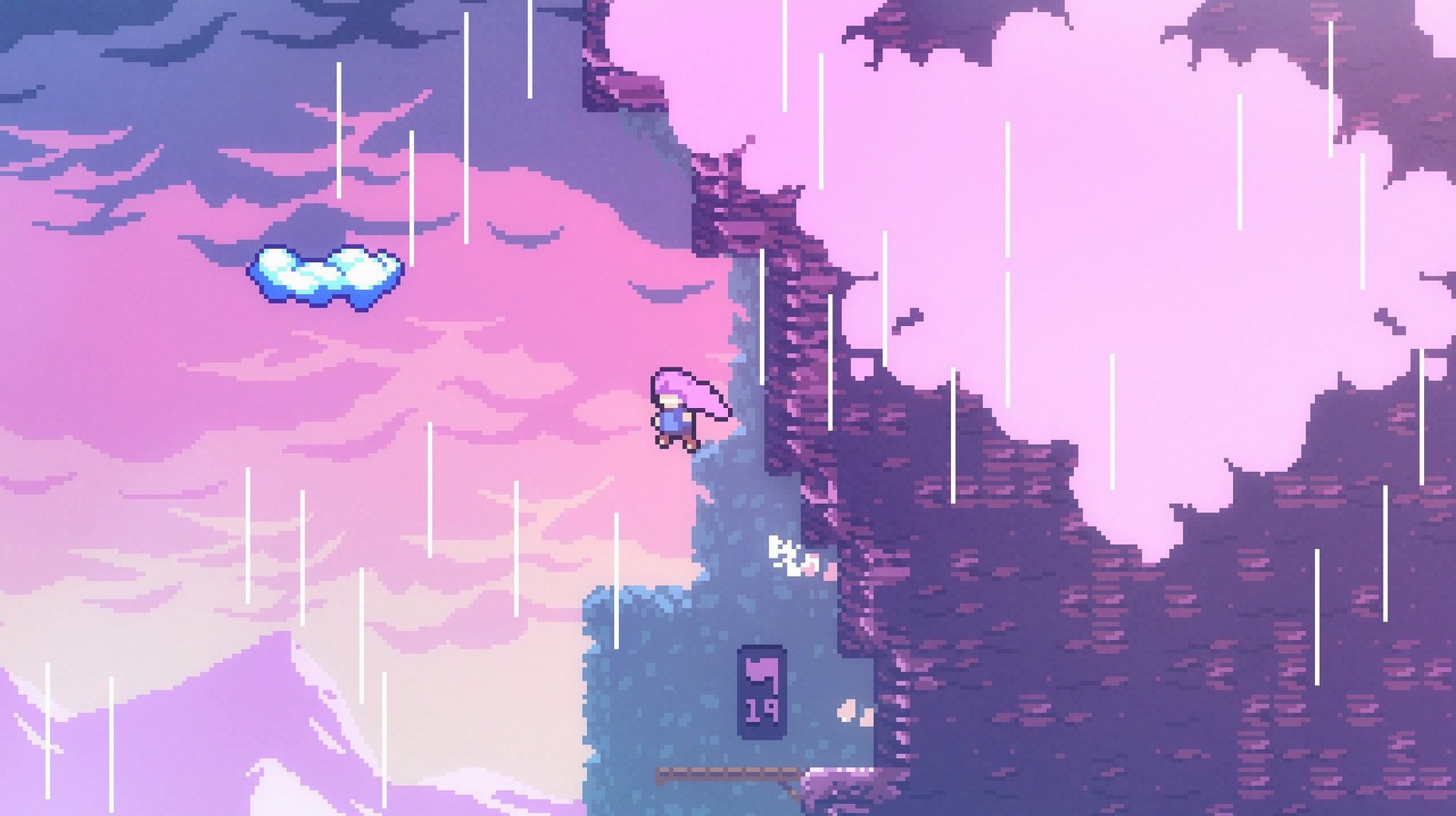
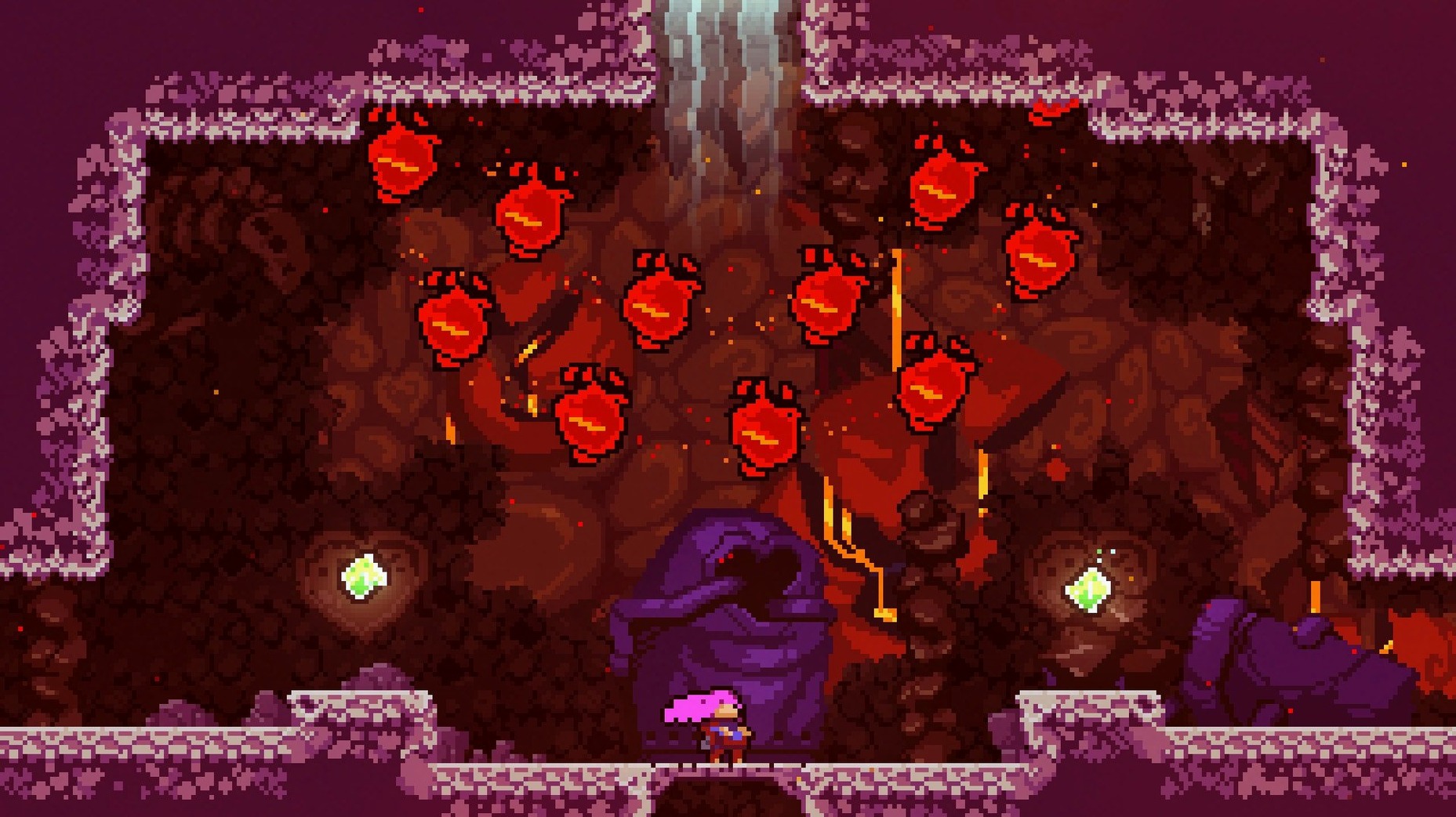
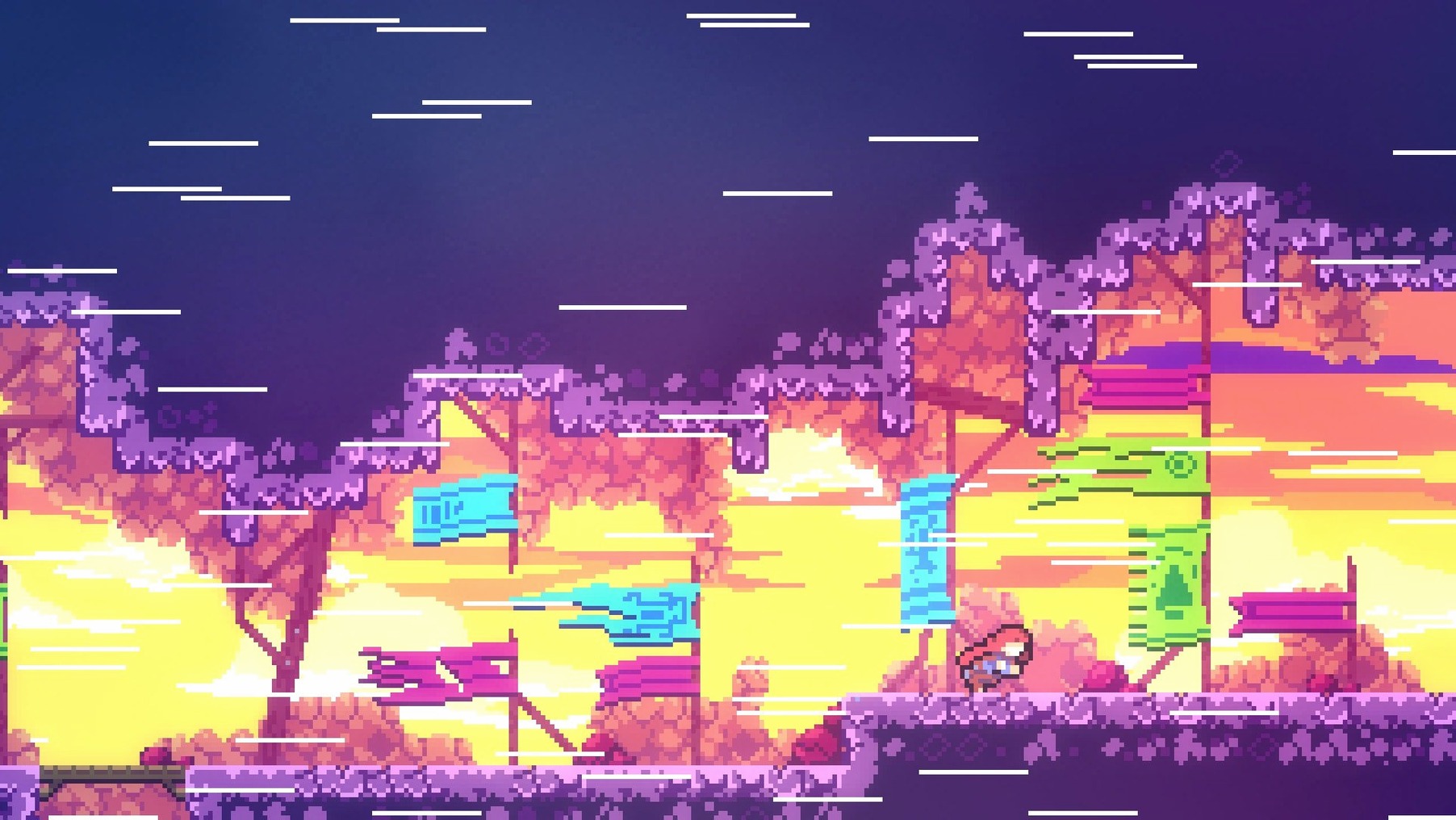
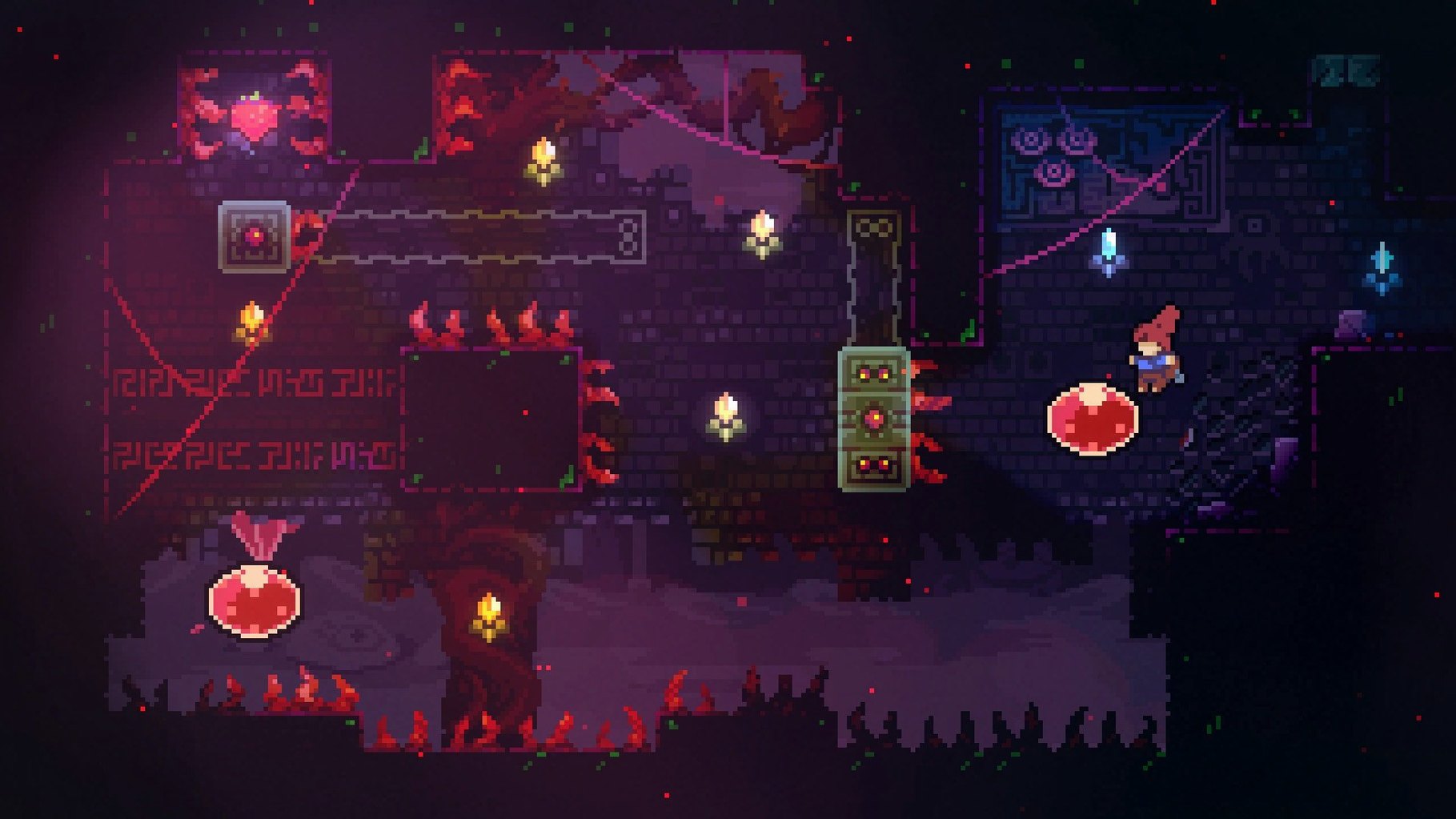
Scroll the row, it snaps to each screenshot. Click one to see it wider.
The dash and air-dodge in Celeste are tuned tight enough that a dropped frame throws off your rhythm. That responsiveness is why the game runs fine on an M1 MacBook Air under macOS Sonoma — and it should hold up on any Intel Mac with 64-bit support. Madeline climbs Celeste Mountain, fights inner demons, and works through hundreds of carefully designed screens. Bonus chapters and hidden areas add replay. Controls stay simple: one button for jump, one for dash, one for grab. The architecture is Intel-only, so no native Apple Silicon build exists yet, but Rosetta 2 handles it without complaint.
First days with Celeste
The game teaches through failure. Expect to die many times on a single screen. That's intentional. A few things help those early hours go smoother.
- Remap controls if the default layout feels off. The preferences menu lets you change jump, dash, and grab to keys that make sense for your keyboard. A US keyboard layout is recommended from the start.
- Ignore the strawberries at first. They are optional collectibles that add challenge. Play through a chapter without them to learn the flow, then go back for completionist runs.
- Use the assist mode freely. Celeste includes options to slow the game speed, give extra dashes, or make Madeline invincible. No one is watching. The story is worth experiencing even if precise platforming is not your strongest skill.
- Watch the golden feather collectibles in later chapters. They teach a new mechanic that does not appear in the first few areas. Pay attention when the game introduces them.
Take breaks. Each chapter is broken into checkpoints. The game saves after every room. You can close it and come back exactly where you left off.
For precision platformer fans
Celeste is built for two kinds of players. First, people who want a precise, responsive platformer with a clear difficulty curve. The 700 screens are designed so that each death teaches you something about the next attempt. No random elements. No unfair setups. Every screen can be solved with the jump-dash-grab toolkit you have from the start.
Second, players who care about narrative in games. The story about anxiety and self-doubt is told through dialogue, environmental details, and how the mechanics themselves change as Madeline climbs. It works because the gameplay reinforces the themes. You are not just reading about struggle. You are experiencing it through repeated failures and small victories.
Casual players who use assist mode still get a complete story. Speedrunners and completionists get a separate game in the B-side and C-side chapters. The hidden areas demand precise execution and memorization. One file can hold all of that.
Single-window game on a multitasking Mac
On a Mac that runs multiple applications, Celeste behaves well. It is a single-window game with no background processes. You can keep a browser, a chat client, and the game open without noticeable slowdown on any modern Intel Mac or Apple Silicon machine running through Rosetta 2.
Command-Tab switching works normally. The game pauses instantly when you leave it. That makes it easy to check a walkthrough or reply to a message and return to the exact same frame.
For recording or streaming, note that Celeste runs at a fixed internal resolution. Screen capture tools like OBS and macOS's built-in QuickTime Player grab the window correctly. The pixel art style means file sizes stay small. Two hours of gameplay at 1080p records to a reasonable size.
The soundtrack is two hours of original music by Lena Raine. If you like it, the files are in the game's package contents. You can extract them with a right-click and "Show Package Contents" from the Applications folder. No DRM gets in the way.
The celeste torrent for mac download will get you version 1.4.0.0. That version includes all content updates from the original 2018 release. No online connection required. No activation. It just works on macOS Sonoma and earlier versions going back to whatever your Intel Mac supports.
celeste free download mac is straightforward once you have the disk image mounted. Drag. Launch. The US keyboard layout step is the only quirk. After that, the mountain is yours.
- macOS Sonoma (tested) or later
- Intel 64-bit processor
- Languages: Russian, English, German, Spanish, Italian, Simplified Chinese, Portuguese, French, Japanese
The install order
- Mount the downloaded disk image.
- Drag the game to the Applications folder alias.
- Launch the game after the copy finishes.
- Use a US keyboard layout when starting the game.